


Google is about to link some more voices directly to your inner ears.
A fresh beta for Android routes live translations through your headphones, giving you lectures and conversations in a language of your choice and transforming even foreign-language TV audio into something you can follow without having to stare at the screen.
- How the live headphone audio translation feature works
- Availability and setup for Translate’s headphone audio
- Smarter translations for idioms, slang, and real speech
- Why headphone translation matters for access and ease
- How Google’s new feature compares with rivals today
- Getting started tips for better live audio translation
The feature is rolling out inside the Google Translate app and is intended for those times when reading the captions might be unwieldy or just isn’t an option, like in conference halls, walking tours, crowded airport terminals, or noisy cafes.
It’s designed for listening first, so you can naturally take it in while the app handles the language barrier behind the scenes.
How the live headphone audio translation feature works
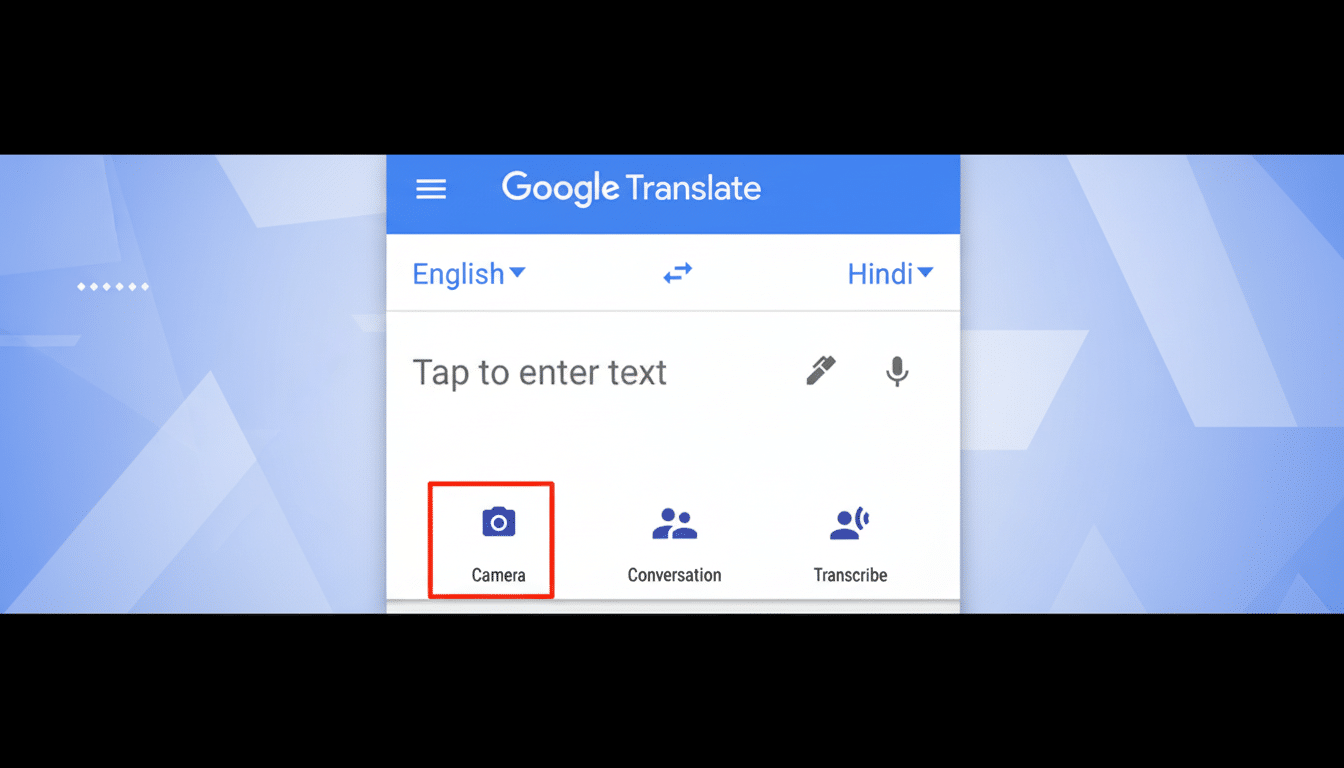
After you’re connected to headphones, open Google Translate and tap “Live Translate.” The app listens to the source language from your speakers and pipes a translated audio track to your destination language directly into your cans in nearly real time. The beta version works in nearly 70 languages initially, including Spanish, Hindi, Chinese (Simplified and Traditional), Japanese, and German.
Use cases extend beyond travel. Students can listen to a visiting expert’s presentation in their first language. Visitors at events can have real-time interpretation without the need for hardware. You can even watch a show in one language while hearing an on-the-fly translation in another — convenient for when subtitles are hard to read or you’re multitasking.
Availability and setup for Translate’s headphone audio
The beta will launch on Android for users in the US, India, and Mexico. An iOS release is planned. The setup is simple: plug in wired or Bluetooth headphones, open the Translate app, select your languages, and tap “Live Translate” to begin listening.
As the experience is audio-based, a good seal on your earphones and minimal background noise will lead to better clarity. Google hasn’t specified whether processing occurs entirely on-device or in the cloud; previous voice features in Translate have tended to rely on networked processing, though some Pixel-exclusive Live Translate features have relied on local models.
Smarter translations for idioms, slang, and real speech
Google is also updating how Translate deals with idioms, slang, and dialects — sentences that can be tough to translate literally (such as “stealing my thunder”). These improvements are coming to English in combination with nearly 20 languages available in Google Go’s menu, like Spanish, Hindi, Chinese, Japanese, and German, over the next few days across Android, iOS, and the web in the US and India.
Google is also stepping up its language-learning tools within Translate: a better way to get feedback when practicing speaking, keeping your streak alive, and new practice combinations like German and Portuguese for English speakers, as well as English for Bengali, Mandarin Chinese, Dutch, German, Hindi, Italian, Romanian, and Swedish.
Why headphone translation matters for access and ease
There are real-world reasons for demand for frictionless interpretation. CSA Research has consistently reported that most consumers prefer content in their native language, and the United Nations suggests that 280 million people don’t live where they were born. That combination of global mobility and multilingual commerce makes hands-free translation more than a gimmick — it’s essential for education, customer support, and accessibility.
Audio translations can be a game-changer for those who have difficulty reading on small screens or are dyslexic. It’s also subtle; in a classroom or meeting, you can listen along without interrupting the flow of the room with a blaring phone speaker.
How Google’s new feature compares with rivals today
Google has played with live translation before: Interpreter Mode on smart displays and Live Translate on some phones boldly go after real-time language. What’s new here is the immersion of a headphone-focused experience within the Translate app itself, which you probably already have on your phone. It’s a different tack than Microsoft’s cross-device Conversation mode in Translator or Apple’s on-device Translate app, which is good for text and on-screen conversations but less centered around persistent audio streaming to earbuds.
Expect the headphone feature to be great at listening one-way — say, to follow along with a lecture or program audio — while two-way chats are probably still best handled by Translate’s Conversation mode or an actual interpreter. Like any machine translation, names, technical jargon, and plenty of slang can trip it up — so life-and-death operations are another matter that require human professionals.
Getting started tips for better live audio translation
- Download offline language packs if your phone supports them to minimize hiccups with a spotty connection.
- Point your phone’s microphone at the speaker, and consider using one earbud in public so you can remain situationally aware.
- If you’re watching video, lower the media volume slightly while keeping Translate’s audio up to make the overlay more comprehensible.
For situations where the stakes are high — medical advice, conversations with a lawyer, contracts — regard live machine translation as guidance rather than gospel. Use it to get the gist, then double-check the details in writing or with a human interpreter.
With expanded language coverage, more intelligent handling of idioms, and a headphone-first design, Google Translate’s live audio feature is bringing us one step closer to ambient, always-available interpretation (no reading required).
