


What The New Pixel Watch Alerts Do And How They Work
Google is preparing a separation alert for the Pixel Watch that pings your wrist when you leave your phone behind and automatically locks the handset. It mirrors a long-standing Apple Watch capability and similar functionality on Galaxy watches, bringing a gap-closing upgrade to Google’s wearable lineup.
References found in a recent system app build describe a setting called “Notify when left behind.” Once enabled, your watch should buzz when the paired Android phone falls out of range, while the phone locks itself to deter casual access if it’s misplaced or snatched.
- What The New Pixel Watch Alerts Do And How They Work
- How It Works On Your Pixel Watch And What You Need
- Auto-Lock Adds A Timely Security Layer For Your Phone
- Compatibility Limitations And Likely Rollout For The Feature
- How It Compares To Apple And Samsung Watch Features
- Why This Matters For Wear OS And The Broader Ecosystem
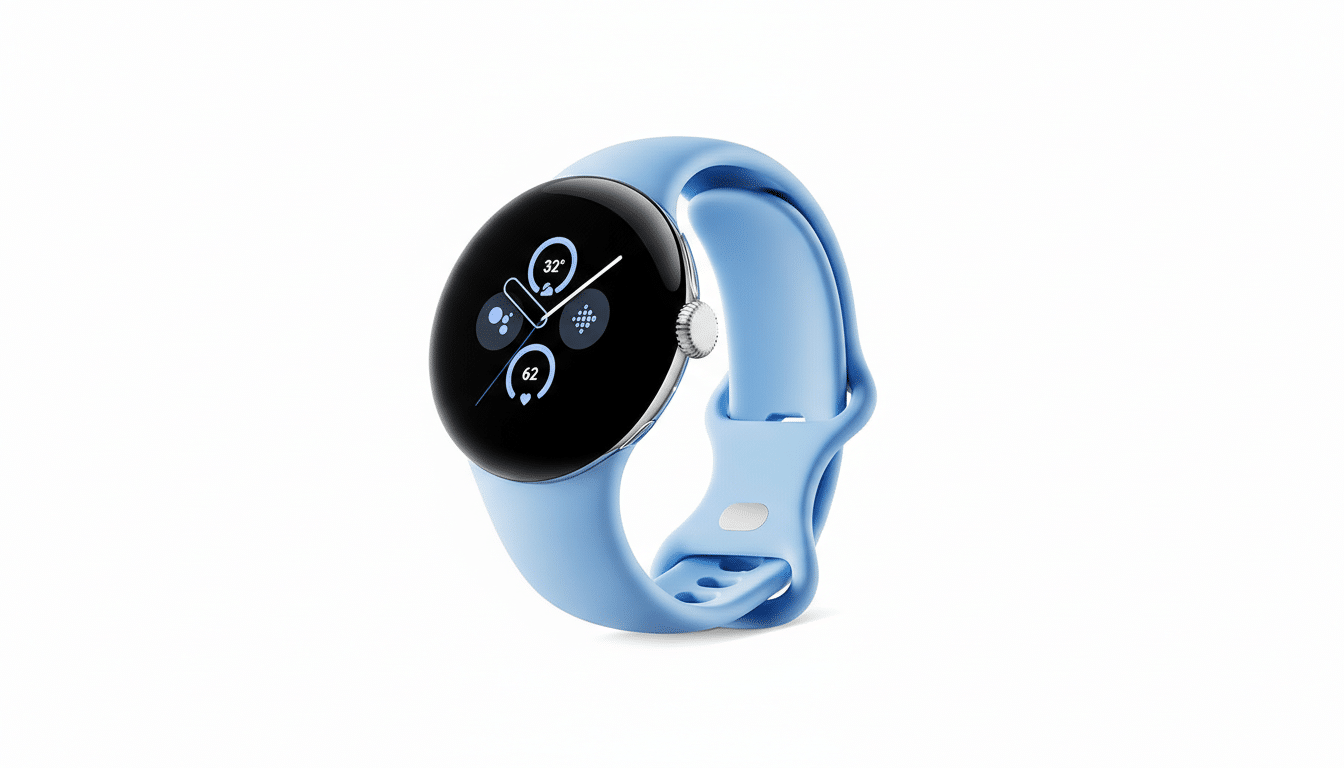
How It Works On Your Pixel Watch And What You Need
Early wording in the software points to a few requirements: the watch must be on your wrist and unlocked, and Bluetooth must be active on both devices. That suggests the feature relies on the live Bluetooth connection rather than cloud checks, enabling faster, on-the-spot alerts and minimal battery cost via Bluetooth Low Energy.
The system also appears to account for real-world exceptions. You’ll reportedly be able to mute alerts in trusted places like home or the office to avoid constant pings when you intentionally set your phone down. There’s also logic to treat Airplane Mode as a separation event, so if Bluetooth is shut off on the phone, the watch will still alert and the phone will lock.
One caveat: internal strings indicate auto-lock will be tied to a single watch at a time. If you rotate between multiple Wear OS watches, you may need to pick one as your “guardian” device for separation locking.
Auto-Lock Adds A Timely Security Layer For Your Phone
Separation alerts are useful for forgetfulness, but auto-lock is the bigger security win. If your phone is lifted from a cafe table while you’re still wearing your watch, the handset can lock within moments, cutting off access to notifications, payments, and personal data.
History shows safeguards like this matter. After “kill switch” and remote-lock features became widespread in the mid‑2010s, cities reported sharp drops in smartphone theft—San Francisco and London each saw declines of roughly 40–50% according to figures cited by the New York State Attorney General and local police. While separation alerts aren’t a kill switch, pairing real-time wrist-side warnings with instant device locking follows the same harm-reduction playbook.
For Google, the move complements Watch Unlock on Pixel devices, which lets your watch unlock your phone when it’s on your wrist and nearby. The new capability closes the loop by re‑locking when distance or radio conditions suggest the phone is no longer with you.
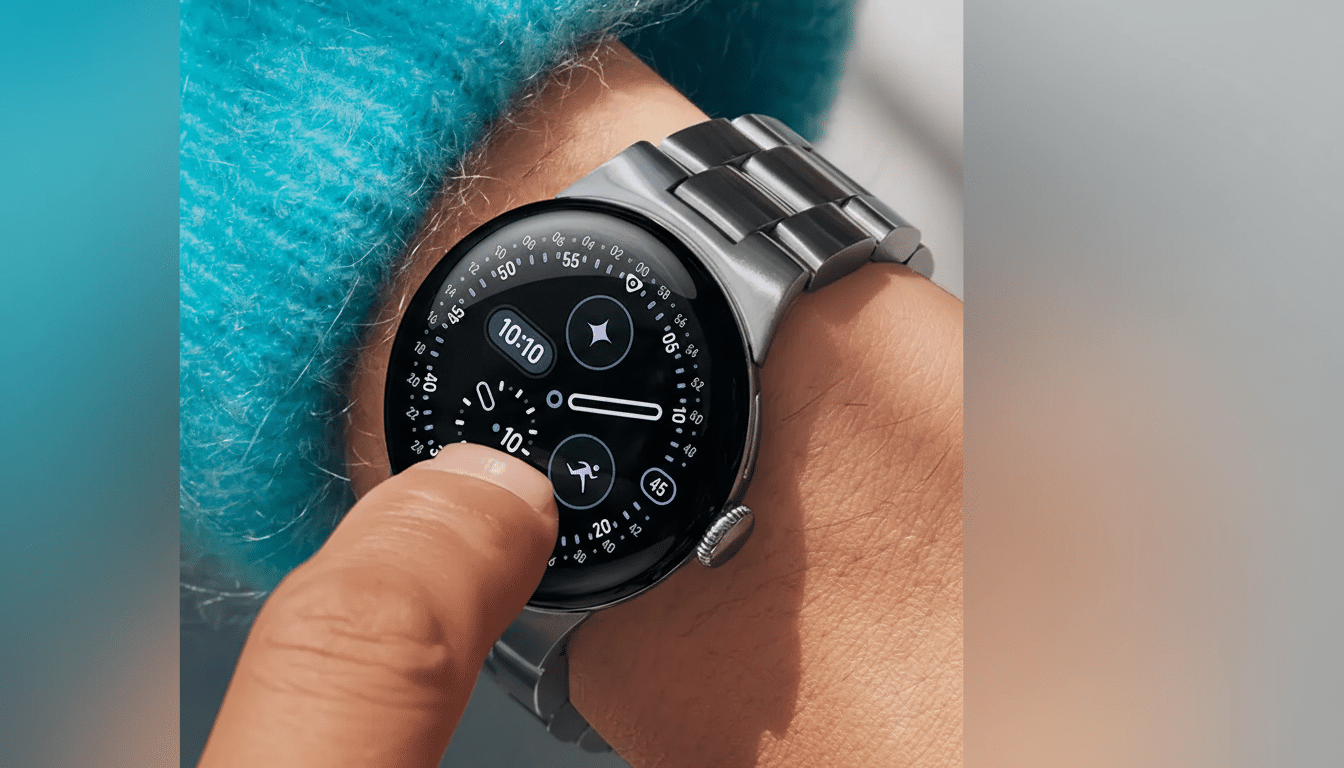
Compatibility Limitations And Likely Rollout For The Feature
Not every Pixel Watch may qualify. Language in the build notes that unsupported models will prompt users to “update your watch software or use a compatible model,” hinting at a minimum hardware or Wear OS requirement. Given the Bluetooth dependency and on‑wrist detection, expect availability on newer generations first.
Google frequently ships device-to-device experiences through Google Play services and companion apps, so this could arrive outside a full OS update once testing finishes. There’s no official timeline, and the feature is not live yet, but its presence in system components usually signals that public rollout is on the roadmap.
How It Compares To Apple And Samsung Watch Features
Apple’s separation alerts, introduced alongside broader Find My enhancements, notify users when an iPhone, iPad, or tagged accessory is left behind, with granular controls for trusted locations. Samsung’s ecosystem similarly flags when a Galaxy phone or watch goes out of range. Bringing a comparable experience to Pixel Watch aligns Google with the segment leaders and trims a conspicuous feature gap for Android users.
The differentiator for Google may be tighter integration with Android’s lock behavior and a clean setup flow inside the Pixel Watch app. If the company nails reliable range detection and sensible default exceptions, this can feel invisible until the moment it’s indispensable.
Why This Matters For Wear OS And The Broader Ecosystem
Smartwatches increasingly serve as proximity signals for phones, cars, and doors. By turning the watch into a proactive sentry for your phone’s security, Google elevates the value of carrying both devices—and edges Wear OS closer to the polished cohesion that has long defined its rivals.
For Pixel Watch owners, the promise is simple: fewer “where’s my phone” moments and faster protection if something goes wrong. For the broader Android ecosystem, it’s another step toward a more secure, more unified experience across wrist and pocket.
