


Getting lost on a crowded street might soon become more difficult. It’s hinted at by code in the search giant’s new Google Maps build and, if accurate, it could mean that head-worn displays using Google’s spatial platform might offer an HUD experience complete with walking directions based on camera-fed real-time environments with AI support.
Strings buried within the existing Maps app hint at support for glasses and headsets, as well as an option to launch Gemini Live while in transit. The vision was simple but appealing: harness the glasses’ cameras, together with Google’s Geospatial services, to bind your location to the world around you; add turn-by-turn directions directly in front of your eyes, so that you can look down and quickly confirm you’re on the right track or glance up and be gently nudged back when you drift.
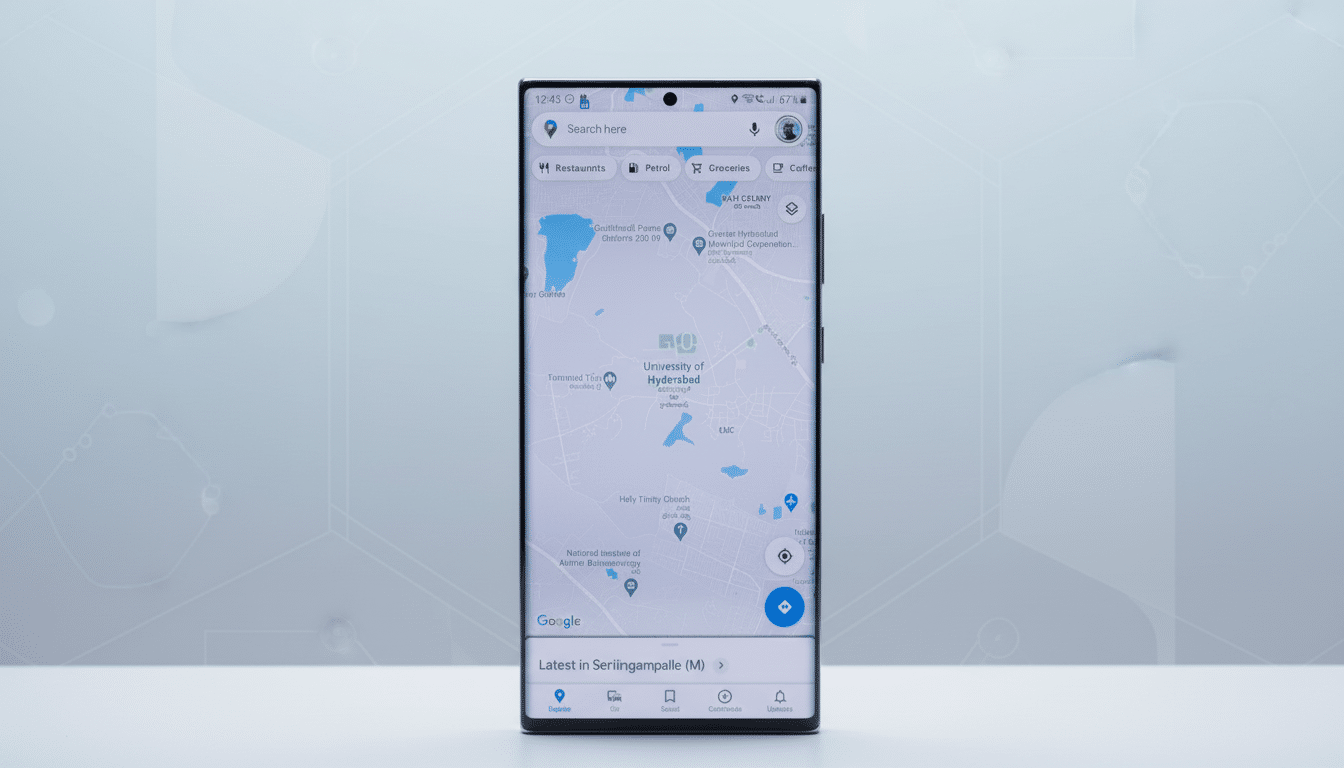
What Android XR Would Possibly Add To Maps
The Android XR is a packaging that reaches between lightweight AR glasses and full-fledged XR headsets while still staying closely aligned to the Android ecosystem developers would be familiar with. That proximity matters for Maps. All sorts of phone features — search, saved places, immersive views — seem like they could cross over into that wearable world where you don’t have to constantly check a screen.
Google has already demonstrated how its phone-based Live View paints arrows and waypoints directly on the world. In XR, those overlays can be made hands-free and always locked to where you’re looking. Picture getting off a subway and instantly spotting a translucent arrow pointing to the right exit or overhead labels hovering where skyscraper-lined corners blur together.
Gemini Live Turns Cameras into Navigation Guides
The code hints at a toggle to “improve navigation accuracy and Gemini Live answers” by leveraging the on-device camera with Google’s Geospatial stack. Beneath the hood, this probably leverages Visual Positioning Service techniques — comparing what you’re seeing to Street View and other imagery in order to lock onto your location a whole lot more accurately than GPS alone, particularly deep in dense urban canyons.
There is precedent. Street View has become Google’s visual foundation — it covers more than 10 million miles and hundreds of billions of images, which is now the base layer for AR localization in over 100 countries through the Geospatial API in ARCore. That scale is what makes “look around to localize” directions useful: If you scan enough building facades and signs, your glasses can triangulate to within a meter or two, and reorient your route in seconds.
Add Gemini Live over the top and you might get something that transcends arrows. Ask which side of the street your destination is on, or if the entrance is beyond that coffee shop you’re staring at, and receive context-aware responses based on what’s visible to the cameras and what Maps knows about the place.
Live Prompts To Help You Keep Your Frame Aligned
References indicate that Maps and XR will let you know when you’re on the right path (or tell you if you’re walking in the opposite direction), and provide micro-corrections like “veer left” or “slight right.” If the localization falls off, the system might ask you to look around for a moment, then update its instructions as soon as Gemini has recalibrated your precise position.
Think about the practical benefits: when you leave a station in Manhattan’s midtown, or in Tokyo’s Shibuya, you don’t have to spend at least a minute spinning in place. There’s less time to shake off the gnats: a quick head turn to establish your position, a little cue pointing on glass to show where to wait for the right crosswalk, and you’re off — and not futzing with a phone or missing that light as you figure yourself out.
Controls And Privacy Built Right In For XR Maps
That same trail also includes user controls that suggest a cautious approach to rolling it out. There are signs of a non-dismissible “navigation active” notification when the service is running in the background, and prompts to “check your phone permissions before use.” If you don’t want to opt in to any navigation features or associated alerts, you should be able to opt out.
The balance will matter for adoption. Persistent camera and geospatial processing can be a battery drain, it said, and individuals differ in their comfort with always-on sensors. Unclear status cues, too-ready off switches, and on-device processing — combined with tight permission boundaries — will decide whether this feels empowering or intrusive.
Why This May Matter For Millions Of Users
Walking is also the most frequent leg of multimodal trips, but it’s where technology often ends up failing: GPS gets jumpy when you’re in a place with tall buildings and wide streets, exit signs can make no sense at all, intersections can look like they go on by branch or rose. AR guidance based on visual positioning can eliminate those pain points. Preliminary tests of phone-based Live View already demonstrate that users orient themselves faster and make fewer wrong turns in complex areas; such an experience transplant onto head-worn devices provides a friction-free experience.
There’s also an open road to indoor and transit navigation. Google has shown off indoor AR directions at some airports and stations, and XR hardware could make that guidance feel more organic when you’re lugging luggage or navigating through crowds.
What To Watch Next As Google Tests XR Maps
These findings are from app references, not an official release, and plans can shift. Nevertheless, the parts — Android XR, Maps’ AR toolkit, Gemini Live and planetary-scale geospatial data — are starting to come together. If Google goes through with it, anticipate a gradual rollout with emphasis on walking directions, explicit permission prompts and clear background indicators.
For people who habitually get lost after a train ride or at an unfamiliar campus, that just might be the moment AR finally feels indispensable.
