


Google’s first Android Canary update of the year is here, and this time around it’s no run-of-the-mill bug fix release. Tagged Android Canary 2601 with build number ZP11.251212. The release teases greater cross-platform sharing, a tidier settings experience, and slight interface refinements that offer an eye on where Android is going.
What’s new in Android Canary 2601 this build
It’s still early days to dive into what we can expect to get in the build, but there are a few things we’ve already seen that hint at new features as well as under-the-hood work. The icon continues to be in better harmony with the modern Android visual language—more glanceable. Small thing, huge difference—these micro-tweaks are frequently the means by which Android sands down its everyday rough spots.
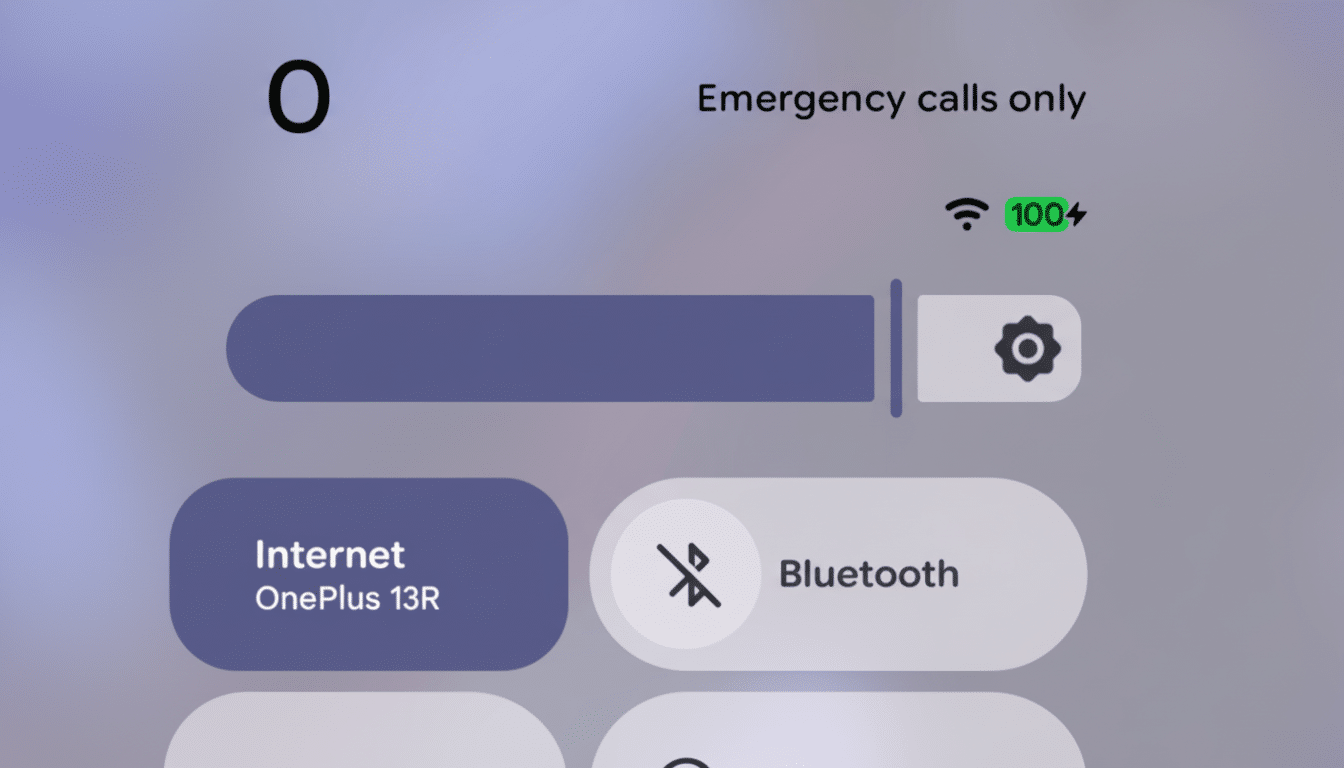
The system settings menu will also feature more discernible top-level categories. It’s a practical improvement: better grouping makes it quicker to track down controls without having to memorize paths or rely on search. One is Circle to Search, for which there is now a system settings toggle available directly instead of being hidden behind Navigation mode. That placement hints that Google wants the feature to be treated as a first-class tool, not a little-known trick.
Quick Share and AirDrop Integration Clues
The headline clue within 2601 is a suggestion that Quick Share will work with Apple’s AirDrop on future Pixel 9 handsets. Codenames like gsilcross appear in code references that 9to5Google spotted recently, including from well-known Android sleuth AssembleDebug, suggesting that a path exists for cross-ecosystem file transfers that feel at home on either end.
This is a follow-up to a new capability in which Pixel 10 phones got the ability to send files directly to iPhones over Quick Share. Making the transition from a unidirectional transfer to deeper AirDrop integration is a bigger step: it’s an indication of how discovery and transfer aspects should be within reach for users, no matter what flavor of platform they may rely on. And since Quick Share and AirDrop are nearly identical, using a mix of Bluetooth Low Energy for discovery and high-speed Wi-Fi P2P networking for the actual payload, technology is ready to support an interoperable world—the remaining challenges would be policy (today, only Samsung), UX (let me build trust in other file-sharing devices that I also know will be secure), and platform plumbing.
It’s early days, and anything in Canary can change on the way to stable. But the trend is clear: reducing the friction of mixed-device households and workplaces. For developers, that means planning for share targets that function predictably across both ecosystems. For users, that means fewer detours with things like “just email it to me.”
Eligible devices and how to try the Canary build
Android Canary 2601 is up for Pixel 6 and later (including Pixel 6a), Pixel Fold and later, and Pixel Tablet, in addition to GSI-compatible components. If you’re already in the Canary channel, you’ll receive an over-the-air notification. New testers can install using the all-in-one Android Flash Tool, which takes care of the nitty-gritty in a browser and leaves you with only minimal command-line work.
Proviso: Canary is the earliest public stage of Android’s release pipeline. It is likely to have incomplete features, visual inconsistencies, and bugs interfering with daily use. If you’re curious, use a spare device and back up your data. Feedback from this group of users helps determine what graduates to Beta and, eventually, Stable versions of the software, but it’s not meant for your primary phone.
Why this Canary release is an important early signal
Android’s preview channels are the part of a process where priorities can be seen shaping up before they go out into final form. The focus in 2601—discovery-friendly sharing, swifter activation of AI features like Circle to Search, and UI consistency—matches Google’s larger mission of minimizing cognitive burden and ensuring cross-device actions feel effort-free.
That matters at scale. Android also serves more than 70% of the world’s smartphones, according to StatCounter, so a small interface decision can reverberate across billions of daily interactions. More transparent settings hierarchies shave seconds off tasks. Rely on workflows that don’t give a damn whether your colleague rocks an iPhone or a Pixel; kiss goodbye to old platform walls. This is what quiet improvements look like.
Canary builds are also a signal to developers and OEMs of where to dive in, with share intents that interop gracefully, settings surfaces that are purpose-formatted (and really, one for the function), and everything being verified on devices that range from watches to cars to TVs.
None of this is headline-worthy on its own, but it paves the way for meaningful user-facing features as the cycle progresses.
The bottom line: Android Canary 2601 is a thoughtful opening salvo for the new cycle. The most alluring clue is Quick Share’s apparent move toward AirDrop support on the Pixel 9, but the subtler shifts—savvier settings, cleaner visuals—suggest a platform centered on polish and purposeful convenience. If you’re willing to put up with a bleeding-edge system, this is definitely worth a look at what’s coming down the line.
