


A strange glitch in the Pixel Phone app is raising privacy concerns: when Google’s Take a Message feature activates after you miss or decline a call, some callers are reporting they can hear you in the background instead of leaving a normal message. The issue appears to impact multiple generations of Pixel devices and undermines a feature designed to simplify voicemail, not spill your audio.
What Is Happening During Take a Message on Pixel Phones
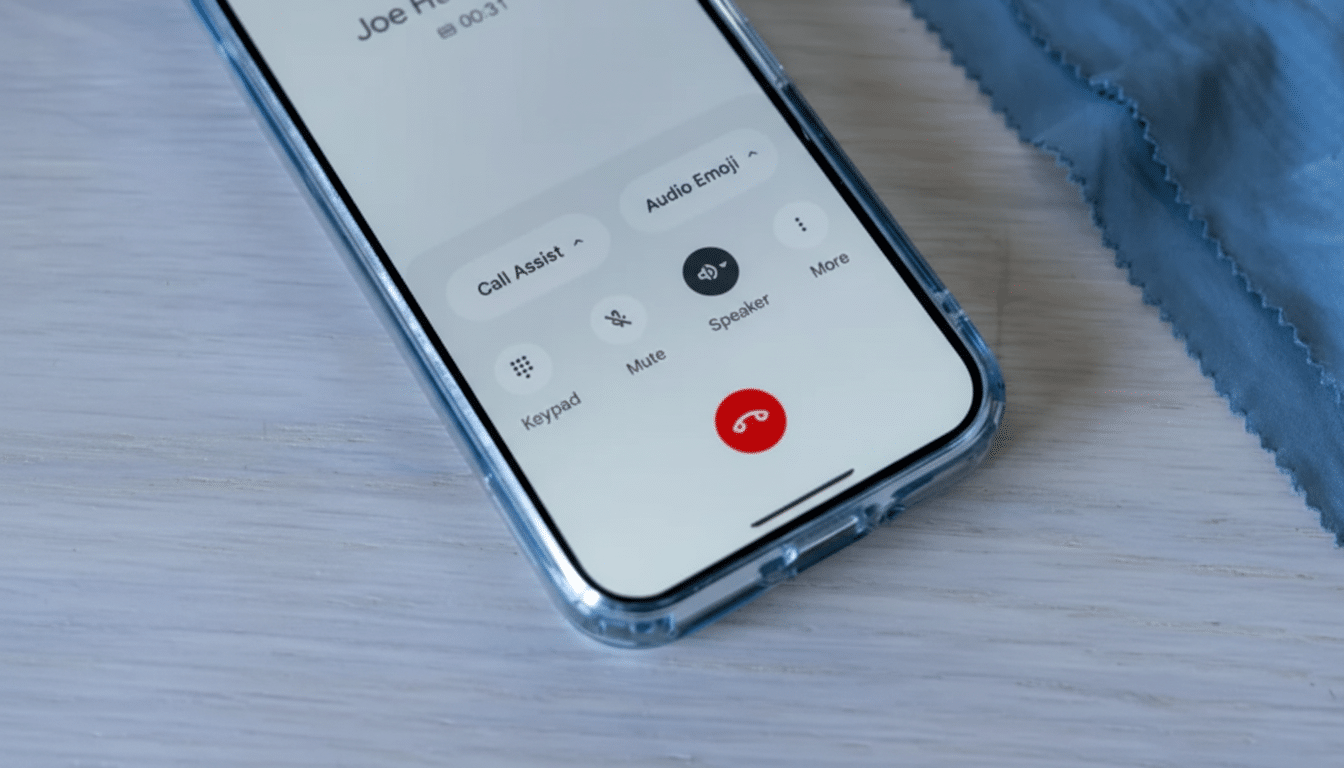
Take a Message is part of Google’s call assist tools. When you can’t pick up, it plays an automated prompt and captures a transcript in your call history. Users say that, in certain cases, the caller can hear ambient audio from the recipient’s side while the feature is active—almost as if the microphone never properly hands off to a secure voicemail mode.
- What Is Happening During Take a Message on Pixel Phones
- Which Pixel Users and Devices Appear to Be Affected
- Why This Voicemail Audio Leak Matters for Privacy
- What Might Be Going Wrong Inside the Pixel Phone App
- How to Protect Yourself Now While Waiting for a Fix
- What to Watch Next as Google Works on a Resolution
Reports collected by 9to5Google and across community forums describe callers hearing background chatter and room noise, and in some recreations the Android privacy indicator confirmed the mic was live. Compounding the oddity, several people noted the system still recorded only fragments of the caller’s message, defeating the purpose of the tool.
Which Pixel Users and Devices Appear to Be Affected
Early anecdotes point to broad impact across supported Pixels, from the Pixel 4 and 4a through newer models. Take a Message debuted on newer generations and was later enabled on older devices, and user reports span that entire range. One long-running thread from a Pixel 5 owner noted family members could hear a person speaking on their end while the system was supposed to be recording voicemail; more recent accounts from Pixel 4a owners recreated the glitch repeatedly.
While there is no official tally, Pixel phones represent a meaningful slice of the Android market in the US and Japan, and analysts such as IDC and Counterpoint have tracked steady growth in the Pixel install base over recent years. Even a small failure rate could therefore touch a large number of calls.
Why This Voicemail Audio Leak Matters for Privacy
This is not a traditional data breach—audio isn’t being sent to a third party—but it is still a privacy failure. Callers may inadvertently hear personal conversations or background sounds, and recipients might assume their side is muted because the system displays an automated prompt. The mismatch between expectations and behavior is the real risk.
The bug also undercuts trust in Pixel’s call assist features, which rely on on-device intelligence for transcription and screening. These tools are meant to reduce friction and protect privacy; a live mic during voicemail does the opposite.
What Might Be Going Wrong Inside the Pixel Phone App
From a technical standpoint, symptoms point to a state-handling or audio focus issue inside the Phone app’s Take a Message flow. The app must rapidly transition from a rejected or missed call to an automated assistant prompt, engage the microphone for transcription, and simultaneously suppress uplink audio to the remote caller. A race condition in that handoff—especially if the call doesn’t move cleanly to the carrier’s voicemail path—could leave the mic live to both the caller and the local transcription engine.
Because reports span multiple Pixel models, the root cause is likely in the Phone app or the server-side logic that controls the feature’s prompts, rather than a single device’s hardware. That said, environment-specific triggers—Bluetooth devices, dual SIM setups, or carrier-specific call routing—could increase the odds of the bug appearing.
How to Protect Yourself Now While Waiting for a Fix
The safest immediate step is to disable Take a Message until a fix arrives.
- Open the Phone app.
- Tap the menu icon.
- Go to Settings.
- Select Take a Message.
- Toggle the feature off.
If you rely on the feature, consider these precautions:
- Keep your phone muted when declining calls.
- Avoid discussing sensitive information right after letting a call roll to an automated prompt.
- Watch for the Android mic indicator; if it lights up unexpectedly during the prompt, assume your audio may be live to the caller.
It also helps to file feedback so engineers can reproduce the issue. Use the Phone app’s Help and feedback option or the device’s feedback tool and include the following:
- Your Phone app version
- Your carrier
- Your device model
- Whether Bluetooth or a headset was connected
- The approximate time of occurrence to help correlate logs
What to Watch Next as Google Works on a Resolution
Given the privacy implications, expect a corrective update to the Phone app or a backend configuration change that controls Take a Message behavior. Keep an eye on official support channels and app release notes, and update the Phone app as soon as a patch lands. Until then, turning the feature off is your best defense against unintentional audio leakage.
