


Google is introducing Notification Organizer for recent Pixel phones, a new on-device AI system that segments loud alerts into silent groups based on relevance, so you can concentrate only on what really matters. The feature is launching across Pixel 9 and Pixel 10 gadgets with the most recent Android 16 QPR2 build, and it’s squarely aimed at the deluge of promotions, news blasts, and low-priority pings occupying the shade.
What the Notification Organizer Feature Does
Instead of sorting alerts by app, Notification Organizer examines the content of each alert on the device and sorts it into a category. In the case of Google, this includes headlines from Google News and the Google app going under “News,” while upsells from Google One, YouTube Music, and Google TV are housed in “Promotions.” Those bundles slide into the Silent category by default, minimizing interruptions without silencing all your alerts altogether.
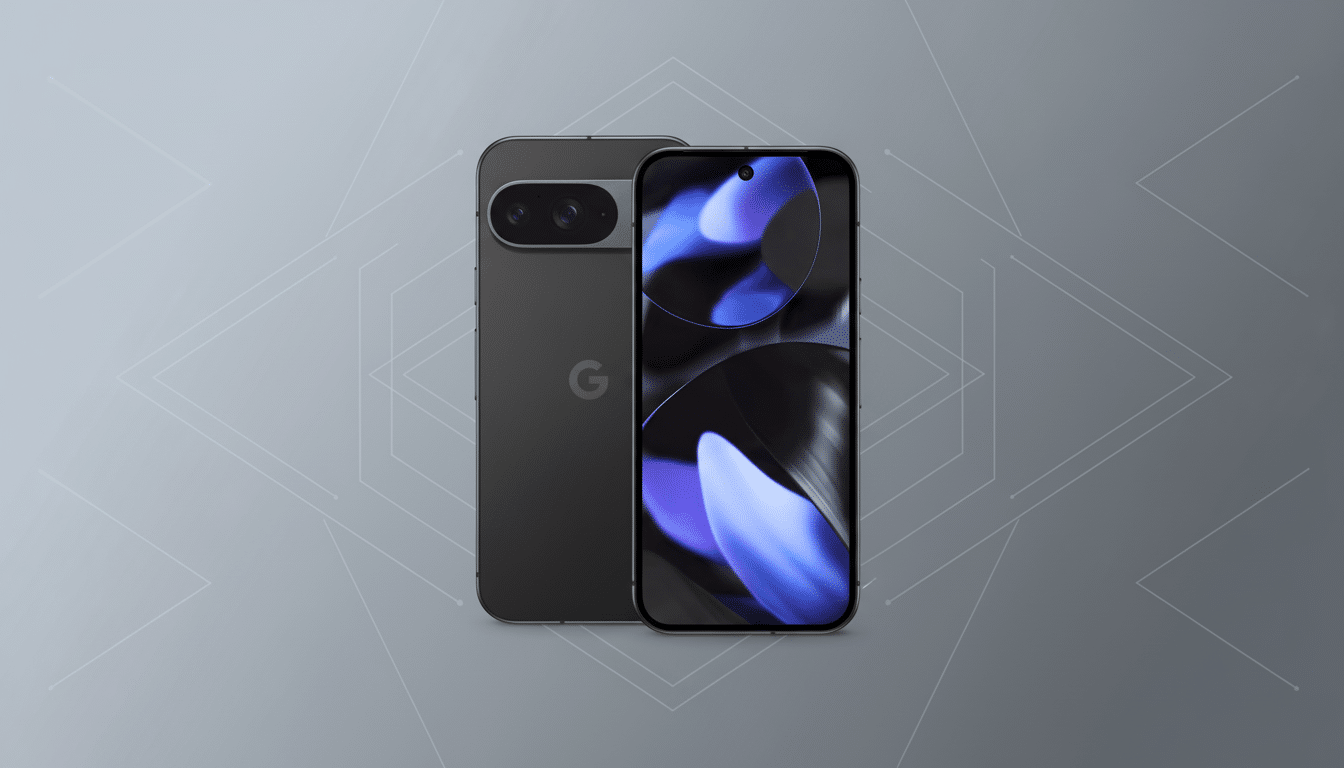
For new users, Promotions and News are on by default. You can turn on Social and Suggested categories, as well, and there’s a setting for “Always expand bundles” if you want to view everything at once. Crucially, Android’s own priority system still works here: Time-sensitive notifications, conversations you have starred as a priority, and alarms retain their higher status and won’t be bumped even if the organizer is on.
Availability on Pixel Phones and Supported Regions
The rollout is aimed at the Pixel 9 and Pixel 10 series with Android 16 QPR2, with Google’s support page mentioning that Pixel 9a devices are exempt. For now, it only works if the phone’s primary language is set to English and when the Region settings are in supported markets, which include the US and UK. This staged rollout mimics Google’s recent pattern for Pixel Feature Drops and may take a while to reach all phones that are eligible.
To experiment with it, go to Settings > Notifications > Notification organizer and switch on the categories you’d like to filter.
If the option doesn’t appear, it may appear after a swift reboot once your device’s update is correctly configured. Testers first noticed the feature on consumer units, and publications that monitor Android system updates reported it, while Google’s help documentation also spells out the requirements as well as regional restrictions on who is eligible.
Why Notification Organizer Matters for Pixel Users
Push alerts are one of the biggest culprits for digital distraction. Even small interruptions can cause a loss of focus, on which informatics scholar Gloria Mark has done research: It takes more than 20 minutes to regain that focus after a task switch. If they checked their smartphones, they’d find that mobile analytics companies constantly report that users are getting dozens of notifications every day and are being conditioned to know the urgent ones from the promotional ones. By tacitly corralling low-priority pings and notifications, Pixel’s organizer attacks the problem without requiring that users micro-manage per-app settings.
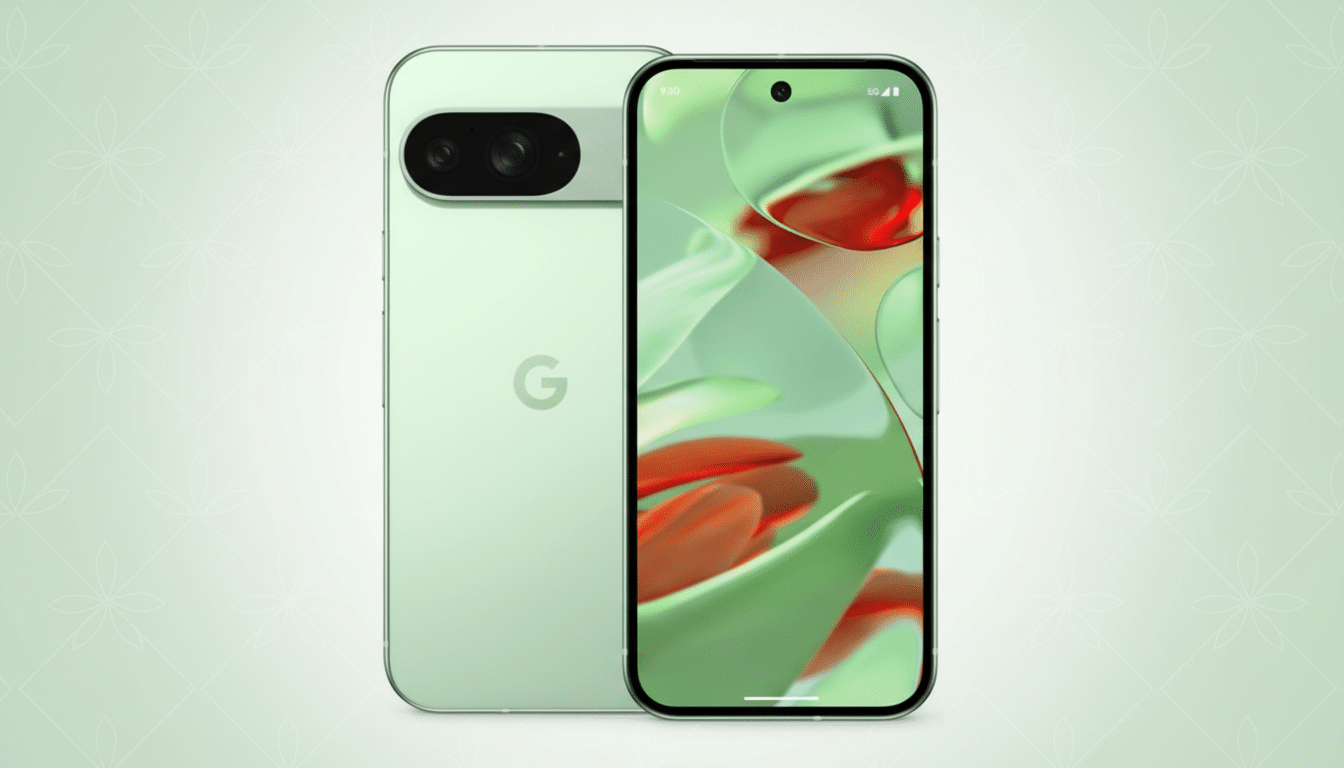
It also addresses a shortcoming in Android’s current toolbox. Notification Channels, which first appeared years ago, allow developers to bucket different types of notifications in their own apps, while Do Not Disturb silences everything on a schedule. Notification Organizer is different; it’s triage on the fly that applies cross-app, content-aware rules, nearer in spirit to how Gmail separates Primary from Social and Promotions. We get a cleaner shade with some important signals rendered prominent and most of the marketing noise coalesced in one place.
Because the classification is performed on the device, it doesn’t need to send notification content to a server for analysis. That cuts latency, saves privacy, and bypasses the exhaustion of cloud-based queries begging for more data. It also taps into the on-device AI capabilities of Google’s Tensor platform that the company has been drawing on for camera, transcription and call-screening features in recent Pixels.
How It Compares and What to Watch for Next Updates
Apple’s iOS provides a Scheduled Summary feature that groups less pressing notifications and sends them out at certain times. Google’s approach is to work continuously and silently in the background, bundling new information as it comes rather than in timed digests, which may be more useful if you want a calmer shade through the day. It also has finer control over categories (that you can toggle one by one).
Now the two big questions are scale and nuance. And yep, better language and region support would make the organizer more widely useful, while more per-category controls — app-level exceptions, or overt prompts to review a silenced bundle — could go a long way toward making sure you don’t miss anything important. Since this describes how Digital Wellbeing should work, we would expect Google to iterate as feedback comes in.
Existing Pixel users running Android 16 QPR2 will require very little effort to upgrade with Notification Organizer and will see an instant reduction in alert fatigue, all that matters in the end.
It doesn’t murder notifications; it curates them. And for a platform that resides in your pocket, that silent intelligence is exactly how good software ought to feel.
