


A new hint hiding in a recent Google Photos build makes it look like the app is about to pick up some of its own machine-learning–driven flair to further automate the process of sharing your photos with your friends through image recognition. The more eye-catching feature, which XDA Developers found in an APK teardown of version 7.47.0.810631069, is a “More like this” button that shows you visually similar shots from your library, which may make tedious hunts for duplicates, receipts, and screenshots a one-tap affair.
What the new ‘More like this’ button actually does
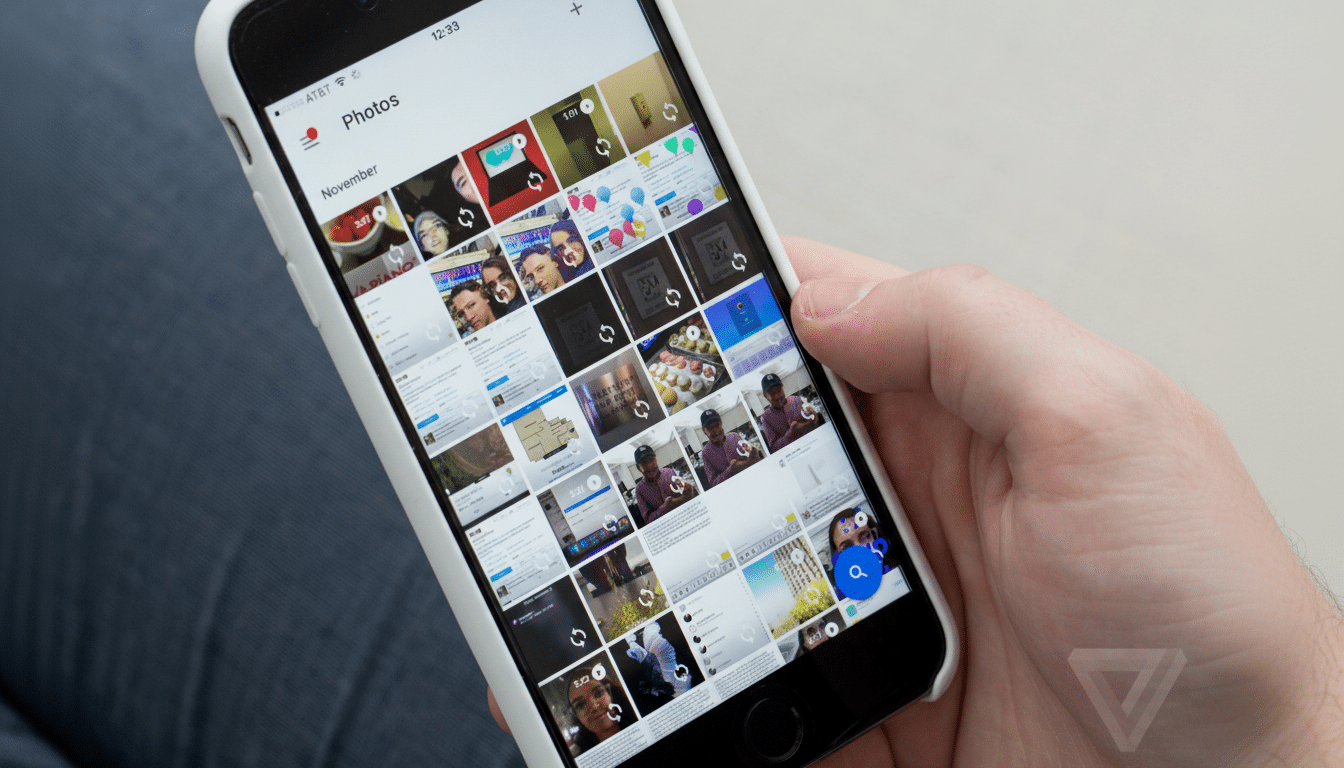
Early switches uncovered in the code of the app suggest that the feature can be found in the three-dot menu when viewing a single photo. Tap it, and Google Photos will show you a grid of similar-looking photos — near duplicates, different angles, any kind of close match — that you might want to keep, organize, or delete.
Rethink moments that fill up your camera roll with near-identical content: burst shots of a concert, a dozen versions of the same family portrait, repeated electricity meter readings, an overflowing receipts folder, or multiple screenshots of the same app screen. “More like this” slants that way, so you can swiftly favorite one, file the rest, or bulk uncheck them.
Technically speaking, this seems more like image-similarity search than traditional text-based search. Under the hood, it probably uses visual embeddings — small numeric fingerprints of an image — that allow the app to return close matches with little guesswork.
How accurate is the feature in its current form
Mixed results are to be expected at this point in its “hidden” life. Solid, organized objects — something like an electricity meter — often return strong matches. Screens and more crowded scenes can suck in some unrelated photos. That’s pretty much par for the course for an incomplete feature: the recall model tends to improve as Google tunes thresholds and slaps on guardrails in places (down the road) like documents, people, pets, UIs.
Like most Google features, this seems to be driven by server-side flags and won’t appear for everyone despite being on the same app version. Accuracy should improve with model updates and as Google fine-tunes what’s “similar” versus “identical.”
Why it matters for managing your Google Photos library
Google Photos has more than a billion users, and it stores trillions of photos and videos, according to company figures, with tens of billions more added each week. On that scale, small tweaks to the retrieval and cleanup process can save hours for heavy users.
Auto backups, messaging app downloads, and screen recording sessions generate duplicates — and near duplicates — in the background without you even realizing. Pixel owners do get a leg up thanks to tools such as the Screenshots app and on-device suggestions, but this is something anyone dealing with mixed libraries across Android phones, tablets, and Chromebooks would stand to benefit from.
Crucially, “More like this” doesn’t reduce to today’s cursory text prompts such as “dog at beach” or “blue car.” It reverses the workflow: pull the closest neighbors of a single image you care about, without delay. That’s the distinction between looking for a needle in a haystack and magnetizing them to your fingertips.
Cleanup tools and bulk actions currently in testing
And alongside the similarity search, code paths lead to new sorting and triage interfaces such as a card-style view for quick keep-or-delete decisions. Swipe through a suggested stack, best shot on top with alternates below, and you can tidy an album in minutes rather than spending hours paging back and forth through the grid.
If these experiments do end up shipping, you can expect safety checks: bulk undo actions, confirmations on mass deletions, and surfaces for items flagged as important (say, documents or ID photos) or shared album content. These protections have traditionally been overlaid onto functions like Suggested Cleanup and Storage Manager.
Privacy considerations and expected rollout timeline
Google also processes visual comprehension on-device more and more, as evidenced by features such as Magic Eraser and on-device Face Grouping. It remains to be seen whether “More like this” runs on-premises, in the cloud, or as a hybrid pipeline. The query step might work on low-dimensional embeddings cached on your device, avoiding data transfer and benefiting from do-the-easiest-thing-that-could-work speed.
Timelines on the unearthing of teardowns are often squiggly. Features might go through small testing with a narrow beta before iterating quietly and then rolling out broadly. If you just can’t wait and want to take an early peep at the feature, keep your Photos app up to date, get on beta or preview builds where they are available, and watch for the new menu item when you’re looking at a lone image.
If the accuracy sharpens as promised, and it works with something like Google’s phone-based photo scan app PhotoScan to use “More like this” on all those documents you’ve been hoarding, it might be one of the more practically useful things to land in Google Photos in years — less a flashy AI demo than an everyday time-saver that lets you quickly find, curate, and cleanse your library without nearly as much friction.
