


Google Photos is quietly testing a simple but long-overdue improvement to how you share pictures on Android. A new Copy button inside the share sheet lets you copy an image directly to the clipboard and paste it into another app, cutting out the clumsy dance of downloading a file or kicking off a brand-new message thread just to reply with a photo.
It sounds small, but for an app used by more than a billion people, a frictionless way to hand off a single image could have an outsized impact on everyday messaging and collaboration.

What The New Copy Button in Google Photos Does
The feature appears in the standard Android share sheet as a dedicated Copy action. Tap it, and the photo lands on your system clipboard. From there, you open your chat, email, or productivity app and use Paste. The image is inserted at full resolution with light compression, preserving detail while keeping the payload manageable.
There is one expected limitation: it copies only one image at a time. That mirrors typical clipboard behavior across Android. Also, pasting images requires the receiving app to support rich media paste through Android’s clipboard APIs—something most major messaging and workspace apps have been steadily improving since Android 13.
Why This Fix Matters for Everyday Mobile Sharing
Until now, sharing from Photos often forced users into awkward flows. The system share intent typically creates a new outgoing message in chat apps, which is fine for starting a conversation but terrible for replying in-thread. That pushed many people to download an image first, then reattach it—a workflow that’s slow, storage-wasteful, and leaves clutter in Downloads.
Streamlining reply-with-photo is not a niche edge case. Android runs on over 3B active devices globally, according to Google, and messaging is among the most frequent activities on mobile. Industry researchers at Rise Above Research estimate consumers capture more than a trillion photos annually. Even shaving a few taps off a common task can meaningfully change how fluid everyday communication feels.
Early Signs Inside Google Photos of Copy Feature
Code references tied to Google Photos version 7.63 suggest the Copy button is gated behind server-side flags. Testers who enabled the hidden toggle report the option appearing alongside the usual share targets. The implementation suggests Photos encodes and places the image content on the clipboard for seamless transfer, rather than passing a temporary link that some apps might mishandle.
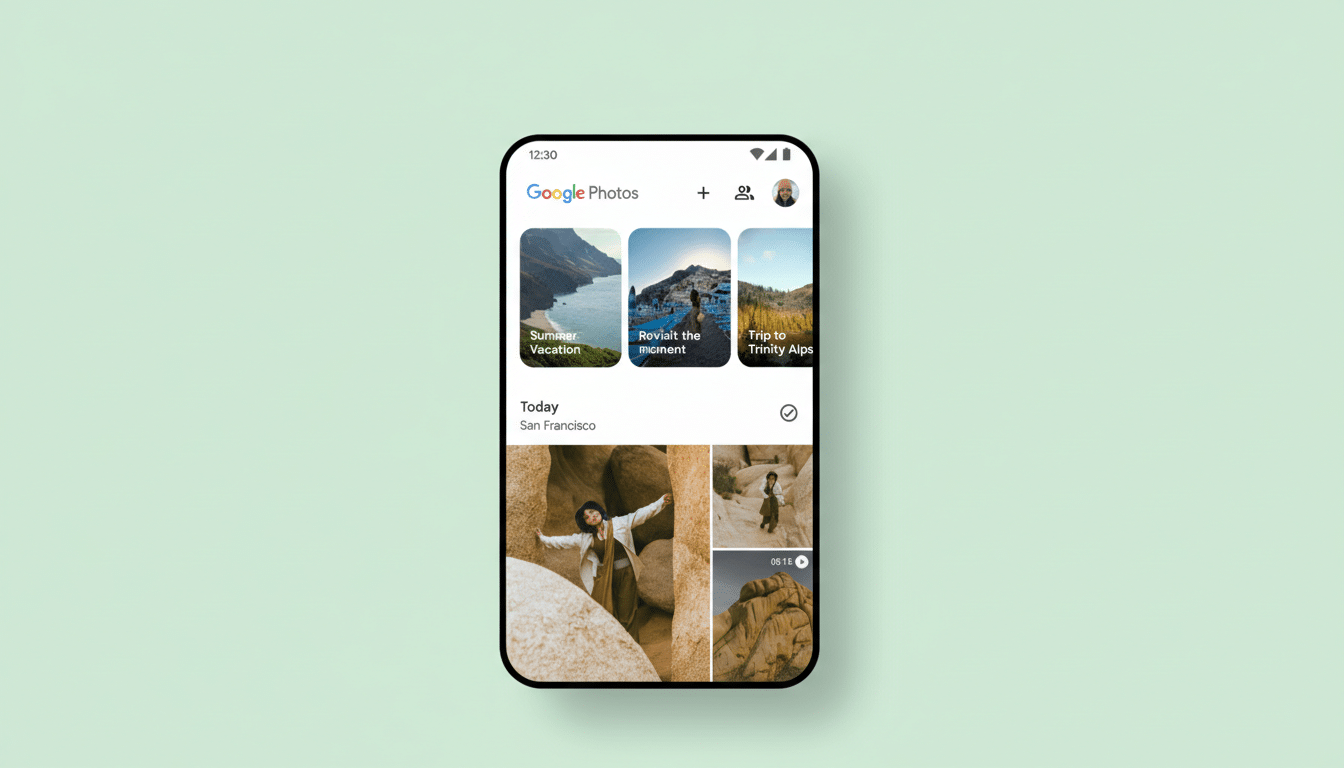
Practically, that means you can respond in-place within a chat, drop a photo into a collaborative doc, or paste directly into an email draft—no detours, no duplicates saved to local storage, and no accidental creation of new message threads when all you wanted was a quick reply.
Material 3 Expressive UI Tweaks Also Spotted
Alongside the sharing improvement, Photos is preparing a round of visual and navigational refinements aligned with Google’s Material 3 Expressive guidelines. The Albums screen is set to adopt “connected button groups” at the top—buttons that read as a single, continuous control with shared edges—making it clearer which filter or view is active at a glance.
The Updates hub, accessible from the bell icon on the home screen, is also in line for a quality-of-life boost with a horizontal row highlighting recently changed albums. In Backup settings, a refreshed layout and a new Back Up Photos Over Data toggle signal that Google is fine-tuning controls for users with generous or unlimited data plans.
What To Watch Next as Google Tests Clipboard Copy
None of these changes appear broadly live yet, which tracks with Google’s typical staged rollouts and A/B testing cadence. Expect the Copy button to surface first for a subset of users before expanding more widely, contingent on app compatibility and feedback.
If adoption is strong, the logical next steps would be multi-image copy and tighter integration with Android’s system photo picker. For now, even single-image paste is a meaningful step toward making Google Photos feel less like a storage silo and more like a smooth conduit to the apps where conversations actually happen.
