


Google seems to be laying the groundwork to integrate Nano Banana, Gemini’s viral image editor, into Google Photos — potentially taking the app from smart gallery to playful, AI-first creation hub.
App assets found in a recent Google Photos build indicate the impending arrival of a new “Create” experience driven by Jungle Soft’s Nano Banana tech, which will enable background changes, style transfers, and multiple-photo blends within Photos itself.
- What Nano Banana can do inside Gemini and beyond
- Evidence inside Google Photos points to Create feature
- How It Fits With Google’s Editing Lineup
- Implications for users and creators if Photos adds Nano Banana
- Privacy and safety considerations for AI edits in Photos
- What to watch next as Google tests Nano Banana in Photos
If deployed en masse, the move would push one of Google’s already enormous products — according to the company’s milestones page, Photos surpassed one billion users — further into consumer-friendly generative editing. It also implies Google wants to consolidate its most popular AI magics where people actually control their photos, not simply within a chatbot.
What Nano Banana can do inside Gemini and beyond
Unleashed within the Gemini app, Nano Banana has rapidly caught fire as a tool for you-can-barely-tell edits that remove fences, taking people on rides to scenic backdrops, manipulating their portraits, and even turning regular selfies into toy-like 3D figurine compositions. Unlike some premium editing suites, the tool has been front and center across Gemini’s personal, work, and paid tiers, reducing barriers to casual experimentation.
What makes it so good is part proficiency, part simplicity. Instead of full-on sliders and masks, Nano Banana encourages users to rely on natural language prompts and template-like actions. That accessibility, and those shareable “before/after” moments, have fueled the viral edits appearing across social platforms.
Evidence inside Google Photos points to Create feature
App watchers poring over Google Photos version 7.47.0.810631069 discovered a new option called “Create” within the current Create tab on the bottom bar.
That’s a slightly redundant name — feature and tab are the same, after all — but an included GIF asset hammers the intention home: they’re going after Nano Banana–style edits right from within Photos’ built-in tools.
(The Create tab itself is still only available to U.S. users but now includes tools such as Animation, Cinematic Photo, Collage, Highlight Video, Photo to Video, and Remix.) The new Create entry looks like it will join that lineup, seemingly offering one-tap access to look changes, background replacement, and multi-image blending — all features the Nano Banana crowd would know well.
Like many Google features, this sort of addition typically comes as a server-side switch and staged release. Just because these assets exist, you shouldn’t count on them being available immediately — but it’s a good indicator that active testing is going on.
How It Fits With Google’s Editing Lineup
Google Photos already serves a gradient of AI assists, from the rudimentary Magic Eraser to the more ambitious Magic Editor, with availability dependent on device eligibility or subscription. Google also showed off Ask Photos, a natural language system that helps users search and perform targeted edits by describing what they’re interested in. If these features do land in Photos, Google has a lot of work to do, and they’ll need to position Nano Banana cleanly next to Ask Photos and Magic Editor so there isn’t overlap.
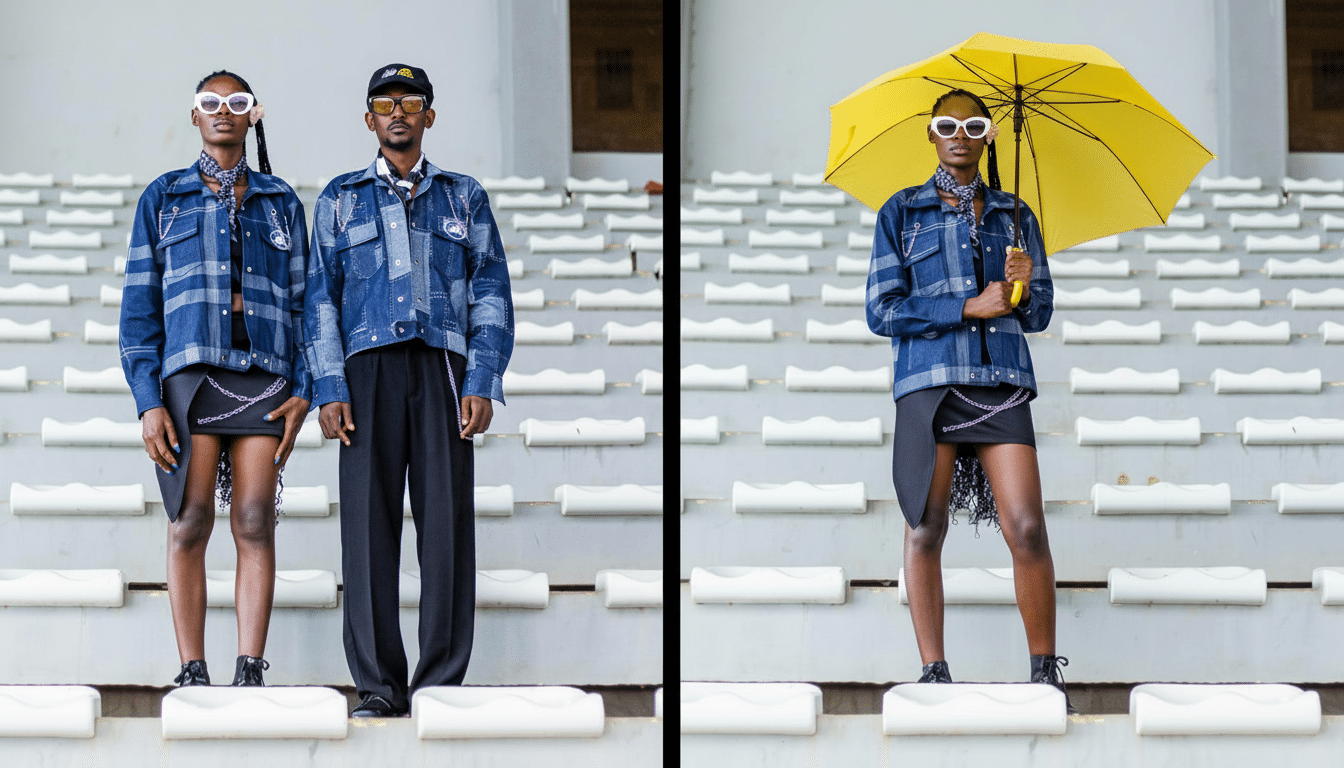
“A likely breakdown of roles could be: Photos for conversational guidance and organization, Magic Editor for precise generative refinements, and Nano Banana for playful, fast changes,” the Gaspar siblings said in a joint statement.
If both of these pathways could be converged in one app, we would remove a lot of friction for different user intents: fast social adjustments all the way up to professional touch-ups.
Implications for users and creators if Photos adds Nano Banana
Putting Nano Banana into Photos would bring advanced generative editing to the place people back up, search, and share their images — a strong adoptive funnel. Above all, for hobbyists and makers, this could match or surpass the ease of use of Canva’s Magic tools or Adobe’s Generative Fill for their day-to-day edits, all without ever leaving their photo library.
The scale matters. With the reach of Photos, a one-tap-to-edit experience could popularize AI-driven composition for mainstream users, not just early adopters. Look for a deluge of AI-enhanced portraits, travel photos with morphed skies, and artistic multi-photo mashups that used to require desktop software.
Privacy and safety considerations for AI edits in Photos
Generative edits broach familiar questions of authenticity and disclosure. Google has been pushing SynthID — an AI watermarking technology by Google DeepMind that injects invisible markers into synthesized images. If Nano Banana outputs are exported from Photos, using such markers would support provenance and platform labeling signals as proposed by industry efforts such as those described in the Coalition for Content Provenance and Authenticity.
On-device versus cloud processing will be another point of contention. Hybridization is something that Google has leaned into more and more over the years, with local models being used in collaboration with server-side compute for heavier edits. Clear communication about where data is processed and images are stored will be critical for user trust.
What to watch next as Google tests Nano Banana in Photos
There isn’t a confirmed date for when it’s expected to launch, but seeing UI assets is a step in the right direction. Keep an eye out for a refreshed Create tab in Photos — namely on U.S. accounts where the tab has already been living — and for Google to explain how Nano Banana fits next to Ask Photos and Magic Editor.
Should Google keep Nano Banana free inside Photos like it did with Gemini, it could instantly become one of AI’s most popular editors. Even a limited pilot would no doubt trigger another wave of creative, shareable edits — this time without ever leaving your camera roll.
