


Google is reimagining what the Recents screen should look like in Android 16 QPR2, pushing out a welcome update for link sharing while at the same time scaling back some of its most helpful image tools. It’s a minor alteration in UI terms, but it sensibly changes the way power users drag content around and between apps.
The upside: Chrome’s URL share button in Recents has moved to the bottom of the screen, which makes it far easier to use one-handed on today’s giant smartphones. The not-so-good: The Recents image actions feature has been reworked, removing some options that many users took to for quick saves and visual lookups.
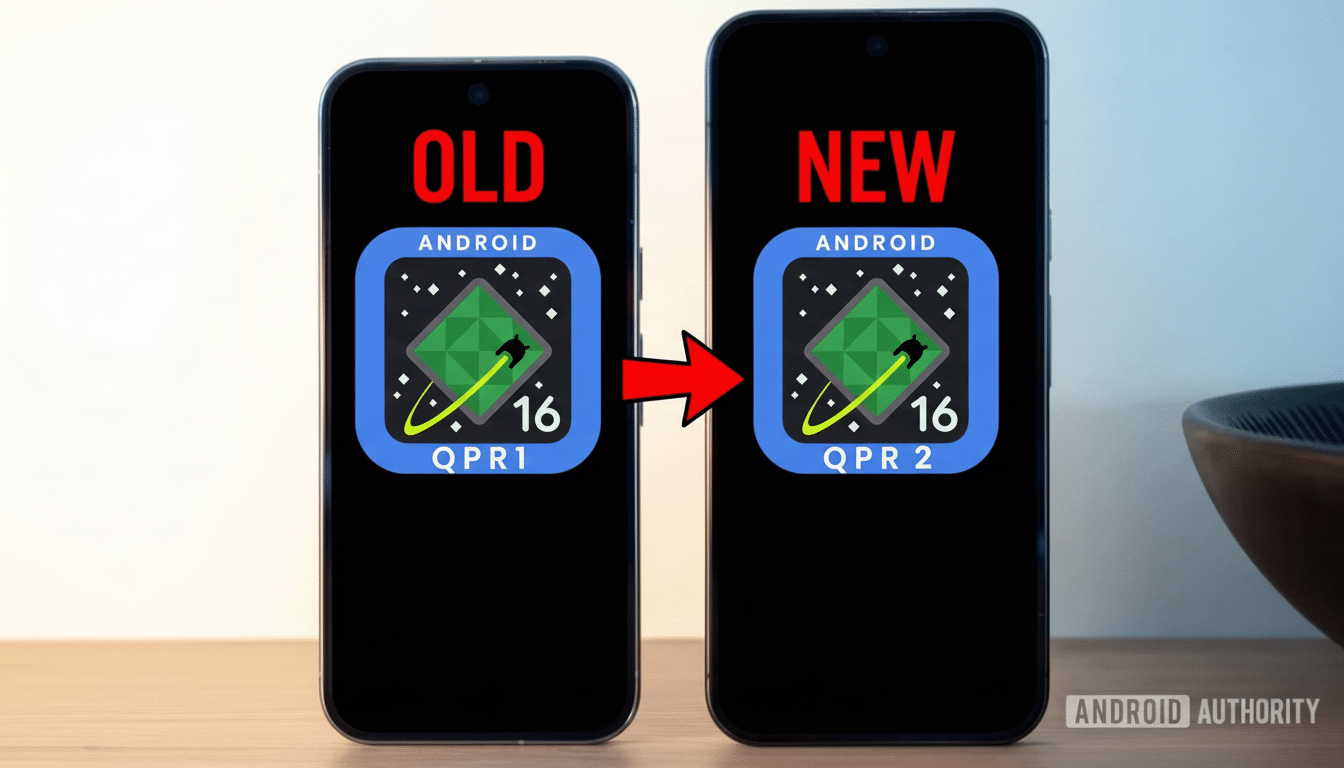
What Changed in Recents With Android 16 QPR2
Recents, that is, Android’s multitasking carousel, has been growing up over the years via quarterly platform releases. As of QPR2, the Chrome link icon on top of the card is now located toward the bottom edge. That fits with Material Design’s focus on reachability, to minimize thumb travel for a growing category of users with devices larger than 6.5 inches in diagonal screen size.
The image processing in Recents has also been streamlined. Previously, long-pressing on an image in an app preview brought up options to open Lens, copy it, share it, or save a local file. In QPR2, those options are reduced to Share and Copy. You can still Circle to Search, which is fast and clever for identification — but the simple Save tab is no more.
The Android Beta Program’s testers have observed the action on recent Pixel handsets, which seems to indicate that this is a platform-level move rather than something an app did. And as with any QPR, the features could change before the stable rollout, but right now the pendulum is swinging toward simplification.
Why the Image Downgrade in Recents Hurts Users
That Save button in Recents was a mellow productivity win. It allowed you to pull a chart from a finance app, a receipt from a messaging thread, or an image from social media without having to take screenshots. Screenshots can have UI chrome in them, lose fidelity, or require additional steps to crop and file.
Circle to Search is a great tool for discovery and context, but it isn’t much of an alternative when you just want a file squirreled away locally. Researchers, journalists, and students who constantly shuttle reference images between apps will feel that friction right away: more taps, more shunting context, and a heavier dependence on app-specific save behaviors.
Small frictions add up. Heavy multitaskers can run through the Recents screen dozens of times a day, and eliminating a direct-save path adds up time-on-task in small but cumulative ways. It’s the type of change you ignore until it is gone.
What Might Have Been Going On and the Larger Picture
There are plausible explanations for the shift. In order to minimize redundant affordances, Google has been unifying visual intelligence capabilities in Circle to Search and rationalizing the presentation of system UI surfaces together. A smaller set of consistent gestures is simpler to introduce and support on devices of all shapes and sizes.

Privacy and protected content may also play a role. Some apps prevent you from saving images for rights or DRM purposes, and save tools at the system level in Recents may have avoided per-app policies. Closing up those time-worn pathways steadies the course with Android’s ongoing efforts around scoped storage and better-defined content ownership — themes that have appeared prominently in the Android Compatibility Definition Document and developer documentation alike.
It’s also important to bear in mind that QPR builds are iterative. Google has reversed Recents changes in the past based on Issue Tracker and Beta Program forum feedback. If enough testers request it, Save might return — possibly implemented via the system share sheet to do right by app permissions.
Practical Workarounds for Now While Features Evolve
Need a local file? You may want to attempt saving from the source app first. In Chrome, for example, a long-press on an image still gives you Save Image. In a lot of these apps, tapping on something or long-pressing reveals built-in save or download actions, which respect the app’s rules.
A screenshot with direct cropping is the quickest fallback in case saving is blocked. The system share sheet can also fill in the remaining gaps: In Recents, you can copy the image to your clipboard and paste it into a note or an image editor that exports a file. Google Photos editing features help spruce up and organize captures with little cost.
Use the new bottom-placed Chrome shortcut in Recents to open links. The lower placement is for a better hit rate on big screens, and it accelerates one-handed sharing flows to messaging apps, email apps, and note-taking applications.
What to Watch Next as Android 16 QPR2 Moves Forward
Watch Android 16 QPR2 release notes and future Pixel Feature Drops. Look for an alert that image Save returns to Recents or turns into a generic sheet action. The larger trend is evident, though: Android is trying to better optimize the average reach and consistency of Recents, even if it means shaving off a feature cherished by some subset of power users.
Should this change go through into the stable build, it could push workflows back to separate apps and the system’s own share sheet. That’s not a deal-breaker, but it is a reminder that choices as minor as how to pin Recents can reverberate through how millions of people work with their phones.
