


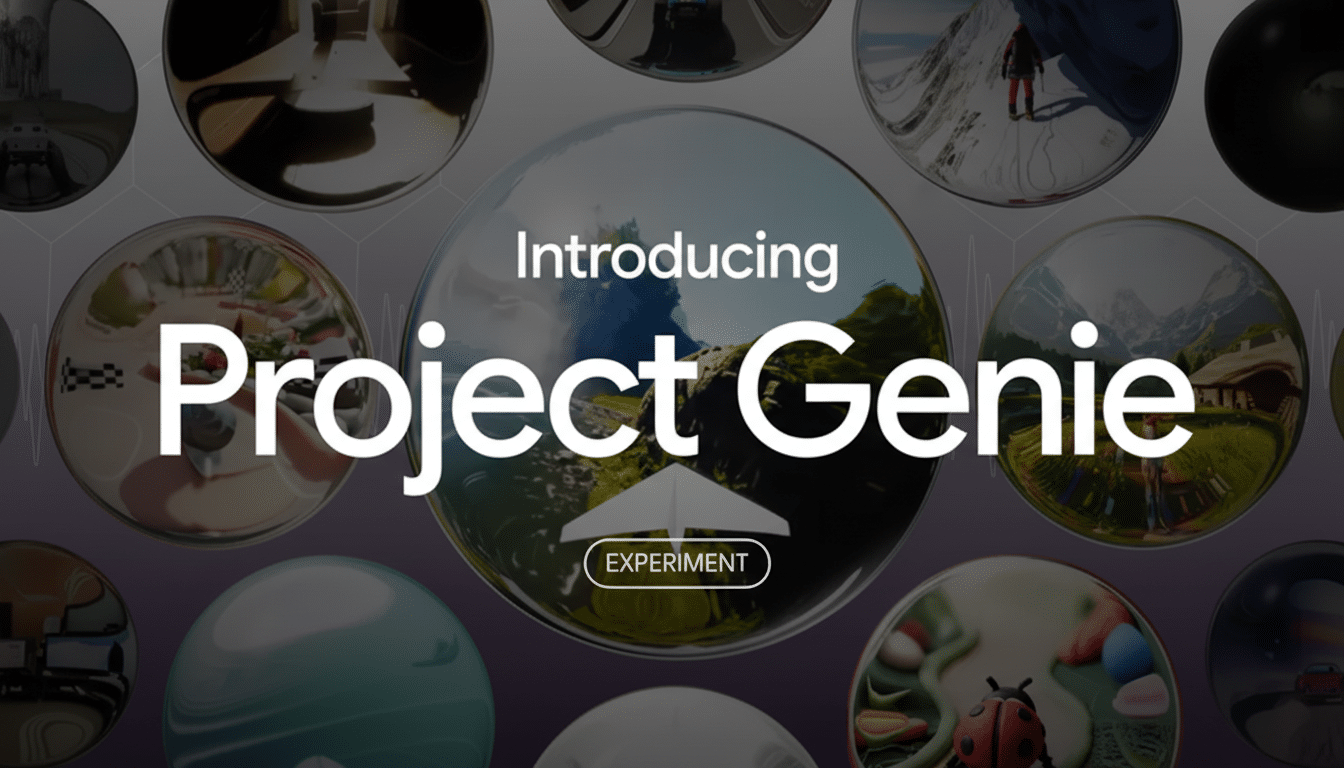
Google has started letting the public try Project Genie, a new DeepMind-built “world model” that turns simple prompts into playable, physics-driven virtual scenes. It’s positioned as a research preview, but early access is live now for the company’s premium AI Ultra subscribers in the United States who are 18 or older.
If you’re curious about hands-on world-modeling — systems that predict how environments evolve and how agents act inside them — Genie is one of the most accessible demos available today. Here’s how to get in and what to expect.
- Who can try Project Genie and what you need to qualify
- How to start using Project Genie: a quick guide
- What performance to expect from Google’s Project Genie
- Under the hood: Genie 3 as a world model in focus
- Why world models matter for interactive AI systems
- Limitations and practical tips for using Project Genie
- Bottom line: should you try Google’s Project Genie now?
Who can try Project Genie and what you need to qualify
Access currently requires the AI Ultra subscription, which is listed at $249.99. Google says availability is limited to users in the U.S., and you’ll need to verify you’re 18+ before launching the experiment.
The project lives inside Google Labs, the company’s testbed for experimental features, so expect rapid updates and the occasional rough edge. Think of it as a research tool with a fun sandbox rather than a finished game engine.
How to start using Project Genie: a quick guide
- Confirm eligibility: Make sure your account is on the AI Ultra plan, you’re located in the United States, and you meet the age requirement. Switching accounts mid-session can cause access issues, so use the correct profile from the start.
- Open Google Labs: Navigate to the Labs hub and select Project Genie. The experiment should appear in your list of available tools once your subscription is recognized.
- Create a world: Click New World and enter a plain-language prompt. You can describe visual style, objects, terrain, and rules. For example, “A neon city with moving platforms and low gravity” will seed a playable environment with physics baked in.
- Add a controllable character: Genie lets you spawn an agent and map basic controls. By default, arrow keys move the character; you can adjust speed, jump force, and interaction behavior to fit your scene.
- Iterate and remix: Use the editor to tweak object properties, collisions, and environment rules. You can continuously refine the world with follow-up prompts like “more fog,” “slower enemies,” or “add collectible tokens.”
- Test mini-games: Reporters who tried Genie have quickly mocked up side-scrolling platformers that evoke classic franchises, demonstrating how fast the tool can prototype interactive mechanics.
What performance to expect from Google’s Project Genie
Genie currently targets 720p at 24 frames per second. That’s modest compared to modern game engines, but impressive for a text-to-world system that simulates physics and interaction on the fly.
Worlds feel coherent because the model predicts how objects should behave under your rules. Expect responsive collisions, gravity, and momentum, especially in platforming-style scenes.
Under the hood: Genie 3 as a world model in focus
Project Genie is powered by Genie 3, Google’s latest “world model” designed to learn environment dynamics and agent actions from multimodal inputs. The company has described Genie 3 as a step toward more capable AI agents that can reason about cause and effect in realistic settings.
Google notes that additional components, including systems referred to as Nano Banana and Gemini, contribute to world generation. In practice, that hybrid stack lets Genie turn prompts into playable spaces and adjust them as you provide feedback.

Why world models matter for interactive AI systems
World models are drawing attention because they move beyond static content creation to simulated interaction. That’s relevant for research on artificial general intelligence, where agents need to plan, predict, and act within changing environments.
Real-world use cases are emerging, too. Automakers could stress-test autonomous systems inside virtual worlds before road trials. Educators may build interactive labs that visualize physics or biology. Game studios can prototype mechanics in minutes instead of weeks. Venture funding has chased this space: video modeling startups such as Luma AI have reported substantial raises, and interest from investors and labs has accelerated over the past year.
Limitations and practical tips for using Project Genie
Genie is an experiment, not a production pipeline. Scenes are constrained by the current 720p/24fps target, and export options are limited. Treat it as a rapid ideation tool rather than a replacement for full engines.
Be specific in prompts. Spell out rules of the world and goals for the character — “slippery ice platforms,” “three-hit enemies,” “checkpoint flags” — to get tighter control on first render. Then iterate with short edits instead of wholesale rewrites.
Finally, keep safety and policy in mind. As with other Labs experiments, content guidelines apply, and access requires age verification and a supported region.
Bottom line: should you try Google’s Project Genie now?
If you have AI Ultra and U.S. access, you can try Project Genie today by launching it in Google Labs, prompting a world, and dropping in a controllable agent. It’s a glimpse of where world models are headed — interactive, physics-aware environments that you can shape with words.
