


No longer do you miss the plot by tuning out for a minute or coming in late.
Google Meet is launching Ask Gemini, a real-time in-meeting assistant that can help identify what’s being discussed and pull up key points and action items to follow along — without interruptions.
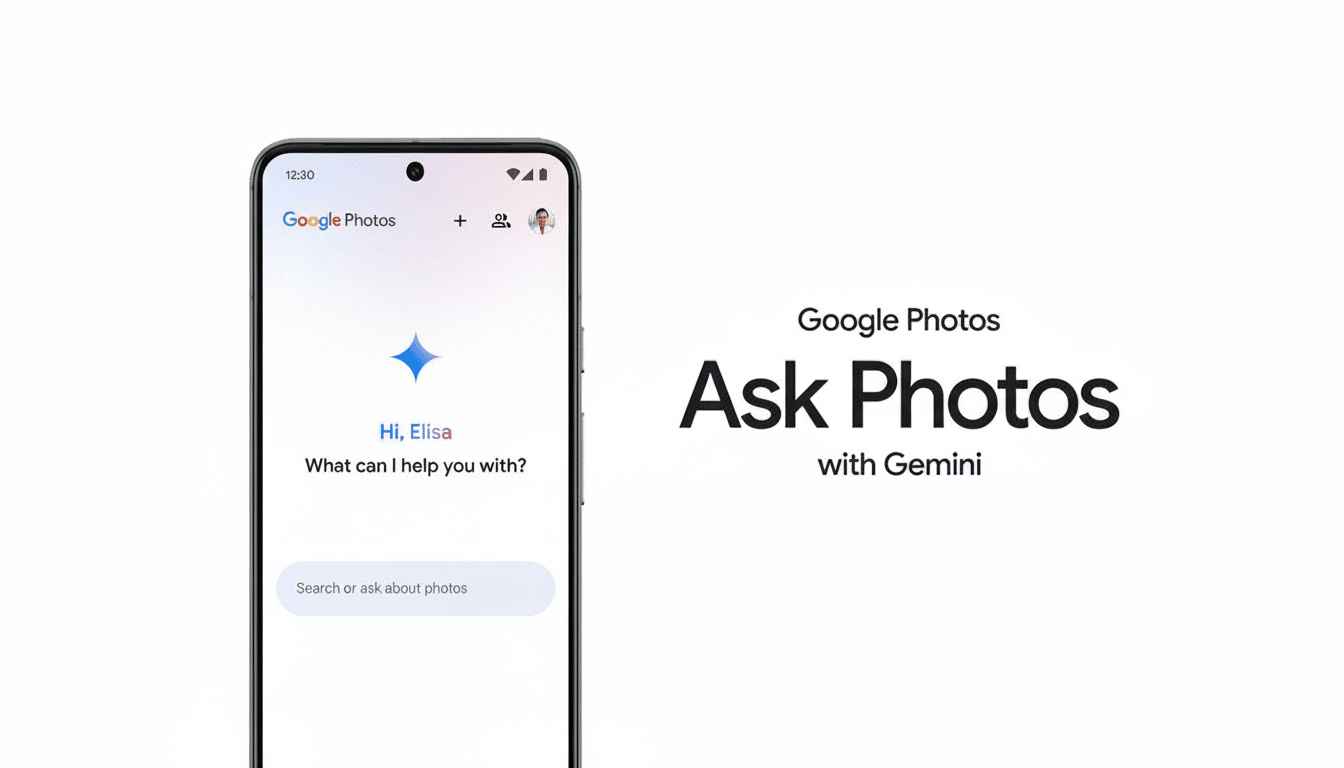
The pitch is straightforward: Instead of waiting for post-meeting notes or pinging a colleague for an overview, ask the assistant to catch you up on the fly during the meeting itself.
What Ask Gemini can do during a Google Meet meeting
Ask Gemini is voice-captioning the meeting and providing on-request summaries of what people are saying. It can sort decisions, open questions, and action items on a participant-by-participant basis. When you’re late, you can ask: “What did I miss?” and receive a summary without breaking into the speaker.
Perhaps most notably, Gemini can leverage authenticated Google Workspace content — Docs, Sheets, Slides, and Gmail — for context in its responses. That includes things like “Summarize the new budget numbers mentioned here last” or “What was our decision on when to roll out from last week?” and can refer to pre-existing files you already have the right to look at. It also pulls in results from Google Search and public-facing websites as general context warrants.
Google says the tool is privacy-friendly: interactions are private to the user and the assistant, and the assistant does not save meeting information after a session ends. When Ask Gemini is enabled, participants see a consent banner and dial-in attendees hear an announcement.
How it compares with Meet’s auto notes feature
Meet already provides a feature called “Take Notes for Me” that creates summaries after the fact. Ask Gemini moves this into genuine real time. There is a connection between the two: If you want Gemini to explain what took place before you joined, the auto notes feature must be enabled so there’s an accurate record available for reference.
There are guardrails. Ask Gemini is currently only in English, available on desktop, and not compatible with breakout rooms. Hosts and co-hosts can manage it for everyone through Host controls, and Workspace admins are able to control availability at the domain, OU, or group level.
Availability and plans for businesses using Workspace
Ask Gemini is a business-tier-oriented Google Workspace feature. Google says Enterprise Plus, Enterprise (Standard), Business Plus, and Business Standard customers can use it, with an initial launch for Business Plus that should appear for more users later. The feature can be switched on by default, although it does include controls that help admins manage the settings.
If your organization has a layered permission model, the combination with Docs, Sheets, Slides, and Gmail will follow existing access control levels. Users get answers pulled from info they have access to.
Why this is important for meeting fatigue
Meeting overload is not imaginary. According to Atlassian’s oft-cited research, employees waste about 31 hours a month on unproductive meetings, and a Harvard Business Review survey reported that 71% of senior managers consider meetings “inefficient and ineffective.” Microsoft’s Work Trend Index has also chronicled continued surges in meeting volume and lessened focus time among knowledge workers.
In that light, the in-meeting AI that keeps you oriented can be more than a convenience. Think of a product manager showing up to a customer review 12 minutes late. One terse prompt — “Summarize decisions so far and action items for me” — rewards you with a recap, plus a to-do list linked to names. If a participant mentioned a pricing model in Sheets or a deck in Slides, Gemini can pull up those details, sparing the frantic search through chat threads and tabs.
And competitors are heading in the same direction. Microsoft Teams has Copilot for real-time meeting summaries and follow-up, Zoom has AI Companion for catch-up and next steps. The focus on transient in-meeting responses, permission-aware grounding in Workspace files, and host-level controls by Google should resonate with enterprises rightsizing productivity with governance.
Limits, risks and best practices for using Ask Gemini
As with any generative AI, the quality will depend on the inputs. When captions are noisy or documents are stale, responses can go adrift. Outputs are drafts to validate, not authoritative records. For teams working with sensitive data, reviewing admin settings, consent flows, and DLP policies before broadly enabling the assistant is recommended.
The two gaps to watch: language coverage and mobile parity. More support for more languages and for on-the-go catch-up might dictate how widely the feature is adopted by global, hybrid teams. And it would also enable more complex workshops, where subgroups splinter and reconvene.
Still, the case for value is compelling. By rendering meeting context searchable and summarizable in the moment — delivered, grounded in the content people actually use — Ask Gemini hopes to transform meetings from time sinks into decision engines. If your teams rely on Google Workspace, this is one assistant worth trying out.
