


Google Maps is experimenting with a small—but helpful!—Street View tweak: an on-screen Aerial button that whisks you instantly to a bird’s-eye satellite view without leaving the level. The toggle appeared in code for the upcoming Android build and was able to be turned on during testing by Android Authority, which says that Google is readying a faster method to switch between ground-level and aerial views.
If it gets widely released, the shortcut could shave multiple taps off a common workflow. As of now, bouncing from Street View to Satellite typically involves backing out of the panorama, opening up the map layers—and then re-entering at just the right point. An inline button tidies up that handoff—and proves handy when some sense of orientation may actually come in handy, such as to find a building’s entrance or grasp how one side street feeds into another.
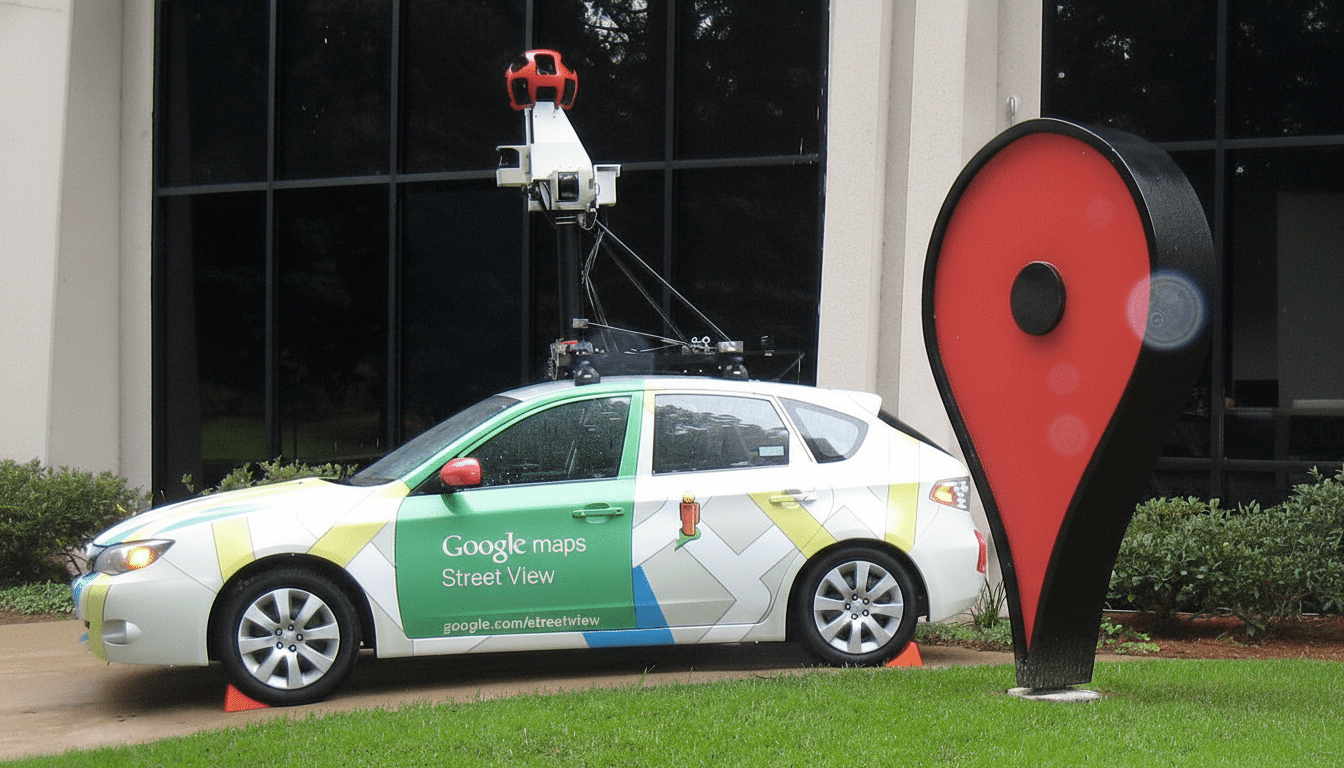
What the new Aerial button does in Street View mode
The button—called Aerial in the app—crops up on the left of the Street View interface in Android version 25.39.07, judging by the testing.
Tapping it drops the view into a tight, top-down satellite perspective positioned at the same latitude and longitude. Most importantly, it keeps your orientation: the Aerial overlay looks toward the north in the direction you were previously facing in Street View (ridding us of the “which way am I looking?” disorientation that usually accompanies mode changes).
According to reports, the button then works on both regular 2D satellite tiles and the 3D buildings layer in selected cities. Or another tap, or an on-screen cue, returns you to the panorama at that exact spot, the transition playing more like a move of the camera than a switch between modes.
Why this matters for navigation and everyday use
Street View is great for verifying facades, storefronts and landmarks; Satellite View rocks at layout—driveways, alleyways, parking lots and building footprints. Hopping back and forth between the two methods is great for those last-meter decisions, especially if you’re a delivery driver, waiting on an Uber or Lyft pickup, or trying to find a watering hole hidden in an urban block where the entrance isn’t on the main road.
The impact could be broad. Maps, Google has said, serves over a billion people each month, while the coverage in its Street View service spans more than 10 million miles of imagery across more than 100 countries, according to company disclosures. In the real world, that means a small saving of time and fewer wrong turns just from lessening friction at that scale.
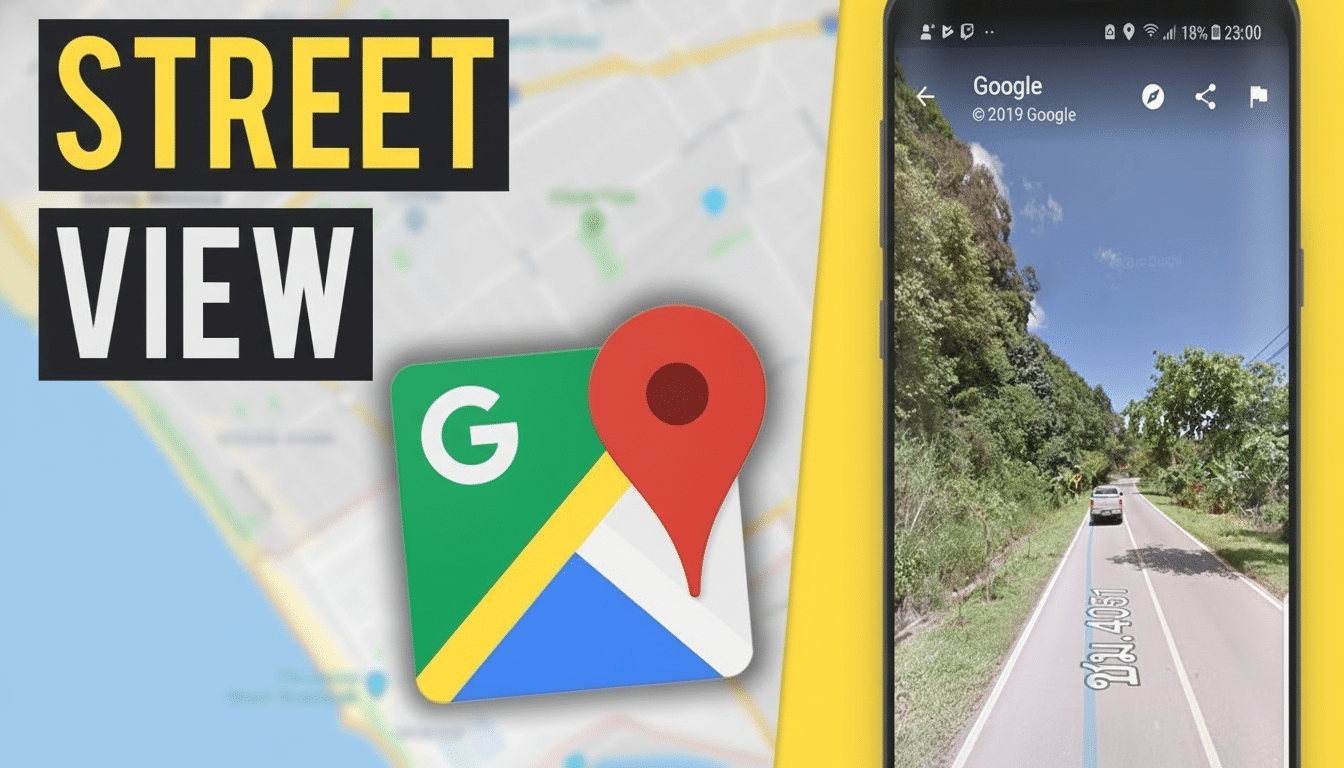
How it might work under the hood, from data to UX
At a technical level, Street View panoramas save the accurate latitude, longitude and heading. A smooth handoff to Aerial can leverage that metadata, re-centering the map and rotating the camera to an identical bearing while zoom is set for a suitable elevation. In photorealistic 3D cities, the effect is like a crane shot from sidewalk to rooftops.
This is part of Google’s larger effort toward smooth, camera-like movements. The company promoted Immersive View for routes and photorealistic 3D tiles for Maps Platform at recent developer events. Having an Aerial button in Street View just screams supplemental UX layer: instant context switching without actually forcing users to consider layers or modes.
Rollout and compatibility across apps and platforms
The feature seems to be hidden under a server-side flag in the current Android app and is not available publicly. Google frequently gates interface experiments behind limited cohorts, or even regions, before a wider release. There is no official confirmation or timeline, and I couldn’t tell you if or when iOS will get the same toggle.
Users of metered connections should be aware that Satellite and 3D imagery is more data-intensive than standard map tiles. Although Maps uses aggressive caching and adaptive loading, fast switching to high-zoom satellite imagery might use more bandwidth than if you remained in vector maps or Street View alone.
What to watch next as Google refines Maps features
Pay attention to the release notes for the Android app and reports from known, credible Android watchers for signs that this is a wider A/B test. If Google does move ahead, you can look for the company to tighten the connection between Street View, Aerial, and its 3D and Immersive experiences—perhaps like route previews that allow you to check out both street-level details as well as overhead context with just one tap.
For now, the Aerial button is a sign of where Google Maps’ UI is going: fewer mode switches, more coherent design, and faster access to the view you want at any given moment.
