


Google Home is rolling out a refreshed device setup experience designed to remove friction from onboarding smart plugs, bulbs, cameras, and more. The update adds a searchable catalog of brands and specific products directly within the app, so you no longer have to rely solely on QR codes or automatic detection to get devices online.
What’s new in the Google Home device setup flow
You still start by tapping the plus icon in the top right of the Home app, which opens a QR scanner. The difference now is a prominent option labeled Add a different way. Choosing that reveals a search bar and a curated list of suggested services and products that work with Google Home.
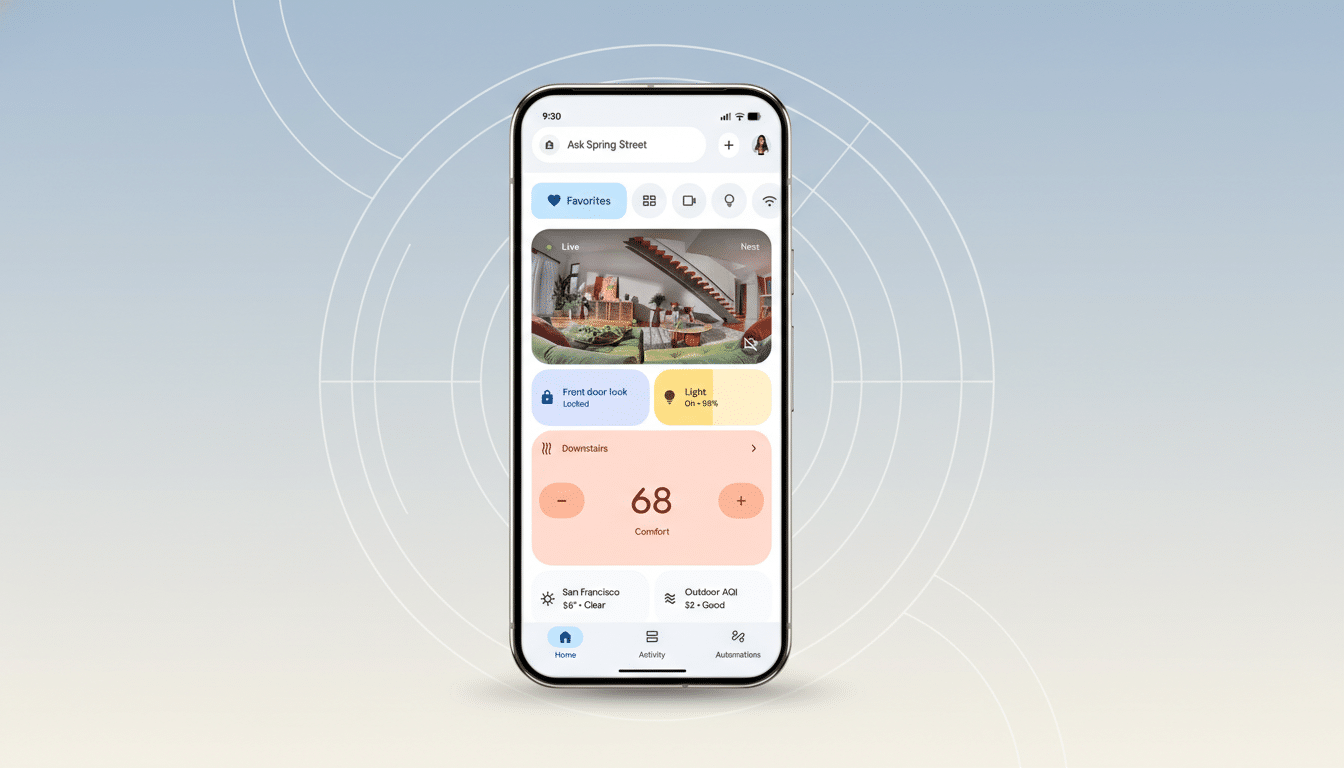
From there, you can type a brand or a specific model name — think Philips Hue, TP-Link Kasa, or a particular thermostat — and jump straight to the right onboarding path. Depending on the device, the app offers to scan a QR code, enter a printed pairing code, or connect your account to a partner service. Many entries include product images to help confirm you’ve picked the exact device you own.
This approach streamlines what used to be a guessing game. Previously, you had to find a QR label, hope the app discovered an unconfigured gadget, or dig through partner apps to link accounts. The search-driven workflow makes the process more predictable and reduces dead ends.
Why it matters for smart home adoption and use
Onboarding remains one of the biggest pain points in connected homes. Parks Associates reports the average US broadband household now has around 16 connected devices, a number that often spans multiple brands and wireless standards. Every added setup step increases the chance of abandonment or misconfiguration.
By letting users search for the exact product they’re trying to add, Google reduces trial and error and shortens time to first success — a key predictor of long-term engagement. It also helps mixed ecosystems, where one home may include legacy Wi-Fi plugs, bridge-based lighting, and newer Matter-enabled gear.
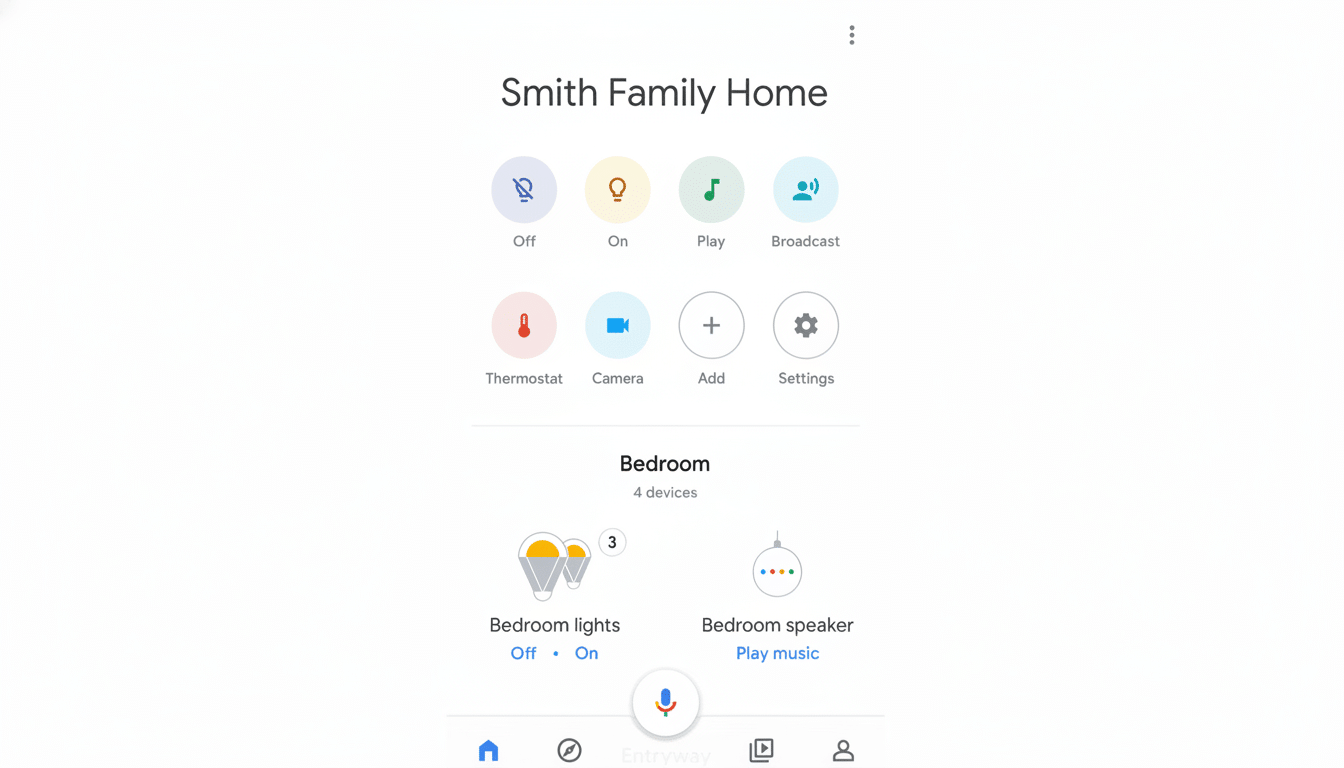
Matter and legacy devices play nicely in Google Home
If your device supports Matter, the new flow still honors standard onboarding via QR or numeric setup code, while the search step ensures you’re following the correct path for that specific product category. For older or cloud-linked devices, the app now more clearly routes you to account linking or manual code entry when QR labels are missing or faded.
In practical terms, a Hue bulb behind a bridge, a Kasa smart plug, or an Eufy camera each surface the right instructions without forcing you to backtrack. The consistent UI helps whether you’re adding a Thread-based sensor with a code or reconnecting a Wi-Fi device that lost its configuration after a router change.
Availability window and early reports from users
The rollout appears to be server-side for users on current public builds of the Google Home app. Early reports from the Google Nest Community and Reddit indicate the feature is showing up broadly, with some users noting availability on version 4.6.55.1. As usual with staged rollouts, it may take a bit to reach everyone.
If you don’t see the new option yet, updating the app, force closing and reopening, and ensuring you’re signed into the correct Google account can help. Because the feature depends on backend switches, patience may be all that’s required.
Quick tips for a smoother Google Home device setup
- Keep packaging handy to find printed codes, or check the underside of plugs and hubs.
- Enable Bluetooth and Location on your phone.
- Make sure your device and phone are on the same network — some older accessories still require 2.4GHz Wi‑Fi during onboarding.
- If a device isn’t discovered, try the Add a different way path and search by brand to land on the correct instructions.
Small refinements like these often have an outsized impact. By tightening the last-mile experience of getting devices online, Google Home reduces setup friction across brands and standards, a move likely to pay dividends as more households expand beyond a few smart bulbs into whole-home automation.
