


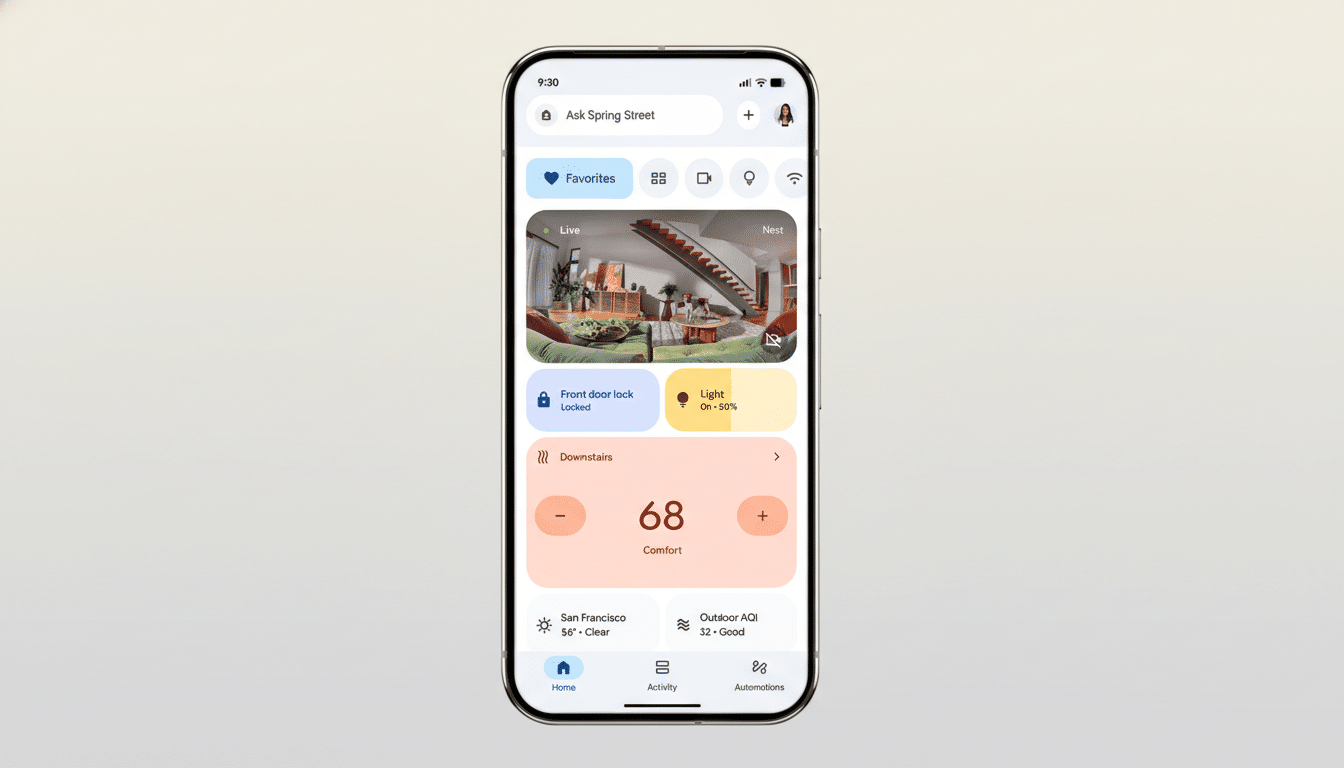
Google is rolling out a major upgrade to automations in the Google Home app, giving routines far more nuance across media, appliances, and security devices. The update introduces a wide set of new starters, conditions, and actions—roughly 20 elements in total—according to Google Home Chief Product Officer Anish Kattukaran, who highlighted the changes on X. It’s a clear step toward richer, context-aware smart homes without resorting to third-party workarounds.
Granular Triggers Make Home Routines Smarter
The biggest win is on the trigger side. Routines can now respond to media playback states like playing, paused, or buffering, as well as volume thresholds. That means your living room lights can dim the moment a movie starts, brighten when you hit pause, or stay low if nighttime volume dips below a set level. Light brightness can also act as a condition, so blinds or lamps can react to ambient light without relying solely on sunrise/sunset schedules.
Appliance status joins the trigger list, too. Washers and dryers can now signal when they’re running, paused, stopped, or erroring, enabling routines that announce a completed cycle on Nest speakers, flash a hallway light for accessibility, or send a push alert if a dryer reports an issue. This is the subtler, state-based logic advanced users have been asking for—less “if time equals X” and more “if the home is doing Y.”
New Actions Extend Device Control Options
On the actions side, Google Home can now do more than toggle devices. You can arm compatible security systems (arming only for now), open or close motorized blinds, and command robot vacuums to pause, resume, or return to their dock. Select appliances—including some washers, dryers, and coffee machines—can be started, stopped, or paused directly by a routine. That last item remains brand- and model-dependent, but it signals Google’s intent to treat appliances as first-class smart devices, not just on/off switches.
Security-focused users will appreciate the arm support, especially for bedtime or away-mode routines. Notably, disarming isn’t available via automation—an intentional limitation that aligns with best practices to prevent unauthorized scripts from disabling protection. It’s a cautious approach that balances convenience with safety.
Compatibility and Rollout Caveats and Limitations
As with most platform updates, availability will roll out gradually. Features may not appear immediately even if your app is current, and support depends on each device maker’s integration with Google Home or Matter. The Connectivity Standards Alliance reports more than 1,000 Matter-certified products on the market, but the depth of control still varies by category and manufacturer. Expect the most seamless experiences with brands that frequently ship firmware updates and explicitly advertise advanced routine support.
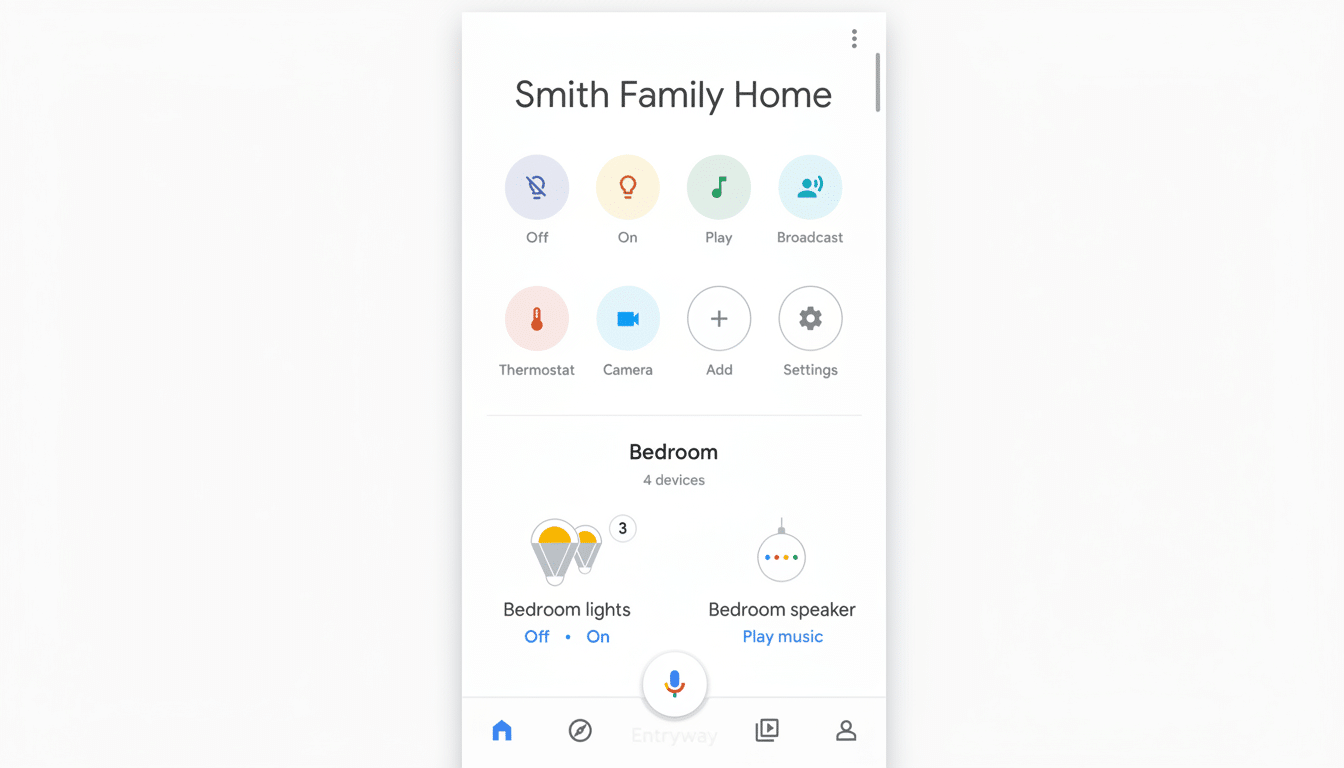
If a device isn’t showing a new trigger or action, check whether it’s connected via a bridge, whether it supports Matter, or if a vendor-specific setting is required. In mixed ecosystems, small tweaks—like updating hub firmware or re-adding a device under a native integration—can unlock new options.
How It Compares to Rivals in Smart Home Automation
With media-state triggers, appliance conditions, and richer actions, Google narrows the gap with long-standing strengths in Apple’s Home automations and Amazon’s Alexa Routines. Alexa has offered sound detection and robust device actions for years; Apple leans on reliable presence and accessory state triggers with deep Shortcuts tie-ins. Google’s advantage is now clearer in media-aware homes—think Chromecast, Nest speakers, and Android TVs working in unison—while still keeping setup far simpler than power-user platforms like Home Assistant.
Industry momentum also favors deeper automations. Analysts note steady smart home adoption and growing multi-device households, and richer routines tend to drive higher ongoing engagement. The more a home reacts intelligently to context—media, light, occupancy, and appliance states—the stickier the ecosystem becomes.
Real-World Routines to Try in Your Google Home
- Movie mode: When your TV or Chromecast starts playing, dim living room lights to 30%, close blinds to 70%, and silence hallway speakers.
- Laundry complete: If the washer stops, announce the cycle finish on all Nest speakers and blink a utility-room light twice.
- Night security: At a set time and when no motion is detected, arm the security system, dock the robot vacuum, and lower the thermostat two degrees.
- Quiet hours: If volume on a living room speaker drops below your threshold, switch accent lights to warm tones and reduce brightness to 20%.
What’s Next for Google Home’s Automation Roadmap
Kattukaran says more automation “traits” are already queued up, suggesting this is the first wave in a larger push. If Google continues to expose device states and expand safe actions—especially for appliances and security gear—Google Home could become the most approachable way to build context-rich routines without scripting. For users, that means less manual fiddling and more moments where the home simply does the right thing.
