


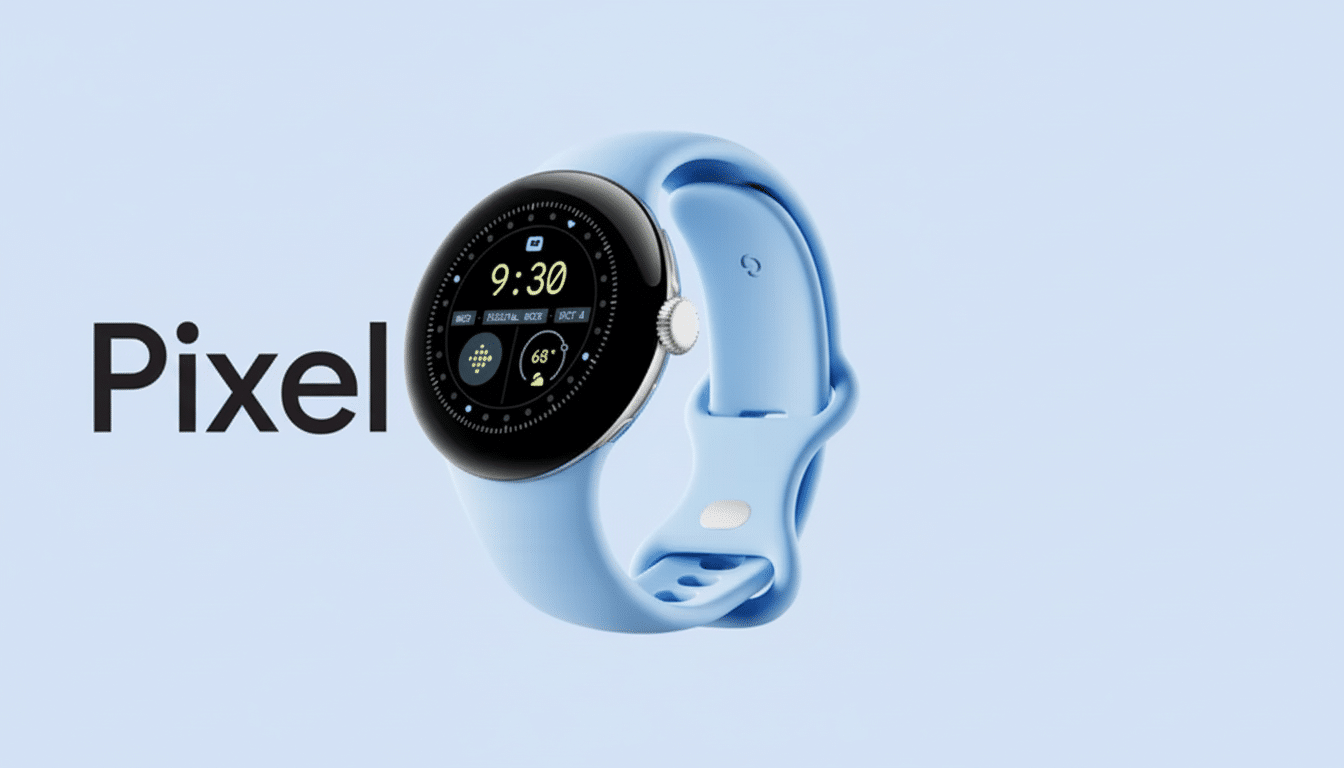
Google is pushing out a nice little quality-of-life update for anyone who owns a Pixel Watch, bringing access to the timer, stopwatch, and media controls while in always-on display. The change is tied to Google Clock version 6.11 and addresses what has long been one of the wearable’s biggest annoyances: when the screen dims, glanceable controls immediately disappear.
What changed on screen in the new AOD mode
In the new always-on mode, the timer loses its animated countdown ring and reduces the UI to just the current time and stripped-down controls. Seconds are indicated with gray dashes, and action buttons now display as outlines rather than filled icons. The stopwatch receives the same treatment on its display: ring and increments vanish, seconds stick around, and milliseconds turn into dashes. The media controls now use the same visual treatment for play/pause and skip, resulting in a similar AOD look for all experiences.
These visual tweaks are more than cosmetic. They minimize pixel changes and on-screen luminosity, which minimizes OLED wear and conserves power. Wear OS has always relied on minimal, static components in AOD to avoid movement and fill color changes that could increase power draw or even cause image retention over time.
Why it matters for everyday use on Pixel Watch
Checking the timers, stopwatches, or media controls are all pervasive interactions on a watch—whether it’s setting a pasta timer in the kitchen, timing intervals at the gym, or pausing your podcast mid-commute. Previously, the AOD of Pixel Watch could make users wake the screen or dive into apps to check remaining time or skip tracks. By keeping these utilities surfaced in AOD, AOD can once again become truly glanceable, which is a fundamental design principle that Google emphasizes in Wear OS.
Initial reports from Pixel Watch and Pixel Watch 2 owners in online communities share that it seems to be working consistently with or without a wrist-raise gesture, leading to fewer accidental AOD wake-ups on the display.
In the real world—especially when working out or wearing gloves—quick glancing is less work than tapping or twisting.
AOD design trade‑offs and benefits for Wear OS watches
It’s a calculated trade-off: you lose the animated progress ring and some more granular time readouts while the screen is in low-power mode. In exchange, the watch keeps its essentials visible with fewer, less-moving and illuminated pixels. That balance is also a way of adhering to best practices for OLED wearables, as well as how other Wear OS and proprietary platforms simplify AOD elements primarily to extend battery life and reduce the risk of burn-in studied by display researchers.
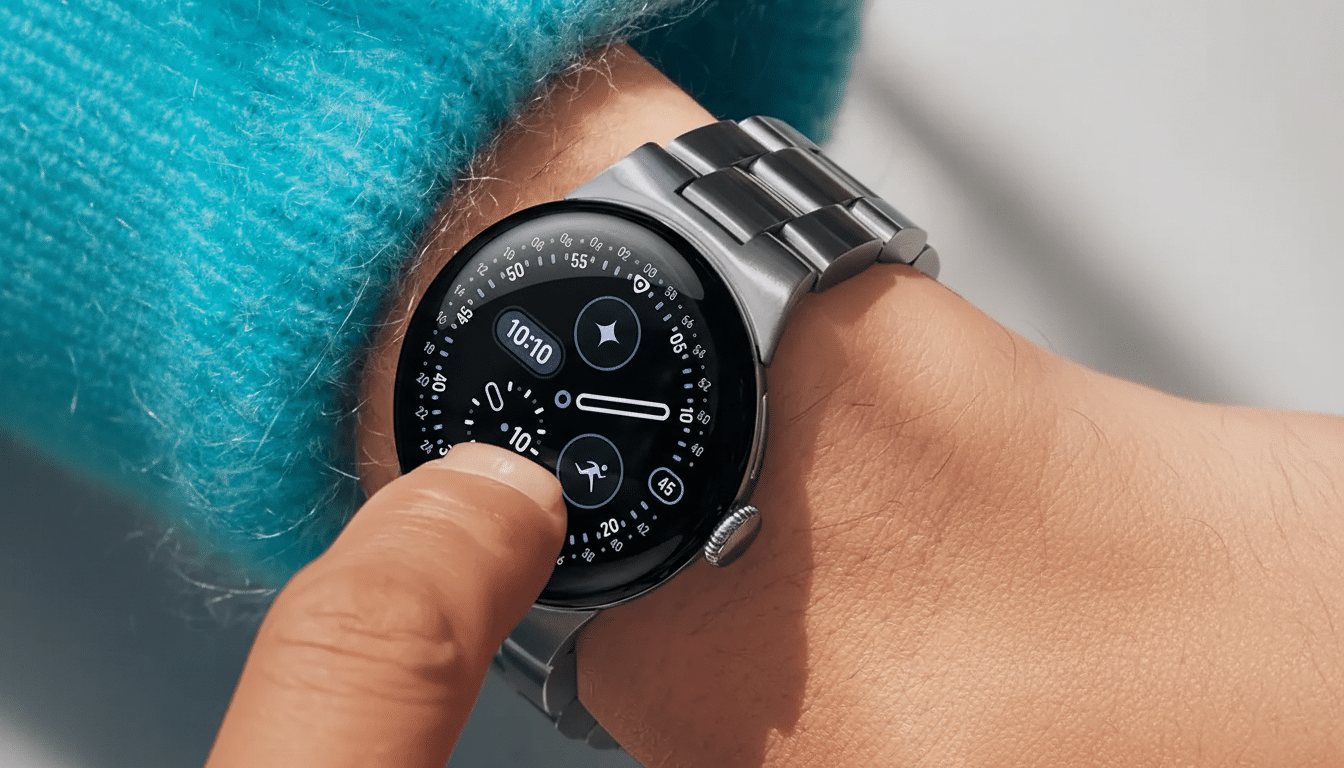
The minimalist outline buttons are a smart usability win, too. They parse better at low brightness and discourage users from creating overly busy AOD states that would negate the power savings. If you require veracity in full—as if watching a stopwatch tick away the milliseconds—raising your wrist snaps that standard, fully animated interface back into warp-speed form without any delay.
How the update is being rolled out to Pixel Watch owners
The change seems to be related to Google Clock v6.11 for Wear OS, and it is rolling out gradually. It doesn’t appear on every device at the same time, implying a server-side flag or staged rollout. Pixel Watch owners will be able to open the Play Store on the watch and look for a software update, and they can verify that the system’s always-on display is turned on in their display settings so they can take advantage of it when it does.
The pattern remains the same on both the first-gen Pixel Watch and Pixel Watch 2, where similar OLED AOD strategies are in effect with equally small battery capacities. The screen itself adds to the all-day goal, appearing only when you lift your wrist or extend an arm, and we expect battery life should be comfortably more than a day (although hand-wringers might fret that it’s not). With there being precious little headroom for compact wearables dedicated to all-day usage, any tweak that factors out the friction of keeping critical info in view without lighting up the full blast of pixels is a good use of thumb ache.
A peek at some Wear OS 6 priorities for always‑on displays
Google has been poking at a wider AOD rejig as part of its Wear OS 6 push, which this update looks to be an early sliver from that roadmap. It reminds you where the platform is going: a more consistent low-power UI that doesn’t rip away from active tasks. This and similar approaches are likely to be broadened and applied to more tiles and system surfaces by Google, for a glance-first experience even when the watch is idle.
Meanwhile, the takeaway is straightforward for now. Pixel Watch owners can finally count on their timers, stopwatches, and media controls to not disappear when the screen dims—little fixes that amount to a much smoother everyday experience.
