


Google has quietly resolved one of Android’s most frustrating car quirks by restoring the option to enable Driving Mode only when your phone is connected to vehicle Bluetooth. The change stops Do Not Disturb from auto-activating based solely on motion detection, a behavior that had been silencing notifications for passengers as much as for drivers.
What Changed And Why It Matters For Android Users
For years, Driving Mode used two primary triggers: Bluetooth connection to a car head unit and activity detection from on-device sensors. At some point, the Bluetooth-only choice disappeared for many users, leaving motion sensing as the default. That meant anyone in a moving vehicle — from carpool companions to ride-share passengers — could see their phone switch into Do Not Disturb, potentially missing important calls or messages while not actually driving.
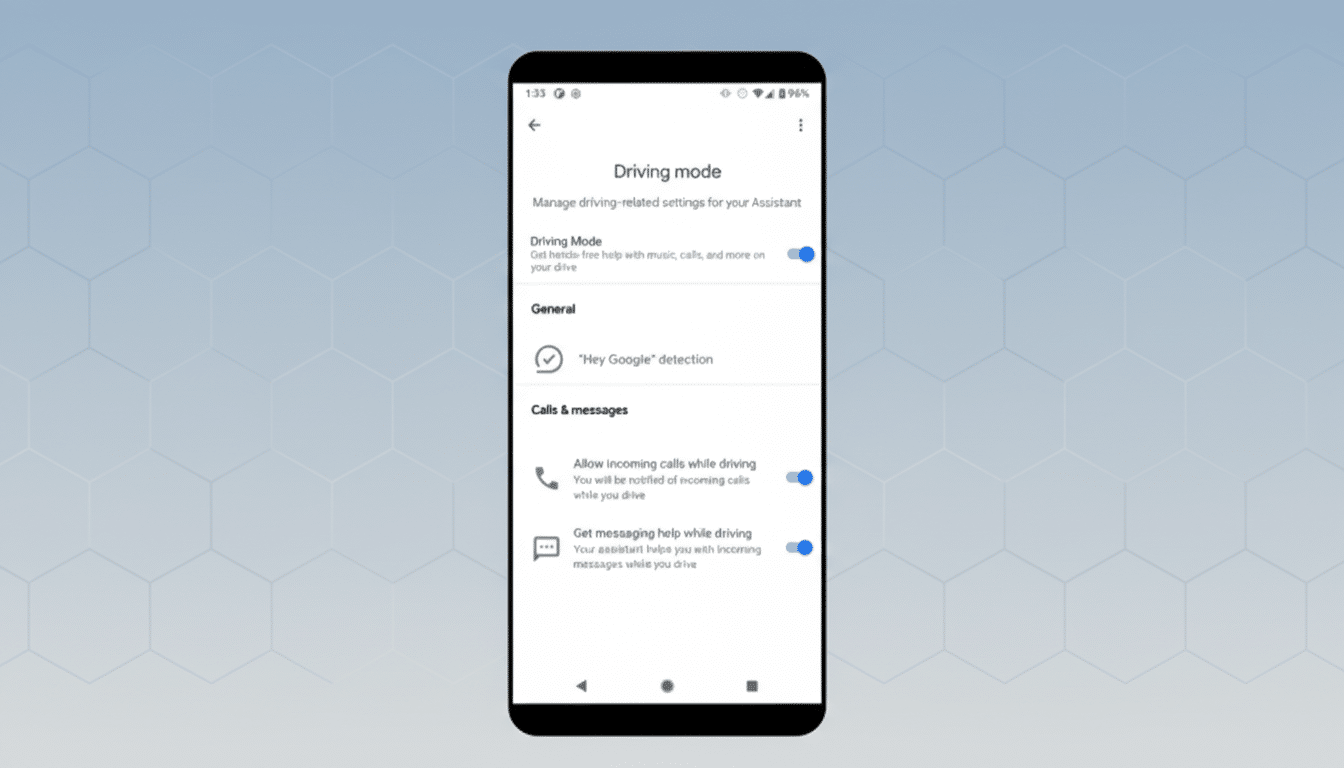
The restored control lets you choose to activate Driving Mode strictly when the phone connects to a recognized “vehicle Bluetooth” device. In effect, it ties distraction-reduction to an unmistakable signal that you’re in the driver’s seat. That’s a small toggle with outsized impact, reducing false positives while preserving the intent of minimizing interruptions when you’re behind the wheel.
Under the hood, this is a sensible recalibration. Android’s activity recognition can confuse train or bus movement with driving, and even brief bursts of acceleration can trip the mode. Bluetooth gating adds a concrete anchor, one that aligns with how most modern cars connect to phones for calls and media.
Where To Find The New Option In Android Settings
The Bluetooth-only trigger is appearing with Google Play Services version 26.05.32. Because Play Services updates roll out in waves, you may not see it immediately, but checking for an update in the Play Store can help speed things along.
Once updated, go to Settings > Modes > Driving. Turn on the While Driving toggle, then tap it to choose between “When connected to vehicle Bluetooth” and “When driving is detected.” The layout may look different depending on your phone — Pixels use Google’s Material 3 Expressive UI, while other brands present a more traditional list — but the options are the same.
If you frequently hop into shared rides or public transit, selecting the Bluetooth option will keep Do Not Disturb from kicking in due to motion alone. Conversely, if you frequently drive older cars without Bluetooth, the motion-based trigger remains available.
Device And Car Compatibility Notes For Bluetooth
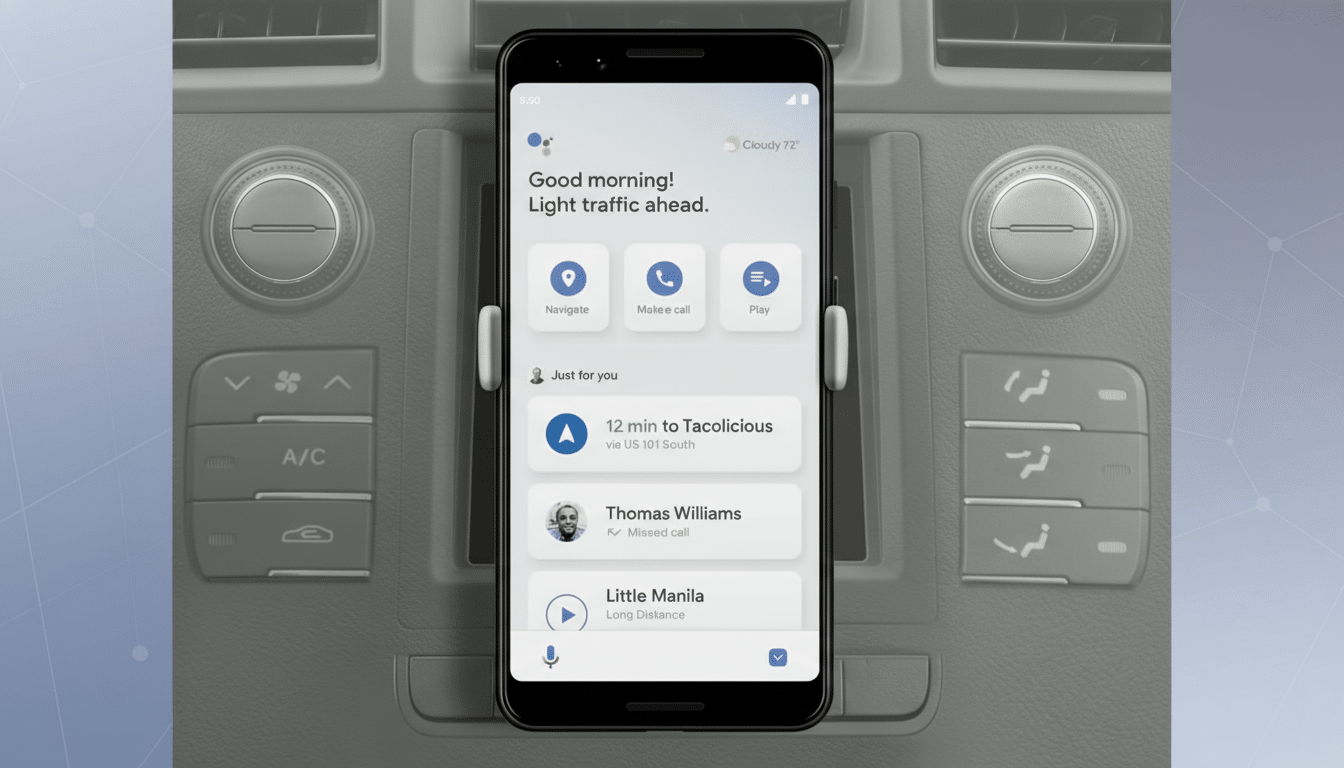
The setting references “vehicle Bluetooth,” which typically means recognized profiles for hands-free calling and media. Aftermarket head units and generic adapters should work if they present standard profiles, but behavior can vary. Pair the car, place a call or play audio once, and then test the trigger to confirm.
It is also worth noting that some manufacturers offer even finer-grained controls. On certain devices, you can gate Driving Mode to Android Auto connections specifically, which is ideal for cars where passengers also pair over Bluetooth. Google’s approach lands in the middle, balancing simplicity with smart defaults and avoiding vendor-specific fragmentation.
Safety Context And Real-World Impact Of Changes
Cleaner triggers are not just a quality-of-life win; they support safer roads. According to the National Highway Traffic Safety Administration, distraction-affected crashes claimed 3,308 lives in 2022. The core idea behind Driving Mode — reduce on-phone interruptions when a person is actively operating a vehicle — is sound. But when a feature silences phones for passengers, people are more likely to disable it entirely. Restoring Bluetooth-only activation keeps protection where it belongs without training users to distrust automation.
In practice, this also helps edge cases. Think about a morning commute on a bus, a high-speed train, or a ride-share where your phone sits motionless in a pocket but the accelerometer still senses movement. False positives can block calendar alerts, family messages, or work calls. A Bluetooth anchor dramatically lowers those misses while keeping the driving experience calmer for the person at the wheel.
What To Watch Next In Android Driving Mode Updates
Google continues to ship behavioral tweaks through Play Services rather than full OS updates, so expect more Driving Mode refinements without fanfare. The company has also been developing a commute-focused mode aimed at reducing motion sickness for non-drivers, suggesting a broader strategy of context-aware profiles that adapt to who you are in the car — driver or passenger — not just that you are moving.
For now, the revived Bluetooth trigger is the right kind of quiet fix: small, targeted, and immediately useful. If you turned Driving Mode off after one false alarm too many, this is a good reason to give it another try.
