


Google has discreetly made a small yet telling change to Google.com: a new plus icon nestled in the search bar that allows you to upload a file or image and ask an AI to analyze it. It is a small push toward multimodal search, bridging the classic search box to the company’s chatbot-like AI Mode without any bombastic announcement.
How the New Upload Button in Search Works Today
On desktop, you’ll have a plus sign to the left of the search field and an AI Mode button already existing on the right-hand side. Click the plus, select Upload Image or Upload File, and it appears as a chip inside the bar. Type a question — “What does this error mean?” or “Summarize this PDF” — and Google replies in an AI Mode pane with a summary or explanation, next steps, or follow-up prompts. Android Authority was first to notice the change, which looks like a server-side update that’s ramping up widely.
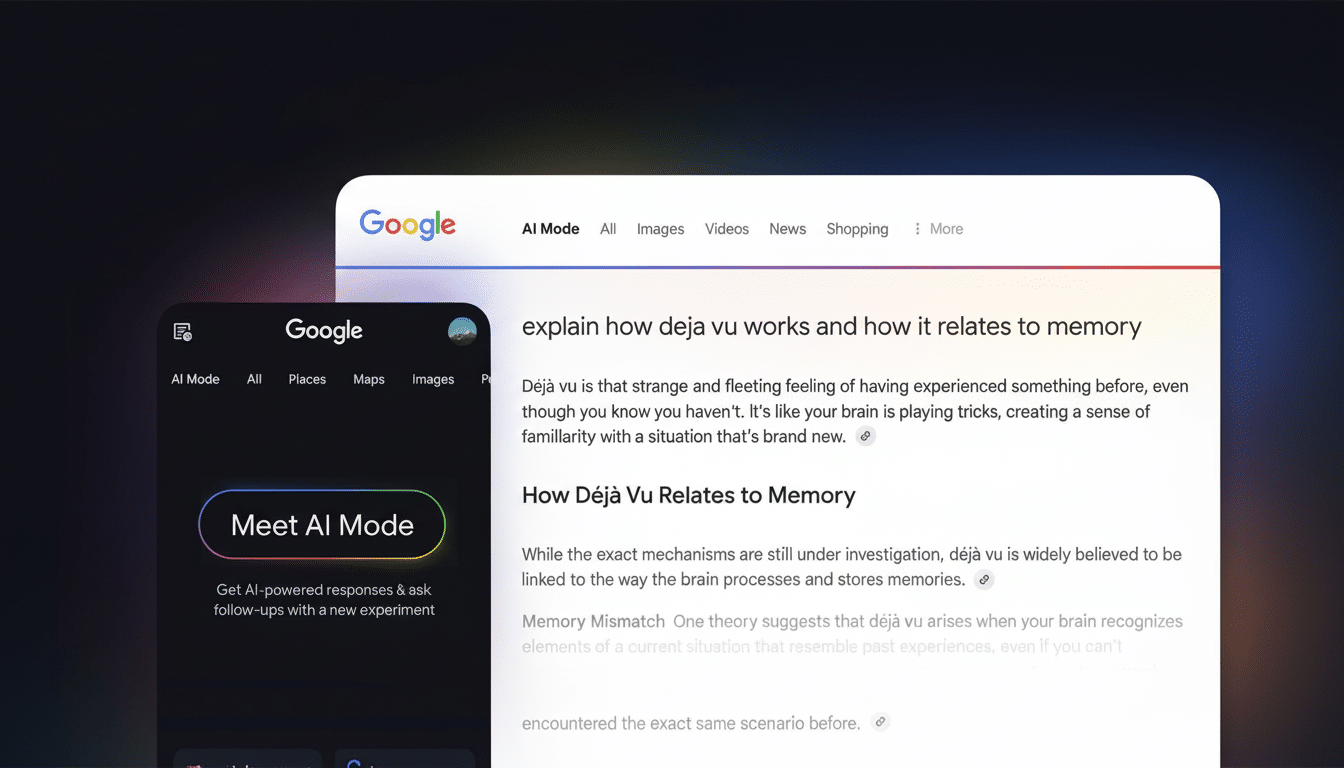
As a neat touch, the UI doesn’t explicitly denote “AI Mode” when you are actively uploading, and the familiar Google Lens camera icon is maintained to the right. That duality could be confusing for some users: Lens is still all about doing image-based lookups and making shopping matches, but the plus button gives over your content to Google’s generative system to attempt to reason in context about its appearance.
Why Multimodal Search Capabilities Matter for Users Now
Search is evolving from keywords to tasks. People just want to toss in a screenshot, a contract clause, or a spreadsheet and ask: “What should I do?” Google is now surfacing that behavior directly in the main search surface instead of distributing it throughout various apps. With Google controlling more than 90% of global search engine market share and its Chrome browser eating up nearly two-thirds of the world’s usage (based on StatCounter data), even small interface changes have the potential to refashion how millions search.
It’s also consistent with Google’s overall strategy to embed Gemini throughout its ecosystem. The company has been stitching AI capabilities into Chrome on iPhone and iPad, tinkering with personalized adjustments in Google Discover, and trying out generative experiences that condense results or rewrite content. The new upload button reduces friction: you no longer need to open a separate chatbot to solicit AI assistance with your file.
What You Can Do With the New Upload Feature in Search
Real-world uses are straightforward. Take a picture of a broken part on your appliance to request the name of that part and possible matches. Upload a multi-page PDF and ask for a summary note, the critical deadlines, or action required. Upload a screenshot of an obscure software error and ask, “Can you tell me what its causes are and how to fix it?” Submit a slide from a lecture for description in plain language, and it will provide an explanation for the general public, along with suggested reading.
Since the feature lives in Search, answers can combine AI reasoning with web context and source suggestions rather than delegating you to another bot. Nevertheless, use a sensitive touch with sensitive content. Like other Google AI features, what you upload and type can help improve products and services; depending on your account settings, data may be saved and used. Check your privacy settings on your Google Account, like Web & App Activity and Gemini Apps Activity, if available, before sharing personal or private files.
Early Friction and Familiar Confusion as Features Overlap
This rollout illustrates a problem that Google has faced again and again: combining overlapping tools. Now users see three side-by-side paths: regular search, Lens, and AI Mode, all of which are capable of processing images but each has different strengths. By leaving the new upload unlabeled and positioning it to the left, Google appears to be testing out how people naturally converge there without over-explaining the tech.
And there is the danger of AI misfires. Experiments on Google’s surfaces have been mixed. A Labs test that rewrites headlines in the Discover feed has apparently tripped over hitting the right tone, according to 9to5Google. The company is probably tuning where generative responses appear and what their tone is, looking to balance utility with safety.
What the New Upload Button Ultimately Means for Search
The upload button is a little UI, big strategy. It subtly trains users to start bringing their content into Search, and to anticipate AI reasoning over it rather than just fetching links. Down the road, you can anticipate stricter convergence between Lens, Gemini, and our classic set of results—especially for more complex tasks involving a mixture of images, text, and files.
For publishers and retailers, the change will naturally mean even more inquiries that resolve inside AI panels. Clear citations, structured data, and the “how” and “why” of content will only matter more as models synthesize answers. For users, the bottom line is simpler: The search box isn’t only a place to type words. It’s a drop zone for problems — and Google wants AI to be the first responder.
