


Google is releasing a Refine button powered by Gemini in Google Chat, and it’s for those specific times that you’ll want to use it — such as when messaging with a senior stakeholder or communicating updates to an entire team. With a single click, Refine will tighten up your grammar, sharpen your tone, and cut excess words from your email, making sure you land that message with confidence.
How Refine Works in Google Chat on the Web
Refine pops up in the formatting toolbar as you compose a message in Chat on the web. Tap the formatting icon and tap Refine, and Gemini suggests editing changes for clarity, tone, grammar, and spelling as well as conciseness. Alternatively, you can focus on only one sentence or paragraph by highlighting it.
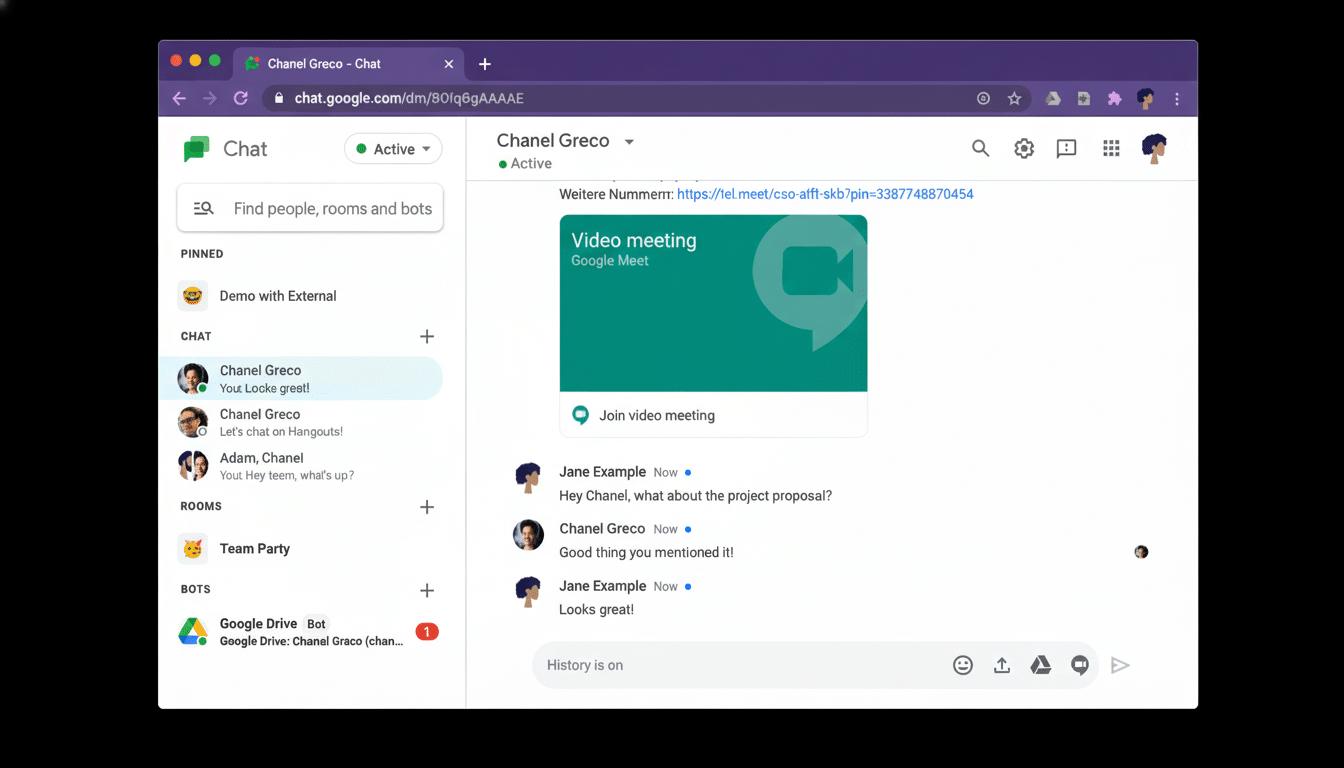
The suggestions pop up immediately, allowing you to accept, modify, or reject them. Consider it an on-demand editor: It respects your writing but pushes you to be more direct and professional. “Can someone look at this,” for instance, could change to “Could someone please review the attached document (file name) and provide feedback by close of business today?” — a tiny tweak that makes urgency and expectations all the more explicit.
If you ever used the AI-assisted drafting feature in Gmail, it will feel familiar. The difference is speed and context: In many organizations, chat messages are shorter, more frequent, and, at least sometimes, more public advertising inside an organization. The quality bar counts.
Who It Is For and Where You Can Use It Today
Refine works in English and only on the web version of Google Chat for now. It is available to some Google Workspace editions, including Business Standard and Business Plus, Enterprise Standard and Enterprise Plus, and Frontline Plus, as well as those on paid AI add-on tiers. Availability may vary depending on your company’s admin settings.
Mobile support isn’t here yet. So far, the best experience is on desktop, particularly if you’re writing longer updates or working in multiple rooms and spaces.
Why This Can Help You Win Over Your Boss
Polished writing signals credibility. It consolidates feedback, clarifies ownership, and enables teams to act more quickly. On high-visibility channels, the difference between muddle and momentum can be a crisp narrative — something that managers appreciate.
There’s data behind the promise. Microsoft’s Work Trend Index reveals that 75% of knowledge workers are already using AI at work, and they estimate that as many as 90% believe it helps them save time. Elsewhere, a study by MIT and Stanford discovered that access to generative AI led to a productivity boost in support agents of about 14%, with the most inexperienced workers making the biggest gains. Tools like Refine bring those benefits to everyday internal communication, where clarity and tone have a direct effect on results.
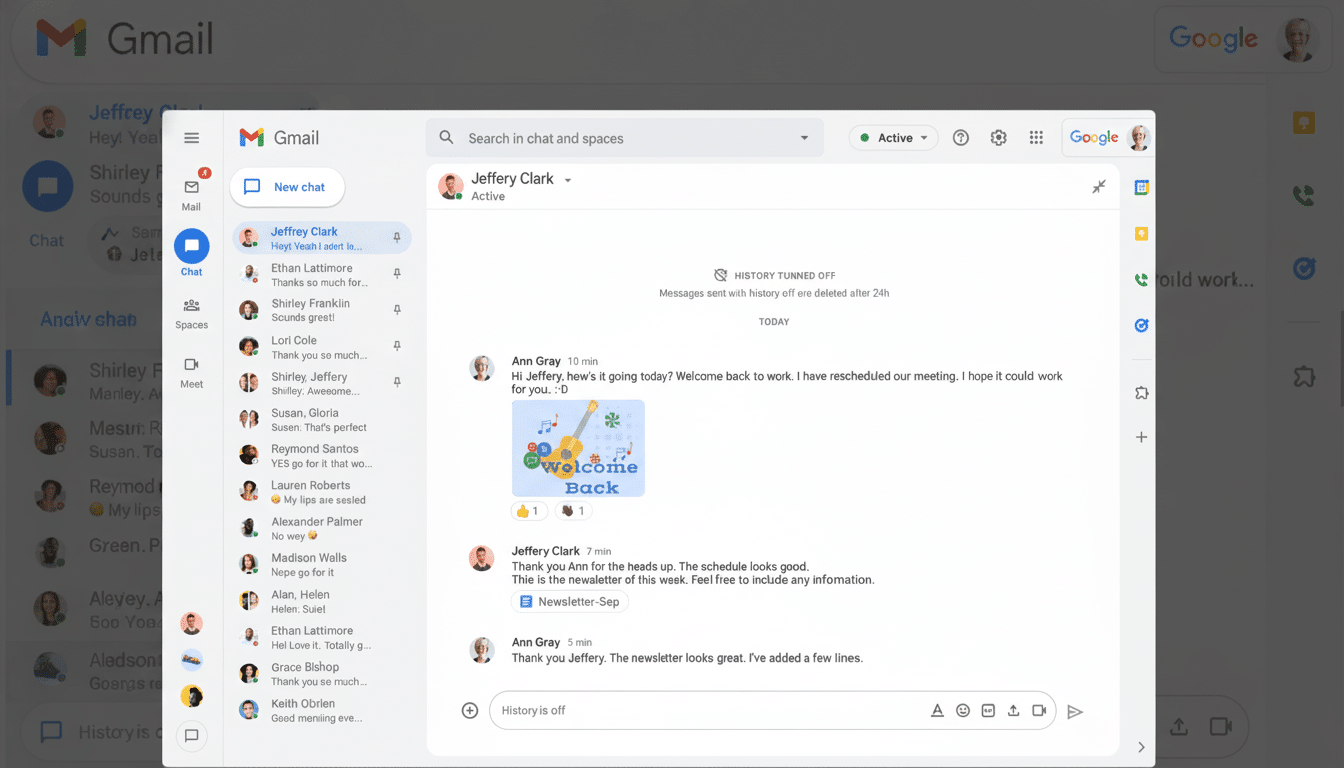
Refine could be particularly useful for multilingual teams. Thus, when English isn’t a native tongue, nudge phrasing or tone can be harnessed to head off misinterpretations while also preserving the original writer’s intention. In distributed and hybrid organizations, where Chat threads can sometimes be the paper trail, that consistency counts.
Limitations and Best Practices for Using Refine
AI suggestions aren’t infallible. They can dull the edges of a clear message or sand away nuance. Use Refine as a co-editor — not an autopilot. Go through your final text, add back in your voice when necessary, and make it clear what action you want people to take.
Practical tips:
- For the sentence you want to tighten, highlight only it before applying Refine.
- Say whether you need a specific tone (direct, empathetic, or neutral) directly in your draft before refining anything.
- Refrain from giving prompts for sensitive data and adhere to your company’s security-protocol rules.
- If all else fails — marry Refine with your team’s style guide so that your words will be consistent across the board.
What It Means for Google Workspace and Competition
Google has been weaving Gemini through Workspace — brainstorming in Gmail, assisted writing in Docs, and AI-based features across Meet. Bringing Refine to Chat fills a gap so we can use AI-assisted communication in any place where work conversations occur.
Competitively, it is on par with rivals that provide AI help in messaging and email. Microsoft’s Copilot can write messages in Teams and Outlook, and third-party writing assistants have long been a part of the enterprise. By adding a seamless, one-click native editor to Chat, Google minimizes the friction of creating and holding onto that focus.
Bottom line: Refine isn’t going to write your strategy, but it can help you say it better — and in the quick-moving chatter of team channels, that polish can make your work look tighter, your asks clearer, and your leadership more visible.
