


Google is rolling out a native Figma integration for Google Chat, giving design and product teams the ability to see file previews, manage invites, track mentions, and reply to comments without leaving their conversations. The feature extends the existing Figma for Google Workspace add-on, which previously tied into Docs and Meet, and puts real-time design updates directly into direct messages and Spaces.
What the New Figma Integration in Google Chat Delivers
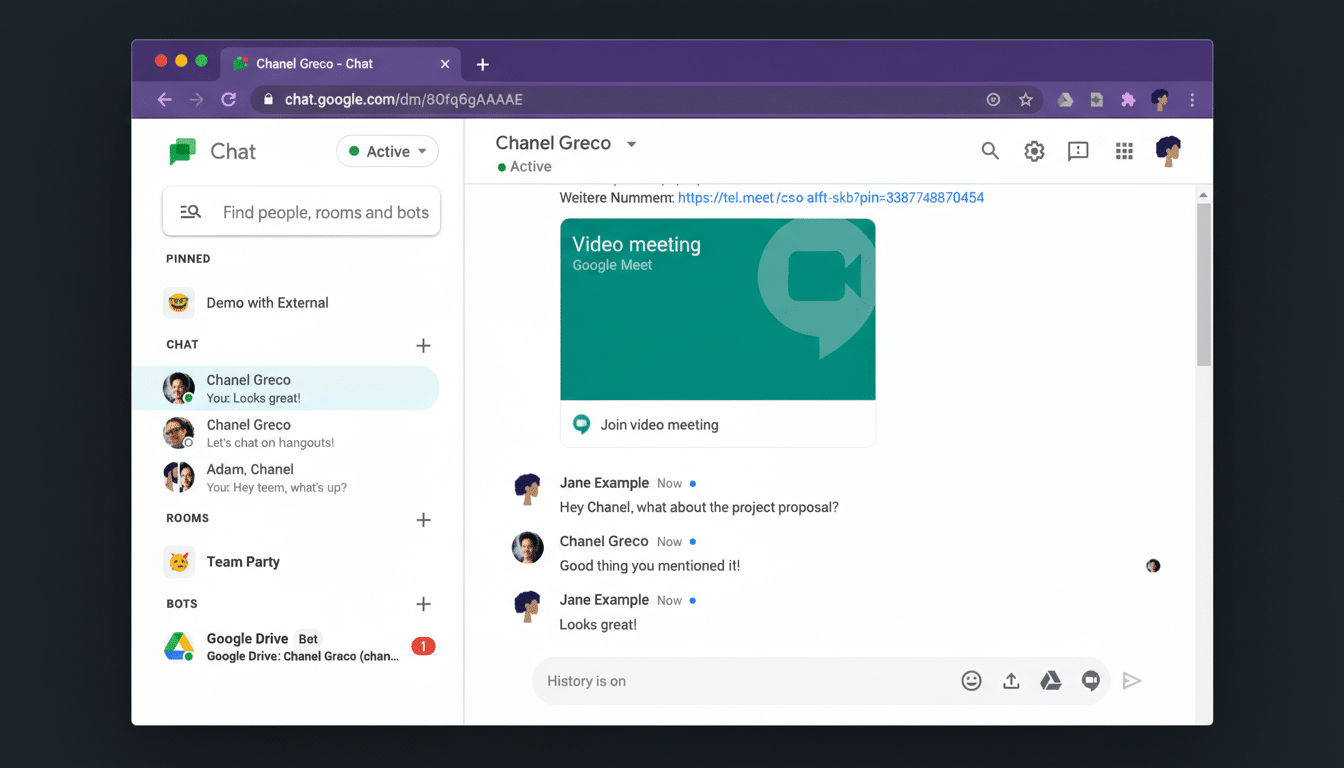
Once users install the Figma add-on and sign in with their Figma account, Chat will surface automatic notifications for invitations, tags, comments, and replies. Previews appear inline so teams can quickly assess updates at a glance, and the standout capability is the option to respond to Figma comments right from Chat. That keeps feedback loops tight and eliminates back-and-forth app switching during design reviews or QA.
According to product guidance from both companies, the integration supports a broad set of Figma surfaces, including Figma Design, FigJam, Figma Slides, Buzz, and Sites. Functionality mirrors what many teams have used in Slack—notification feeds and quick actions tied to design artifacts—so organizations standardized on Google Chat can reach parity without bolting on a separate chat tool.
There are a few edge cases to note.
- If you have a Figma file open in your browser, comment and tag alerts may pause in Chat until that tab is closed.
- Chat doesn’t generate notifications for FigJam tags placed on sticky notes.
- Products that don’t support comments won’t pass comment activity through to Chat.
Why This Integration Matters for Design and Product Teams
Design work thrives on rapid, contextual feedback, yet it often stalls when stakeholders juggle multiple tools. Research from collaboration and productivity analysts has repeatedly linked app switching to slower throughput and more missed handoffs. By piping Figma activity into the same place where decisions are made, Chat reduces context shifts and shortens the path from mention to resolution.
The stakes are sizable: Google has publicly said Workspace serves more than 3 billion users, and Chat is increasingly the backbone for cross-functional communication in those domains. Bringing Figma’s comment threads, invites, and previews into Spaces means product managers can green-light changes, engineers can clarify specs, and marketers can review slides—all within the chat stream where the team already operates.
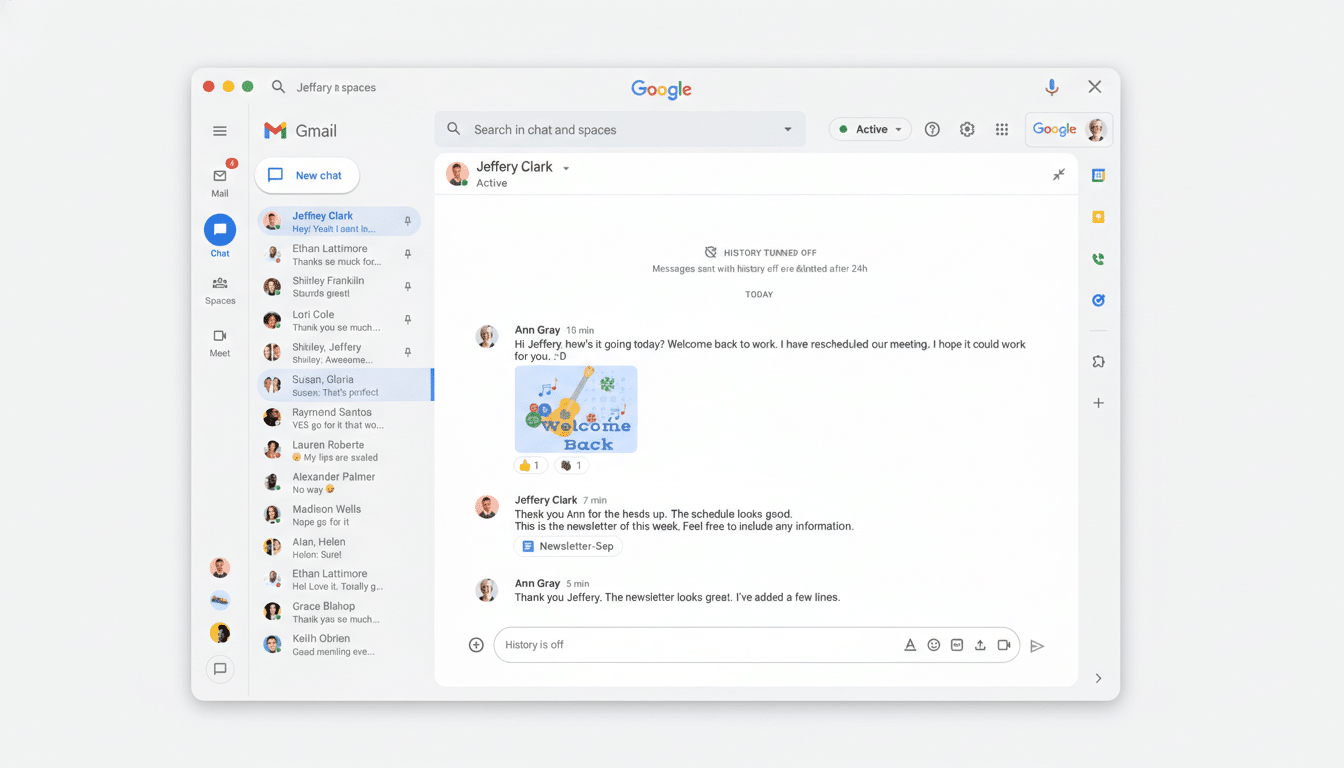
Consider a sprint review: a designer drops a Figma Slides update, the team sees an instant preview in Chat, and stakeholders reply inline to resolve a blocking comment. Or during a bug bash, QA can tag a component in Figma Design, trigger a notification to a Space, and get a same-thread response that closes the loop in minutes instead of hours.
Rollout and Setup Details for Google Chat’s Figma Add-on
The Figma integration for Google Chat is rolling out to all Google Workspace customers, including enterprise domains on both Rapid Release and Scheduled Release tracks, and it also works with personal Google accounts. If your organization already installed the Figma add-on for Workspace apps like Docs or Meet, the Chat functionality should appear automatically once users authenticate with Figma in Chat.
Notification preferences can be tuned per user in the Figma add-on settings within Chat. Admins who manage Marketplace add-ons centrally should confirm that the Figma add-on is allowed for the relevant organizational units to ensure a smooth deployment.
Practical Tips and Caveats to Get the Most From Chat Alerts
- To avoid noise, teams can dedicate a Space to project updates and reserve @mentions for blockers or sign-offs.
- Use file previews to align fast, then jump into Figma for deeper edits.
- If chat updates seem to lag during an active review, close the open Figma browser tab to resume notifications.
- And remember that tags on FigJam sticky notes won’t notify in Chat, so rely on comments or frames for time-sensitive pings.
Bottom line: this integration pulls feedback closer to the conversation, aligning design rhythms with how modern teams actually communicate. For organizations already anchored in Google Workspace, it’s a low-friction way to accelerate design cycles and keep everyone—from designers to execs—on the same page.
