


Google has revived Screen-off Fingerprint Unlock on Pixel phones, sneaking the option back into Android 16 Quarterly Platform Release 2. The toggle, which allows folks to unlock with the under-display sensor while the screen is entirely off, vanished during more recent beta cycles—leading to a lot of puzzled reactions and bug reports—but then reappeared in the stable build for newer Pixels.
What’s New in Android 16 QPR2 for Pixel Phones
The feature was initially seen on Android 16 Developer Preview 2 for the Pixel 9 series, before appearing on a few other devices, only to disappear in later betas. With QPR2 it’s back for real—but not in every case. Comments from users and testers show the toggle is present on all Pixels 9 and up but is missing on most older handsets.
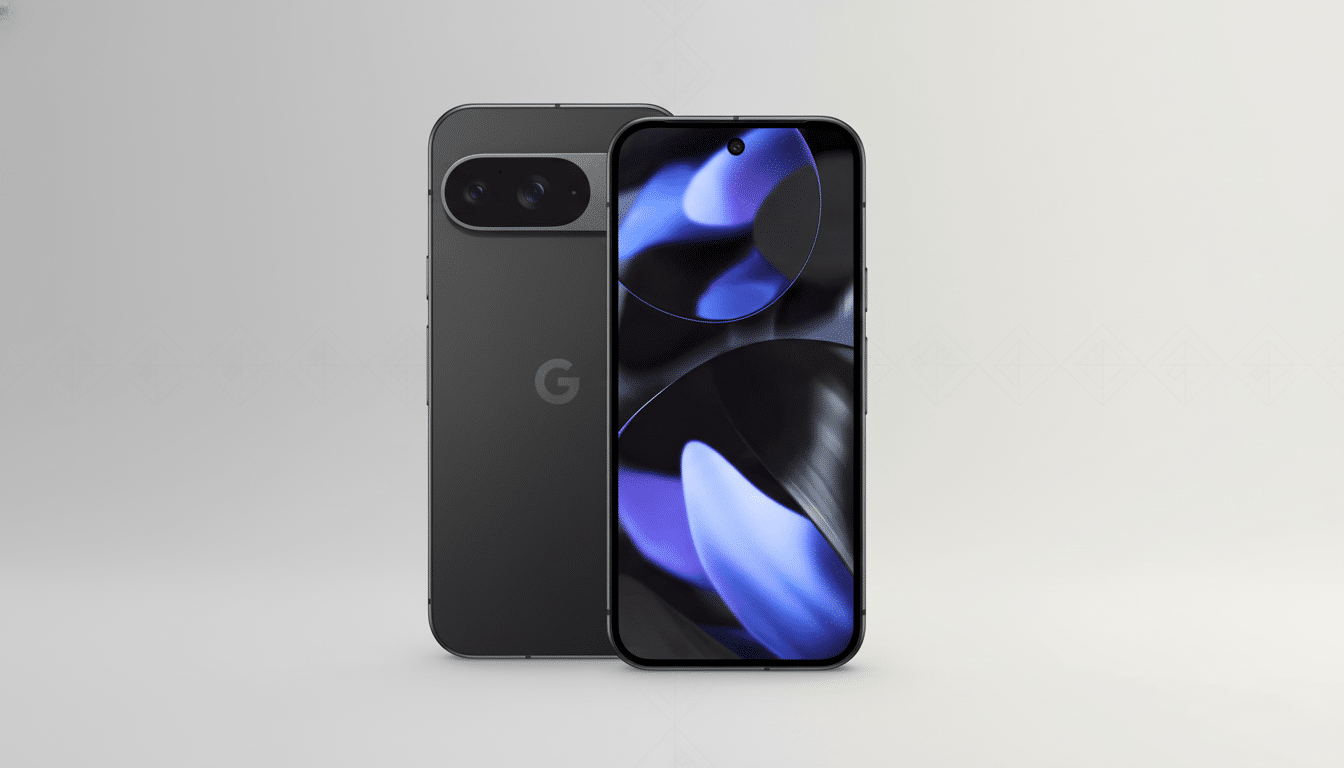
To make it easy: Screen-off Fingerprint Unlock keeps the under-display fingerprint hardware awake when the screen is black. Rather than waking the phone first by tapping on the screen or picking it up off your desktop, you put your finger on the area where a sensor resides and the handset authenticates immediately. Earlier, the only way to do something similar was using Always-on Display, which some users second-guess due to privacy or battery concerns.
Why Some Pixels Are Missed from Screen-off Fingerprint Unlock
The divide seems connected to hardware. The Pixel 9 family and later adopt ultrasonic under-display sensors, featuring sonic waves to image a fingerprint through the glass without a directly lit panel. And many older Pixels—including the 9a—depend on a form of optical sensor that lights up the fingertip with the screen to read a print. Optical modules can fail or have difficulty performing reliable authentication with the display off.
That technical gap falls in line with what biometric specialists have long observed: ultrasonic scanners generally can accommodate more ambient light, be more consistent across different skin conditions, and work better when it is dark. Android’s own biometric security model makes a distinction between stronger and weaker modalities for high-security actions like payments; it’s more logical that a sensor always on while the screen is off can meet that level of reliability.
User reports echo this rationale. Reportedly, this toggle is reappearing in Fingerprint settings for some Pixel 9 and newer owners after installing QPR2, while others with a Pixel 8 or 9a note that the toggle is missing despite being on up-to-date software. Google has not publicly addressed the cutoff, but that pattern tracks with the sensor change.
Everyday Impact and Trade-offs of Screen-off Unlock
For others, the shift is one of speed and privacy. Screen-off unlock saves you a step and prevents the screen from lighting up in dark environments, providing convenience at theatres, meetings, or while sleeping. It also decreases dependence on Always-on Display, which itself is efficient on OLED but still adds to idle power draw and shows lock-screen content some would rather not have visible.
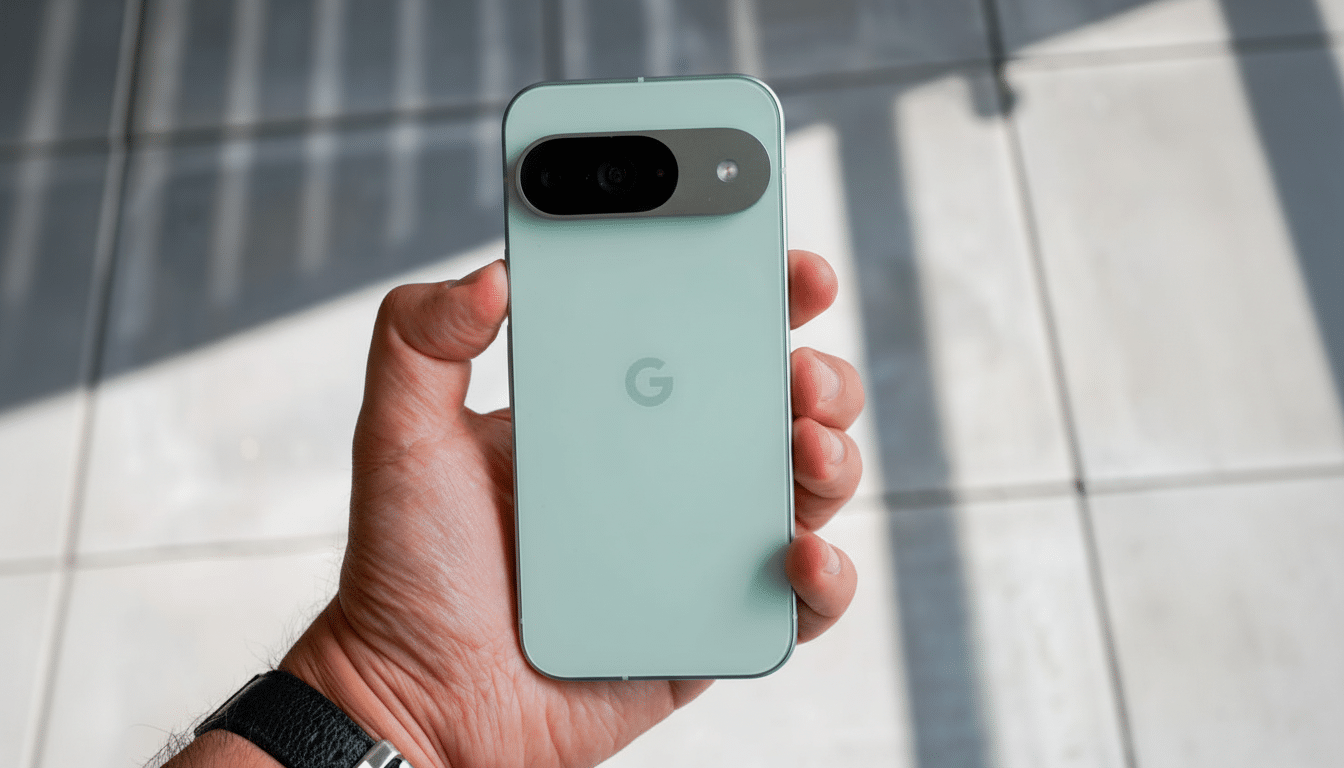
There are minor trade-offs. Keeping the sensor live with the display off could allow a gentle touch to read from it in one’s pocket or bag and possibly cause more failed attempts. Pixel phones counteract this with lockout rules and haptic cues, but they may not hold up to frequent withdraw-and-put-back scenarios in tight spaces. Our own best-practice advice, the same as with most major updates, is to re-enroll fingerprints and clean the glass to get optimal first-try success rates. Early adopters may also wish to contact Tappy on Gopher or via Twitter.
How to Turn On Screen-off Fingerprint Unlock
Once you have Android 16 QPR2 on your phone, open Settings, navigate to Security & privacy, select Device unlock, and finally Fingerprint. If your device supports the feature, you’ll find a Screen-off Fingerprint Unlock toggle here. Turn it on and test with the screen off by gently applying a registered finger to the scanning area.
If you don’t see the option, your device probably has an optical sensor or hasn’t been added to the rollout. Update and verify that Google Play system updates are up to date. It’s worth noting that, this being an early pre-release build, staged rollouts could potentially take a little while to reach all regions and carriers, users in testing forums have posted.
What to Watch Next for Pixel Fingerprint Unlock
Two open questions remain.
- If Google plans to bring Screen-off Fingerprint Unlock to any optical-sensor Pixels through some sort of software-based workaround, like a short flash of the screen to help a read.
- Whether new Pixels also standardize on ultrasonic hardware for all models—up to and including the A-series devices—in order to bring features like this together.
For the moment, Pixel 9 (and later) owners receive a small but welcome quality-of-life win. Screen-off Fingerprint Unlock’s return restores the power-user workflow that we have been demanding ever since it disappeared in beta—and it does it without requiring Always-on Display, extra taps for lock-screen shortcuts, or worse battery life.
