


Google is tuning its Veo video generation model for the realities of mobile, introducing native vertical output that makes 9:16 clips feel purpose-built for phones rather than cropped afterthoughts. The update centers on Ingredients to Video, Veo’s multimodal workflow, and adds improvements to visual consistency so characters and styles don’t shift between shots.
Why Native Vertical Video Output Matters on Mobile
Short-form feeds now set the pace for video. YouTube has said Shorts reaches over 2 billion logged-in users monthly, while TikTok and Instagram continue to push vertical formats to the front of their apps. For creators and brands, that means most new creative must be optimized for a thumb-first, full-portrait experience, not retrofitted from landscape.
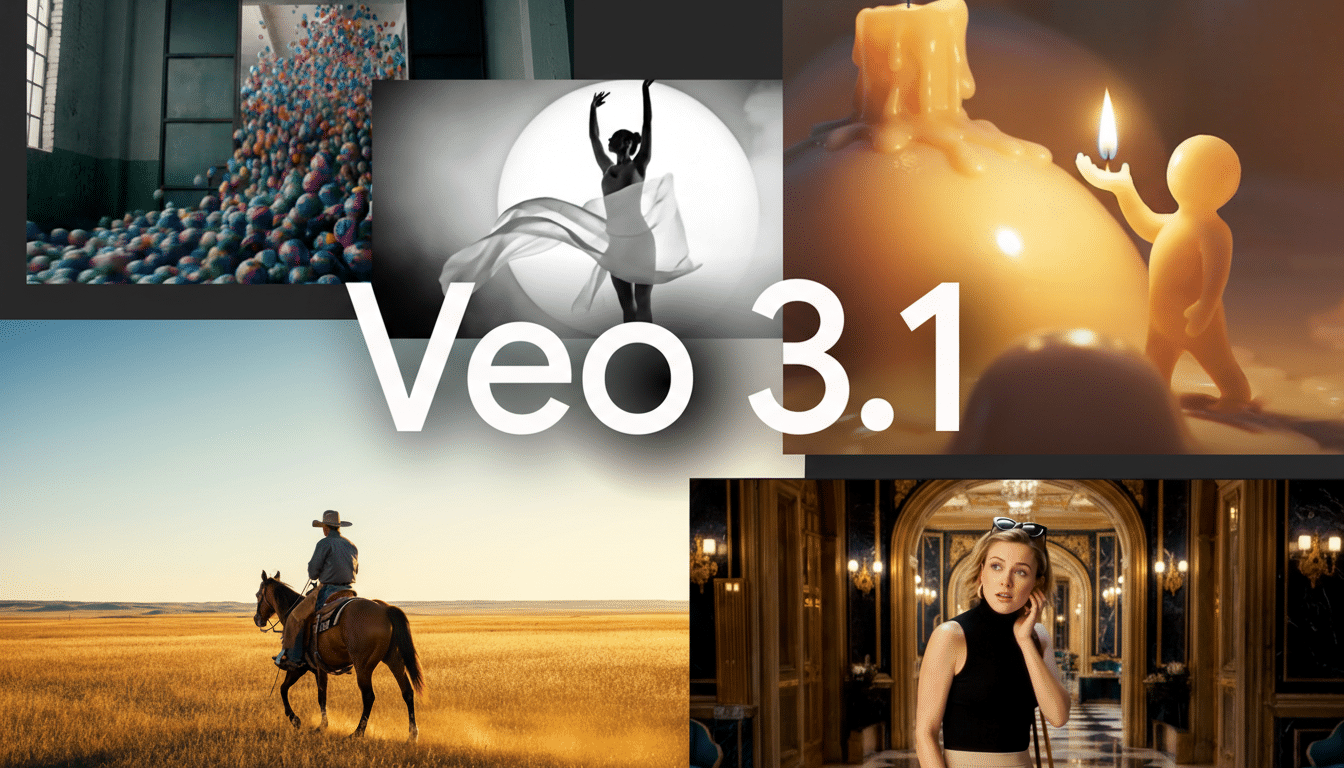
Until now, many Veo users generated widescreen clips and cropped them down, which often introduced off-center subjects, awkward headroom, and motion that read strangely on a phone. Native 9:16 solves that at the model level: the frame is composed for portrait from the outset, movement is planned vertically, and key subjects stay in view without letterboxing or manual reframing.
What Changes in Veo’s Vertical Video Generation
According to Google’s announcement, Ingredients to Video now understands portrait framing by default, producing true 9:16 outputs when prompted without relying on post-generation crops. Practically, that means the model tracks subjects to the vertical center, manages head-to-toe composition, and arranges camera motion to feel natural on a phone screen.
The company also highlights upgrades to visual consistency across shots. In earlier iterations, multi-scene clips could exhibit “character drift” where faces, outfits, or styles shifted subtly between cuts. Veo now aims to hold those elements steady, which matters for continuity in narrative Shorts, branded content, or multi-beat product demos.
Ingredients to Video remains Veo’s most flexible mode: creators can mix reference images, rough sketches, motion cues, and text prompts into one output. The vertical-native pipeline makes that mashup more predictable; for example, a reference portrait is less likely to be cropped awkwardly, and motion guides translate more intuitively to portrait camera paths.
Fewer Fixes for Mobile-First Creators Using Veo
For teams producing dozens of Shorts, Reels, or TikToks each week, these changes cut down the tedious finishing work. No more sliding keyframes to keep faces centered after the fact, rebuilding text overlays to avoid safe-area clashes, or re-editing cuts that suddenly feel too tight after a vertical crop. The result is faster turnarounds and fewer artifacts—especially on fast-moving scenes where cropping used to clip action.
Consider a cosmetics brand assembling a 12-second tutorial: with reference images for product, a sketch of framing, and a text prompt describing tone, Veo can now generate a vertical clip where hands stay on-screen, labels remain legible, and transitions don’t jitter between shots. That’s the difference between a passable crop and something that actually feels native to the feed.
How It Compares in a Crowded AI Video Field
The broader market for AI video has been surging, with tools like Runway’s Gen-3, Pika’s latest releases, and Luma’s Dream Machine already offering portrait-friendly outputs. Where Google is staking ground is in mobile-first behavior inside the model—composition, subject tracking, and motion tuned for 9:16—paired with stronger temporal consistency. It’s a subtle distinction, but creators feel it when scenes cut together without jarring shifts.
There’s also a strategic angle. Google’s video AI increasingly sits alongside its massive distribution channels. If Veo can reliably produce vertical clips that meet the bar for Shorts, and if tools are later bridged into creator workflows on YouTube or Android, the path from prompt to publish gets shorter. That’s where rivals without native distribution will feel pressure.
What to Watch Next for Veo’s Vertical Video Tools
Two open questions will determine how impactful this update becomes: resolution controls and editability. Vertical videos that hold up across devices often need crisp, high-resolution exports and room for late-stage tweaks—text swaps, color passes, and safety edits for brand assets. If Veo continues improving temporal stability and adds tighter control over these finishing steps, it could become a default tool for social teams.
For now, native vertical output and steadier visuals are meaningful quality-of-life gains. They reduce friction in the exact places where mobile video production tends to bog down, aligning Veo more closely with how creators actually work—and how audiences actually watch.
