


Gmail is ending support for the feature that enables you to import mail from non-Google accounts using POP3, a protocol first created in the 1980s and followed by millions of people as a simple way to consolidate their email, like Yahoo Mail, Outlook.com, or iCloud, and an ISP’s webmail system.
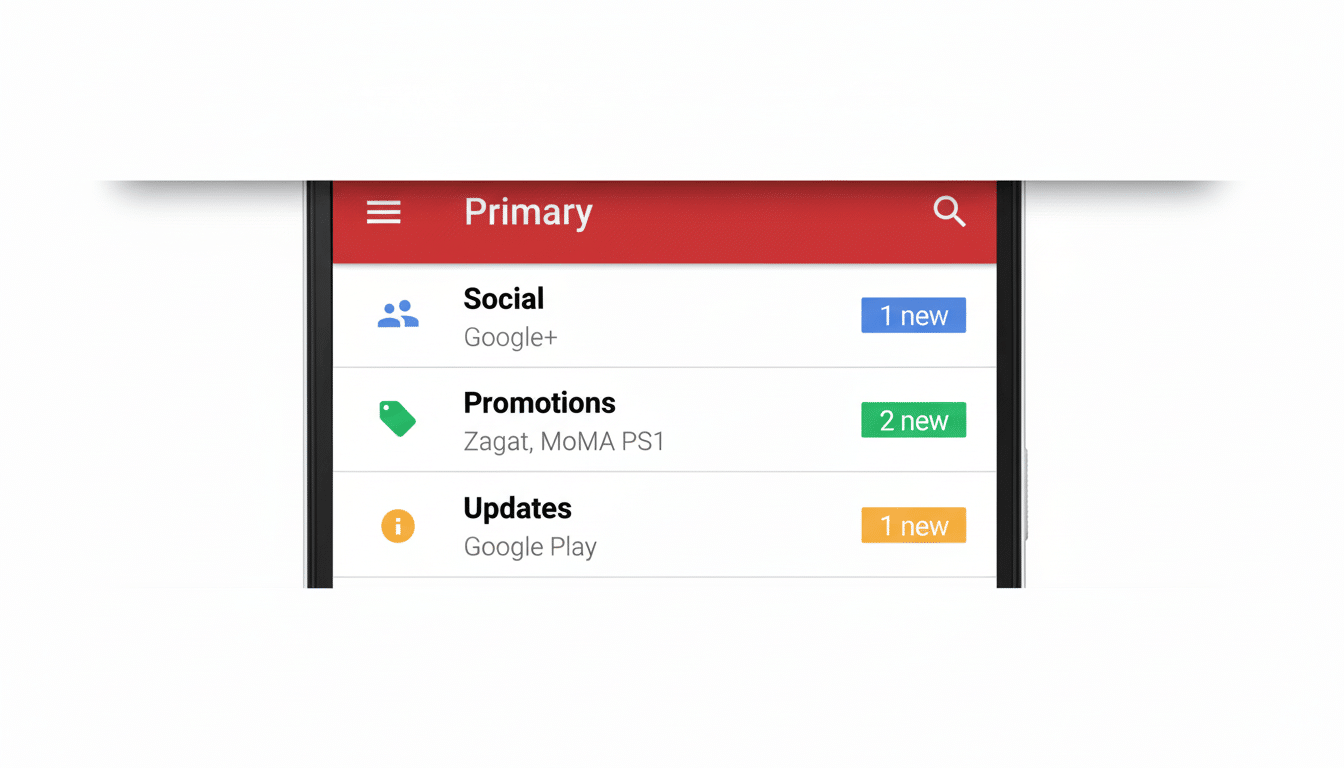
Google says the reason is security. Also being discontinued is Gmailify, the add-on that applied Gmail’s spam filtering and inbox categories on top of third-party mail.
- What exactly is changing with Gmail’s POP3 and Gmailify?
- Why POP3 support is being discontinued in Gmail
- Who is affected by Gmail ending POP3 import and Gmailify
- Practical migration paths to replace POP3 and Gmailify
- Security trade-offs and the broader email ecosystem picture
- What to do now to prepare for the POP3 and Gmailify cutoff
What exactly is changing with Gmail’s POP3 and Gmailify?
The change involves Gmail’s “Check mail from other accounts” feature, which allows you to add your email account and check its messages from inside Gmail by pulling them into your Gmail inbox via POP3.
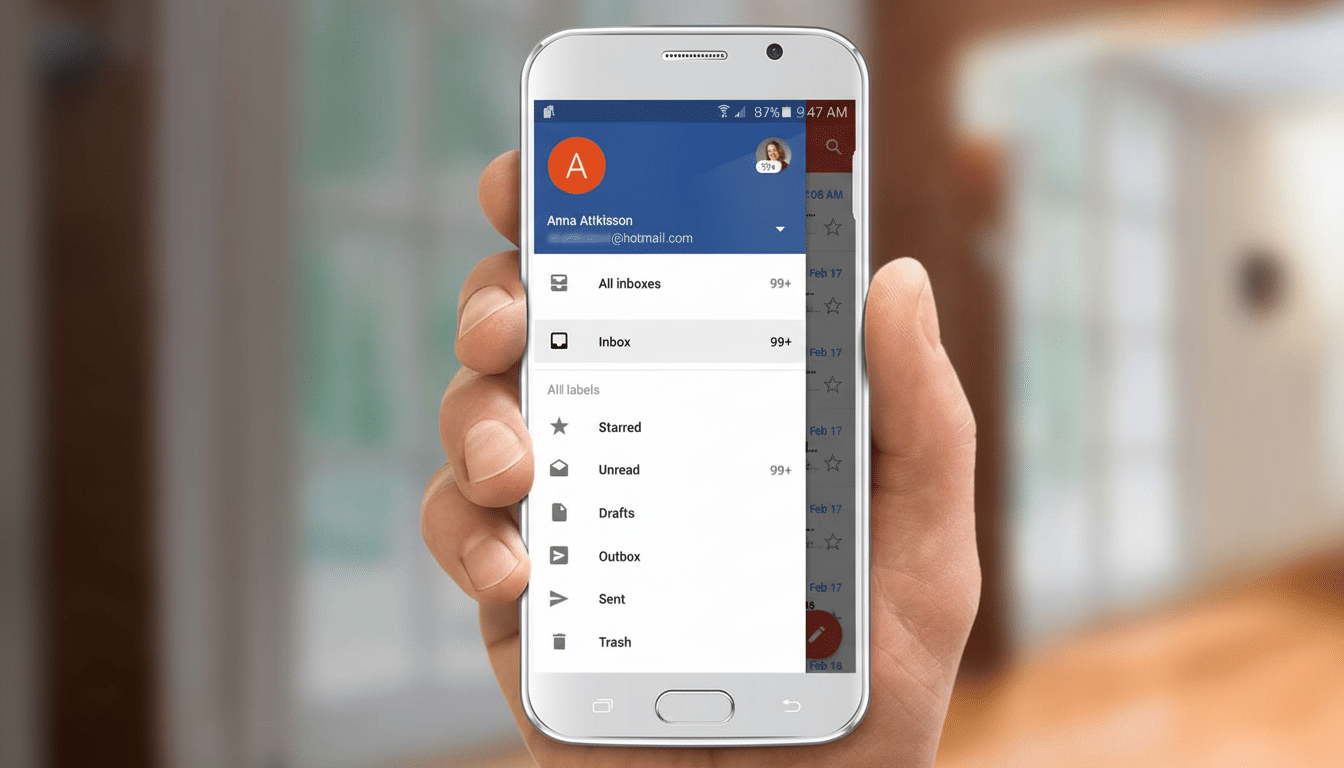
That server-to-server pickup is about to vanish. Crucially, this doesn’t cut off IMAP access to your Gmail account through third-party programs, and the Gmail mobile app will still allow you to add non-Google accounts in order to read and send from those accounts within the app.
Practically speaking, the people who will feel this are those using Gmail’s web interface to pull in multiple external inboxes via POP3 and receive Gmailify-style spam controls. If you never used Gmail to fetch mail from a different provider, there’s not likely to be anything you’ll notice.
Why POP3 support is being discontinued in Gmail
POP3 was written at a time before current-generation, token-based authentication and universal transport encryption. Although it can be wrapped in TLS, many legacy servers also allow or fall back to unencrypted logins and send usernames and passwords over the wire. POP3 doesn’t natively support OAuth 2.0, either, and users are largely forced to rely on app passwords that are more difficult to secure and audit.
IMAP, on the other hand, is better attuned to the current security era and sync behavior. It keeps state at the server, features partial fetches and folder-level controls, and is commonly used with OAuth 2.0. The Internet Engineering Task Force codified these variances in RFCs like 1939 (POP3) and the IMAP4 revisions, to reflect standards with decades of development in place for email security and functionality.
Google’s own transparency reporting has revealed that the overwhelming majority of email sent to and from Gmail is now encrypted in transit, a sign of how far the ecosystem has shifted beyond plaintext connections. Taking away POP3 fetching, a high-risk path, continues to narrow the gap that older configurations never closed with modern convenience.
Who is affected by Gmail ending POP3 import and Gmailify
Three groups will need to adjust:
- People who used Gmail on the web to pull in mail from other providers.
- Freelancers who forwarded multiple domain inboxes into a single Gmail account.
- Small businesses that depended on Gmailify to augment weak spam filtering for an ISP mailbox.
If you’re using the Gmail mobile app with third-party accounts added into it directly, there’s no need to stop doing so. The change affects server-side fetching in the web settings of Gmail itself, not the Gmail app behaving as your regular IMAP client on your phone.
Practical migration paths to replace POP3 and Gmailify
- Make your other provider automatically forward to your actual Gmail address on the server side. The majority of big providers have it, even if some hide it behind paid tiers. This also allows you to keep delivery time close to real time without going through POP.
- Connect your external accounts via IMAP in the Gmail app or other modern client. You’ll have individual inboxes, but you can still search, label, and send. This effectively re-creates the convenience of aggregation without the need to ever fetch server side.
- Consider consolidating on a single vendor with strong spam filtering and compliance capabilities. In case of using a custom domain, you can transfer your mail hosting to a business-grade service as it will make the authentication process (SPF, DKIM, and DMARC) easier and improve your outbound email deliverability.
- Check your “Send mail as” settings in Gmail. If you’re sending from a non-Google email on Gmail’s web interface, make sure you are using your provider’s SMTP server with contemporary authentication. Keeping outgoing consistent with SPF and DKIM records helps ensure messages don’t suddenly start landing in spam after you change how inbound mail is delivered.
Security trade-offs and the broader email ecosystem picture
The change is part of a larger industry trend: deprecating basic authentication and legacy endpoints in favor of modern OAuth 2.0, mandatory Transport Layer Security (TLS), and aligning sender identity policies. Big providers have been clamping down on bulk senders and enforcing DMARC alignment to try to squash phishing. Removing a previous ingestion method from a high-traffic service speeds that along.
There is a usability cost. POP3 fetching allowed Gmail users to act as though they and other inboxes were one thing, and apply labels, filter, and search them all from a single place. Forwarding and multi-account IMAP come close, but nothing will fully replicate the extras of Gmailify. For most people, the security gains will be worth it; for a few power users, it will necessarily mean rethinking workflows.
What to do now to prepare for the POP3 and Gmailify cutoff
Have a gander at the settings within Gmail for those POP3 accounts and note which addresses they are fetching from. Forward the email to other accounts or add these with IMAP in the Gmail app. Test deliverability and sending identities, and define any filtering or routing you used through Gmailify. If you administer email for a team, be sure to spread the word and have them follow these steps prior to the cutoff to minimize any missed messages.
Standards for email change slowly, but your security expectations don’t. Discontinuing POP3 fetching from Gmail further shrinks a long-standing attack surface and nudges the long tail of legacy mailboxes toward more secure defaults—an incremental change that will have an oversized impact on keeping inboxes free of junk and credentials safe.
