


The newest TikTok-trending look takes ordinary selfies and magically transforms them into glossy, late-’90s horror stills: dreamily lit bedroom, corded phone (and text alert), soft Y2K glam — and a masked slasher photobombing from the doorway.
Named the Ghostface AI trend, it combines pangs of nostalgia for the Scream franchise with today’s point-and-click image-generator technology — just in time for some spooky-season content.
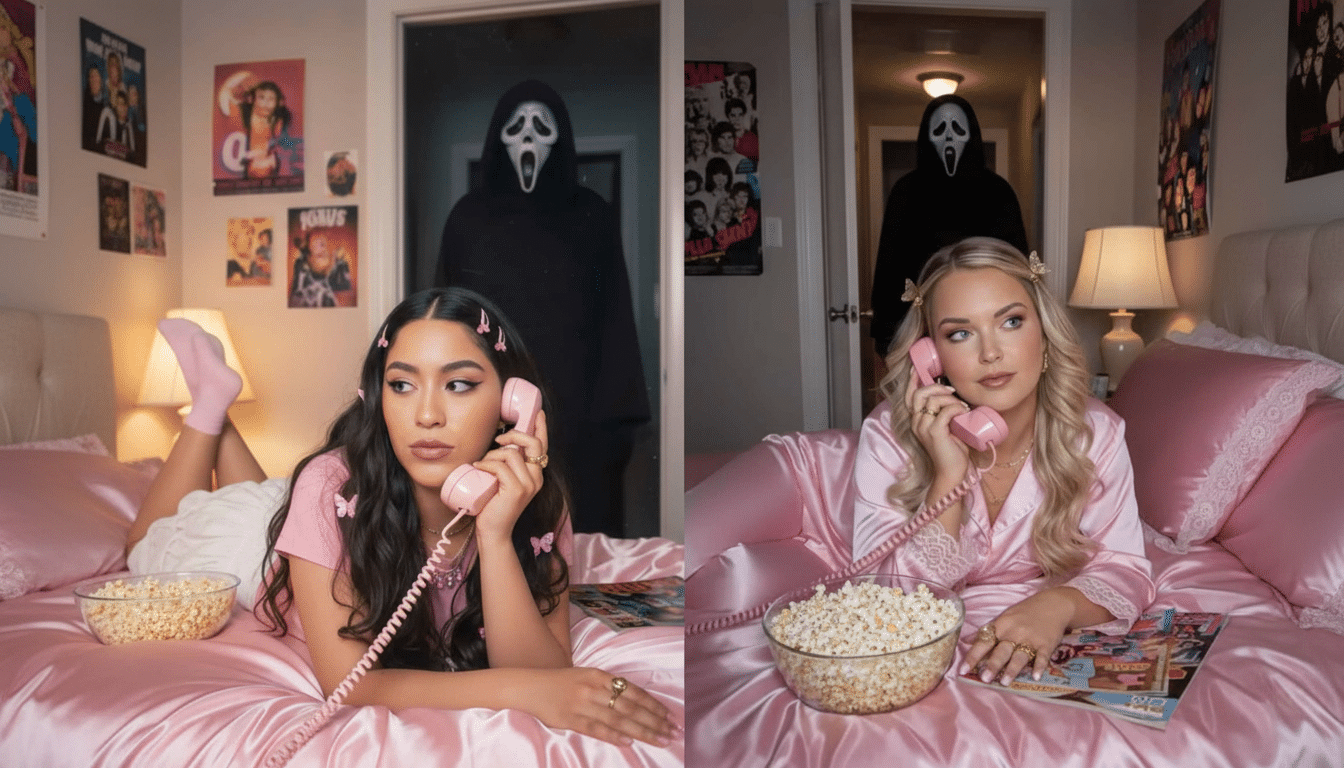
At its essence, this is AI-assisted cosplay photography. You provide a portrait or just an easy pose, and use generative tools to dial in the period-perfect styling and cinematic scare behind. The results resemble press photos for a thriller that doesn’t actually exist, and they are crafted for the algorithm’s fondness of surprise reveals.
What the Ghostface AI Trend Looks Like in Photos
Most posts have a formula: their subject reclines on glossy satin bedsheets, clutching a comically chunky ’90s phone, with glittery gloss and brown lip liner against moody shadows cast by lamplight. The scene is grainy and desaturated, shot in what appears to be 35mm. In the background, there’s a figure in a mask standing in a doorway — not readily apparent but then impossible to overlook once you’ve seen it.
The visual language is straight-up Y2K magazine spread meets slasher promo art. It’s resonant because it combines two long-standing streams of the internet: relentless ’90s nostalgia and turnkey AI stylization. The box-office longevity of the Scream series (the franchise has made considerably more than $800 million worldwide) does not hurt, but nor does how readily one photo can turn into something cinematic.
Why It Took Off Now on TikTok and Social Media
Seasonality is a major accelerant — horror always surges in October, thanks to Halloween — but the mechanics of the feed matter as well. Short-form platforms pay off for loops with a twist, and the “wait, zoom, there’s something behind me” beat has watch time written all over it.
There’s also the accessibility factor. Generative tools now exist inside apps people already use. About a quarter of U.S. adults say they have ever used an AI tool to create something new, according to recent research from the Pew Research Center, which found that such use is most common among younger users. When the price of experimentation falls to seconds and taps, exotic aesthetics can explode into mass memes.
How To Try It Safely With AI Photo Tools
Begin with a portrait image that has strong facial detail. Neutral expressions are good at the outset; you can add drama with lighting in a bit. For wardrobe and makeup, envision butterfly clips, skinny brows, metallic shadow and glossy lips — precise details that tell era at a snap.
Choose a tool that has the capability of image-to-image edits or generation of backgrounds. Options are many and varied, from AI art apps for consumers to browser-based editors with “generative fill” logic all the way to professional tools with licensed models. Applications like Adobe’s Firefly and Getty Images’ generative offerings place an emphasis on training based on licensed or owned content — a more secure bet for public posts.
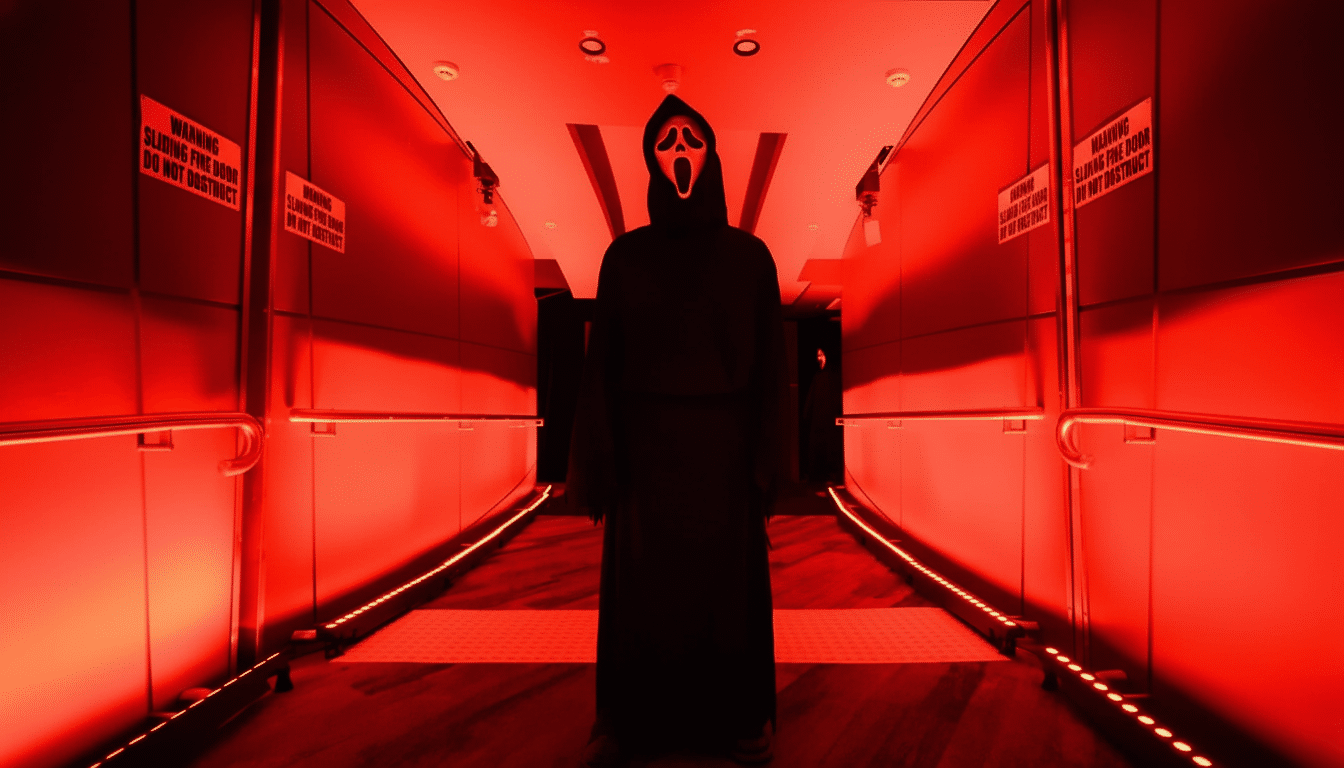
If you prefer your figure masked, you can take one of two safe paths. One is to shoot your own: snap a friend in costume and composite that photo using background or layer tools. The other is to use pre-existing stock materials in a licensed library that permits derivative exploitation. Do not refer to or show copyrighted characters in text prompts, unless you are using an officially authorized template/effect on said service.
Keep consent front and center. Only modify pictures of yourself or people who have given you express permission to make the transformation. Platforms and regulators are cracking down on face swaps and synthetic media disclosures; platforms will label AI-mediated posts when tools allow such labeling.
Prompt Tips For The Y2K Horror Aesthetic
It’s more about the style and camera and lighting rather than an individual IP.
Useful epithets: “dreamy Y2K bedroom,” “shiny pink satin bedding,” “cordless or corded 1990s phone,” “soft lamp light with film grain,” “35mm look, slight vignette” and “masked silhouette standing in dim doorway, backlit, partially obscured.”
Added photographic cues to reduce randomness: “shallow depth of field,” “rim light on hair,” “tungsten glow,” “subtle motion blur,” “late-night interior.” If your tool supports negative prompts, remove “cartoonish,” “oversaturated” or “plastic skin” to make the image more grounded in a realistic, on-set feel.
For image-to-image flows, you upload your own portrait and ask the model to keep identity while adapting background/props/lighting. Most apps have a “strength” slider; set it at medium so you can iterate your way closer to the look without melting your facial features.
Editing Workflow That Delivers the Filmic Look
Sequence matters. Step 1: Room and Color Palette. Begin by setting the room (walls, posters, bedding). Add the phone and era-specific jewelry next. And then add in the background character with inpainting or on its own layer so you can adjust opacity/blur separately. More than anything, finish off with a film grain, some dust and a gentle vignette to help sell the analog vibe.
On mobile, editors based on templates can simulate the entire look with a single preset; search for terms like “Y2K bedroom,” “horror scene” or “retro glam.” On desktop, nondestructive edits in Photoshop or similar applications enable you to further adjust grain size, color curves and highlight roll-off, for more authentic results.
Posting For Maximum Impact on Reels and TikTok
Crop vertical 9:16, and create a beat where the background reveal falls right at two seconds. Keep the captions on the brief side; with a nod and wink to the setup, don’t overdo the explanation. Pair broad discovery tags (#AIArt, #Y2K, #Horror) with niche ones around your aesthetic. If applicable, enable platform labels for AI-generated content to comply with policy.
The trend plays off the Ghostface AI announcement because it’s easy, filmic and a bit naughty. Handle the character element with care, lean into tactile details of the era — and you can cook up a convincing fright shot of yesteryear without studio money.
