


Samsung’s clamshell crew just received a significant quality-of-life upgrade. The Z Flip 5 and Z Flip 6 support Google’s Gemini on the outer cover display, offering voice-led assistance, fast replies and on-the-go AI help without opening up the phone.
What changed and why it matters for Z Flip owners
Up until now, the nifty cover screen AI experience has been more closely tethered to Samsung’s latest generation of Flip. Now, as One UI 8 makes its way to consumers, that same experience is coming to previous models featuring the 3.4-inch Flex Window design. The upshot: Z Flip owners who are older (using it longer) can at last swipe out Gemini for quick tasks from the front display, reducing how many times they need to unfold the device.
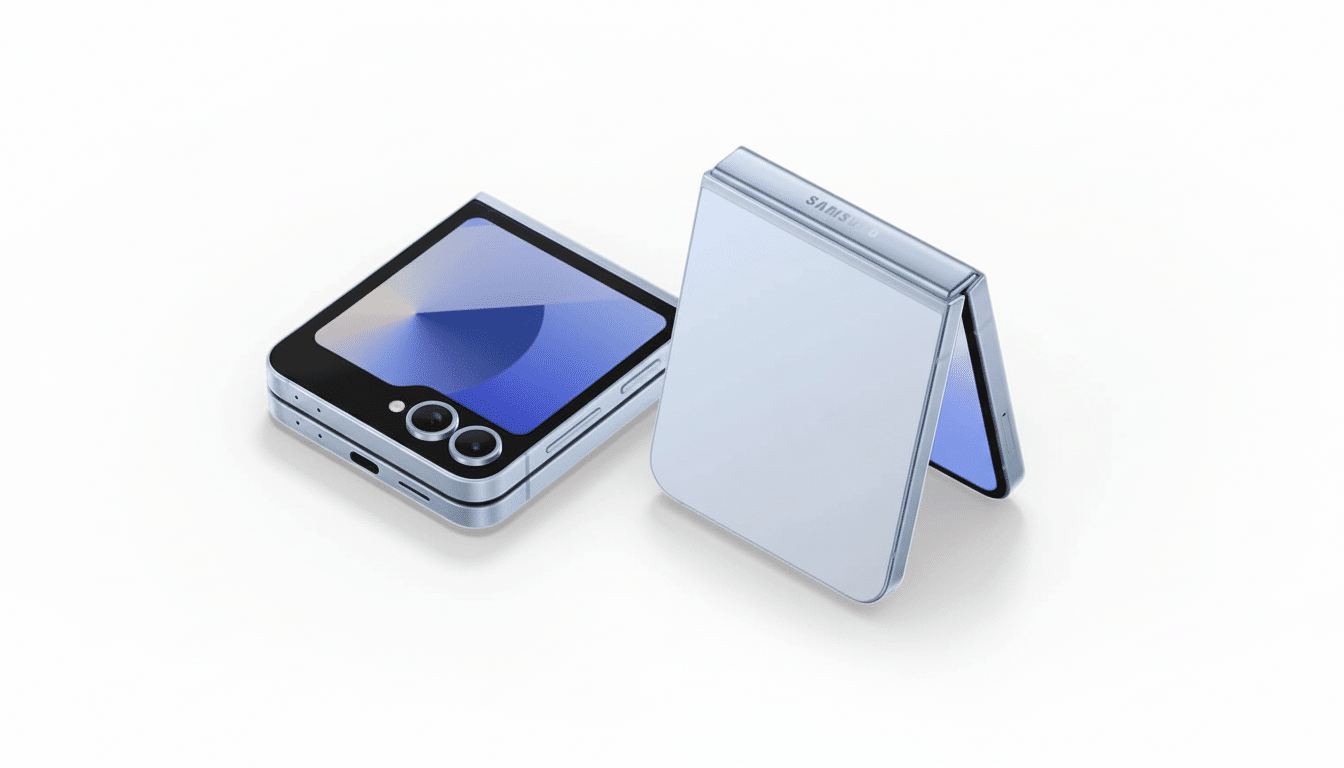
This is more important than it might sound. Clamshell-style foldables have continued to dominate the market in terms of shipment volumes, according to industry trackers like Counterpoint Research. Enhancing the cover experience for the Z Flip 5 and 6, then, is an upgrade that will be felt every single day by a hefty portion of Samsung’s foldable audience — not just new recruits.
What works on the Z Flip cover screen with Gemini
The essentials made the cut. You can call up Gemini for voice and text inquiries on the outer display, use Gemini Live for back-and-forth conversations and even share your camera feed with the assistant so it can identify objects or read what’s in front of you. Think: translating a cafe menu in one glance, condensing a page-long notification into a one-liner or setting up a timer while swiftly shooting off a message — and all without having to open the phone.
For those shorter interactions, this process could be faster and less intrusive. Keeping the main screen off may also save battery life during short tasks — something Flip owners have begged for ever since they received the big cover display.
The fine print and gaps in Gemini on Z Flip cover screens
There are quirks. As Android Authority, which first discovered the changes, points out, screen sharing isn’t available anywhere on the cover, and a long-press of the side key could encourage you to open the phone as opposed to summoning Gemini. That extra action removes a bit of the “instant” part of this feature, but Samsung and Google can easily solve for that with a software tweak or a mappable shortcut.
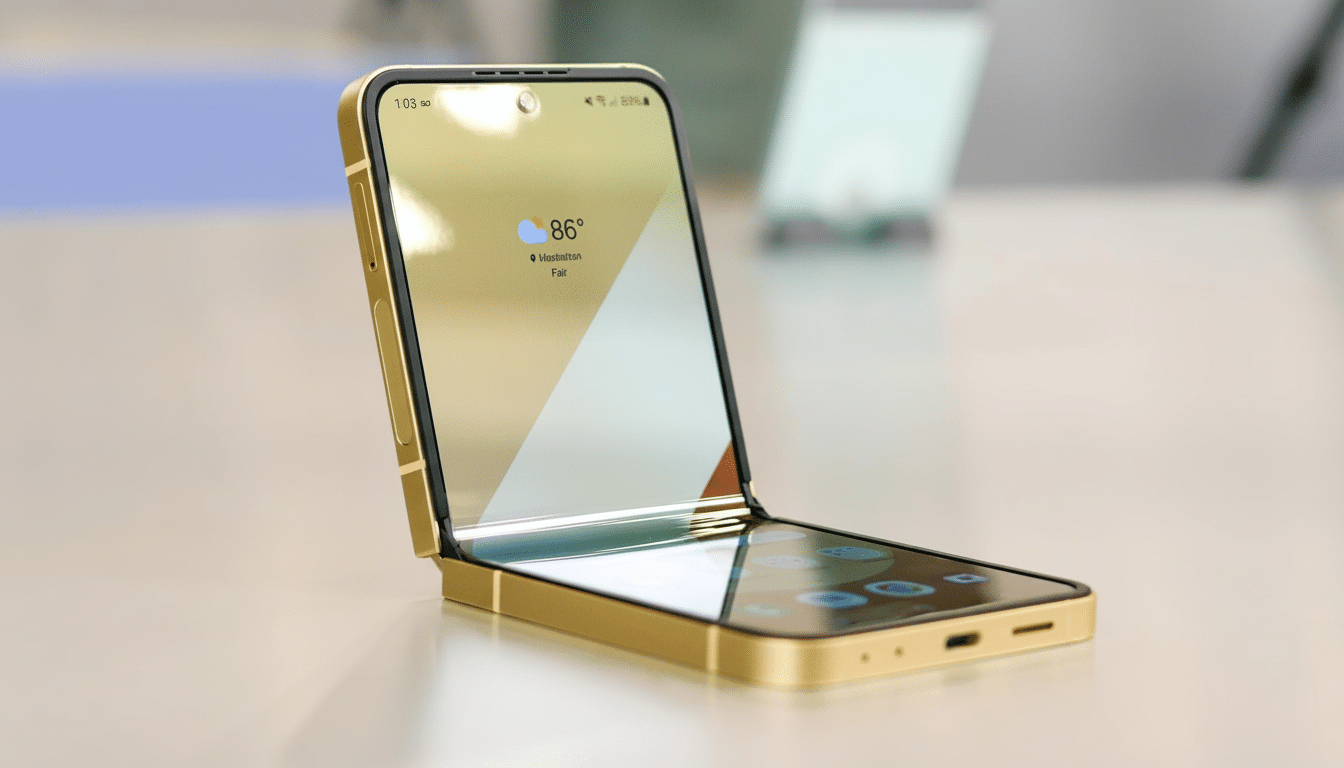
Feature availability depends on region, carrier, and account type. (Previously, Gemini Live features all required you to pay Google a premium for a subscription.) Some language packs or on-device capabilities may also roll out in phases. As ever, voice interactions and camera-based prompts can entail cloud processing; review privacy settings in Samsung and Google accounts.
How to try Gemini on your Z Flip cover screen
- First, go into Settings > Software Update and make sure your device is on the latest One UI 8 build.
- Open the Google Gemini app to check that it’s installed, and confirm you’re signed in.
- To enable voice use, set Gemini as your default digital assistant in Settings > Apps > Default Apps > Digital Assistant App.
- Add a Gemini widget or lock screen shortcut if available, and grant microphone and camera permissions.
For fast access, check out the Side Key settings, cover screen and widget panels. We may still be at the mercy of the long-press behavior, with its clear priority for opening up your phone, but sticking Gemini to a dedicated widget tile ensures it’s no more than one tap away on Flex Window.
A win for longevity and everyday use in foldables
Expanding marquee AI capabilities to previous hardware is a welcome change of pace — more value over the life cycle of a device. Samsung has been advocating for longer software support windows, and Google has been iterating Gemini’s multimedia tools to be more phone-friendly. The halfway meeting in the middle of the cover screen makes it feel more like a pocket-first assistant than a novelty display.
It’s not there yet, but even with some wrinkles, the upgrade nudges the Z Flip 5 and 6 toward the vision Samsung teased when it enlarged the outer screen — do more without opening. For millions of clamshell users, that is the upgrade that actually changes how the phone gets used on a day-to-day basis.
Sources:
- Android Authority for on-device behavior
- Google’s Gemini announcements for Live features
- Samsung’s One UI documentation and release notes for rollout context
- Market context from Counterpoint Research on foldable adoption
