


GameNative’s latest nightly build flips a key switch for mobile PC gaming: Epic Games Store titles can now be browsed, downloaded, and launched directly on Android. It’s an experimental rollout aimed at early adopters, but it marks a notable expansion beyond Steam and GOG integrations and raises the ceiling for what handheld phones and Android gaming devices can do.
How the new Epic Games integration works on Android
After installing the newest nightly build, head into settings and look for Epic Games Integration. The app opens a secure browser window so you can sign in to your Epic account. You’ll be prompted to copy an authentication key, paste it back into GameNative, and then wait as your library syncs. If you’ve claimed a big catalog through Epic’s weekly giveaways, expect a short delay while it populates your list.
- How the new Epic Games integration works on Android
- What runs today, and what might not, in early testing
- Performance and hardware expectations for Android play
- The tech under the hood powering GameNative on phones
- Why this Epic Games support matters for mobile gamers
- How to get it now, and what’s coming in future builds
From there, the flow is surprisingly simple: pick a game and GameNative will fetch it directly from Epic’s servers. The developers caution that multiplayer is currently disabled, with plans to enable it later once networking hooks and anti-cheat hurdles are addressed. For now, think single-player first, with the understanding that some titles will still need per-game tweaks.
What runs today, and what might not, in early testing
Early tests suggest smaller indie titles and older 3D games are the lowest-friction wins, while newer AAA releases often require tinkering with graphics backends, shader caches, or controller profiles. As with any PC-on-Android solution, anti-cheat systems and kernel-level drivers can be showstoppers. That’s a big reason multiplayer is off the table in this build—common services like Easy Anti-Cheat and BattlEye aren’t designed for this translation stack.
Expect the team to iterate quickly. The last stable milestone added early GOG support and fixed several cloud save annoyances for Steam libraries. If history is a guide, filtering tools, better error messages, and more robust compatibility layers will follow as nightly changes make their way into stable releases.
Performance and hardware expectations for Android play
Running PC games on Android isn’t magic—it’s compute. A modern flagship SoC is strongly recommended, especially devices powered by Snapdragon 8 Gen 2 or newer, or top-tier MediaTek Dimensity chips. Aim for at least 8GB of RAM, fast UFS storage, and Vulkan 1.1+ GPU drivers if you want smooth performance and quick level loads.
Frame rates hinge on how efficiently x86-64 CPU instructions and DirectX calls are translated. Lightweight 2D games and many indie 3D titles should feel comfortable. Demanding open-world games will stress both CPU emulation and GPU translation, making smart presets, resolution scaling, and FSR-like upscalers essential. External controllers improve the experience; GameNative recognizes common pads and lets you adjust mappings per game.
The tech under the hood powering GameNative on phones
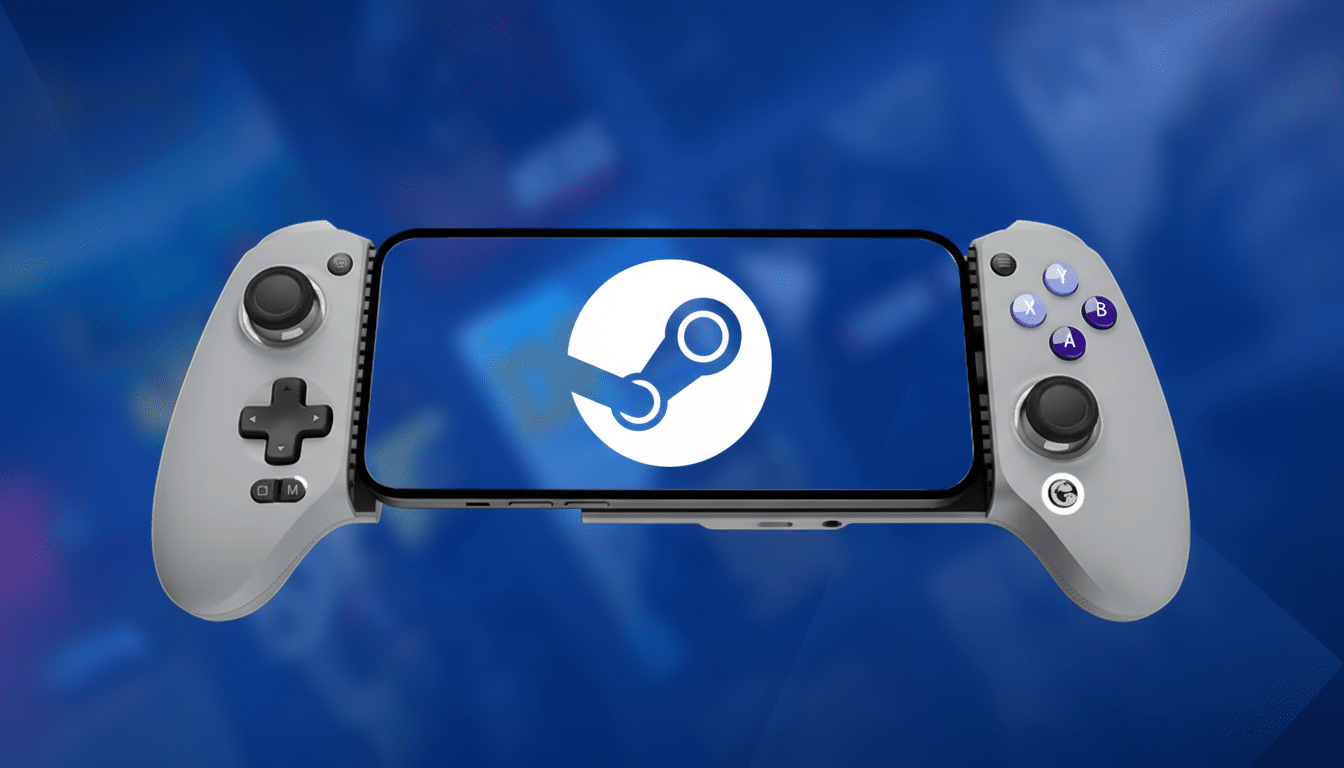
GameNative stitches together a familiar open-source toolkit built for compatibility and speed. FEX handles user-space x86-64 emulation on ARM, while Wine-derived components and Proton-adjacent tech translate Windows APIs. Graphics typically route DirectX 9/10/11 through Vulkan via DXVK and translate DirectX 12 via vkd3d-proton, leaning on up-to-date Vulkan drivers to keep stutter in check.
Frequent driver syncs are part of the project’s cadence, which matters for shader compilation, pipeline caching, and overall smoothness. In short: the better your device’s Vulkan implementation, the more likely you’ll hit playable performance without constant tweaking.
Why this Epic Games support matters for mobile gamers
Epic’s store has become a second library for many PC players thanks to regular free giveaways and exclusive launches. Over the years, Epic has handed out hundreds of titles at no cost, creating massive backlogs for users who may never have installed the desktop client. Bringing those purchases and freebies to Android, even in an experimental form, makes phones and handhelds viable “second PCs” for back-catalog play.
This also nudges Android further into true PC-adjacent territory. Between Steam support, GOG integration, and now Epic access, GameNative is evolving from a niche emulator into a unifying launcher that respects where people actually own their games. It won’t replace a gaming rig, but it chips away at the need to be tethered to one.
How to get it now, and what’s coming in future builds
The Epic integration lives in GameNative’s nightly channel, available via the project’s community Discord, with source code hosted on its public repository. As always with nightly builds, expect rough edges, frequent updates, and occasional regressions. Two-factor authentication is supported, and it’s a good idea to keep it enabled on your Epic account.
If you’re comfortable testing, this is a meaningful step forward. For everyone else, waiting for the next stable release will likely bring a smoother login flow, library filters, and the first signs of multiplayer support as anti-cheat compatibility improves. Either way, Android just got a lot closer to being a pocket-friendly home for your PC backlog.
