


Samsung has commenced the One UI 8 Watch rollout for the Galaxy Watch 4, delivering a significant platform refresh to the 2021-released smartwatch. The update is currently live in South Korea with build numbers R870XXU1JYK4 and R870OXM1JYK4, respectively, and it will be released to other markets shortly. The update was first reported by tipster Tarun Vats on X, and it appears to be the closing move in Samsung’s multi-year update plan for the device.
What One UI 8 Watch Likely Brings to Galaxy Watch 4 Owners
One UI 8 Watch is built on Google’s Wear OS 6, so users can expect performance improvements, enhanced animations, and further refinement of features like system apps and tiles compared with One UI 7 Watch. Not every feature from newer devices makes it across, but Samsung usually reserves quality-of-life enhancements like better notification management, a single health hub for tracking everything, and improved battery management for at least some older hardware where possible.
- What One UI 8 Watch Likely Brings to Galaxy Watch 4 Owners
- Rollout Details and How to Update Your Galaxy Watch 4
- A milestone in Samsung’s long-term Galaxy Watch 4 update promise
- Before You Update: What Owners Need to Do
- Feature Expectations and Hardware Constraints
- What Galaxy Watch 4 Owners Should Do After the Update
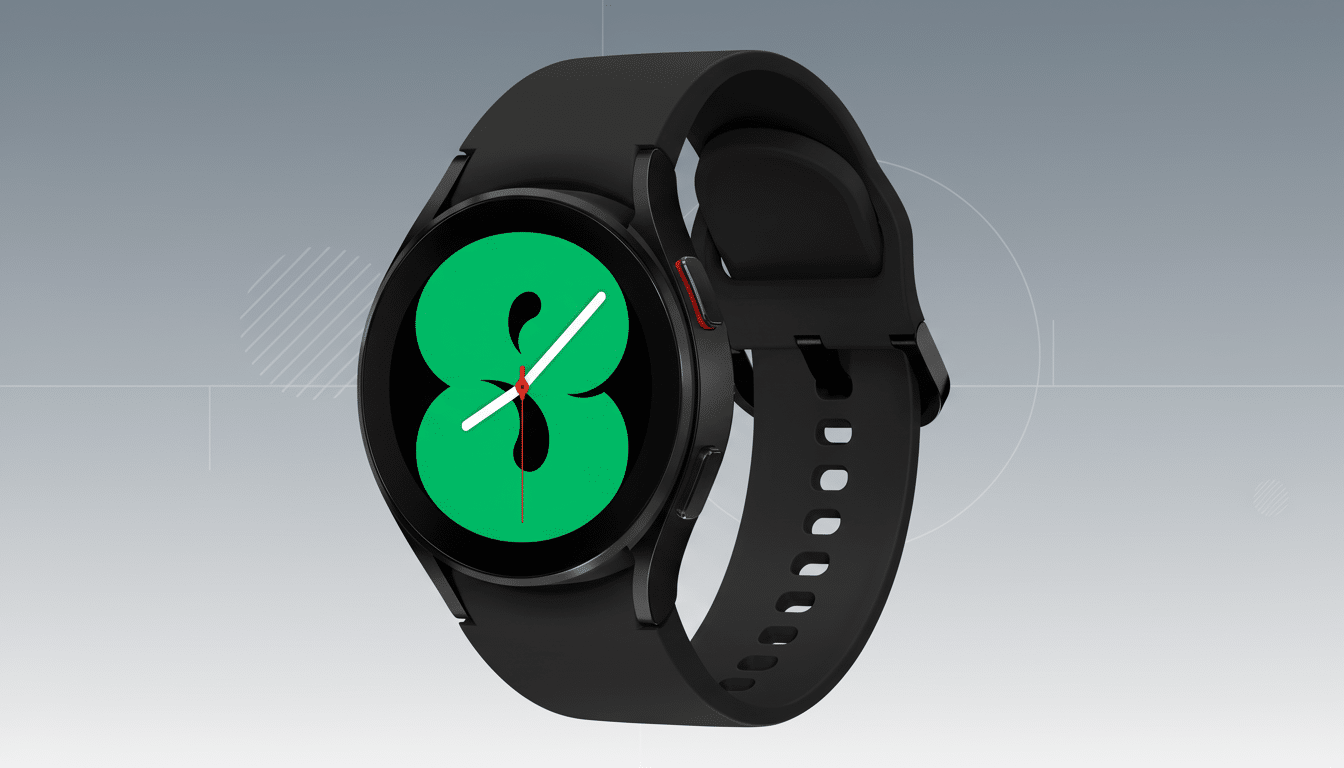
Here, expect under-the-hood changes to be the name of the game. The Galaxy Watch 4 uses the Exynos W920, which requires some sacrifices from the whiz-bang features seen on name-brand flagships now, but software optimizations could still mean faster-launching apps and more reliable Bluetooth connections, gesture control, and touch input. Samsung’s watch face system and tiles receive iterative updates routinely, improving day-to-day usability without changing the overall look and feel.
Rollout Details and How to Update Your Galaxy Watch 4
The release is staggered, with a launch in South Korea followed by additional waves. The new build numbers cover both the Bluetooth and LTE variants. To check manually, owners can open the Galaxy Wearable app and select Watch settings and then Watch software update. Make sure your watch is at least 50% charged and connected to Wi‑Fi before you download the update.
Like previous larger watch OS bumps, download sizes and specific features can vary by region and carrier. It may take a few weeks for international rollouts, and North American and European users should expect to see prompts as the release spreads out.
A milestone in Samsung’s long-term Galaxy Watch 4 update promise
When the Galaxy Watch 4 debuted as the initial Samsung wearable on the unified Wear OS that the company and Google co-developed, Samsung touted four years of major OS updates for the product family. One UI 8 Watch is the fulfillment of that promise and makes this release the final major platform upgrade for the Watch 4. This model should continue to receive security patches and bug fixes, but there probably won’t be more feature jumps for Wear OS or One UI Watch in the future.
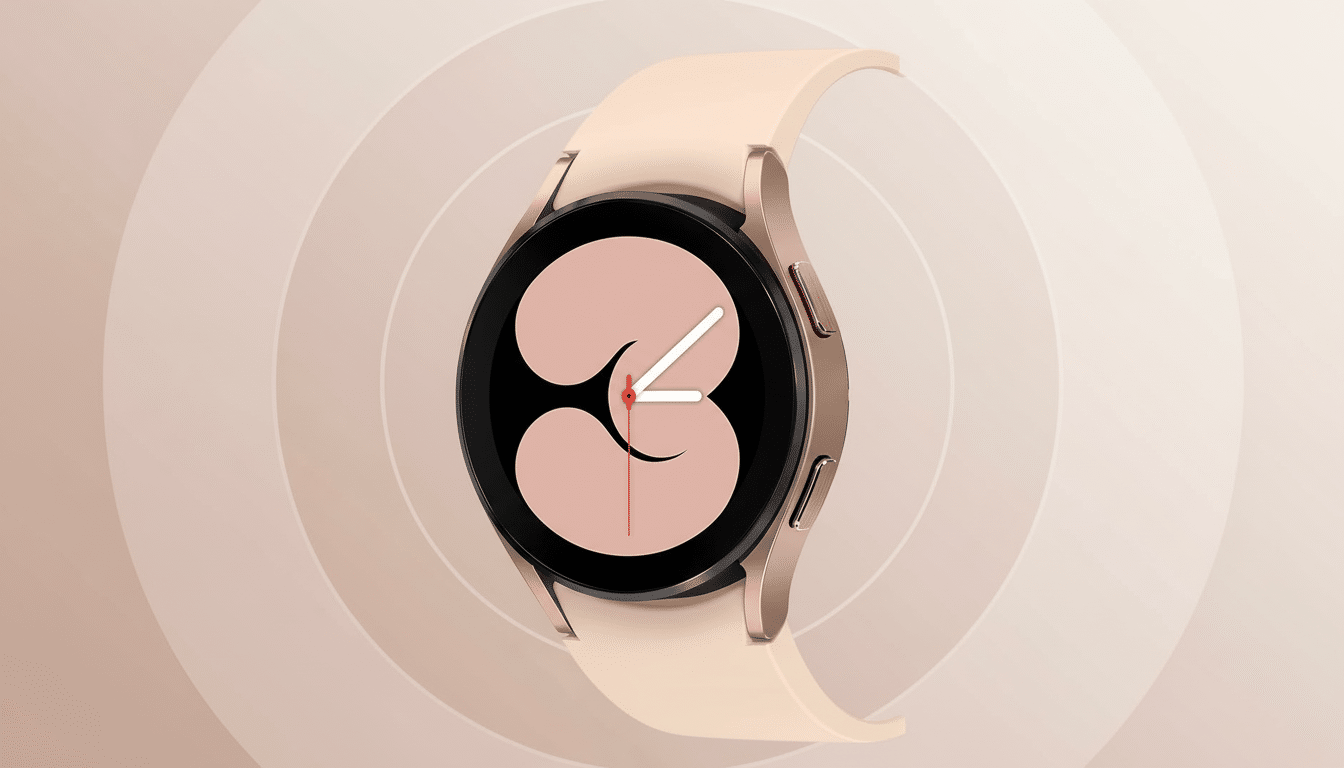
This matters beyond one device. Analyst firms almost always position Samsung as the second-largest smartwatch brand on the planet, so long-tail software support affects millions of users and shapes expectations for future wearables. The conclusion of a four-year run on a mainstream watch is another chapter in Samsung’s ecosystem-wide trend toward extended support.
Before You Update: What Owners Need to Do
Back up the watch in the Galaxy Wearable app to save watch faces, tiles, and settings. After installing the update, give an extra day or two to let background processes—such as health data syncing and app reindexing—settle down before deciding whether battery life is acceptable. If you use third-party complications, make sure the developer has released a new version compatible with the platform.
If battery life plummets early on, that can be expected after a major update. It can also take a couple of charge cycles, recalibration of heart rate and GPS settings, and reviewing permissions for background usage to normalize endurance. Powering off both the phone and watch, then turning them back on after the upgrade, may also remedy minor pairing hiccups.
Feature Expectations and Hardware Constraints
Some of the headline features Samsung parades in its latest watches may be exclusive because of hardware limitations and regional certifications. That said, performance improvements in stability, responsiveness, and how apps behave traditionally tend to be the biggest contributors to improvements on older wearables. It’s less about dramatic redesigns and more about polishing some wheels a bit, with refreshed Samsung Health experiences, smoother tile transitions, and subtler UI tweaks.
What Galaxy Watch 4 Owners Should Do After the Update
One UI 8 Watch is bumping up the Galaxy Watch 4 for the final time, putting it in line with the current Wear OS baseline and marking the end of Samsung’s promised major update phase. If you have a Watch 4, there’s enough here in the way of refinements to warrant the update. Stay tuned with the Galaxy Wearable app, back up your data, and watch for the notification as it rolls out in the weeks ahead.
