


Samsung is working on a smarter screen recorder for Galaxy phones, and there are early indications that it’s going to be a much-needed quality-of-life upgrade. That’s right: the company has finally brought back a tool power users (and creators) have requested since it was removed in an earlier release—the ability to record just part of the screen.
Inside One UI 8.5’s Screen Recorder and Region Capture
Fire up screen recording on the One UI 8.5 beta and you’ll be greeted with a choice most Galaxy owners haven’t had in some time: record the whole display or a custom region. Choose the second and, around its perimeter, adjustable grab handles will appear for you to resize the capture window before hitting record. It’s a quicker, more efficient workflow than capturing everything and cropping in post.
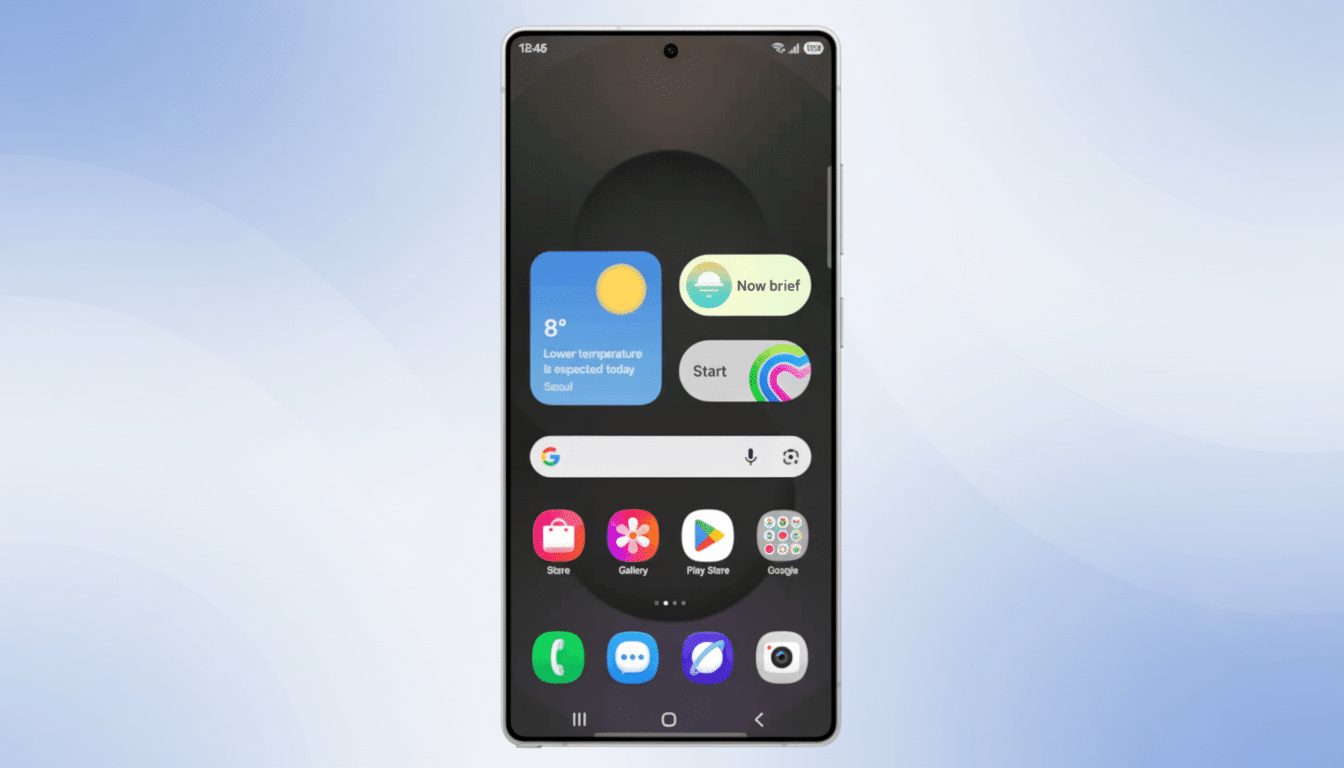
The ability to snap a portion of the screen made its first appearance in a leaked build earlier this year. Old-timer Galaxy users may recall this nifty trick in One UI 6 through Edge Panels; it was later removed in One UI 7. The beta suggests that Samsung is reintroducing the idea in a manner baked into the core recorder, as opposed to tucked away behind one of its side panels.
How It Compares to Android and Other Phone Makers
Google’s Android 14 brought system-wide “single-app” sharing and recording through MediaProjection, which means devices such as Pixel phones can record or capture just one app, not everything that appears on screen. A handful of OEMs, like OnePlus, even let you pick a specific region on your screen prior to recording. With partial-screen capture, Samsung inches closer to parity on fine-grained control.
There’s still a gap, though. The One UI 8.5 beta doesn’t yet have an option to record only a single app, even though Android supports this. Testers also noted that the option of selecting an external monitor to record or broadcast while a phone is connected to a monitor (a feature returning from more recent Android builds) doesn’t surface in Samsung’s current interface. These omissions are big ones for power users who use app-only captures to keep things private or simply like desktop-mode recordings for demos.
Why Partial Screen Recording Matters for Galaxy Users
This isn’t a niche tweak. Partial recording makes real sense for creators, IT trainers, and gamers. It lessens the chance you’ll glimpse notifications or other sensitive material that could appear outside of the app you’re concerned with. And it’s a time-saver for editing, as you don’t have to crop the timeline in your video editor simply to remove the status bar or navigation area.
It can reduce file sizes, too. To give you an idea, a 5-minute 1440p60 clip at an average of 20 Mbps will be about 750 MB. You don’t need to capture the entire screen, and encoders can target fewer pixels (which in most cases reduces the bitrate required for equivalent quality). Sloughing off hundreds of megabytes from a clip for mobile uploads and sharing can mean the difference between sharing now and watching later on cellular data.
Artists devising a vertical tutorial or quick bug repro will especially enjoy this control. By recording only an active pane of a settings screen or one chat thread, you eliminate awkward aspect ratios and letterboxing that make the final video more comfortable to watch on social platforms.
Early Friction and What Samsung Can Fix Before Launch
Beta testers mention one rough edge—resize handles are located too close to the border of a display and can inadvertently activate Android’s back gesture when swipe navigation is used. This is a classic UI clash on gesture-first phones.
- Add a small inset margin for the handles.
- Add a “long-press then drag” gesture to resize.
- Provide a magnifier control to make fine adjustments easier.
It should also bubble up advanced capture options that Android already has under the surface. Obvious inclusions would be:
- An app picker for single-app recording.
- A display selector when an external monitor is attached.
- Clear audio options: mic, internal, or both.
There’s a user-side solution for unintended back swipes, though: tweaking the back gesture sensitivity in system settings can mitigate it, but there’s no replacement for more considered handle placement on the recorder.
What to Expect Before One UI 8.5 Reaches Stable Release
As is the nature of any beta, features are subject to change. Samsung usually iterates over such UX nuances toward the end of the cycle, and this one seems like prime fodder for quick polish. That makes the original source’s interpretation of this as a “new recorder” seem accurate, since we know both flagship lines typically receive increasing levels of feature parity with each release—so expect to see a version of the refreshed recorder appear on supported past Galaxy devices when One UI 8.5 officially goes mainstream (and note that exact launch timing and support for specific regions/carriers differ).
If Samsung gets the ergonomics right, and adds app-only and external display options, Galaxy owners will have a recorder that’s not only competitive but truly day-to-day useful. At least at this stage, the beta betrays clear intent: a greater degree of control, reduced cleanup, and perhaps even a chance of transforming what is essentially a basic utility into something pro‑grade.
