


A full user manual for Samsung’s Galaxy Z TriFold has leaked, providing the best overview yet of how the company’s first tri-folding phone is supposed to work. At 174 pages, it reportedly details everything from the physical wants (a foldable phone that you can repeatedly open all day with no risk of breaking) to component suppliers and multitasking tips and safety advisements — in short, it’s a blueprint for inventing a whole new form factor.
What we know from the 174-page Galaxy TriFold guide
Leaked by longstanding leaker Evan Blass, the manual is written like a primer created for launch day: setup, apps and features overview and step-by-step instructions to housebreak you on a triple-panel canvas. It covers the basic interface conventions, explains how the phone operates when folded and unfolded, and is illustrated with labeled diagrams that strip away much of the mystery around buttons, ports and sensors.
- What we know from the 174-page Galaxy TriFold guide
- Hardware layout and design notes for the TriFold
- Productivity and multitasking on a triple-panel display
- Cameras and capture modes across folding postures
- Safety notes that shouldn’t go unnoticed by buyers
- Why this user manual leak matters for Samsung’s TriFold
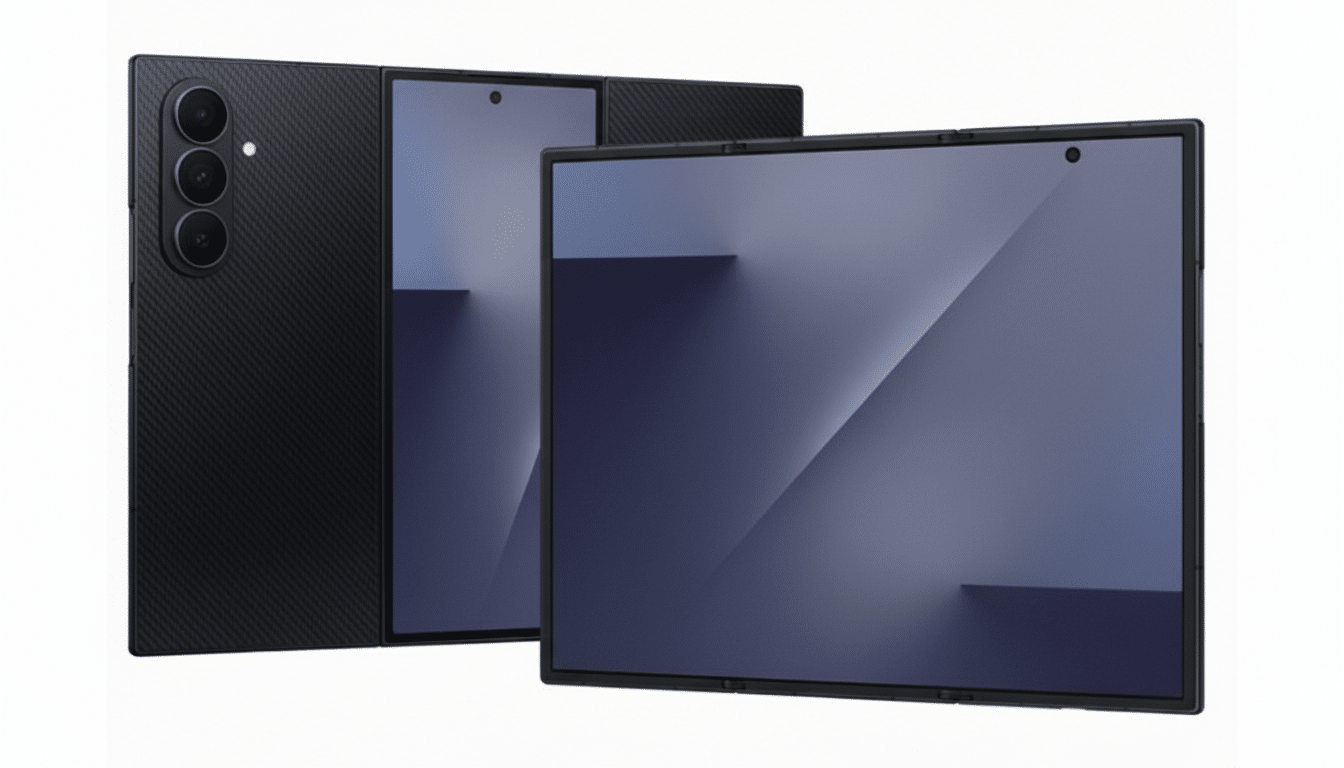
It also gives credence to a number of the headline features Samsung teased for the device like standalone Samsung DeX mode and a more powerful multi-window view designed specifically for an expanded display. In layman’s terms, the TriFold is marketed as a pocketable tablet that can handle laptop-like tasks independently of any external attachments.
Hardware layout and design notes for the TriFold
The diagrams illustrate the phone in folded and unfolded positions as well as callouts for microphones, speakers and the USB-C port.
One example marked “headset” looks enough like a 3.5mm jack to be mistaken for one, only the manual says that audio travels over USB-C instead — in line with Samsung’s recent approach to hardware and the small tolerances needed for multi-segment hinges.
Though the manual doesn’t delve into hinge mechanics, the annotated layouts hint at protective grip points, fold angles and additional mag-lock magnet placement. Anticipate a main inner display that can divide into different panes and cover-screen workflows when the device is shut. The docs suggest that the UI will change as you move between modes.
Productivity and multitasking on a triple-panel display
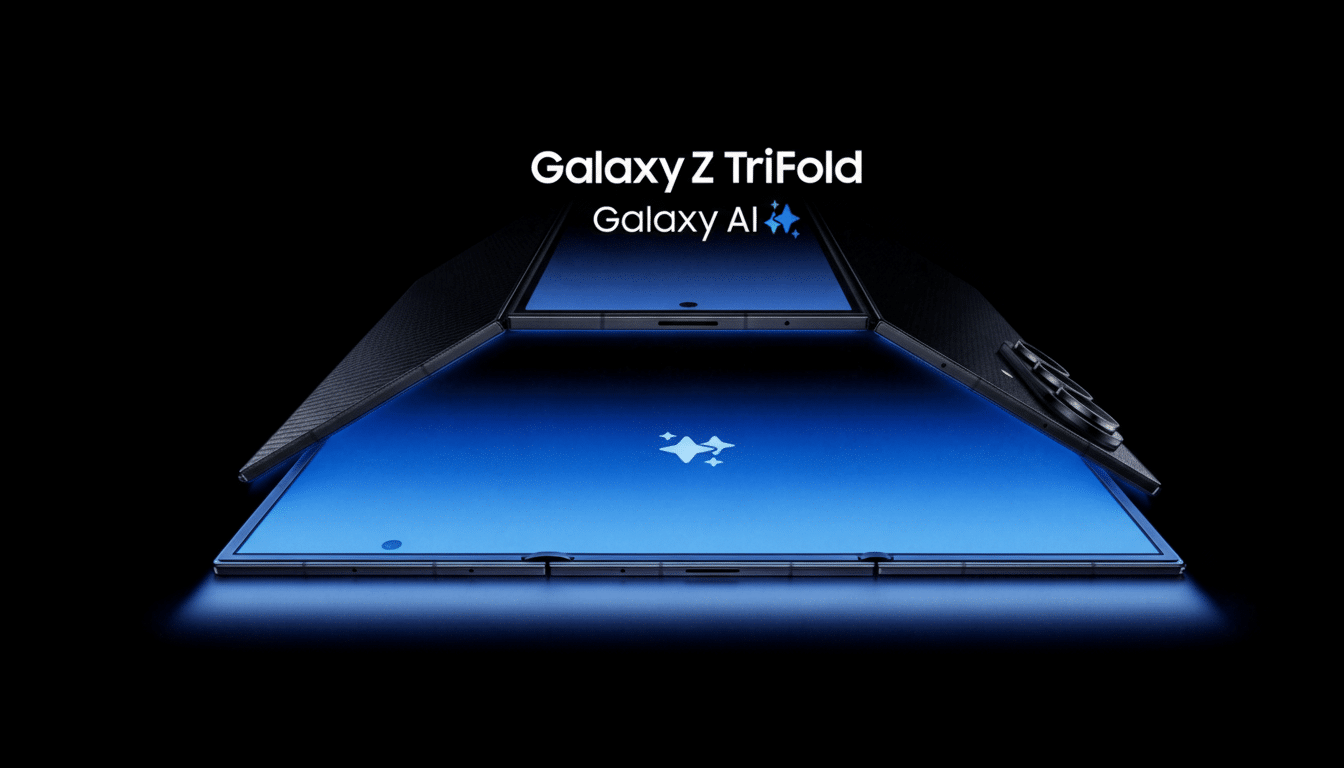
Samsung’s software approach stands out. The manual makes repeated mention of “multi-window” control optimized for three-panel layouts, which (if the stars align) might allow tandem apps with drag-and-drop sharing of content. DeX is able to run on the device itself, enabling the TriFold to become a desktop-like environment even more so with resizable windows, a taskbar and keyboard shortcuts power users will appreciate.
And in a way, this is the sort of workflow where many actual foldable owners are likely to land on purpose: email, docs and chat open at once with media or notes stuffed into a third pane. It’s the strongest indication so far that Samsung is betting on the TriFold being more than a gimmick, and more of a driver for productivity as it merges phone and tablet purposes.
Cameras and capture modes across folding postures
The manual switches to the camera suite on page 56. The interface is recognizable, closely resembling that of the Galaxy Z Fold series, with controls that change depending on the posture of the device. Folded shooting plays up how fast you can capture an image and use a phone with one hand, while unfolded shooting emphasizes the bigger preview, more settings and likely easier framing for ultrawide or zoom lenses.
The layout also suggests camera continuity: You open or close the device, and that friction of shifting modes mid-shot goes away. That’s crucial for a tri-fold design, in which orientation swaps are commonplace. Look for things like viewfinder mirroring on alternate panels and hands-off shooting when the device is halfway folded.
Safety notes that shouldn’t go unnoticed by buyers
Unlike the marketing materials, the warnings in the manual pull back on reality and show what it really takes to engineer a foldable. Indeed, there are explicit warnings about embedded magnets and whether they might continue to behave in a manner that could affect medical implants; general guidance on this point from health authorities including the FDA typically involves keeping magnetic devices at arm’s length from such implants, and Samsung’s documentation lines up with that.
Another note about vent openings: covering up the speaker or mic holes can result in unexpected noise when on calls or listening to media. You will also see the standard warning to avoid pressing on the foldable display, keeping debris away from the hinge and being extra careful when opening or closing the device.
Why this user manual leak matters for Samsung’s TriFold
And for a new category, documentation can be as revealing as specs. The TriFold manual confirms that Samsung is using a mature, sympathetic approach to this complex design; one where utility comes first. That is significant in a market where foldable shipments have been climbing quickly, according to IDC and Counterpoint Research, as software experiences struggle to keep up with hardware ambition.
In reality, buyers are looking for straightforward answers to relatively simple questions: How does it fold? What can I do with that extra screen space? Will it withstand daily wear and tear? This leak fills in a lot of those with specifics — multi-window layouts, substantial DeX support, adaptive camera controls and explicit care recommendations — painting the TriFold as a device made for actual work instead of it simply having something to show off at the water cooler.
If the end result lives up to the manual’s promise, Samsung’s TriFold could act as a reference design for triple-panel foldables. That leaked guide is the fullest preview available for now, and it reads like a confident playbook for the next era in mobile computing.
