


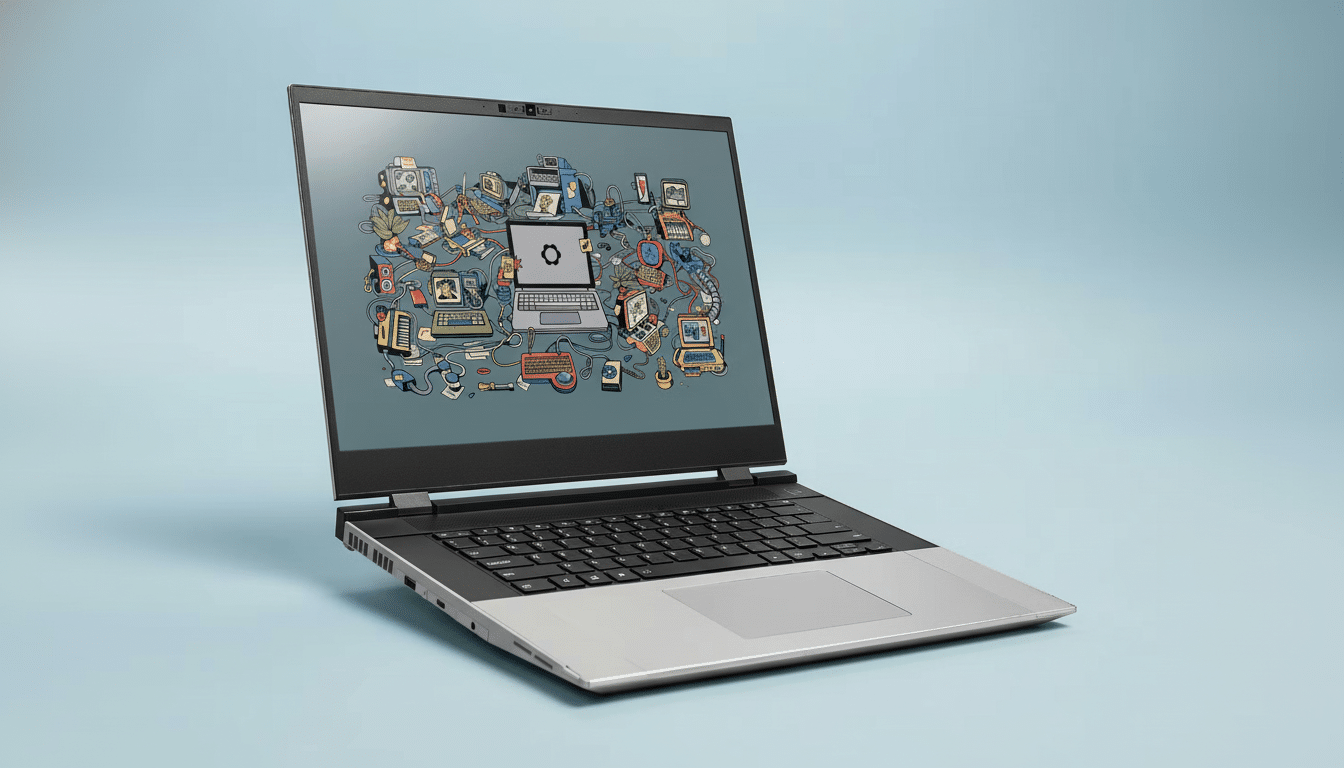
An owner of a Framework Laptop 16 has custom-engineered an OCuLink expansion module that delivers near-desktop-level external graphics card performance, being hailed by Framework itself as “an epic milestone.” The DIY module re-routes high-speed PCIe lanes over an OCuLink port, resulting in little to no drop in performance versus a desktop build, which has been an evasive quality of Thunderbolt eGPU boxes for many years.
What OCuLink Adds to a Modular Laptop’s GPU Performance
OCuLink is an external cable standard, defined by PCI-SIG, that sends native PCIe over a compact connector. Unlike Thunderbolt or USB4, which multiplex PCIe traffic and share bandwidth with other protocols, OCuLink provides a direct pipeline with low overhead between the laptop and desktop GPU. A community-developed module, the link works at up to PCIe 4.0 x8 — 16 GB/s per direction — twice the bandwidth of PCIe 4.0 x4 and far faster than Thunderbolt 4’s cap of 40 Gbps.
In the real world, more bandwidth equals fewer potential bottlenecks when textures stream, frame buffers get pulled back, and ray-tracing workloads spike. It also cuts down on the overhead that normally eats into eGPU performance over Thunderbolt. Community tests tracked by eGPU.io often report a 10–25% hit on Thunderbolt-connected eGPUs in various games and resolutions; OCuLink provides the clean PCIe x8 path which brings that gap within the margin of error in most workloads.
The design of the Framework Laptop 16 aids in this. Its Expansion Bay already exposes PCIe lanes for modular add-ins — Framework offers a discrete GPU pack for the bay — so creating an OCuLink module is, essentially, taking that high-speed interface and adapting it to use an external desktop graphics card. On the compute-bound side, with more platforms on the horizon supporting PCIe 5.0, an x8 link would technically afford up to 32 GB/s in each direction; that’s as much or more (effectively) as a next-gen host interface such as Thunderbolt 5 and USB4 Version 2 in many GPU-bound scenarios.
Real-World Trial: Delivers Desktop-Class Results
The modder was able to show his module can drive an RTX 4070 over PCIe 4.0 x8 without any loss in performance at all compared to having the card run in a regular desktop motherboard.
That parity is the headline: It signals that, for modern desktop-class GPUs, the Framework Laptop 16 can serve as a viable mobile host — not some compromised eGPU arrangement. Considering how little an RTX 50-class card loses even on smaller links — enthusiast testing has found minimal scaling downgrades for high-end GPUs at PCIe 3.0 x16 and PCIe 5.0 x4 — the x8 lane count here provides more than enough headroom for current hardware, as well as next-gen cards.
For creators and gamers, that means more-fluid 4K timelines, less waiting while working with your favorite apps, and faster performance for ultra-high-resolution tasks such as 8K and RAW video rendering. And it means you can run a quiet, air-cooled tower GPU at home (leaving the noise and heat outside the laptop chassis) while still maintaining a thin-and-light profile on the go.
Why It’s Important to the Framework Ecosystem
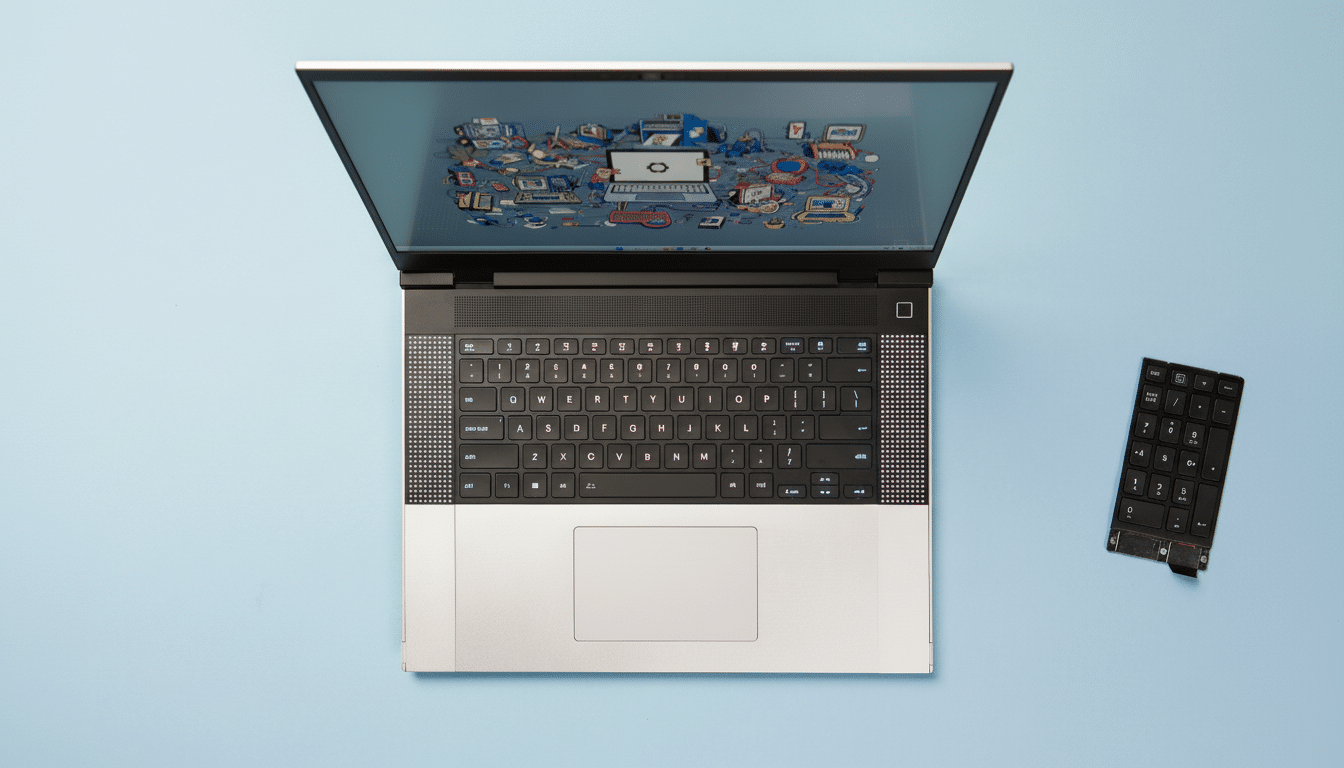
That’s the value proposition for Framework and, to be fair, being modular and long-lasting is their entire positioning. The company’s modular, mix-and-match design includes swappable ports, storage, memory, and even input modules — it’s a welcomed reinvention. An OCuLink module extends that philosophy to the component of a modern PC that is most sensitive to performance. Rather than swapping out an entire computer to chase GPU gains, owners would be able to update the external card as needed and otherwise keep the host intact for years.
It is also compatible with the official GPU modules from Framework instead of competing against them. Those who need all of their mobile GPU performance can choose the discrete Expansion Bay pack; power users wanting maximum performance at a desk can run full desktop cards over OCuLink. Flexibility is the whole point — and it is exactly what repairability advocates and proponents of a right to upgrade have been arguing for.
Caveats and Next Steps for This Community-Built Module
This is a community project, not a consumer product — at least not yet. Dependability will depend on the cable’s quality, connectors’ tolerances, and firmware’s behavior. Native PCIe links can be iffy about hot-plug, and you should plan on powering the GPU separately from this rig using a PSU or enclosure, or an open-air test bench. As with all DIY hardware, expect iteration.
Still, the signal from Framework is unambiguous: the company boosted the project through its official social channels and called it a milestone. External PCIe over OCuLink has been a long favorite in enthusiast forums, and the fact that we see it done cleanly in a purpose-built modular bay certainly legitimizes the idea. Should third-party producers (or even Framework itself) release a well-produced OCuLink module, the Laptop 16 might just wind up as a reference platform for no-holds-barred eGPU performance.
For now, the takeaway is straightforward. By connecting to the Expansion Bay with high-speed PCIe lanes via OCuLink, a Framework Laptop 16 can feed a desktop GPU at x8 speeds while delivering performance that is near desktop baseline. That’s a colossal graphics boost — in the most Framework-y way possible.
