


Samsung’s new One UI 8.5 beta is proving to be a nightmare for people who love to customize, with four of the most popular Good Lock modules failing to launch or losing features as a result.
Early testers have said Home Up and QuickStar are failing to open at all, while LockStar and NotiStar are somewhat disabled temporarily until official updates arrive.
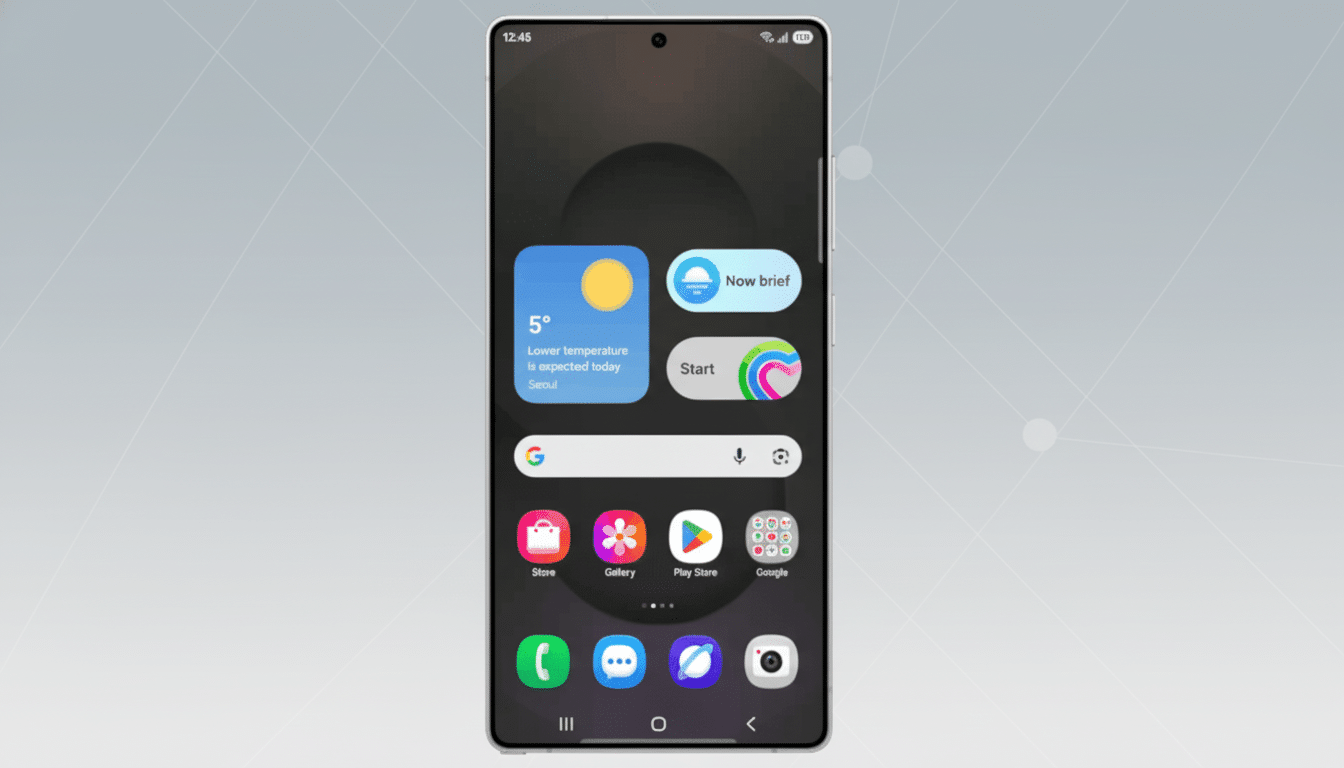
What’s Broken in the One UI 8.5 Beta Right Now
Deep-diving module Home Up that controls deep customization of the home screen, app drawer, and system share sheet is showing a compatibility error after installation of the beta. A window pops up to tell them the version is not compatible with the new operating system; end of story.
QuickStar — the feature that drives more advanced Quick Panel customization and status bar control — is greyed out with a message that “an update is being prepared” for it. Until that lands, setting toggles for icon layout, color theming, and indicator controls are not available.
LockStar, the popular lock screen toolkit, opens but its controls don’t work as they should. Testers report that some clock positions, widget actions, and shortcut setups are not sticking after being edited.
NotiStar processing notifications for history, filtering, and long-term archiving is also running at reduced capacity. Some filters and history views are unstable, users reported in online posts and moderator replies in Samsung’s community forums.
Beta updates are tough on Good Lock customization
The superpower of Good Lock is that it hooks directly into System UI, which includes Quick Settings, the launcher, lock screen, and notification services. That is also why it’s delicate when taken on big platform leaps. Whenever Samsung updates base System UI frameworks, flags, or APIs in a beta, modules specifically made that depend on the older behavior of these components will either fail strict version checks or encounter method mismatches.
This is not new to Galaxy betas. On previous One UI upgrade cycles, popular plugins were temporarily broken until Good Lock shipped corresponding plugin updates. It’s the trade-off for providing a great deal of system-level customization: an engine flexible to accept anything that gets thrown at it, but dependent on updates that are quick and in sync with the core UI.
Samsung says fixes are on the way for Good Lock
Community moderators and the Good Lock team have acknowledged the issues in Samsung’s official forums, saying that new updates are in the works, which will be available to users through the Galaxy Store. The QuickStar notice is direct about a planned release, with internal notes pointing to work currently being done for Home Up, LockStar, and NotiStar support.
Samsung usually trickles out the module updates immediately after larger beta milestones. That cadence gives the company time to validate stability, complete new One UI hooks, and ensure that modules adhere to some of the restrictions that are new due to platform services for system integrity and battery.
Advice for testers and power users during the beta
If you depend on Good Lock for daily customizations, maybe think about sticking to the stable One UI release until their modules are updated. If you’re already on the beta, be sure to check the Galaxy Store for Home Up, QuickStar, LockStar, and NotiStar updates—Samsung is usually issuing fixes module by module rather than in one large swoop.
Workarounds such as clearing cache, force-stopping, or sideloading older APKs will not bypass compatibility checks baked into system components. The sole real fix would be official builds that keep pace with the new System UI and framework changes in One UI 8.5.
What it means for the broader One UI 8.5 rollout
The beta is now available for Galaxy S25 series phones in certain markets, showing off the visual details and system tweaks set to lead Samsung’s next fleet of flagships. But when customization tools that go to a device’s digital core are offline, the feedback from users may be skewed—beta testers who rely on custom grids, share sheet layouts, and Quick Panel tweaks may be seeing this beta as more limited than it will actually be at launch.
On the other hand, this sort of jank is just par for the course in beta land—and it’s historically been a clue that serious UI changes are afoot. When the Good Lock team does get the modules dialed in, power users will have access to granular control of everything they know and love, from custom lock screens to complex notification workflows.
Bottom line: The breakages are real but temporary. Also, if you use One UI betas to get early access, prepare for some turbulence. If you go all in on customizations with Good Lock, your patience will be rewarded—official updates for the modules are coming, and full functionality is going to be a part of the beta down the line.
