


A steep, short-lived discount has dropped Windows 11 Pro to just $10, turning a $199 operating system into an easy upgrade decision for many PC users. The promotion is in its final day, creating a rare window to secure a Pro license at a price that’s typically reserved for classroom bundles or limited enterprise agreements.
For anyone still running Windows 10 or the Home edition of Windows 11, this is a near-impulse buy that unlocks professional features, stronger security, and Microsoft’s AI assistant, Copilot, all without committing to a subscription. Deals like this tend to vanish fast; if you’ve been on the fence, this is the kind of offer that usually doesn’t come back at the same level.
What you get with Windows 11 Pro: key features
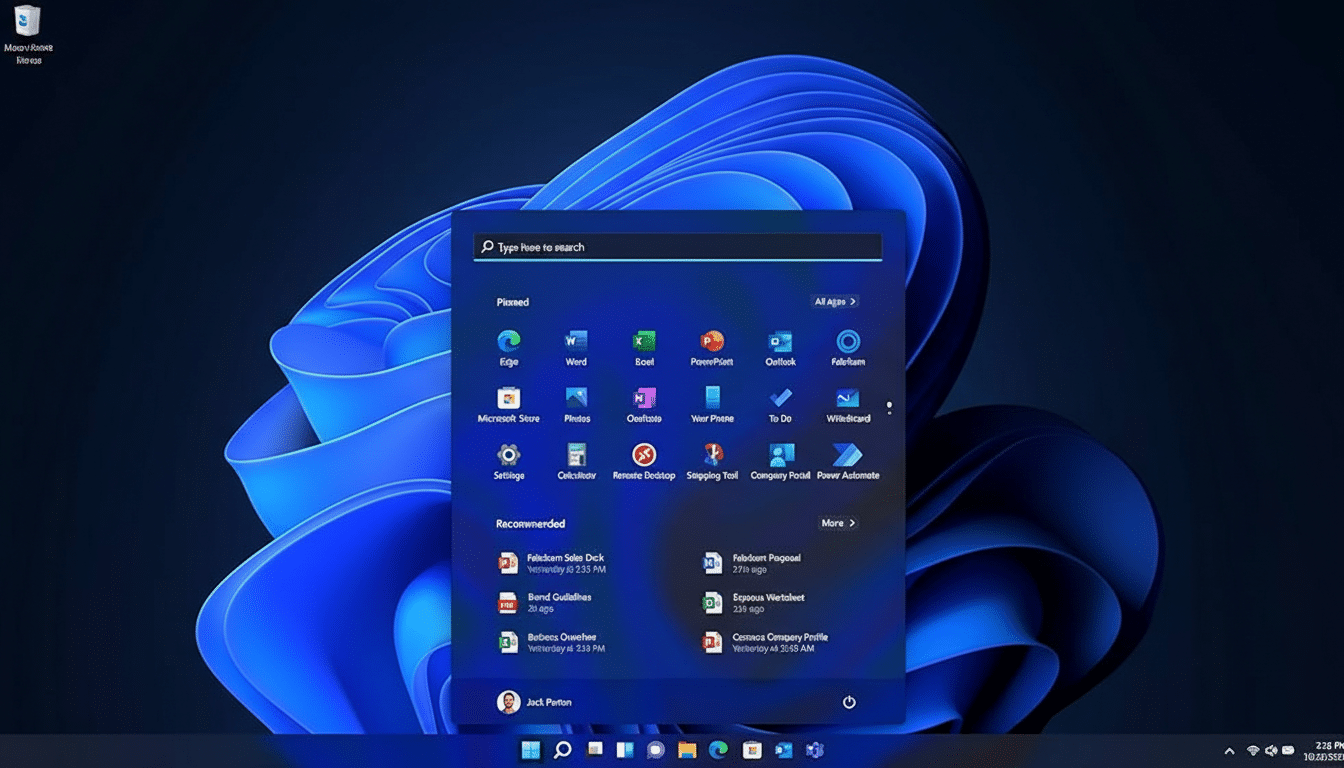
Windows 11 Pro builds on the streamlined look and feel of Windows 11—centered taskbar, refreshed Start menu, and refined animations—while adding the tools power users and small businesses rely on. Snap Layouts and multiple desktops make organizing complex workflows painless, and Copilot is available system-wide to help draft emails, summarize documents, or explain settings right where you’re working.
Under the hood, Pro adds enterprise-grade safeguards and management. You get BitLocker device encryption, Windows Information Protection, Group Policy control, and native support for hardware-based security like TPM 2.0 and Secure Boot. For IT and advanced users, Pro also includes Hyper-V virtualization, Windows Sandbox for opening untrusted files in isolation, Remote Desktop host capabilities, and Microsoft Entra ID (formerly Azure AD) join for modern identity management.
These are not niche extras. A freelancer connecting to client networks, a student testing multiple OS images, or a small-business owner handling sensitive customer data can all benefit from features that reduce risk and streamline remote access.
Why this $10 Windows 11 Pro offer really matters
A $10 price tag represents roughly a 94% markdown from MSRP, which is extremely unusual for a current-generation Windows Pro license. Beyond the headline savings, there’s strategic value here: independent trackers such as StatCounter estimate Windows 10 still powers well over 60% of Windows desktops, leaving a huge cohort of users eyeing their next move. Staying on older software can mean paying for extended security updates or accepting increased risk, both of which get costlier over time according to Microsoft’s own guidance.
There’s also the productivity angle. In our testing and in third-party benchmarks referenced by OEM partners, Windows 11’s scheduling improvements and modern driver model can deliver more consistent performance on newer CPUs and hybrid-core designs. Features like DirectStorage (with supported hardware) shorten load times for large apps and games, while smarter background activity can reclaim memory during heavy multitasking.
If you already own Windows 10 Pro on supported hardware, the move to Windows 11 Pro is typically straightforward. For those on Windows 10 Home, a Pro license unlocks Remote Desktop hosting, BitLocker, and domain/Entra ID join—capabilities that remove friction for hybrid work and secure BYOD setups.
Check Windows 11 compatibility before you buy a license
Windows 11 has firmer hardware requirements than its predecessor. You’ll need a compatible 64-bit CPU (generally 8th-gen Intel Core or newer, or AMD Ryzen 2000-series or newer), TPM 2.0, Secure Boot, 4GB of RAM or more, and sufficient storage. Microsoft’s PC Health Check app can quickly confirm eligibility and flag any BIOS settings—like enabling fTPM or Secure Boot—that may be disabled.
No software license can bypass those requirements, so verify your system first. If your CPU is slightly older but the machine otherwise meets specs, some users opt to keep that system on Windows 10 for secondary roles and put the Pro license on a newer primary PC.
Legitimacy and licensing caveats for ultra-cheap keys
When a price is this low, due diligence matters. Microsoft advises purchasing from reputable sellers and warns that gray-market keys may fail activation or be revoked later. Look for clear disclosure on license type (retail vs. OEM), activation method (digital license tied to your hardware), and whether the key is for a single device. A legitimate retail key should activate through Microsoft’s standard process and remain associated with your account or machine.
If you are upgrading from Home, confirm the offer explicitly states Windows 11 Pro and not a “Pro upgrade” limited to a specific edition or region. Keep records of your purchase and activation in case you change hardware down the line.
Bottom line: act fast if you want Windows 11 Pro for $10
Windows 11 Pro at $10 is the kind of time-sensitive opportunity that’s easy to justify and hard to find again. You gain modern security defaults, virtualization and remote-access tools, and built-in AI assistance at a fraction of standard cost. Verify your PC meets requirements, buy from a trustworthy source, and lock in the license before the promotion ends.
