


There’s a deceptively simple habit spreading from productivity coaches to boardrooms and kitchen tables alike: put your phone face down. It feels almost too easy, yet the upside is real—less screen time, calmer focus, and a quieter mind—because it removes the single strongest trigger to check your device: seeing the screen light up.
The One-Move Reset: Flip Your Phone Face Down to Focus
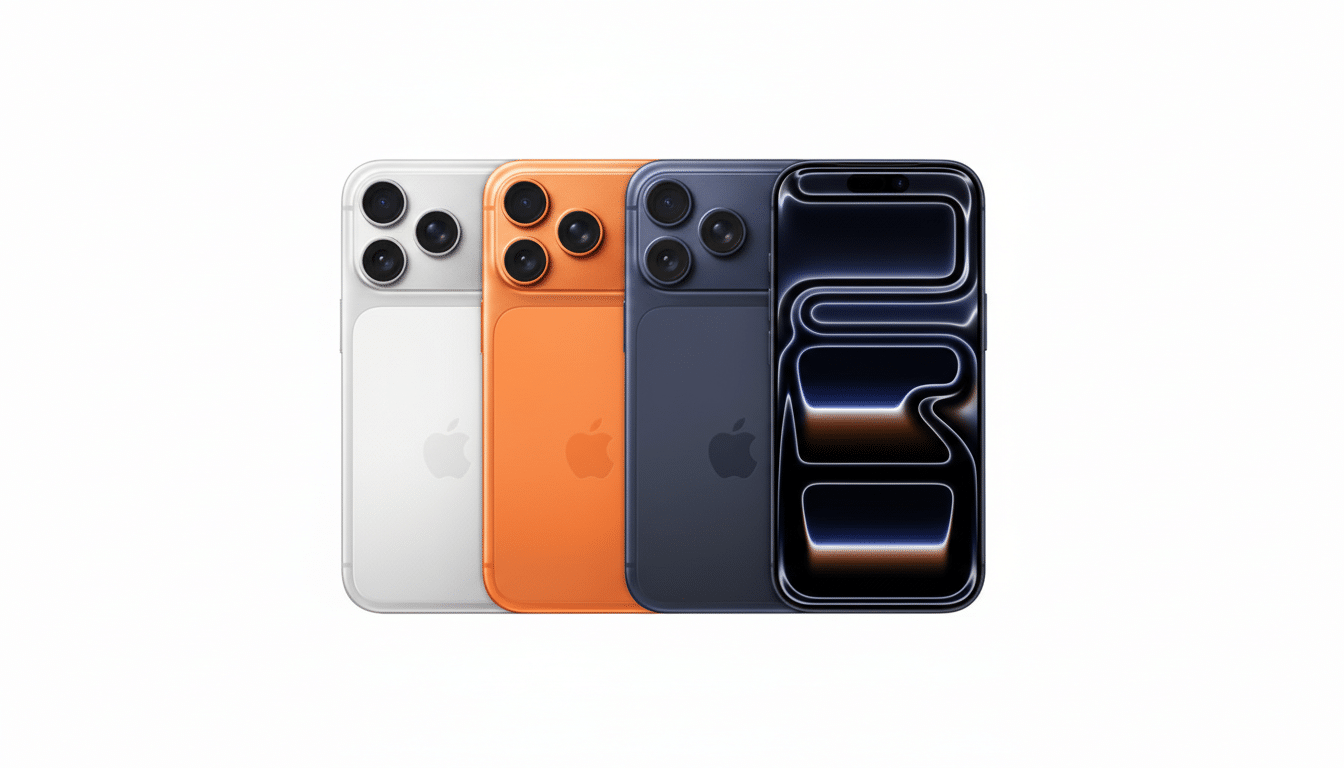
Face down means fewer visual cues. Modern phones are engineered to grab attention the moment a notification pulses across the glass. Flip it and that loop breaks. Apple even bakes in “Facedown Detection,” introduced in iOS years ago, which prevents alerts from waking the screen when the device is placed screen-first. Google supports similar behavior with features like Flip to Shhh on Pixel, while Samsung and others offer Turn Over to Mute.
- The One-Move Reset: Flip Your Phone Face Down to Focus
- Why It Cuts Screen Time: Fewer Cues Mean Fewer Checks
- A Quiet Shield For Privacy And Etiquette
- Battery and Device Health Benefits From Fewer Wake-Ups
- Make the Habit Stick With Smart Settings and Norms
- Bottom Line: One Simple Flip Reduces Distractions Daily
This isn’t about rejecting technology; it’s about reclaiming choice. You still get what matters—calls come through if you set exceptions—but the barrage of light and motion stops dictating your next tap.
Why It Cuts Screen Time: Fewer Cues Mean Fewer Checks
The average American checks a phone well over 100 times per day, according to consumer surveys from Reviews.org. Each glance may last seconds, but the cognitive toll stacks up. Research from the University of Texas at Austin found that the mere presence of your own smartphone can sap available cognitive capacity, even when it’s off and face down. Put differently: the closer and louder the phone’s cues, the harder your brain has to work to ignore them.
Interruptions are especially costly. Informatics researcher Gloria Mark at the University of California, Irvine has shown that after a disruption, it can take upward of 20 minutes to fully return to the original task. Flipping the phone screen-first removes a prime source of micro-interruptions—those subtle glows that pull you into a quick check, which becomes a scroll, which becomes a 10-minute detour.
A Quiet Shield For Privacy And Etiquette
Every lock-screen alert is a miniature billboard to anyone nearby. Banking pings, two-factor codes, calendar invites—glancing eyes learn more than you intend. The UK’s National Cyber Security Centre has long warned about “shoulder surfing” in public spaces; a simple face-down posture is a low-tech privacy screen that closes the window into your life.
There’s also the human signal. A glowing phone on a table implies split attention. Face down broadcasts something different: I’m here. That matters in meetings, at dinner, and anywhere trust is built. Some teams now use a “face-down first” norm to keep conversations flowing without resorting to full phone bans.
Battery and Device Health Benefits From Fewer Wake-Ups
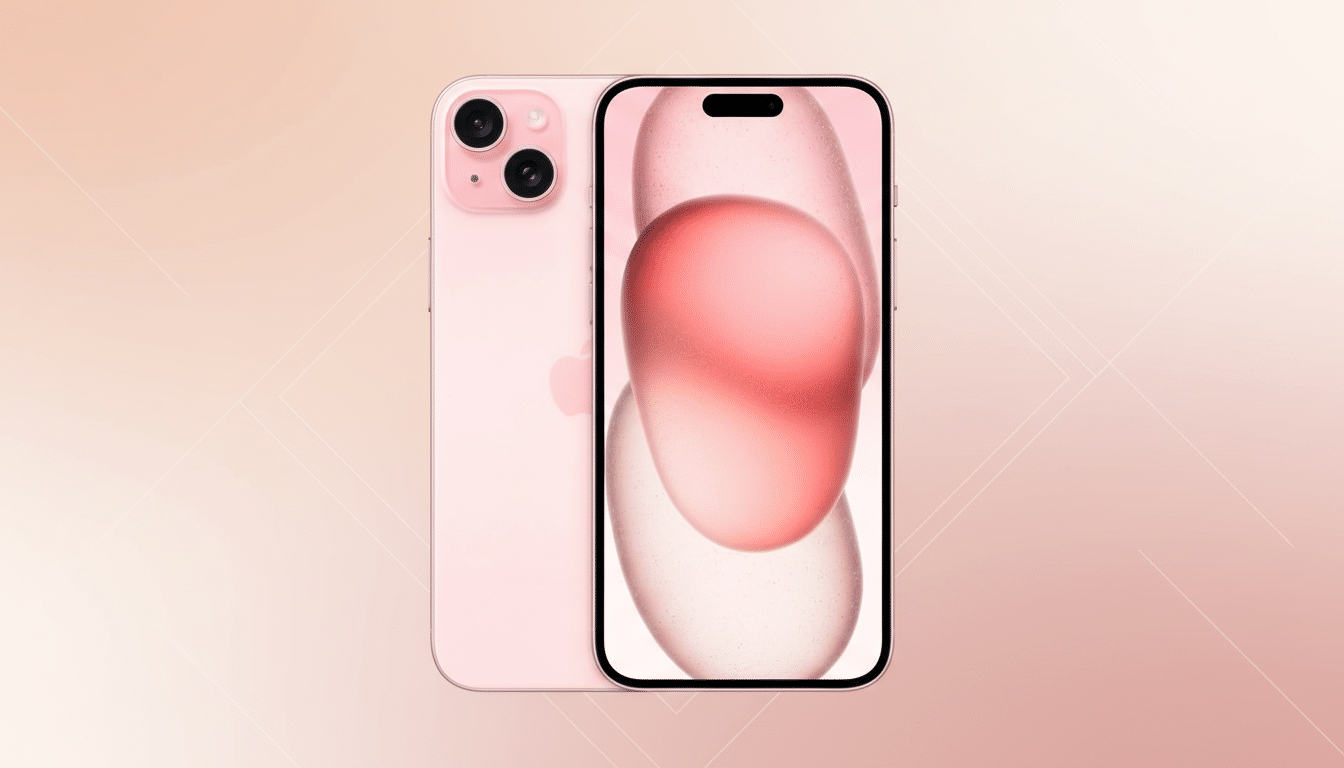
The display is routinely the top battery drain in usage reports on both iOS and Android. If your screen doesn’t light up for every push alert, you save charge over the course of a day. Facedown Detection on iPhone and comparable Android features do exactly that, trimming the invisible battery tax of incessant wake-ups and helping curb notification fatigue.
There’s a physical upside, too. A face-up screen is a spill magnet and scratch target. Dust, sand, and stray crumbs can grind into glass. Flipping the device puts the hard shell or case against the surface and the most fragile, expensive component safely away from harm. It won’t replace a good case or screen protector, but it’s the cheapest extra layer of defense you can add.
Make the Habit Stick With Smart Settings and Norms
Pair the flip with a few smart settings so the phone stays quiet while it’s down. On iPhone, set a Focus profile (Do Not Disturb or Work) to silence notifications except for VIPs, and reduce haptic alerts in Sounds & Haptics. On Pixel, enable Flip to Shhh and tailor exceptions in Do Not Disturb. On Samsung and other Android phones, use Digital Wellbeing and Turn Over to Mute, then whitelist essential contacts. The goal is fewer reflex cues, not missed emergencies.
If you’re skeptical, try a one-week experiment: every meeting, meal, and deep-work block begins with the phone face down and at arm’s length. Track pickups and unlocks in your device’s screen-time dashboard. Many users report double-digit drops in daily pickups and a noticeable lift in focus—small wins that compound into calmer days.
Bottom Line: One Simple Flip Reduces Distractions Daily
In a world of complex digital wellness advice, the simplest move may be the most effective. Put the screen to sleep by putting it face down. It protects your privacy, safeguards your battery and glass, and—most importantly—shrinks the reflex loops that inflate screen time. One habit, one motion, measurable relief.
