


Smartphones and laptops rarely fail catastrophically, but when lithium-ion batteries do go wrong, they can vent, ignite, or explode in seconds. Safety agencies have been sounding the alarm: the U.S. Consumer Product Safety Commission has flagged a rise in overheating incidents across consumer electronics, while the Federal Aviation Administration has logged more than 500 battery smoke or fire events on aircraft since 2006. Understanding why these failures happen — and the practical steps to lower your risk — is the best defense.
Why Batteries Fail And Explode: Thermal Runaway Causes
The modern lithium-ion cell packs high energy in a thin, layered structure. If an internal short develops — from a manufacturing flaw, contamination, microscopic “dendrites,” or physical damage — the cell heats rapidly. Above roughly 120°C, internal reactions accelerate, releasing more heat and flammable gases. This self-feeding loop, known as thermal runaway, can rupture the cell, ignite the electrolyte, and cause violent fire.
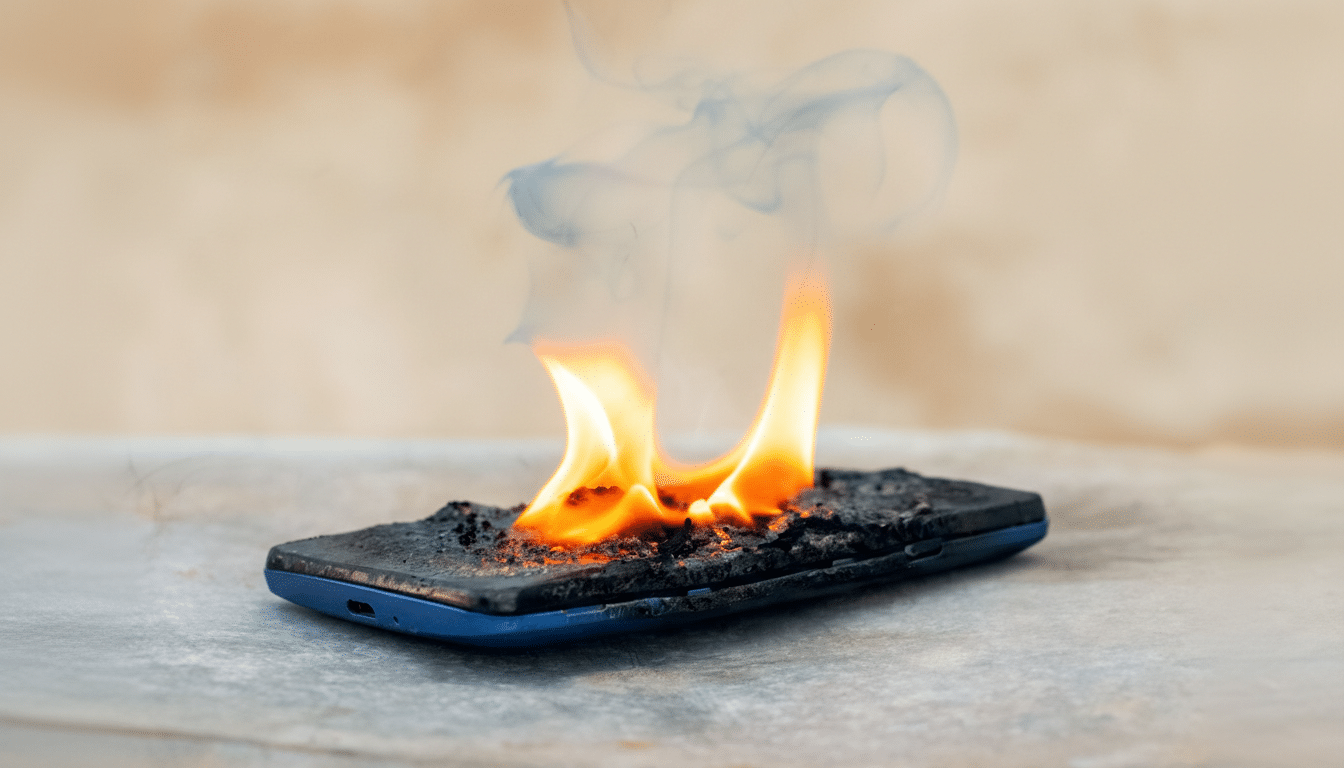
External abuse is just as dangerous. Crushing, bending, or puncturing a device can pierce separators and short the cell. Overcharging with a faulty or counterfeit charger drives voltage beyond safe limits. High ambient temperatures — a phone on a sunbaked dashboard, a laptop under a blanket — degrade protective layers inside the cell, making runaway more likely.
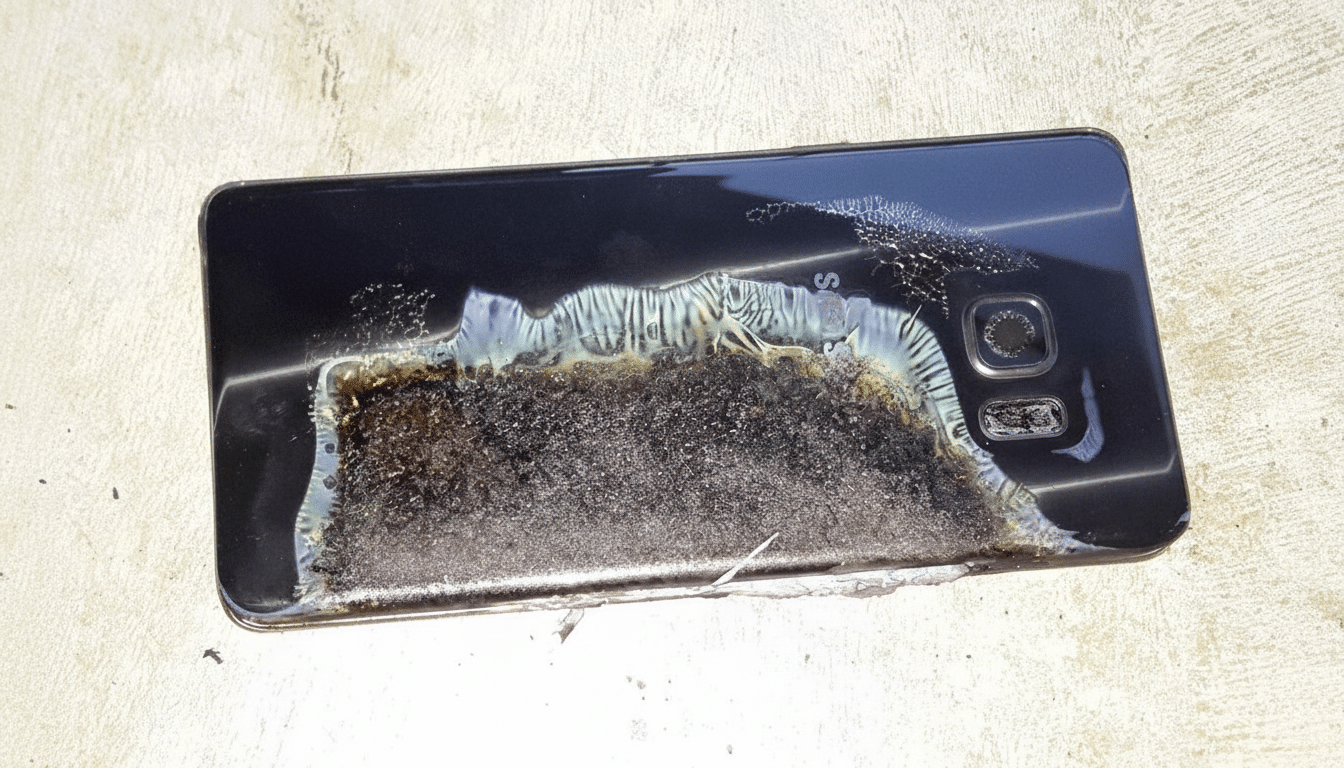
Quality control matters. Reputable brands build in multiple safeguards: battery management systems, thermal fuses, current limiters, and firmware that throttles charging if a cell gets too hot or too cold. Even so, no system is perfect. The 2016 global smartphone recall after battery defects caused fires remains the industry’s cautionary tale: a tiny assembly error can have outsized consequences across millions of devices.
Context helps, too. Urban fire services have reported sharp rises in lithium-battery incidents, particularly with e-bikes and scooters. While phones and laptops are generally safer thanks to tighter supply chains and rigorous certification, the same chemistry underpins them all, so the physics of failure is shared.
Red Flags You Should Never Ignore In Your Devices
Warning signs often show up before a crisis. Swelling or a case that won’t close properly indicates gas buildup inside a failing cell. A sweet, solvent-like odor, hissing, popping, or visible smoke are urgent danger cues. So is heat that persists after you stop taxing the device or unplug it from power.
Slow or inconsistent charging, frequent unexpected shutdowns, or a charger that runs abnormally hot can also signal trouble with the battery or power path. If you see any of these, stop using the device and seek service or safe disposal.
Six Ways To Protect Yourself From Battery Hazards
- Use certified power gear. Stick to the charger and cable supplied by the manufacturer or replacements that carry trusted marks like UL or ETL. Avoid ultra-cheap or no-name adapters; CPSC investigations repeatedly tie unsafe incidents to substandard charging hardware.
- Give devices room to breathe. Charge on hard, nonflammable surfaces — not under pillows, on couches, or in piles of laundry. Keep vents clear. Heat is the enemy of battery health and safety, so don’t leave phones or laptops in hot cars or direct sun.
- Retire damaged or swollen batteries immediately. If a device bulges, creaks when pressed, or the screen lifts from the frame, power down, unplug, and isolate it on a fire-resistant surface. Do not puncture or compress it. Seek authorized service; replacement cells should come from reputable sources.
- Store and transport smart. For devices you won’t use for months, store around 30–50% charge in a cool, dry place. When flying, keep spare batteries and power banks in carry-on bags, not checked luggage, per FAA guidance. Use protective cases that don’t pinch or bend the chassis.
- Update and calibrate. Firmware and operating system updates often refine charging profiles and thermal limits. Enable battery health features, avoid aggressive fast charging when the device is already hot, and let the device cool before plugging in after heavy use.
- Know what to do if one overheats. If safe, unplug and move the device away from combustibles onto a nonflammable surface. For small electronics, cooling with water or using an ABC dry-chemical extinguisher can help, according to NFPA guidance. If flames persist or spread, evacuate and call emergency services. Afterward, dispose of the battery at an approved e-waste facility — never in household trash.
What The Data Says About Lithium Battery Fire Risks
UL Research Institutes and national labs have documented cell temperatures exceeding 500°C during thermal runaway — hot enough to ignite nearby materials in an instant. Fire services in major cities report hundreds of lithium-related incidents each year across all device types, a reminder that vigilance and good habits make a measurable difference.
Bottom Line: Sensible Charging Habits Prevent Most Fires
Phones and laptops are safer than ever, but not foolproof. Most failures are preventable with decent chargers, cool charging environments, and swift action when a battery looks or smells wrong. Treat that slab of energy with respect, and the odds will remain overwhelmingly in your favor.
