


After weeks of burn-in tests across mini PCs, repurposed desktops, and nested virtual machines, four Linux server distributions rose to the top for home labs. Each one balances stability, security, performance, and ease of maintenance in a way that makes tinkering fun without turning uptime into a full-time job.
The picks below reflect what matters most in a lab:
- How We Picked the Winners for Reliable Home Lab Servers
- Ubuntu Server: The Balanced Default for Home Labs
- Debian Stable: The Rock-Solid Base for Servers
- Rocky Linux: Enterprise Poise Without the Price
- Fedora Server: Cutting Edge With Guardrails
- Which Distro Fits Your Lab and Long-Term Goals
- Pro Tips for a Smooth Start in Your Home Lab
- The Bottom Line on Choosing Home Lab Linux Servers
- predictable release cycles
- long support windows
- resilient filesystems and snapshot options
- strong security defaults
- broad package ecosystems
- excellent documentation
They also align with what real users favor. The latest Stack Overflow Developer Survey shows Ubuntu as the most common Linux for developers, the Top500 list reports that every supercomputer runs Linux, and the Cloud Native Computing Foundation has repeatedly found near-universal container adoption—clear signals about where the platform momentum is.
How We Picked the Winners for Reliable Home Lab Servers
We prioritized distributions with straightforward installs, sensible defaults, and minimal idle footprints, then stress-tested services such as containers, file shares, VPNs, and self-hosted apps. Lifecycle length and update quality were non-negotiable; for home labs, a calm changelog beats flashy features.
We also evaluated administration tooling and learning curves. Cockpit’s web console, cloud-init, robust man pages, and large communities all reduce time-to-value. Finally, we looked for clean upgrade paths so you can move from a single NUC to a rack of VMs without rethinking everything.
Ubuntu Server: The Balanced Default for Home Labs
Ubuntu Server earns the default recommendation for most home labs. Long-Term Support releases are supported for five years, with optional extended coverage taking that to a decade according to Canonical. That cadence means your Nextcloud, Jellyfin, WireGuard, and Home Assistant stacks keep running while you focus on projects—not break-fix.
Out of the box, you get an approachable installer, cloud-init for quick VM provisioning, and the breadth of the Debian/Ubuntu ecosystem. Administration is flexible: stay lightweight over SSH, add Cockpit for a friendly web UI, or use LXD for quickly spinning up containerized or system containers. A minimal install remains lean yet modern, and the community knowledge base is unmatched when you need help at 2 a.m.
Debian Stable: The Rock-Solid Base for Servers
When stability is the only metric that matters, Debian Stable is tough to beat. Its conservative approach, large repositories, and methodical security work by the Debian Security and LTS teams make it a superb host for databases, file servers, and critical services.
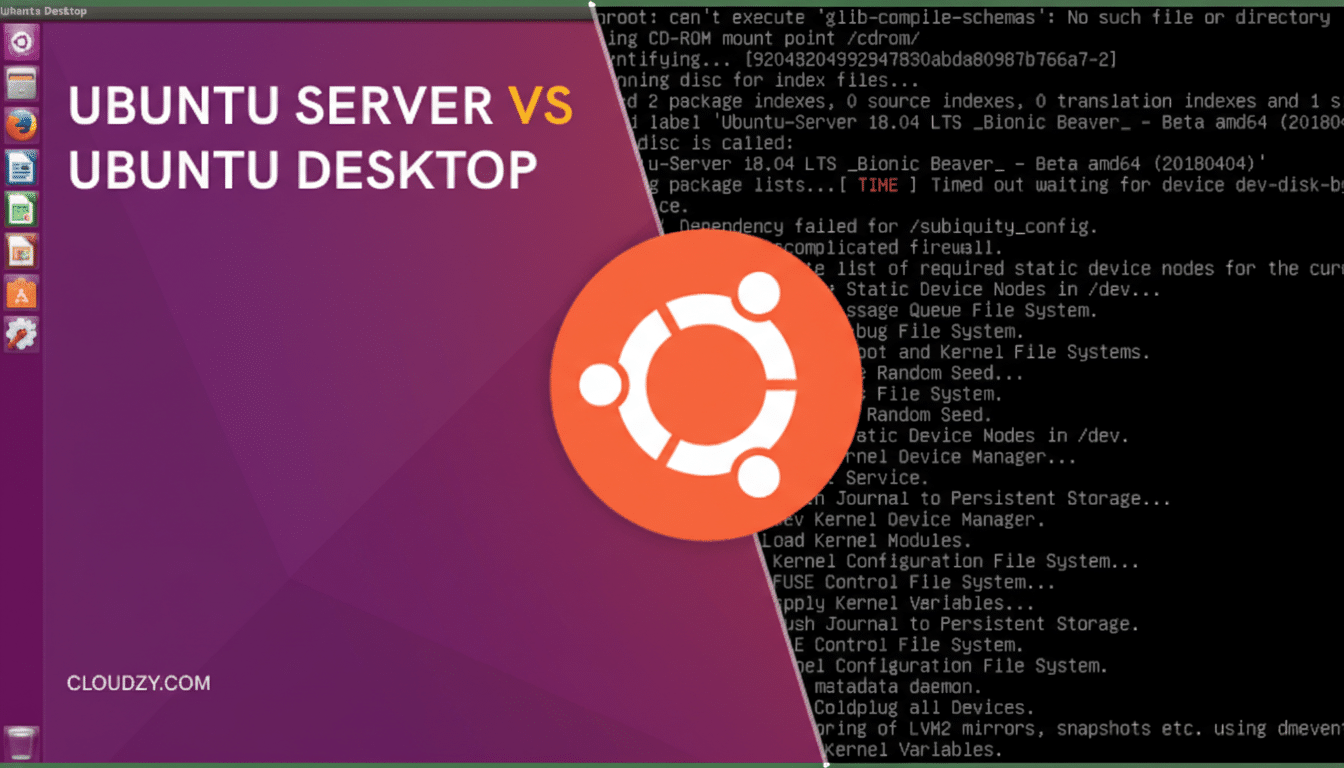
A single ISO can become a bare-bones server or a desktop, and a minimal install typically idles at a very low memory footprint—ideal for older gear or compact ARM boards. Reproducible builds, clear release notes, and predictable upgrades help keep surprises to a minimum. If you prefer to set it and forget it, Debian is your friend.
Rocky Linux: Enterprise Poise Without the Price
Rocky Linux is a community rebuild that tracks Red Hat Enterprise Linux, delivering binary compatibility and a decade-scale lifecycle without a subscription. For home labbers who want enterprise steadiness—SELinux enforcing, systemd, firewalld, KVM, and refined server defaults—this is a smart bet.
It shines as a virtualization host and for services where you want “the RHEL way” of doing things. Add the Extra Packages for Enterprise Linux (EPEL) repository for a richer catalog, manage configuration with Ansible, and administer nodes via Cockpit. If you intend to practice enterprise workflows at home, Rocky reinforces habits that transfer directly to production.
Fedora Server: Cutting Edge With Guardrails
Fedora Server moves fast but responsibly. Releases arrive on a roughly six-month cadence with about a year of support, giving you current kernels, drivers, and toolchains—great for new hardware and the latest container tech. Podman replaces Docker by default, SELinux runs in enforcing mode, and Cockpit is available for painless day-two operations.
If you run a container-first lab, Fedora feels at home. While it does not prioritize the ultra-long support windows of Rocky or Ubuntu LTS, you get access to modern features sooner and can pair them with snapshot-friendly filesystems like Btrfs if you choose to deploy them.
Which Distro Fits Your Lab and Long-Term Goals
- Spinning up many small VMs fast for home lab experiments or self-hosted apps you’ll keep long term points to Ubuntu Server, thanks to LTS cadence and tooling like cloud-init and LXD.
- Running on vintage hardware, tiny mini PCs, or single-board systems argues for Debian Stable. It is frugal with resources and famously predictable.
- Learning enterprise practices, building a KVM hypervisor, or mirroring production-like environments is where Rocky Linux excels, with RHEL-aligned workflows and long support.
- Needing the newest kernels, drivers, and container features nudges you toward Fedora Server. Expect more frequent updates in exchange for earlier access to innovations.
Pro Tips for a Smooth Start in Your Home Lab
- Enable automatic security updates early: unattended-upgrades on Debian and Ubuntu, and dnf-automatic on Fedora and Rocky. Keep SELinux enforcing and learn how to read audit logs—it pays dividends in security.
- Adopt snapshots and backups from day one. Btrfs or ZFS snapshots let you roll back botched upgrades, and tools like BorgBackup or Restic give offsite-ready archives. Monitor with Prometheus and Grafana or a lightweight node exporter to spot trouble before users do.
- Standardize on KVM for virtualization and Podman or Docker for containers, then automate with Ansible. Consistency across nodes reduces toil and speeds recovery.
The Bottom Line on Choosing Home Lab Linux Servers
You cannot go wrong with any of these four, but match the distro to your goal: Ubuntu for an easy, well-documented default; Debian for bulletproof simplicity; Rocky for enterprise-grade steadiness; and Fedora for modern features with sensible guardrails. Pick one, automate the basics, and let your home lab do the learning while your services stay online.
