


If you live in a browser all day, every new extension promises a shortcut or a safeguard. It can also add risk, memory overhead, and noise. The sweet spot is a focused toolkit that covers security, organization, comfort, and writing quality without dragging performance. After years of testing and a deliberate cull, four extensions consistently earn their slot: Proton Pass, Raindrop.io, Dark Reader, and ProWritingAid.
Why Fewer Extensions Matter for Speed and Safety
Every extension widens your attack surface and can keep background processes alive. Browser teams themselves nudge users toward restraint: least-privilege permissions, per-site controls, and regular audits. Security reports from major incident responders routinely show that stolen credentials and session hijacking remain among the top breach vectors, and unnecessary add-ons only complicate that picture. A lean loadout also pays off in faster page renders, longer battery life, and fewer mysterious site breakages.
- Why Fewer Extensions Matter for Speed and Safety
- Stronger Passwords and Autofill With Proton Pass
- Smarter Bookmarks and Research With Raindrop.io
- Eye Comfort and Control on Sites With Dark Reader
- Cleaner Drafts and Clearer Style With ProWritingAid
- What About Ad Blocking on Chrome and Firefox
- Setup Tips That Keep You Fast, Private, and Safe
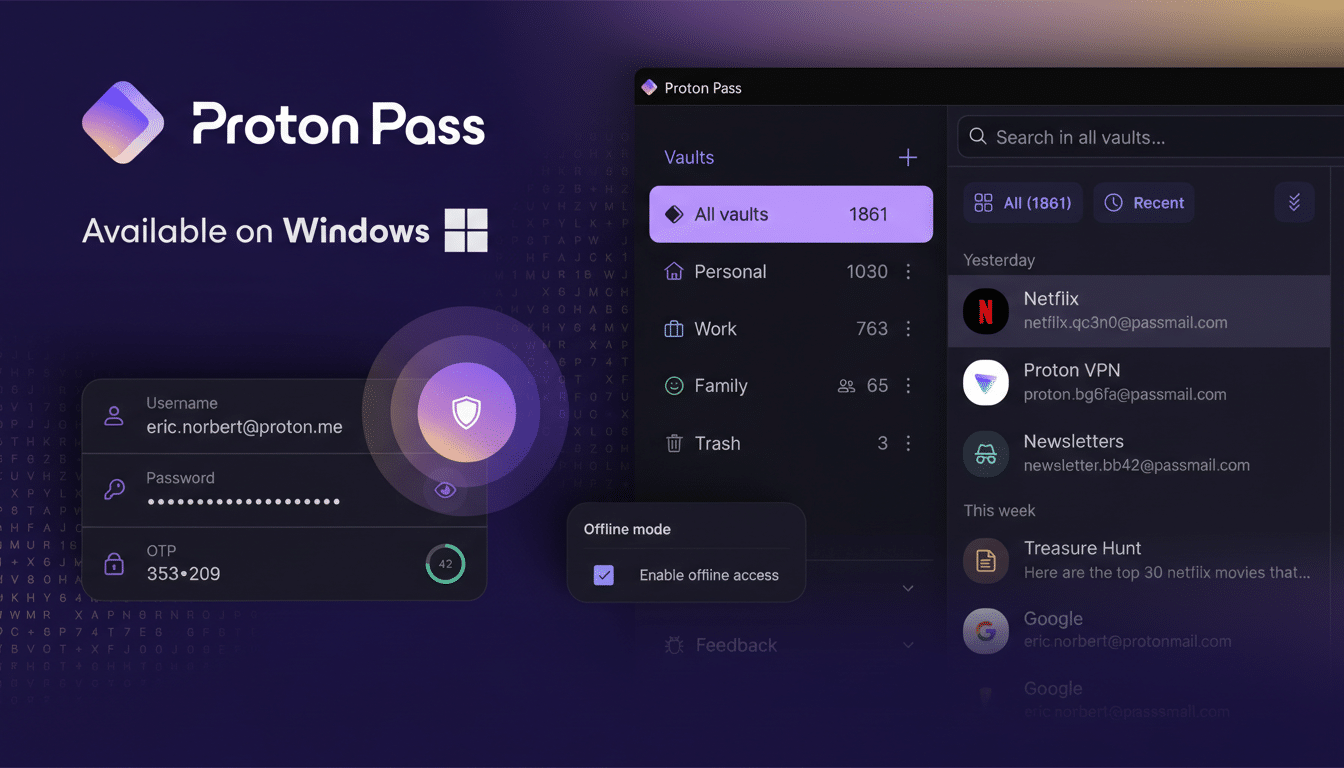
Stronger Passwords and Autofill With Proton Pass
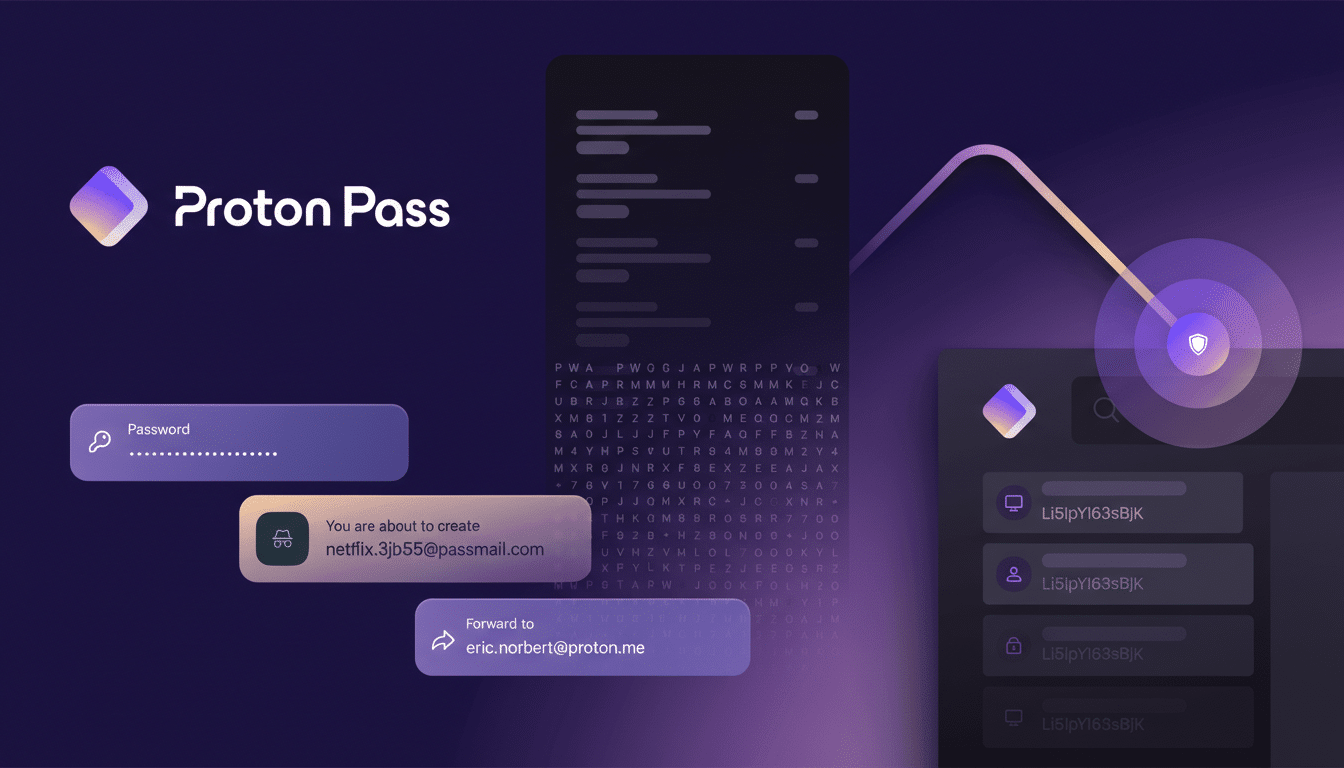
A dedicated password manager is non-negotiable, and Proton Pass excels because it blends strong security with effortless daily use. The extension handles autofill for logins and payment fields, generates unique passwords on the fly, and lets you search or edit vault entries without opening a new tab. Proton publicly emphasizes end-to-end encryption and a zero-knowledge architecture, meaning the company cannot read your stored items. That model aligns with guidance from independent security researchers and the FIDO Alliance push toward phishing-resistant authentication.
Practical win: cross-browser continuity. If you bounce between Brave for daily browsing and Firefox for certain streaming or developer tools, the Proton Pass extension keeps credentials synchronized without manual exports. Alternatives like Bitwarden and 1Password remain excellent, but Proton’s privacy posture and clean autofill logic have proven reliably low-friction.
Smarter Bookmarks and Research With Raindrop.io
Built-in bookmarks work, but they’re not built for research-heavy workflows. Raindrop.io’s extension saves links instantly and applies rich visuals, tags, and collections that make large libraries browsable at a glance. Power users can set a curated Favorites collection as a start page, turning new-tab paralysis into a focused launchpad. For anyone who has switched browsers and lost structure in the process, a cloud bookmark manager ends lock-in; just sign in and your organized archive follows you.
The difference is especially clear on a desktop work machine: quick-save from the toolbar, then retrieve the same items later on a laptop or phone. Researchers and content teams often report faster recall with visual bookmarks compared to raw lists, and the tagging system scales much better than nested folders alone.
Eye Comfort and Control on Sites With Dark Reader
Not every site respects system dark mode, and forcing dark themes via browser flags can produce strange results on complex web apps. Dark Reader gives per-site control, fine-grained brightness and contrast sliders, and quick toggles that keep you in flow. For spreadsheet-heavy tasks—think long sessions in web-based sheets or dashboards—the extension avoids jarring white panes that can contribute to glare-related discomfort.
The American Academy of Ophthalmology notes that dark interfaces can reduce glare for some users even if the science on universal eye-strain reduction is mixed. In practice, Dark Reader’s selective approach pairs well with native dark modes: keep global settings minimal, then deploy the extension only where needed to prevent visual fatigue.
Cleaner Drafts and Clearer Style With ProWritingAid
Browser spellcheckers catch obvious typos but miss style issues, punctuation quirks, and awkward constructions. ProWritingAid’s extension flags grammatical slips, overused phrases, and clarity problems inline, with brighter highlights that remain visible even in dark themes and on dimmed screens. For editors working late—when attention wanes—that extra visibility saves rewrites and back-and-forth edits.
Equally important is data handling. As large language models proliferate, many writers worry about text being harvested to train algorithms. ProWritingAid states it does not use customer content to train models, a stance that aligns with growing industry expectations for explicit opt-outs. Offline options exist for maximum control, but for most newsroom and content workflows, this extension hits a practical balance between capability and privacy.
What About Ad Blocking on Chrome and Firefox
If your browser ships with effective content blocking, you may not need another add-on. For browsers that do not, uBlock Origin remains the trusted pick. Google’s transition to Manifest V3 changed how some blockers work in Chrome; the lightweight variant still strips out the worst pop-ups and trackers, while Firefox users can run the full-powered version. Either way, treat this category as a single-slot decision to minimize conflicts and site breakage.
Setup Tips That Keep You Fast, Private, and Safe
- Audit quarterly: remove anything you have not clicked in months.
- Trim permissions: prefer “on click” or “only on specific sites.”
- Separate profiles: keep work and personal extensions isolated to reduce cross-site data exposure.
- Watch release notes: major browser changes—like extension API shifts—can affect behavior overnight.
The bottom line: four carefully chosen extensions can cover security, organization, comfort, and craft without dragging your browser down. Proton Pass protects your accounts, Raindrop.io tames the research sprawl, Dark Reader preserves your eyes, and ProWritingAid sharpens every draft—everything else is optional.
