


A popular productivity bundle is back in the spotlight: a lifetime license for Microsoft Office Professional 2021 for Windows is available for about $35, delivering eight core apps without a subscription. For anyone who prefers a one-and-done purchase over monthly fees, this offer packs a familiar toolkit at a fraction of typical pricing.
What This $35 Microsoft Office Bundle Includes
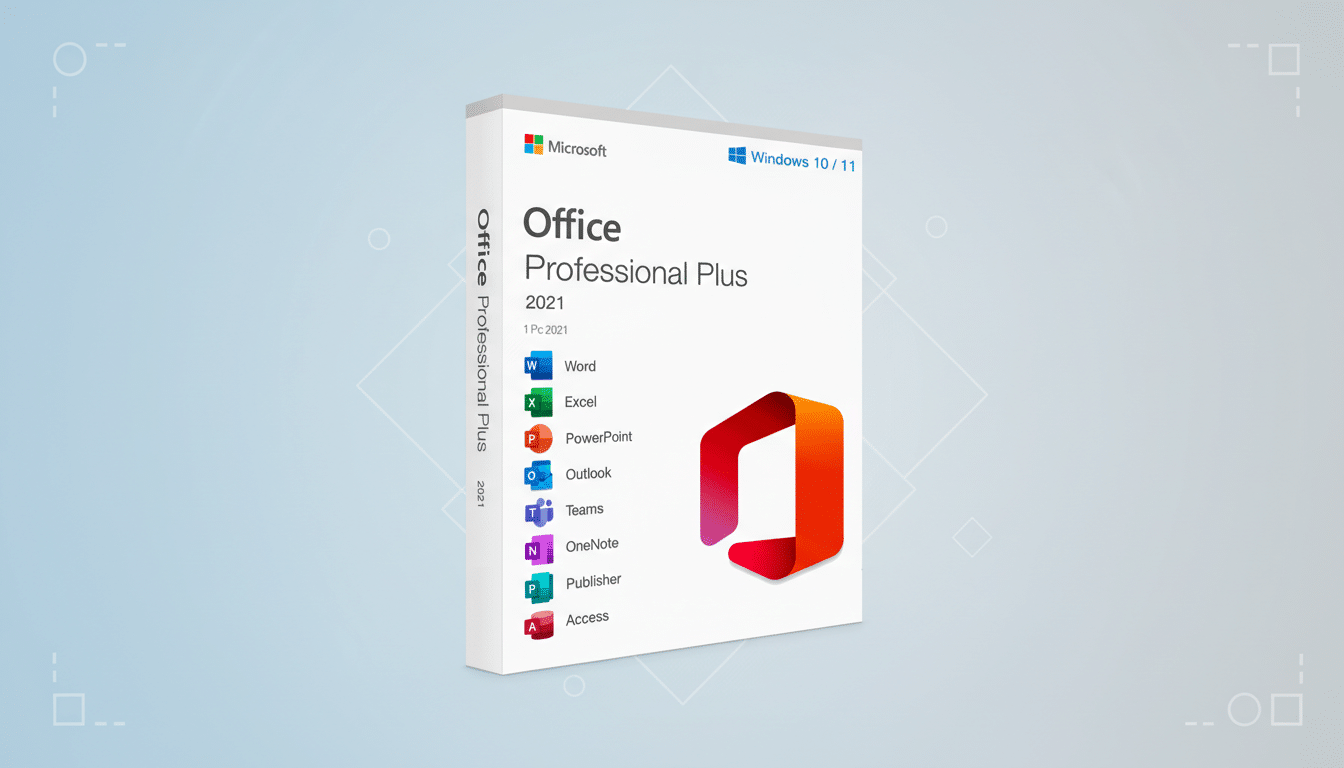
The license unlocks eight Microsoft stalwarts: Word for drafting and editing, Excel for data analysis and automation, PowerPoint for polished presentations, and Outlook for professional-grade email and calendar management. Those cover the day-to-day basics for students, freelancers, and small teams alike.
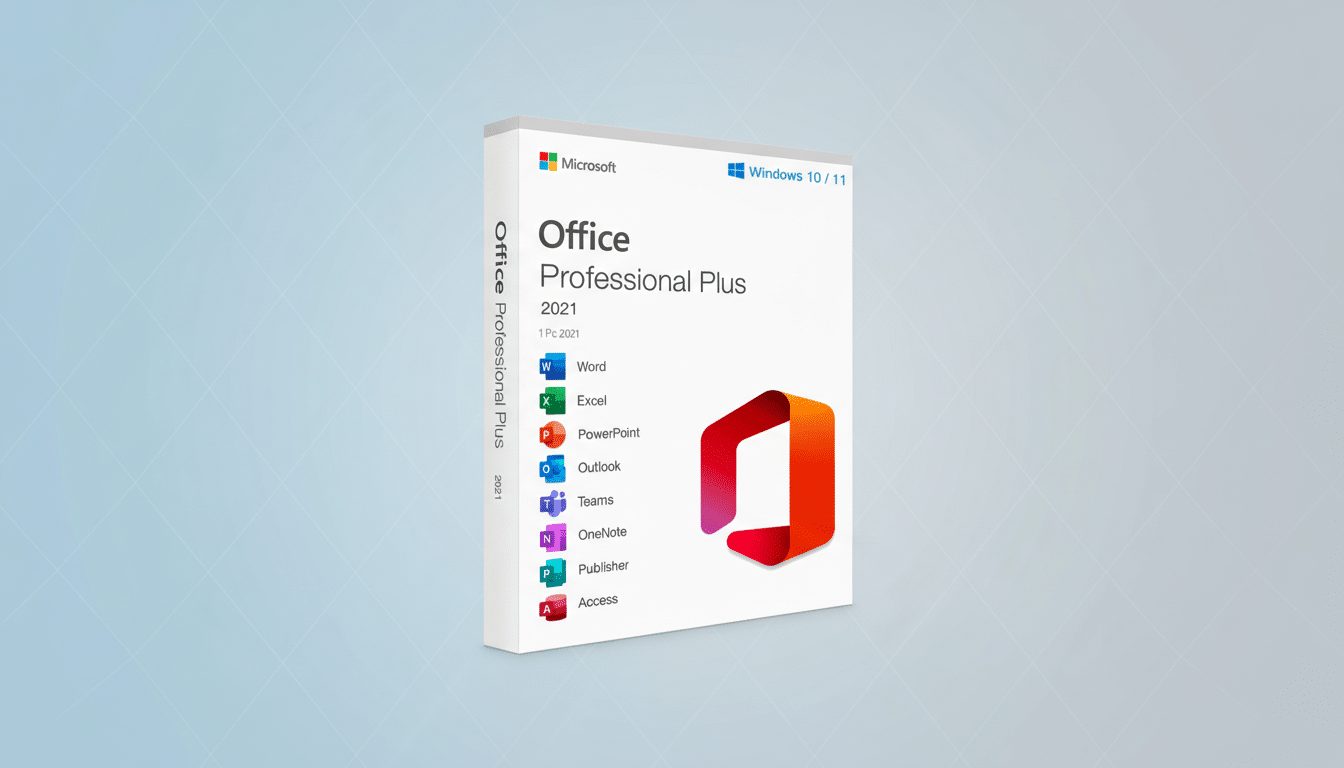
You also get OneNote for frictionless note-taking and research capture, Teams for chat and video meetings, Access for building and querying databases, and Publisher for flyers, brochures, and other desktop publishing work. These are the Windows versions, installed locally, so you can keep working even when you’re offline.
Why a One-Time Microsoft Office License Still Matters
Subscription suites are the norm, but not everyone wants another recurring charge. Deloitte has reported broad consumer fatigue with accumulating subscriptions, and productivity software is no exception. A perpetual license alleviates that, especially for users with steady, unchanging needs who don’t require the latest cloud features.
The value case is stark. Microsoft lists Office Professional 2021 at several hundred dollars on its own store, so a ~$35 price point represents savings north of 90% versus list. Compared with Microsoft 365 Personal billed annually, a one-time $35 outlay can pay for itself in months if you don’t need the continuous cloud updates. Okta’s Businesses at Work report consistently ranks Microsoft 365 as the most-used enterprise app, which underscores a key point: even the perpetual edition uses the same modern file formats (.docx, .xlsx, .pptx), meaning strong compatibility with colleagues and clients.
Performance and Compatibility Notes for Windows Users
Installation targets Windows 10 or 11 machines and uses the familiar ribbon interface refined over the past decade, making the learning curve minimal. Files created here open cleanly across current Office builds thanks to standardized formats, and long-time power users will appreciate that Excel’s advanced functions, pivot tables, and macros remain available in the desktop environment.
Access and Publisher, both Windows-only, are notable adds for small businesses and community groups that juggle inventory lists, mailing databases, or event collateral. Teams in this bundle supports chat and meetings for straightforward collaboration, though organizations that rely on enterprise-grade Teams administration or advanced telephony will still look to full Microsoft 365 plans.
As with any perpetual license, you can expect security and stability updates within the product’s support window, but not the continuous feature rollouts tied to cloud subscriptions. If you depend on bleeding-edge AI copilots or cloud-first workflows across devices, a subscription may still be the better fit.
Who Benefits Most from This Lifetime Office License
Students who need Word, Excel, and PowerPoint for coursework, solo entrepreneurs managing invoices and proposals, and nonprofits producing newsletters or event posters get immediate mileage. A freelancer can draft a client contract in Word, track billable hours in Excel, present a pitch in PowerPoint, then manage the pipeline in Access—without touching a monthly bill.
The offline advantage is practical, too. Journalists on the road, field technicians in low-connectivity areas, or anyone who travels frequently can keep editing and analyzing without relying on a signal. That reliability is a quiet productivity boost you notice the moment Wi‑Fi drops.
Bottom Line: Is This $35 Office 2021 Deal Worth It?
At roughly $35 for eight Microsoft essentials, this lifetime Office Professional 2021 license is a compelling, low-risk way to outfit a Windows PC. It won’t replace the deep cloud integrations of Microsoft 365 for heavy enterprise users, but for everyday documents, spreadsheets, presentations, email, notes, simple databases, and basic collaboration, the value is hard to beat.
As with any discounted software, buy from a reputable seller, confirm system requirements, and save your activation details. If your priority is dependable tools without one more line item on your monthly budget, this deal makes getting work done feel a whole lot easier.
