


Eden’s latest release tackles one of the biggest headaches for Nintendo Switch modders and DLC collectors. The emulator’s v0.2.0-rc1 update lets players load updates, DLC, and mods without installing them to the emulated NAND, eliminating the usual duplication of files and freeing up valuable storage across desktop and Android devices.
Why This Change Matters for Switch Mods and DLC Storage
On real hardware, Switch consoles ship with limited internal storage—32GB on the standard model and 64GB on the OLED version, according to Nintendo’s hardware specs. Emulators mirror a similar concept of “system” storage, where updates and DLC are typically installed to an internal directory. The catch is that content already sitting in your library often gets duplicated during install, chewing through space quickly.
Game updates can be hundreds of megabytes to multiple gigabytes, and some DLC packs routinely cross several gigabytes. If you curate mod packs or maintain multiple builds for a single game, duplication becomes a tax on every experiment. Eden’s external content approach sidesteps this overhead entirely, keeping one copy in a separate folder that the emulator reads at runtime. In practical terms, skipping an install could save 2–6GB (or more) per title, depending on the combination of updates, DLC, and mods.
How External Content Works in Eden v0.2.0-rc1
Eden now supports pointing the emulator to an external content folder for updates, DLC, and mods. Instead of writing data to the emulated NAND, Eden overlays the external files at runtime. This keeps your “system” lean, makes rollbacks trivial, and greatly reduces the risk of clutter or conflicts across different game profiles. For users who like to test balance tweaks, high-resolution texture packs, or community translations, the workflow becomes both faster and cleaner.
The release also adds a quick import tool, allowing mods to be brought in directly from a folder or a zip archive. That means less time shuffling files and more time actually playing—especially useful for mobile users managing content from cloud drives or SD storage.
Performance and Control Upgrades for the Eden Emulator
Beyond storage, Eden v0.2.0-rc1 delivers notable rendering improvements for devices with ARM Mali GPUs. Historically, Mali-based phones and tablets have struggled with graphics drivers in emulation workloads, often trailing Adreno-equipped Snapdragon devices. Eden’s tweaks aim to raise the floor for playability on those chips—good news for a large share of Android handsets that rely on Mali in midrange segments.
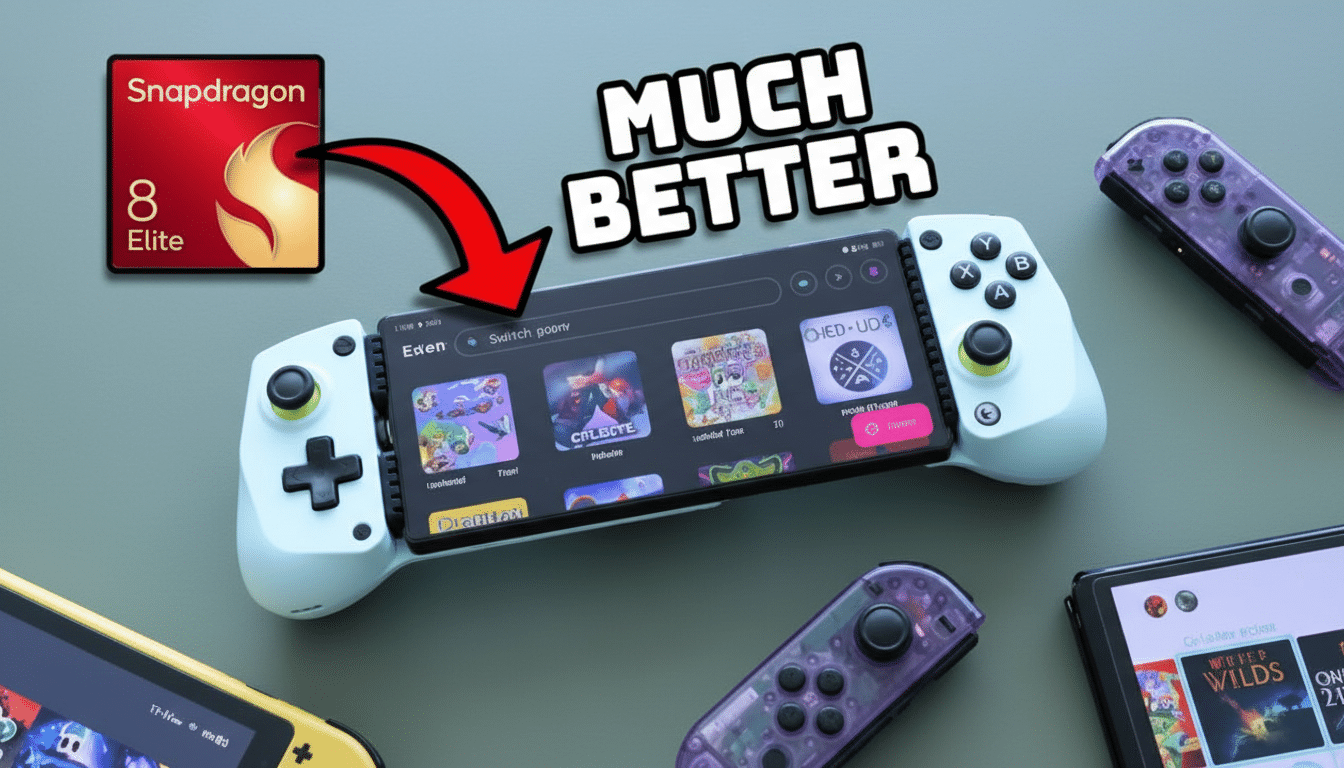
There’s also new flexibility in how games feel moment to moment. Configurable turbo and slowdown keys let you temporarily change game speed. On Android, the controls live in quick settings, useful for grinding through slow sections or replays—assuming your device has the headroom. It’s a small addition that meaningfully improves quality of life across a wide variety of titles.
Context Amid Legal Headwinds for Emulator Projects
The update lands as Nintendo continues to scrutinize emulator development and related repositories on platforms like GitHub. While takedown demands and legal pressure have chilled some projects, others keep iterating on open-source foundations, emphasizing lawful use with personally dumped keys and legitimately owned games. Eden’s storage-saving approach doesn’t change that baseline—what it does change is how efficiently users can manage the content they’re allowed to use.
What Mod Fans Can Expect Next from Eden v0.2.0-rc1
Early reports from community testers suggest fewer headaches when swapping mod sets and faster setup for DLC-heavy games. Combined with stability fixes and regression cleanups noted in the changelog, the release should make Eden feel more predictable day to day. If the Mali optimizations hold up across a broad device range, Android users who were previously on the fence may find more titles hitting smooth frame pacing.
Bottom line: by letting updates, DLC, and mods run without a traditional install, Eden removes a core pain point and gives players back control of their storage. For a platform where games, patches, and community content keep growing in size, that’s the kind of practical win that quickly becomes indispensable.
