


- Ultimate Edition Arch Linux hinges on your GPU: Every few months, a distribution is claimed to be the one Linux to rule them all—Ultimate Edition Linux with a decidedly Arch-flavored twist, packaging a ready-to-play stack perfectly suited to PC gamers. Whether it actually feels “ultimate” depends less on the desktop and more on the silicon in your machine, specifically your graphics card.
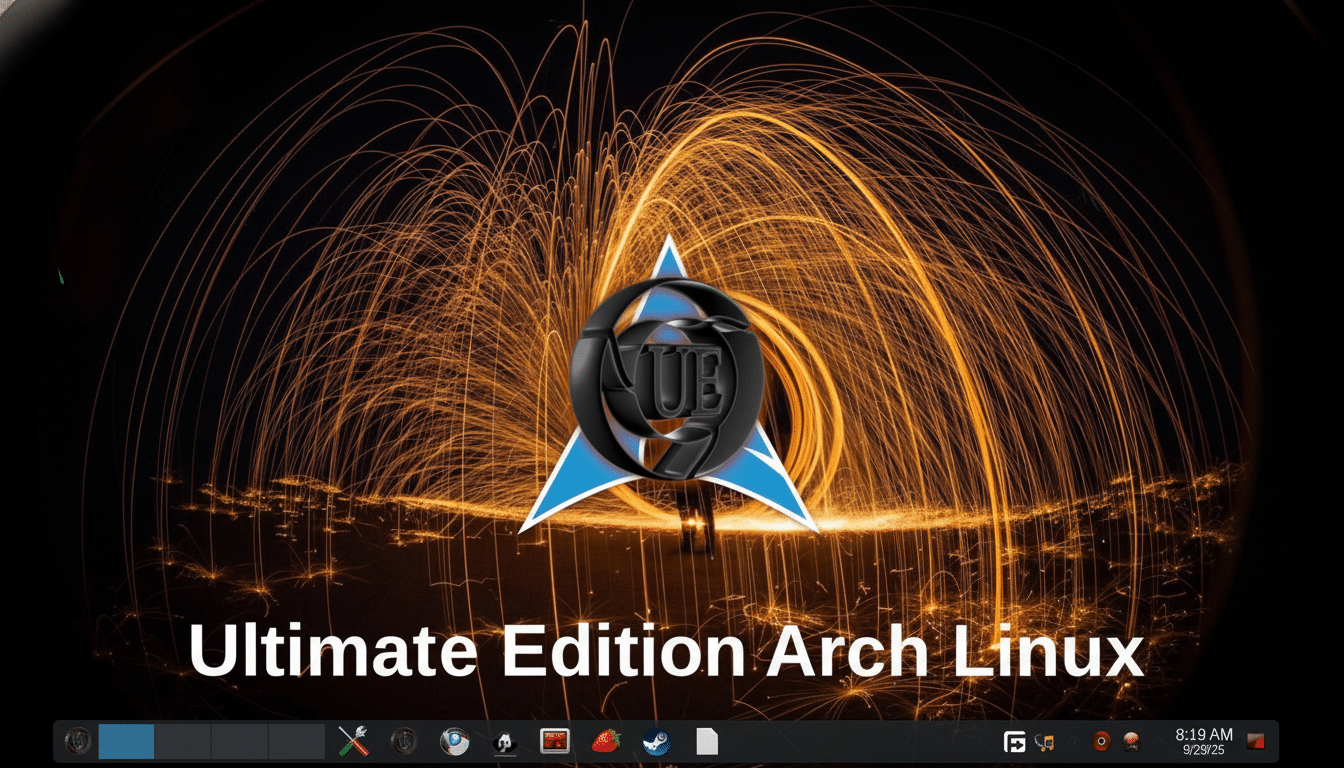
- What this Arch spin actually ships: Ultimate Edition Linux has repositioned from its Ubuntu roots to Arch, adopting a rolling release model that keeps kernels, Mesa, and game tooling up to date, including essentials for new GPUs and Proton refreshes. Default desktop: KDE Plasma with dark themes; out-of-the-box app roster: play-heavy software—Steam, Lutris, Heroic Games Launcher, GameHub, DOSBox, and a sample of native games. Flavors include a gaming build, a developer edition, an old-hardware edition, and a minimal disk. Productivity tools are not preinstalled, but KDE Discover has Flatpak, which makes getting LibreOffice, GIMP, Audacity, Slack, or Spotify a few clicks away.
- Why your GPU dictates the experience: On Linux, the graphics stack includes kernel drivers, Mesa for open drivers and Vulkan/OpenGL, proprietary vendor modules, and the Proton translation layer for Windows games. Arch’s rapid update tempo is praised for the ability to roll out new kernels, Mesa 24.x upgrades, and Proton builds fast. The level is still set by the card you’re working with.
Nvidia’s proprietary driver tends to produce the most consistently deliverable frame times in DirectX-to-Vulkan translations, and enables features such as DLSS in supported titles.
AMD’s open-source stack (AMDGPU with Mesa RADV) is fantastic for Vulkan-native games and gradually getting better on DirectX 11/12 through DXVK and vkd3d-proton, but there are some titles acting up. Intel Arc has been fast maturing on modern kernels and Mesa, but there are still a few corner cases left in shader compilation and the older DirectX paths.
The bottom line: if you install Ultimate Edition on a desktop with an existing Nvidia card, you will probably have an easier time plugging and playing today. You will also be able to play most modern games just fine with an AMD or Intel chip, especially if they are Vulkan-heavy, but every once in a while you might have issues with a DX12 title or an anti-cheat-reliant game here or there.
The engine of Linux gaming is Proton, Valve’s compatibility layer to translate Windows graphics calls to Vulkan. According to community data from ProtonDB, just under three out of four popular games achieve Gold or better, but the last quarter are frequently big-brand holdouts, newer anti-cheat setups, or bleeding-edge DX12 features that are slow to translate.
Linux is approaching two percent active users, the Steam Hardware Survey reports, and Nvidia remains the number one choice for discrete GPUs among PC gamers. That’s important because some DLSS support on Nvidia hardware can close performance gaps that many Proton titles have, while AMD users rely on FSR, which is widely supported but not always as effective. Intel’s XeSS is supported on Arc and some other GPUs, but game support varies.
Those basics don’t change with Ultimate Edition — it just starts you off with all the pieces in your hands. If a DX12-dense shooter relies on functions vkd3d-proton doesn’t quite have cornered yet, no OS can fully paper over that. On the other hand, when a game is friendly toward Proton and has anti-cheat working for Linux, the experience can be amazing.
Performance, Stability And Resource Guardrails
One pleasant surprise is that recent Arch-based desktops aren’t fazed very much even by system load. With cgroups and systemd-oomd becoming more widespread, they’re eventually gonna get throttled or killed before you’ve dragged the entire session down with them. That’s handy when Steam or some shader-compiler spike attempts to gobble your RAM at the start.
Linux games, as always, don’t give them too close a deadline. Many Proton titles compile shaders on first startup, so simply doubling your usual RAM budget in a virtual machine won’t necessarily give you the same bare-metal performance. For a real test, try it on your hardware with a supported GPU and current drivers, turn on Proton for all titles and use the latest Proton or Proton-GE build.
Not Just For Gamers: Tools For Work And Dev
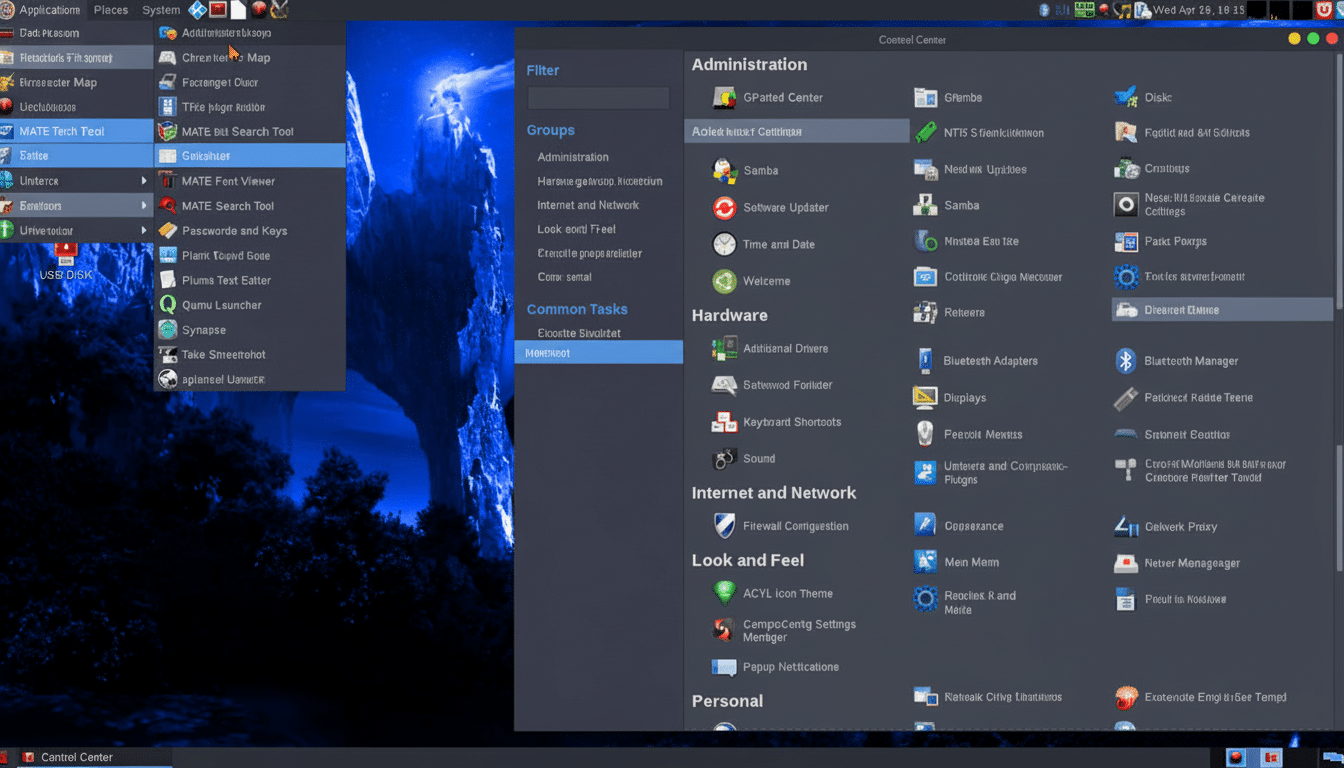
Ultimate Edition comes nicely flavored for application & web development with out-of-the-box support for Electron and common stacks a single pacman command away if they’re not already included. And the great thing about Arch-based systems is they’re brilliant for creators and engineers of all kinds, because you get fast compiler updates, fresh toolchains, and the vastness of AUR for any niche packages. KDE Plasma has all the finishing touches with Discover (and a super deep theming system — if you want to shed that dark default).
If you need a workstation before you need a gaming rig, the gaming edition can still do that; just install your office suite and creative apps through Flatpak or pacman and you are well on your way! Just know the distro’s identity skews toward play.
Who should try it, and how to decide for your setup
If you’ve got a relatively modern Nvidia GPU on your PC, Ultimate Edition Linux is one of the quickest ways to get a slick gaming setup in Linux that won’t have you running for knobs to tweak. AMD and Intel folks will have a solid time in most games, especially Vulkan-first titles, but should prepare for the sporadic Proton quirk in super bleeding-edge DX12 releases.
Even if you’re gaming, start with a spare drive or secondary machine rather than a VM. Stay up to date on kernel, Mesa, and drivers, and rely on community knowledge from ProtonDB + vendor release notes. Ultimate Edition isn’t magic — and doesn’t have to be. On the correct GPU, it’s an Arch-quick path to a type of Linux desktop that many gamers have been pining for years.
