


Lenovo’s newest ThinkPad X1 Carbon doesn’t stray from what makes a ThinkPad a ThinkPad, but instead doubles down on it. It will be the first to feature a double-sided “Space Frame” motherboard and an interior designed for service, taking a premium business laptop that still looks like the ThinkPad it was in 1992 and actually making it a practical, fixable machine.
Crack open the case with standard tools and the reasoning behind this strategy becomes clear: Everything is more accessible, fewer repairs require a full tear-down, and common failures can be rectified in minutes.
- How the two-faced Space Frame works in the ThinkPad X1 Carbon
- What you can replace and how quickly on the X1 Carbon
- Performance and display in the Lenovo ThinkPad X1 Carbon
- Why this repair-focused approach matters today
- The two-sided future and its trade-offs for ultralights
- A blueprint for others in the industry to follow
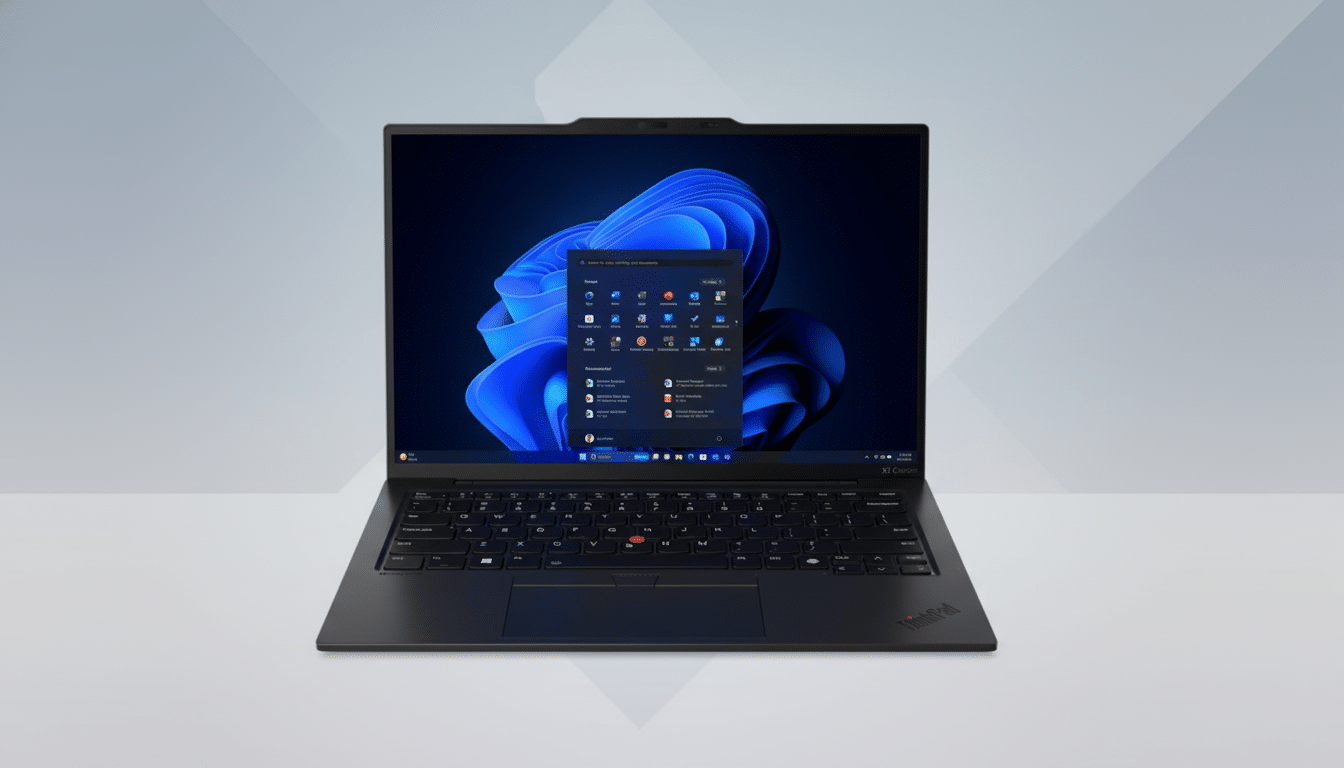
It is a refreshingly no-nonsense response to the right-to-repair momentum that has swept the tech industry, and it’s implemented with remarkable restraint.
How the two-faced Space Frame works in the ThinkPad X1 Carbon
So, rather than cramming everything onto one side of the board and burying parts that can be serviceable under it, Lenovo manufactures both sides of the board with its internal design smarts to optimize around two-sided access. This enables denser routing without having to depend on glued assemblies or fragile flex cables that are challenging to repair.
The bottom cover pops off with the usual screws and exposes well-labeled modules and simple cable runs. By spreading components across two faces, Lenovo maintains the recipe for a slim footprint and room for replacement parts and better airflow paths away from fans and speakers—two high-wear components in enterprise fleets.
What you can replace and how quickly on the X1 Carbon
Lenovo counts a long list of components as field-replaceable, including the battery, keyboard, speakers, and fans — even the USB ports are considered FRU. In practice, this means that IT shops can replace high-failure-rate components right at a desk instead of shipping off devices. Users savvy with a screwdriver would find it friendly.
The design has already received a 9 out of 10 repairability score from iFixit, a rare feat in the ultraportable category. And that grade is based not just on access, but also on whether the machine lacks needless adhesives and has existing service procedures and parts—key considerations when factoring in downtime costs over thousands of machines.
There are trade-offs. The system employs soldered high-speed LPDDR5x memory for performance and power use, so memory isn’t exactly on the menu. Still, being able to replace the most often damaged parts is going to address the vast majority of real-world failures a company will experience.
Performance and display in the Lenovo ThinkPad X1 Carbon
To drive the service-friendly chassis, Lenovo throws in some serious silicon too. The ThinkPad X1 Carbon includes Intel’s newest Core Ultra X7 Series 3 CPU with updated integrated graphics that have been optimized for consistent performance at a TDP of 30W in a thin-and-light package. Configurations go up to 64GB of LPDDR5x at 9600 MT/s, a spec that’s clearly targeting intense multitasking and AI-accelerated workflows.
The 14-inch 2.8K OLED panel hits a claimed peak of 500 nits, providing the sort of contrast and color coverage that creatives demand — without compromising the conservative, matte-black ThinkPad appearance.
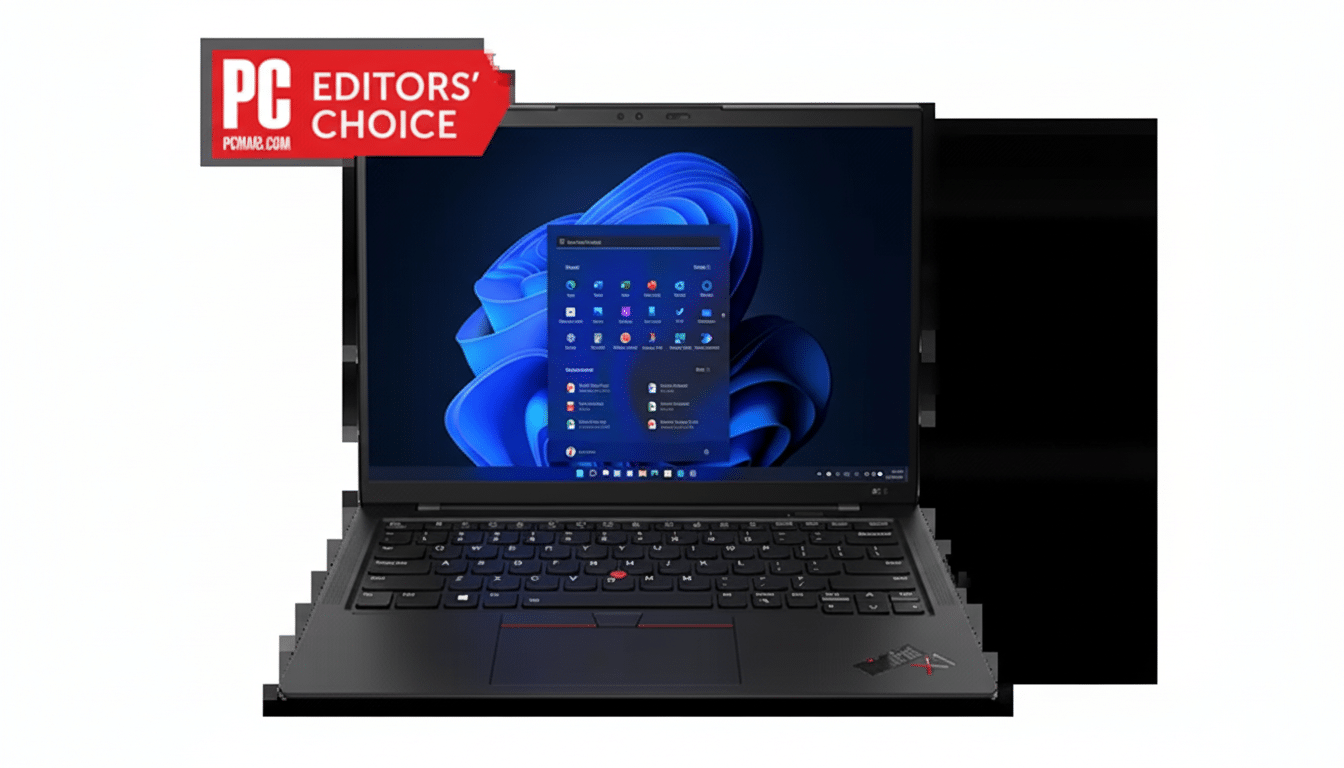
Crucially, the internal repositioning doesn’t make the chassis bulge or take away from typing comfort. It still has that classic ThinkPad feel — in this case, one you can also fix.
Why this repair-focused approach matters today
The timing isn’t accidental. Policymakers and customers are pushing for longer-lasting hardware. Formal collection and treatment of e-waste amounts to just over 20% of the tens of millions of metric tons produced annually worldwide, according to The Global E-waste Monitor by the United Nations. One of the most direct levers available to flatten that curve is prolonging device lifetimes through repair.
Business buyers, too, are reacting to the pressure on total cost of ownership. Every hour a laptop is down costs them money; every piece of hardware that can be replaced at the edge cuts that bill. Laws in several U.S. states supporting right-to-repair, as well as EU ecodesign efforts, are also motivating the change by demanding parts availability and documentation.
We’ve also seen niche leaders like Framework and Fairphone prove the concept with enthusiasts. What’s new here is scale: the ThinkPad X1 Carbon is a volume business notebook. When a flagship ultrabook promotes repairable design, it pushes supplier ecosystems — cables, ports, batteries — toward interchangeable parts that deliver standards value.
The two-sided future and its trade-offs for ultralights
Double-sided boards aren’t new in electronics, but putting them to work to make a nearly disposable ultralight laptop that much more serviceable is a smart twist.
It embraces the constraints of soldered memory while addressing those failures that do, in fact, bench machines — ports, fans, and keyboards — with accessible modules. It’s a double-whammy win: denser performance on one face, what-the-swipe repair on the other.
No design satisfies every camp. Power users will also lament the absence of socketed RAM, while some may argue that storage isn’t user-swappable on any trim. But the trend is obvious: fewer glued assemblies, more standardized fasteners, and repair guides that assume the work will be done outside a factory.
A blueprint for others in the industry to follow
The Space Frame of Lenovo’s ThinkPad X1 Carbon proves that it’s possible to craft the best thin-and-light laptop without sacrificing repairability. By reimagining its internal map and duplicating the usable board area, the company was able to maintain that silhouette while also making replaceable all but the stuff that breaks most often.
As competitors fall in line — standardizing field-replaceable ports, simplifying keyboard swaps for worn-out keys, or designing around real-world steps to snake out snagged fibers of metal — the industry could slow down the pace of complaints from advocates who want something much longer-lasting than our disposable tech today. Good for fleets, good for users and, according to every sustainability framework from iFixit’s scorecards to enterprise certifications, good for the planet too.
