


Now, the first reports from Nothing phone owners reveal a surprise development: deactivating the company’s new Lock Glimpse feature may consume more battery than having it on. User traces show that when the service is disabled, the system continually attempts to resurrect it in the background, resulting in a domino effect of wake-ups that heighten the observed power drain.
What Nothing’s Lock Glimpse is and how it works
Lock Glimpse was introduced with Nothing OS 4.0 as an exploration-focused lock screen experience. Wake the phone and you’ll be greeted by changing photos paired with little headlines that tap through to articles. It is designed as a system-level component, not a regular app, so you can turn it off, but you can’t easily get rid of it without root access.
- What Nothing’s Lock Glimpse is and how it works
- Why turning Lock Glimpse off can burn significantly more power
- What users are seeing in logs and real-world battery drain
- Monetization and privacy questions raised by Lock Glimpse
- Practical steps you can try until an official fix arrives
- What Nothing should do next to address the battery issue
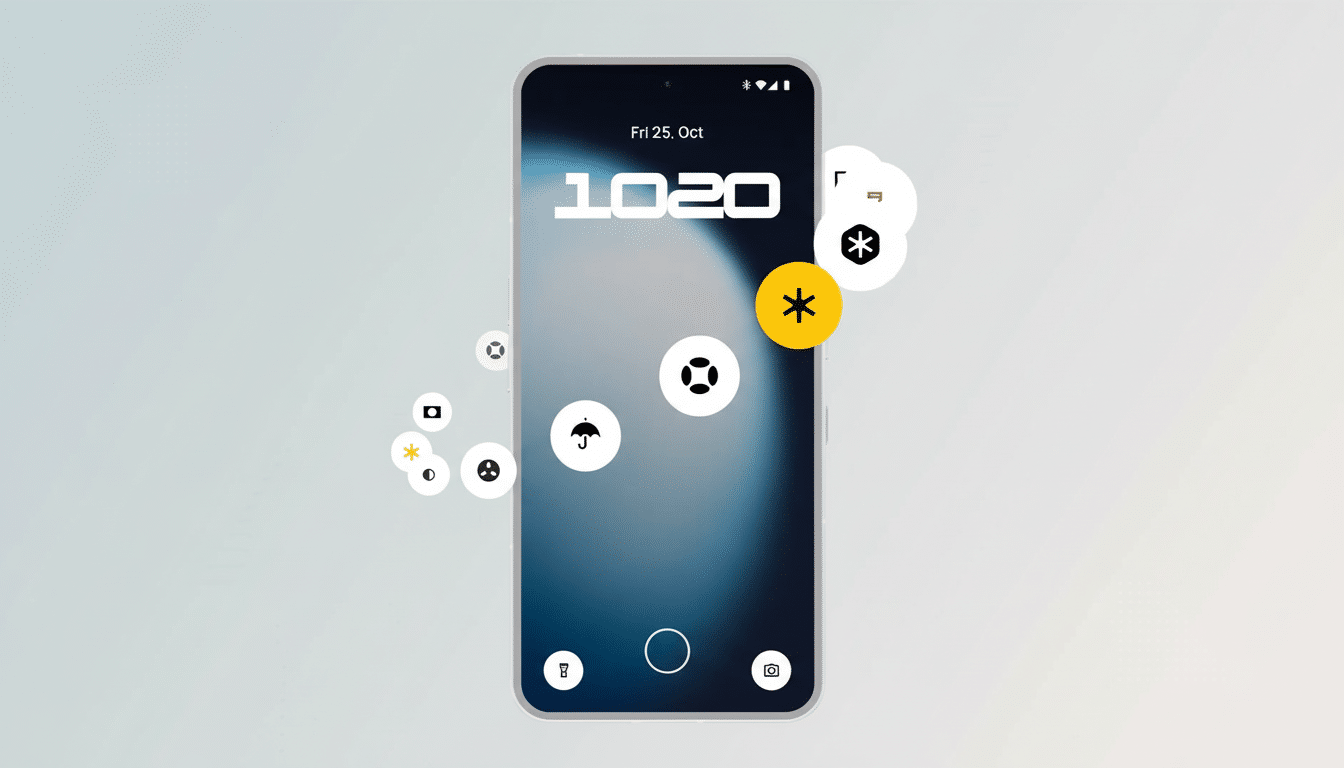
In theory, this is a thin layer over the lock screen. In reality, it acts more like a hybrid wallpaper picker because it hooks into essential system weight to refresh content and update.
Why turning Lock Glimpse off can burn significantly more power
Various user logs committed to developer communities prove that even if Lock Glimpse is turned off, the OS will still attempt to start or bind that service every x seconds.
One report on Reddit documents relaunch attempts every three or so seconds. Even if those attempts quickly fail, each one can keep the CPU out of deeper sleep states, and it is in these shallow sleep modes that most modern Android devices save power.
Android’s own documentation on Doze and App Standby describes how regular wake events, partial wake locks, or recurring jobs can increase idle drain. Doing hundreds of relaunches per hour is the antithesis of what battery optimizations were meant to enable. Supposedly, leaving Lock Glimpse enabled reportedly reduces churn because the system no longer fights turning it off.
What users are seeing in logs and real-world battery drain
Community testers using software such as Battery Historian and BetterBatteryStats are showing wake-up levels spiking that are associated with Lock Glimpse services on Nothing OS 4.0–running devices, which also include Phone 1 and Phone 2 lines. One examination says that the component wakes up through JobScheduler about every 18–24 hours and performs network operations. Separately, logs are found to make connections to domains like bloomrivers and boyuan, which are ad infrastructure-related.

The trend is not true in every case, though it’s consistent enough between threads on Reddit and developer forums to suggest a reproducible bug or misconfiguration. The behavior fits a pattern where the UI layer is turned off but some other dependency or watchdog manages to repeatedly trigger a restart of the service, causing senseless background activity.
Monetization and privacy questions raised by Lock Glimpse
Lock screen content isn’t exactly new in the Android realm; a number of brands, in some regions, have joined forces with certain content providers to bring headlines and sponsored placements to your lock screen. The distinction here is how deeply Lock Glimpse has been wired into the system. As a privileged component, consent, controls, and transparency must be ironclad. Consumer groups and privacy researchers, including at the Electronic Frontier Foundation, have long argued that system services linked to ad delivery pose distinct accountability risks.
And if traffic to ad-tech endpoints transpires when the feature is hidden or “off,” that will only add to scrutiny. Clear opt-in, a real off switch that actually stops services and jobs, and plain-language disclosures are at least table stakes to prevent confusion and restore trust.
Practical steps you can try until an official fix arrives
- Toggle Lock Glimpse on for a short time to prevent repetitive relaunch attempts; keep it subtle by maintaining a static look for the lock screen.
- Block known ad-tech domains at the network layer via a DNS server that’s set to use a private DNS service with ad and tracker blocking. You can use network-level filtering to tame filthy background calls, no root required.
- Toggle the feature on and off, and check Settings>Battery alongside developer tools to see if wake events are lower when it’s turned on or off. If your idle drain improves by multiple points over just an ordinary night, that’s a good indication the relaunch loop was to blame.
- Advanced users could use ADB-based app ops and job inspection to find out what the recurring jobs are for a service, but disabling always requires a rooted shell. Be careful when moving stuff to avoid breaking SystemUI dependencies.
What Nothing should do next to address the battery issue
The technical solution is simple in theory: when the user turns off Lock Glimpse, shut down all triggers. Halt scheduled jobs, unregister broadcast receivers, and disallow any watchdog from reattaching the service. In addition, a separate kill switch for network access to the component and more prompts for content feeds would make users more reassured.
Nothing has so far made a name for itself on clean design and lean software. A quick patch that provides a real off switch, and clear communication about the flows of data if the user does opt in, would demonstrate that users’ choice really is paramount. Until then, the paradox continues: turning off the lock screen feed may actually drain more battery than having it.
