


Microsoft is making a clear delineation for Windows 10 customers: No support, no patches.
The Redmond, Wash., company has said that it will offer free support and free security updates for the currently supported editions of the operating system — that includes Home, Pro, Pro Education and Pro for Workstations — only if those customers successfully install a Feature Update released about 18 months after an earlier upgrade.
- Who Receives Free Updates And Who Needs To Enroll
- The Three Paths To Extending Windows 10 Security
- What ESU Comes With And What It Does Not
- No more justification for home or small business
- How To Get Your PC Ready Before You Sign Up
- Office apps and the transition path to Windows 11
- What's the Bottom Line for Windows 10 Users?
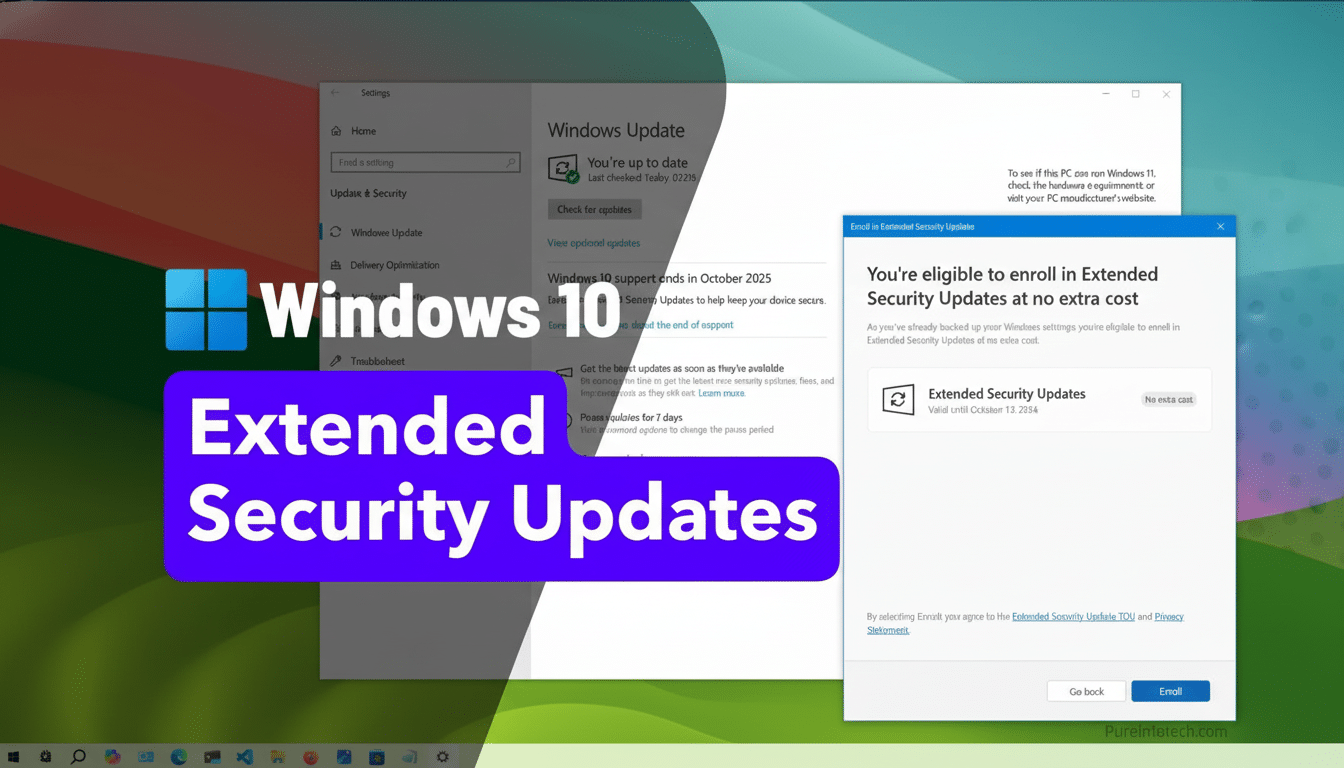
There is a way, however, to keep getting security updates for another year — and it’s free for some, and relatively easy for most people if you know where to look.
Who Receives Free Updates And Who Needs To Enroll
Microsoft has thus confirmed that customers will receive an additional year of Windows 10 security updates for free in the European Economic Area. In other places, such as the United States, individual users will need to choose to do so by purchasing the Extended Security Updates program in order to be protected after mainstream support finishes.
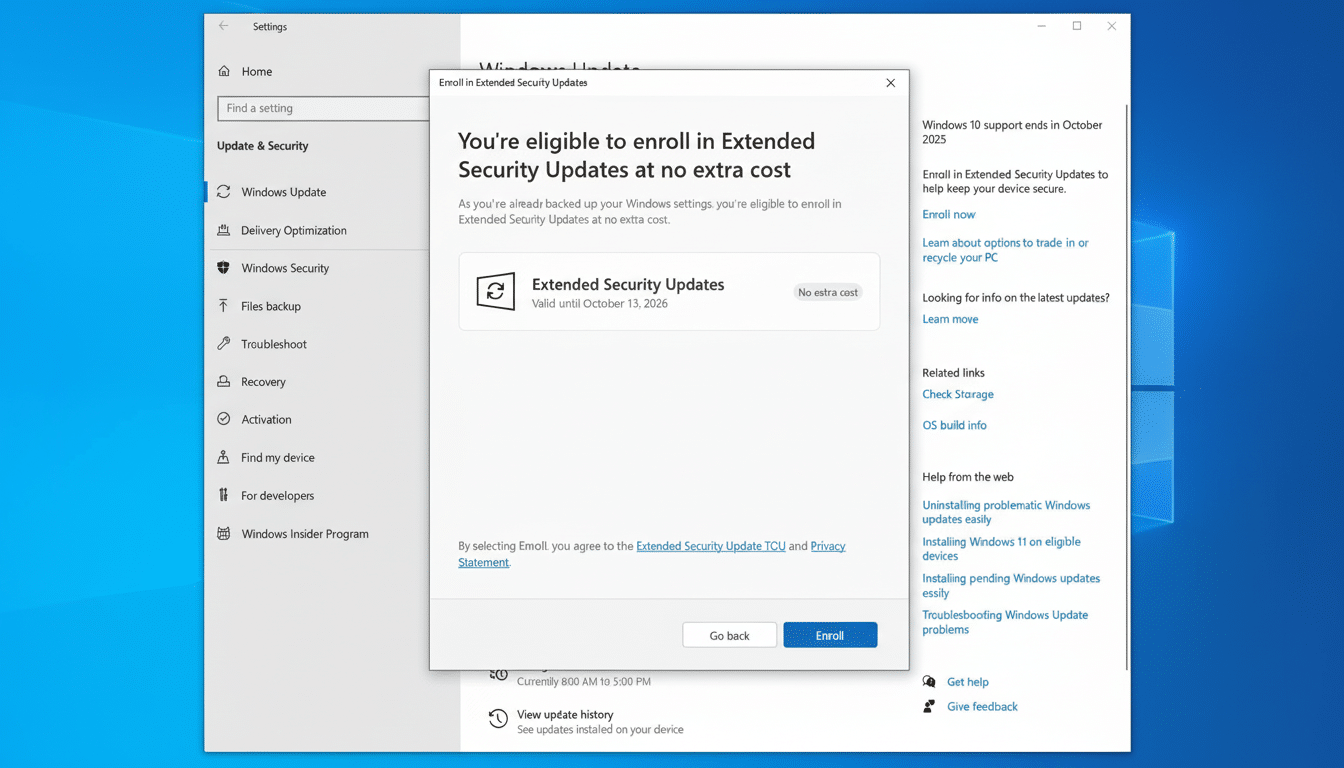
That ESU program, by the way, is no longer restricted to businesses or Windows Insiders. It’s available for any personal device running Windows 10 version 22H2. Microsoft says that the Windows 10 enrollment will appear in Settings as well as system notifications. The update to enable this setting is also rolling out through Windows Update, so you can find it there manually once it’s available on your device.
The Three Paths To Extending Windows 10 Security
Microsoft is providing three ways to maintain Windows 10 past support date:
- Redeem Microsoft Rewards: Spend 1,000 points to pay for a year of ESU. For reference, those activities include doing daily searches and quizzes, which quickly accumulate into something meaningful — plus downloading and installing the Bing app gets you a big wad of points as well.
- Sync a Windows Backup to OneDrive: Signing up via Windows Backup is free, but you might need more than 5GB of OneDrive storage to get any significant use out of it for your files.
- Direct payment: An ESU license for one year is $30 per device. This is still the “easy” route for anyone who would prefer to pay and not deal with backup or recovery.
You technically can sign up after it cuts off, but then you’ve left a hole during which your PC will not have received patches. Coverage is also time-boxed to the ESU window, so postponing enrollment does not result in a later overall end date.
What ESU Comes With And What It Does Not
ESU serves up “Critical” and “Important” security updates, the two categories Microsoft prioritizes for vulnerabilities that are being actively exploited and in many cases pose a high risk. It doesn’t contain any new features, quality-of-life updates or routine bug fixes, and it does not provide technical support.
The distinction matters. Security updates help protect against ransomware, credential stealing, and remote code execution attacks, all of which have been weaponized to target older Windows versions. But if you had hoped ESU might keep Windows 10 in a perpetual state of evolution, or that it could clean up long-standing non-security-related issues, that won’t happen.
No more justification for home or small business
Windows 10 continues to drive a massive number of PCs. Its presence is a matter of cold, hard data: StatCounter has, for several years now, consistently found it running on something like two-thirds of Windows machines around the world — tens of millions, in other words — that won’t meet Windows 11’s more stringent hardware standards. Analysts at enterprises like Gartner point out that many homes and small businesses now rely on PCs seven, even five years old (or older), rendering transition periods like this inordinately important.
The ESU options provide those users some breathing room without requiring them to buy new hardware right away. That’s especially handy for kiosks, specialty-software setups and well-maintained laptops that remain fast enough to use but don’t have a Windows 11-supported CPU or TPM configuration.
How To Get Your PC Ready Before You Sign Up
First, you need to make sure you are actually running Windows 10 version 22H2. Open Settings and then go to System, then About to find your version. If you are behind, install all available updates now; ESU Eligibility requires 22H2.
Next, back up your files. Whether you choose to enable ESU through OneDrive, redeem some Rewards or go for the paid approach, a clean and current backup is a must. Microsoft’s Windows Backup tool can back up critical settings and data to OneDrive, though you may prefer an offline physical drive.
Finally, check your security baseline. Have a reputable antivirus solution operating; activate your firewall and turn on automatic updating so that ESU patches install as they become available. Government cybersecurity agencies, such as CISA, continually recommend isolating legacy systems and ensuring those systems are fully patched; it’s strong advice.
Office apps and the transition path to Windows 11
Microsoft says its Office apps (its Microsoft 365 lineup) will also keep working on Windows 10 for another three years with just security updates. That alleviates some of the immediate pressure to move productivity environments, but new features will land on newer platforms first.
If you are contemplating an upgrade to Windows 11, just know that unsupported upgrades do exist (and Microsoft doesn’t really endorse them) and can leave you without guaranteed updates or drivers. For long-term stability, the best option is still certified hardware that complies with Windows 11’s specifications.
What's the Bottom Line for Windows 10 Users?
If you reside in the EEA, you’ll receive another year of security patches as a matter of course. Everyone else: sign up for ESU now via Rewards points, a Windows Backup to OneDrive or the silly $30 license. The earlier you get your updates in place, the less time you’ll be at risk as Windows 10 sprints away from mainstream support.
