


Dashlane is rolling out an AI-powered Scam Protection feature designed to warn users in real time when a site looks like a phishing trap. Built into the company’s password manager, the tool assesses dozens of signals on every page and surfaces an alert before you autofill credentials or type in sensitive information.
The company says the system evaluates 79 elements of a webpage—such as the URL, external links, and even hidden images—to determine whether a site is legitimate or a convincingly crafted fake. It’s switched on by default for Dashlane’s Premium and Friends & Family plans, positioning the password manager as a more active line of defense against account takeover and payment fraud.
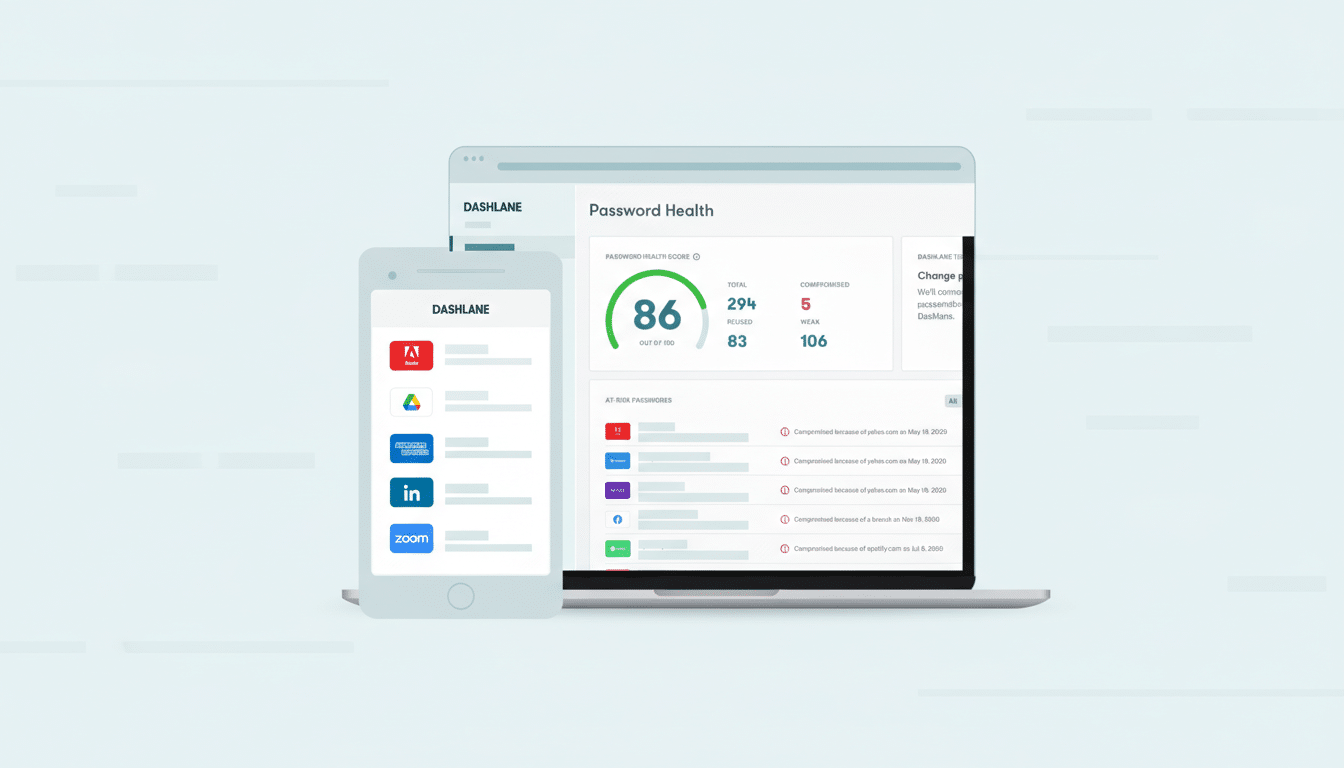
How Dashlane’s on-device AI flags risky pages in real time
Unlike basic URL blocklists, Dashlane’s model runs locally in the browser, scanning the page you’re on—even if you’ve never stored credentials for that site. The goal is to intervene early, before a user shares passwords, credit card numbers, or personal data on a spoofed login form or checkout page.
Dashlane notes the system incorporates a broad set of page-level cues: lexical patterns in the web address, references to external domains, and telltale design artifacts like hidden images that mimic trusted brands. These are the kinds of breadcrumbs common in typosquatting and lookalike campaigns—think swapping the letter “m” with “rn” in a household name or cloning a retailer’s design to harvest card details during checkout.
By surfacing a warning before autofill, the feature aims to cut off one of the most common paths to account compromise: handing over valid credentials to an attacker’s page. It also helps with cases where users are creating accounts on unfamiliar sites or applying for jobs on portals that may be hostile or entirely fabricated.
Privacy-first detection keeps analysis on the user’s device
Dashlane says all Scam Protection analysis happens on the user’s device. According to the company, no page data is sent to its servers, nor is user content used to train models. On-device inference minimizes exposure of browsing activity and reduces latency, while model improvements can ship through app and extension updates.
As with any machine-learning filter, false positives and false negatives are possible. The on-device approach puts a premium on clear UI cues and user control—warnings should be easy to understand, dismiss, or report, and the model will need regular updates to keep pace with attacker tactics.
Why Dashlane’s phishing safeguards matter right now
Phishing remains the top-reported cybercrime category, according to the FBI’s Internet Crime Complaint Center, which logged nearly 300,000 phishing complaints in its most recent annual report alongside $12.5 billion in overall cybercrime losses. The Verizon Data Breach Investigations Report notes that the human element—errors, social engineering, and credential misuse—was present in 68% of breaches, underscoring how often deception defeats technical controls.
The Anti-Phishing Working Group has tracked phishing volumes at or near record highs, with quarterly totals surpassing one million attacks in recent reporting. Generative AI is lowering the cost of convincing lures, while small changes—homograph tricks in domains, pixel-perfect brand impersonations, and fast-flux hosting—help attackers sidestep traditional blacklists. A real-time, page-aware check directly in the password manager is a timely addition.
How It Compares to Browser Warnings and What to Watch
Browsers increasingly warn about dangerous sites, and some password managers have added anti-phishing safeguards. For example, competitors have introduced domain verification in extensions and features that reduce the chance of filling credentials on lookalike domains. Dashlane’s angle is its pre-autofill intervention and broader page analysis, which can catch scams that don’t rely solely on deceptive URLs.
No single layer is sufficient. Phishing-resistant authentication like passkeys based on FIDO standards can eliminate password reuse and reduce risks from credential theft, and multifactor authentication adds crucial friction for attackers. Dashlane supports passkeys, and pairing them with Scam Protection creates a useful one-two punch: avoid entering secrets on the wrong site, and ensure those secrets are resistant to replay if exposed.
Availability and pricing for Dashlane’s Scam Protection
Scam Protection is enabled by default for Premium subscribers, priced at $4.99 per month, and the Friends & Family plan at $7.49 per month. Dashlane no longer offers a free tier. The feature works across supported browsers and alerts even when you have no related logins saved in your vault.
For users, the playbook remains the same:
- Treat warnings as serious.
- Double-check domain names.
- Type addresses manually for sensitive sites.
- Favor passkeys where available.
Dashlane’s new AI guardrail won’t stop every scam, but catching risky pages before credentials or payment details leave the device could prevent the kinds of mistakes attackers count on every day.
