


Google is resurrecting Androidify in a pretty substantial manner, so you can make your own custom Android Bot on Wear OS as a watch face. Early testing of the updated app indicates that it can, in theory, create a watch face based on your custom bot and push it directly to your smartwatch — basically bringing playful, AI-tailored avatars down to your wrist in near friction-free form.
A seamless phone-to-watch flow for Androidify faces
The newest release of Androidify on the Play Store (version 1.2.1) has added compatibility for Wear OS in a relatively quiet way. Testers such as Mishaal Rahman and AssembleDebug spotted a smartwatch icon on the app’s Customization & Export interface. Pressing it invites you to install the companion on your watch, then the phone app changes what appears behind it to a “Send to watch” action.
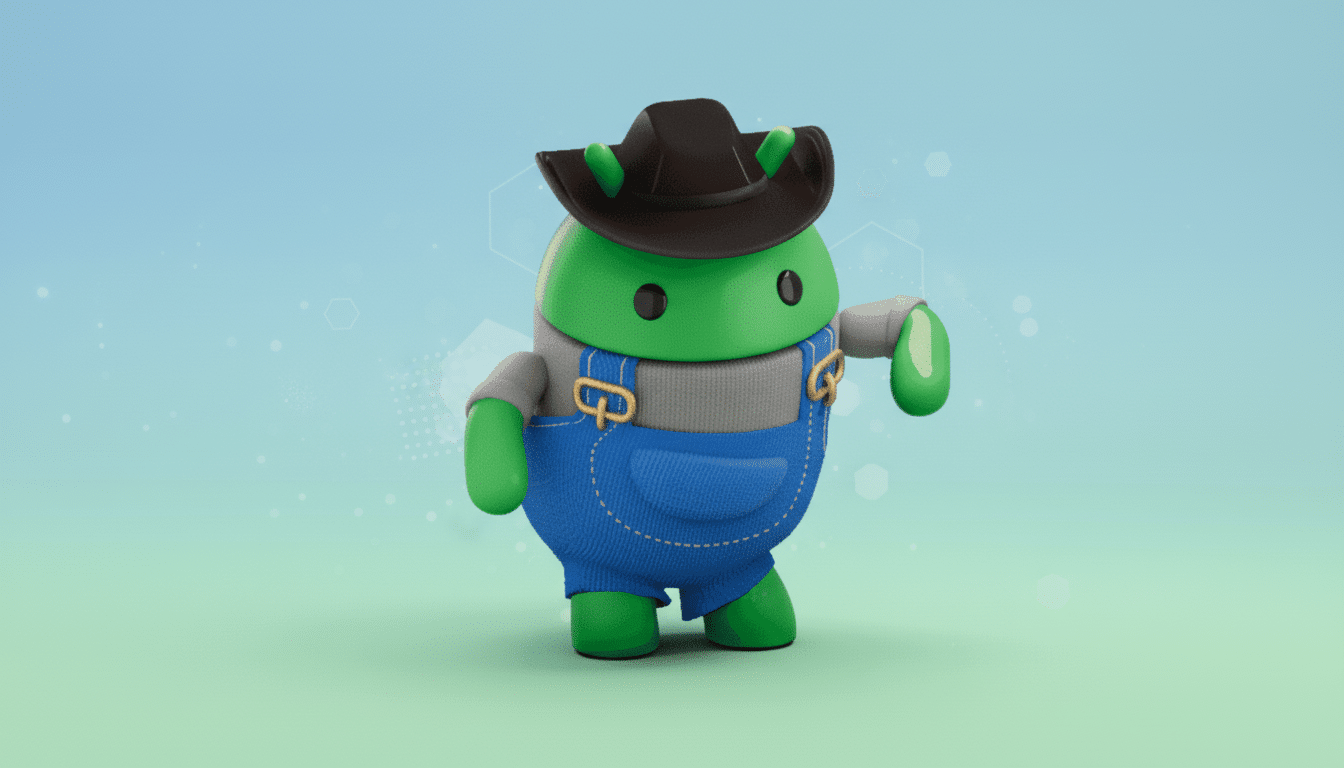
There, you can choose from different watch face designs that showcase your Android Bot right up front. Androidify will then make and verify the face, and send it to the watch tidily. On first use, Wear OS requests permission to change the active watch face, a sensible safeguard after which it then applies your creation automatically.
In testing, the feature landed on a Samsung Galaxy Watch 8 Classic but did not appear on a OnePlus Watch 2R — due only to an OS version requirement, not hardware oddities. And the final product is both useful as well, with your bot quite literally at the center of the dial, and time and complications placed around it according to whichever template you go with.
The magic ingredient powering it all is Wear OS 6
There’s a catch: it needs Wear OS 6, as Androidify relies on Google’s new Watch Face Push API. The API allows the phone app to prepare and deliver an entire watch face package that meets all standards directly to the watch without requiring users to go looking for a face image or manually pulling out assets.
Under the hood, these faces are based on Google’s Watch Face Format, a declarative system designed to minimize power consumption and simplify updates. Google has been pushing developers for the past two platform releases to move to this format; it claims such screens have improved consistency and battery life impact across devices from brands like Samsung, Google, and Fossil. The choice of Push API in this case serves two purposes — first, to make the journey simple for users and, secondly, as an example for developers wanting to create dynamic, user-generated faces.
AI Gets Physical versus the Personal Everyday
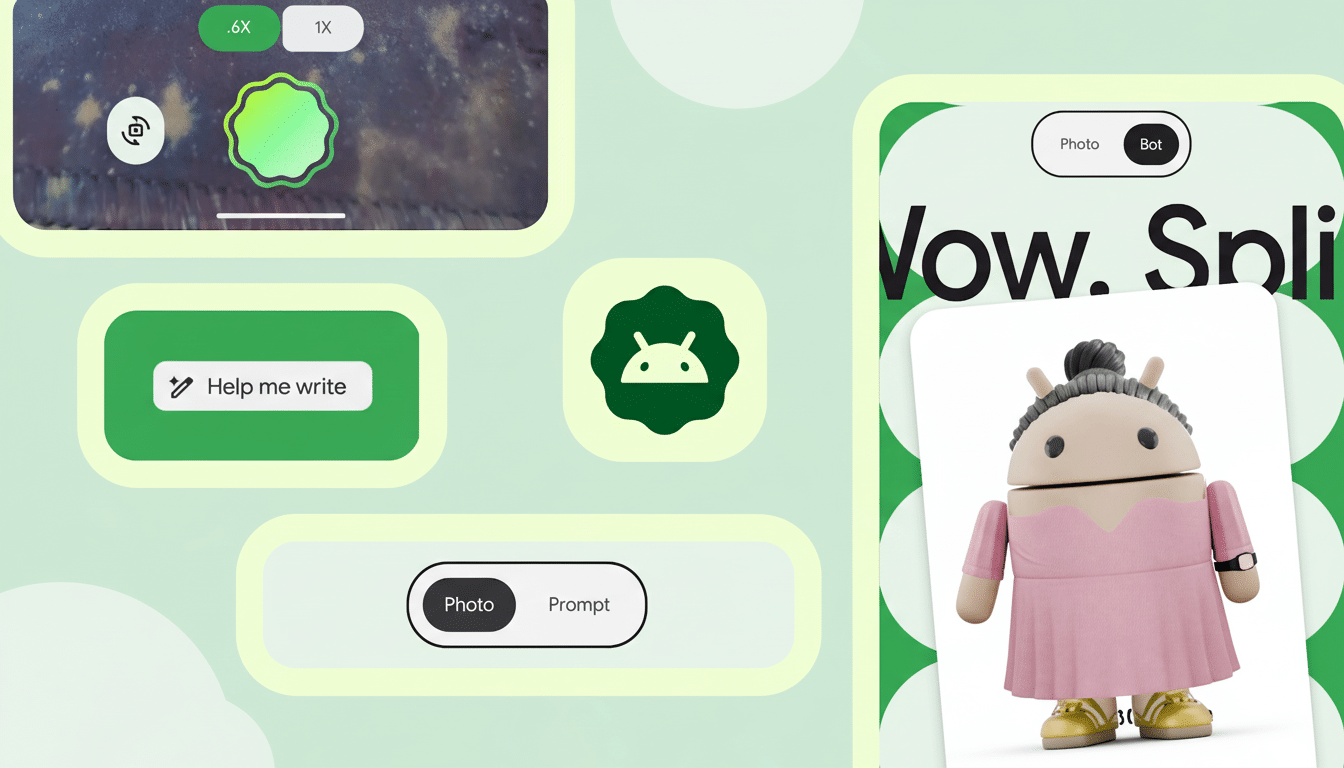
Androidify’s revival relies on Google’s newer generative models to construct bots from a photograph or prompt text. That means your watch face can be as understated or zany as you like, such as a running pal in a tracksuit, a café-themed barista bot, or a sci‑fi mech avatar. It’s a smart application of on-device and cloud AI for something genuinely human: identity, self-expression.
Practical touches matter, too. The majority of stock watch faces do not have support for arbitrary background images, and there are limitations in many third-party faces on where custom assets can live. By sending its own face templates and passing them through official APIs, Google skirts those restrictions. It also helps ensure that the face will run smoothly, abide by battery guidelines, and support complications correctly — three big pain points that have haunted image-based faces until now.
What testers discovered so far and what’s next to come
While the pipeline is live in 1.2.1, it is obviously not completely rolled out. Testers had to manually turn on the feature flag in order to video themselves testing the flow, and Google has not shared a release date. And expect a staged release in conjunction with Wear OS 6 devices and another version of the Androidify listing that plays up the watch part.
Compatibility is simple: you’ll need a watch that is already running Wear OS 6. That also covers the latest flagship models and newer Pixel and Galaxy watches — as they’re updated with platform improvements. Older hardware still running older versions will be sad to miss out on the one-tap push, even if they can run Androidify as a phone app.
What this means for users and developers
For users, this is the most straightforward path yet to a truly personal watch face — no third-party editors, no cropping hacks. To developers, it’s a clear sign to start using the Watch Face Format and Push API to create new customized experiences. Prepare for copycat concepts: fitness apps depicting achievement-based faces, teams and schools creating seasonal designs — even brand alliances that allow fans to responsibly remix mascots (all within the rules of Play).
There’s also a teaser for what’s next. Google is working on Androidify for Android XR, an attempt to preview or animate and place your bot in 3D space before you send it to the watch. If and when those projects draw on Google’s video-generation tech and spatial UI work, your wrist would be just one canvas among many.
Bottom line: Androidify on Wear OS is the combination of generative fun and an efficient, well-polished, modern watch face pipeline.
When the switch flips, expect to see a whole lot more green robots at the ready on wrists during the commute.
