


Microsoft is bringing Copilot Chat directly into Microsoft 365 apps for no extra cost to commercial and enterprise customers, adding a chat-based AI sidekick to Word, Excel, PowerPoint, Outlook and OneNote. An in-app chatbot that you can ask questions about what you’re working on, draft or fine-tune content, incorporate related files and help automate routine tasks — all without leaving your document.
What’s new in Copilot Chat and where you can use it
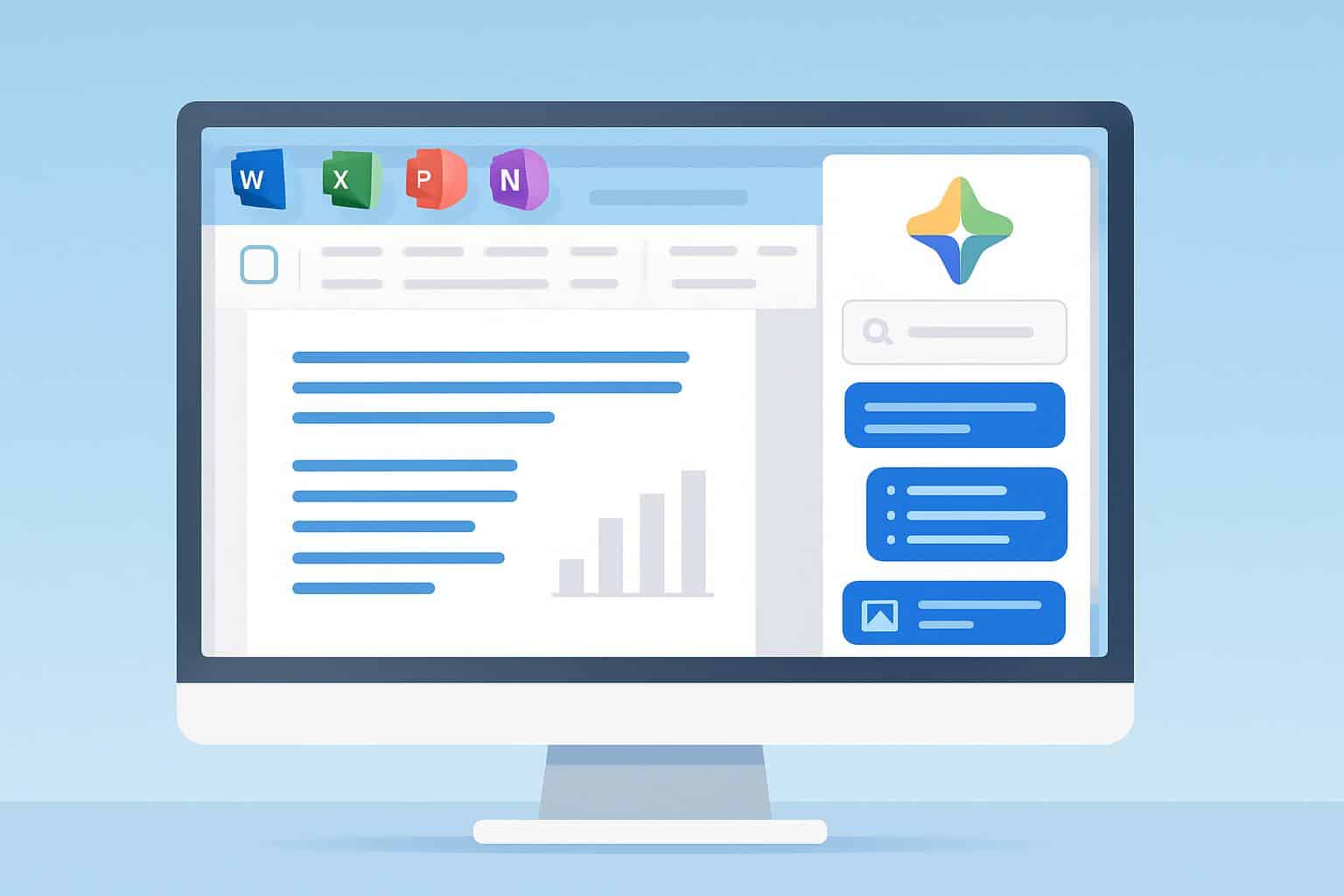
Find the Copilot “spark” icon on the Ribbon. Clicking it opens a right-hand chat pane that’s contextually aware of your current file and document. Ask it to summarize a report, write in smooth prose your collection of bullet points, suggest slide headlines based on the speaker notes or play out your first-pass reply email from a thread. In Excel, you can ask for plain-language analysis of a particular range or get formulas to answer a specific question.
- What’s new in Copilot Chat and where you can use it
- Who gets Copilot Chat at no additional cost today
- How to tell if you have Copilot Chat in Microsoft 365
- What a paid Copilot for Microsoft 365 license adds
- Why this matters for productivity and AI adoption
- Privacy, data regions and admin controls
- Bottom line on Copilot Chat in Microsoft 365 availability
Copilot Chat can bring up recent and relevant files, providing you with easy access to a proposal on OneDrive or a slide deck from SharePoint so you don’t have to go hunting for it. It also facilitates iterative, multi-turn conversations: You can iterate variables like tone or length or even re-select data until the result fits.
You can try the experience in the latest Microsoft 365 desktop apps for Windows and macOS on the web. Functionality can differ from app to app and tenant settings, so your own tools might look different than a colleague’s.
Who gets Copilot Chat at no additional cost today
At no additional cost, in-app Copilot Chat is offered with many Microsoft 365 business and enterprise plans. Microsoft says it includes eligibility for Business Basic, Business Standard and Business Premium as well as most enterprise suites including E3 and E5. Personal and Family plans are not included, and availability may vary depending on your organization’s policies set by the admin.
This tier is about the file you’re currently working in. It’s a convenient on-ramp for any organization looking to dip its toe into AI assistance without making the jump to an entire Copilot for Microsoft 365 license.
How to tell if you have Copilot Chat in Microsoft 365
Open Word, Excel, PowerPoint, Outlook or OneNote and find the Copilot icon in the Ribbon. If you see it, click to open the chat pane and test a simple prompt such as “Summarize this document in three bullet points.”
If the icon is missing, update your Microsoft 365 apps (File > Account > Update Options), sign in with your work account and restart.
Still missing? You may need to have your admin enable the feature, or move your device to a supported update channel. You are able to enable/disable at the tenant level using Microsoft 365 Roadmap and Message Center.
What a paid Copilot for Microsoft 365 license adds
When you switch to Copilot for Microsoft 365 (the premium add-on that traditionally costs $30 per user per month), company-wide intelligence is available. The chatbot can base replies in your Microsoft Graph data — emails, meetings, Teams chats, OneDrive and SharePoint files — and complete actions like writing meeting summaries, creating status updates across projects or answering cross-file queries. It empowers richer Teams experiences, along with enterprise-grade capabilities such as advanced summarization and cross-app orchestration.
For those businesses building custom automations, or even domain-specific copilots, Copilot Studio is available as a standalone offering to help them build and govern their own AI agents with out-of-the-box connectors to line-of-business systems.
Why this matters for productivity and AI adoption
Each Microsoft 365 user having a foundational AI assistant right there in the apps they already use can lower that barrier to entry. Microsoft’s Work Trend Index research found an increasing share of knowledge workers use AI at work, and early field studies commissioned by Microsoft and conducted by third parties such as Forrester have found time savings and faster first drafts on common tasks. Placing chat directly in the document surface means those gains are more easily accessed — particularly for workers who have hesitated to take up stand-alone AI tools.
Privacy, data regions and admin controls
Microsoft says Copilot is compliant with existing tenant policies. Access to data also respects Microsoft 365 permissions, sensitivity labels, retention policies and Conditional Access. Customer content is not used to train foundation models, the Microsoft Trust Center says. Admins can control availability by app, audit usage using Microsoft Purview, and customize access with role-based controls and data loss prevention.
Bottom line on Copilot Chat in Microsoft 365 availability
If your team already works in Microsoft 365, you probably already have Copilot Chat lingering in the toolbar. Begin with the free in-app assistant to accelerate summaries, drafting and data exploration, then consider a paid Copilot for Microsoft 365 license if you require company-wide knowledge, meeting intelligence or advanced automation. If you’re not sure whether you’ve got eligibility and a rollout, ask your IT department — and look for that spark icon in the Ribbon.
