


I stopped using Google Maps and switched to CoMaps, a free, open-source navigator that runs entirely on downloadable maps. The result surprised me: no tracking prompts, far less battery drain on my daily routes, and a calmer sense that my location isn’t being scooped up for ad profiles. This isn’t a gimmick app — it’s a credible daily driver built on the same community map data that powers countless logistics and hiking tools worldwide.
Privacy And Power Were The Breaking Point
Location data is lucrative, and that’s no secret. State attorneys general have pursued cases alleging misleading location practices, while watchdogs like the Electronic Frontier Foundation have warned for years about how mobility data can be aggregated, re-identified, and sold. Even when you disable some settings, auxiliary signals — IP addresses, Wi-Fi scans, Bluetooth beacons — can still reveal patterns about where you go.

Battery life is the other pain point. Continuous GPS combined with frequent network calls can be a power hog; academic power-profiling studies presented at venues like ACM MobiSys and IEEE conferences have repeatedly shown radios and location services near the top of energy usage. In my own tests on a Pixel 9 Pro over several commutes and weekend errands, CoMaps consistently sipped less battery than Google Maps, especially in spotty coverage where offline maps kept the app from hammering the network.
What CoMaps Is And How It Works Behind The Scenes
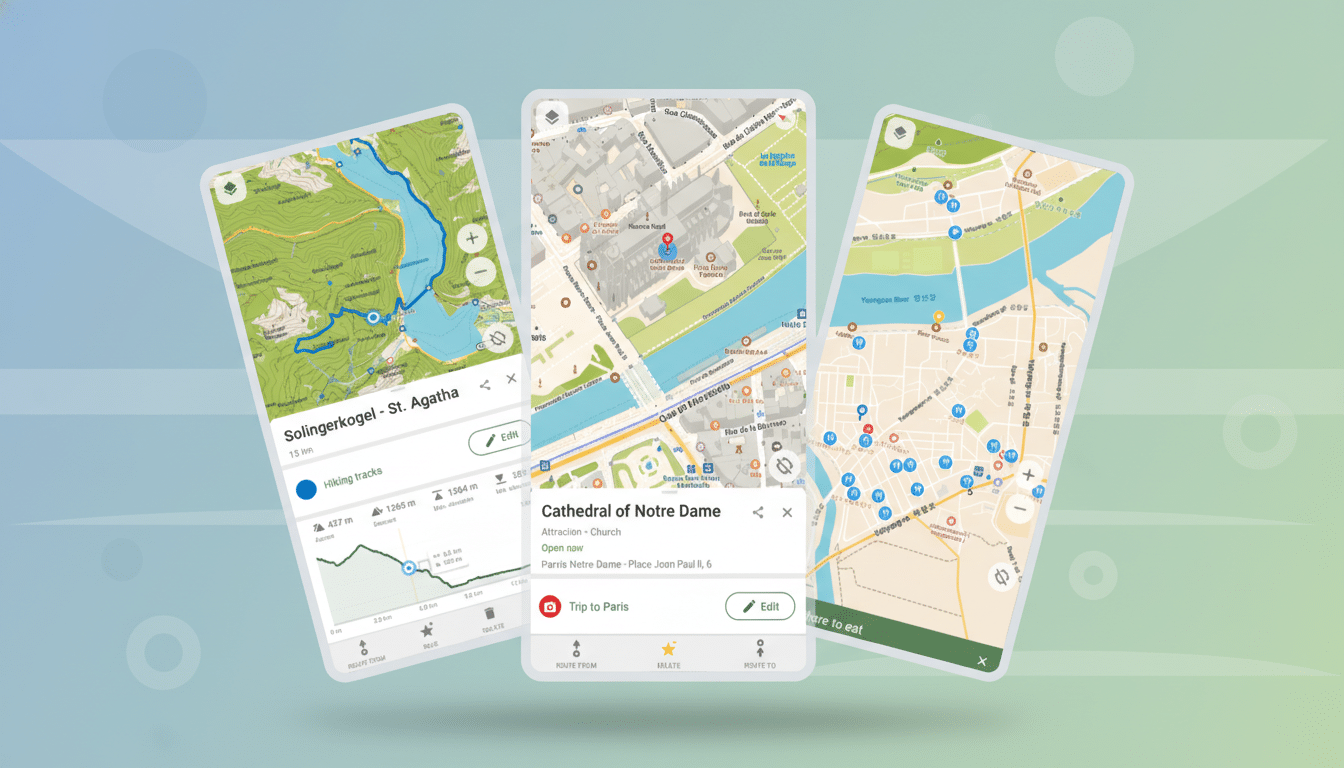
CoMaps is a fork of Organic Maps, which itself traces roots to the early open-source MapsWithMe project. It uses the OpenStreetMap database — a global, constantly updated, community-built map maintained by millions of contributors and overseen by the OpenStreetMap Foundation. That means streets, trails, bike lanes, and points of interest are curated by people on the ground, not just corporate fleets.
The app is free on Android and iOS. It’s open-source, no ads, no trackers, and it operates locally. That local-first design is the secret sauce: vector maps stored on your phone enable fast rendering, private offline search, and turn-by-turn voice guidance without pinging remote servers.
Setup Is Simple And Offline By Design For Users
Instead of streaming tiles, you download the regions you need — cities, states, or countries — once. It takes a minute, and then the maps are yours. On mobile data caps or in dead zones, this is a lifesaver. In my case, I grabbed my state, a neighboring metro area, and a national park. Storage usage was reasonable, and updates are incremental.
Getting started was straightforward: open the menu, select Download Maps, pick your region, and go. Voice guidance worked immediately. Search is offline-friendly, so “coffee,” “pharmacy,” or a street address still return results without a signal. If you prefer miles over kilometers, toggle units in Settings. The interface will feel familiar if you’ve used any modern navigator.
Real-World Driving And Battery Results Explained
I trialed CoMaps across typical city driving, a suburban school run, and a trailhead drive where LTE drops out. The app held the route, announced turns clearly, and rerouted briskly when I missed an exit. Because it wasn’t constantly fetching tiles or sending telemetry, my phone stayed cooler and my battery gauge sank more slowly. On a two-hour errand loop that normally trims a hefty chunk off my battery in Google Maps, CoMaps used markedly less — a difference I could feel by the end of the day.
That lines up with what engineers have long documented: offline vector maps reduce network chatter, and fewer background calls mean lower radio use. Even an extra 10–20% battery left after heavy navigation is meaningful if you’re away from a charger.
What You Gain And What You Give Up With CoMaps
Privacy and efficiency are the headline benefits. You also gain resilience: offline maps don’t care if a tunnel knocks out your data. The open mapping stack brings rich hiking and cycling layers that often outshine commercial apps on trails and backroads.
Tradeoffs exist. Live traffic overlays, lane-by-lane guidance, and dense business reviews remain Google’s strengths. CoMaps covers the essentials but isn’t trying to be a social directory. If your routines depend on real-time crowding data for trains or hyper-detailed storefront info, you may still dip back into Google or a local transit app. For most A-to-B driving, though, CoMaps proved more than capable.
Who Should Switch Now And Why It Makes Sense
If you value privacy, travel through low-signal areas, or simply want navigation that doesn’t melt your battery, CoMaps is an easy win. It also makes sense for families managing data budgets or professionals who need reliable offline coverage — field techs, photographers, hikers, delivery drivers off the beaten path.
OpenStreetMap’s community improves constantly, and so does the app. After replacing Google Maps on my phone, I didn’t miss the data collection or the power drain. I got turn-by-turn navigation that respects my privacy, works without a network, and leaves more battery for the rest of my day — exactly how mobile maps should feel.
