


Chrome on Android gets a tiny-but-valuable big-screen upgrade, with the additional option to have a persistent bookmarks bar now starting to arrive for some tablet users.
The change brings the mobile browsing experience more in line with what is found on desktop Chrome and makes your regularly visited pages just one tap away.
What’s changing in Chrome’s new bookmarks bar for tablets
Users of wide-screen Android devices are now seeing a new toggle that lets them have a bookmarks bar below the address bar like what is on the desktop. Rather than having to jump into the overflow menu and then the Bookmarks section, your saved sites take up residence in a dedicated strip that’s permanently on show while you browse.
Functionally, it’s no different from the concept that desktop users have been counting on: a persistent row of bookmarks for immediate access.
It complements the tab strip interface that already appears in many Android tablets, eliminating some taps that were necessary for common browsing tasks and providing the big Chrome UI a more unified feel.
Why a persistent bookmarks bar matters for productivity
Bookmarks are one of the web’s oldest productivity hacks, but on phones they tend to hide behind menus. Surfacing them continuously kind of makes sense on a tablet, where there’s a lot more horizontal space. If you’re opening five of the same sites a dozen times per day — project dashboards, learning portals, documentation — those three taps become six and then 12 and then start to really add up.
The potential broader effect is dramatic. According to StatCounter, Chrome still accounts for about 65% of worldwide market share across desktop and mobile devices, and Android tablets are being used in schools, remote field work and retail. A visible bookmarks bar reduces friction for those environments — especially if you throw in an external keyboard and mouse, further blurring the distinction between a lightweight tablet and a laptop.
Availability and rollout on Android tablets and foldables
Early sightings indicate the bookmarks bar toggle is gradually being introduced and for only those with wider displays such as Android tablets, possibly foldables in their expanded mode also. This kind of feature usually comes with a server-side update (meaning even if you’re at the latest release, you may not see it immediately).
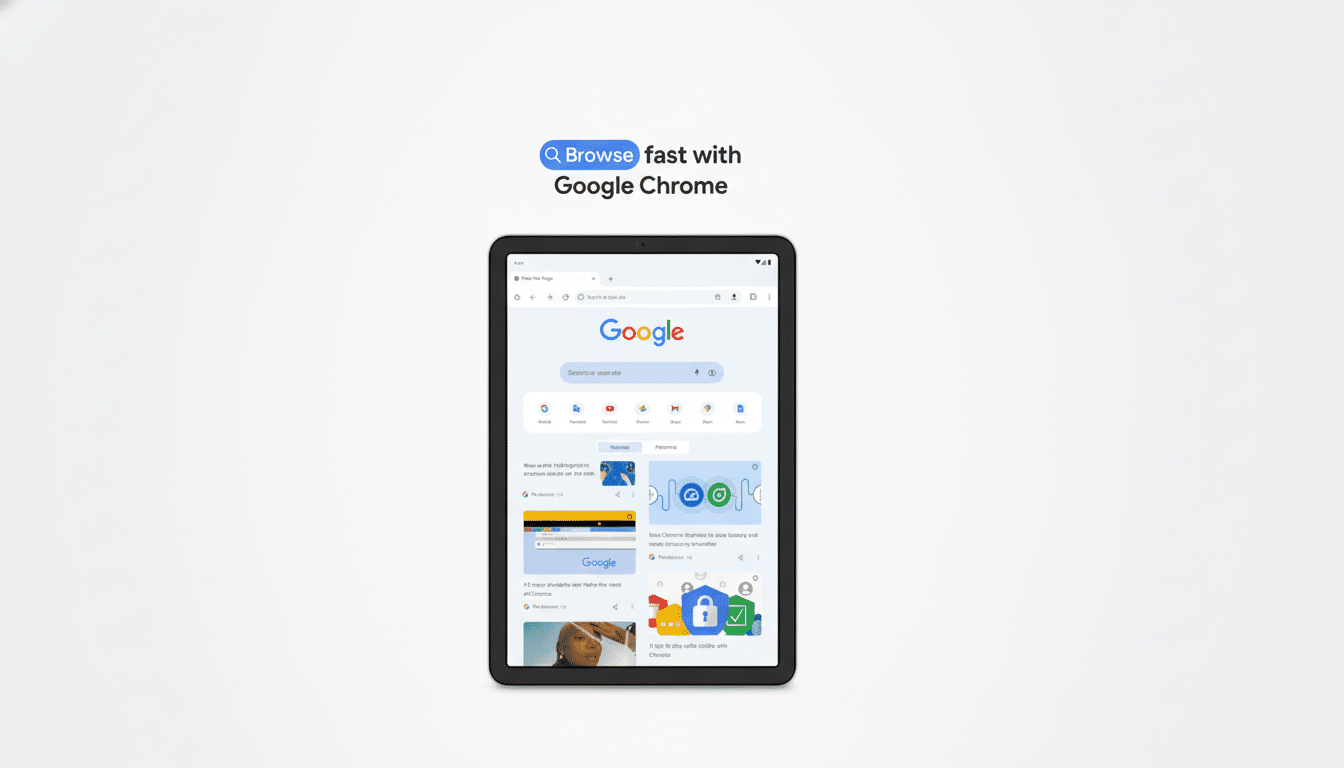
On your device, if the option is available, click to show or hide the bookmarks bar and you’ll see that bar beneath the Omnibox (or definitely not). Phone-size screens do not seem to be included, probably so that it won’t make the limited vertical space too crowded.
How Chrome’s tablet bookmarks bar compares with rivals
A fixed bar of favorited or bookmarked sites is a familiar affordance on larger screens. On iPad, Apple’s Safari has a powerful Favorites Bar, and desktop browsers from Mozilla and Microsoft have long considered it table stakes. Chrome’s move to bring that same behavior on Android tablets is a part of its cross-device design and matches the expectations it has set for users from its desktop experience.
For Androiders who exist between a few ecosystems — say, Chrome on a work PC and tablet on the go — consistency also lowers cognitive load. Your curated links reside on the same shelf, and it’s easier to switch contexts across devices when the UI behaves predictably.
What to watch next as Google refines large-screen Chrome
Google has been steadily refining Android’s large-screen narrative with the arrival of Android 12L, working with developers to take advantage of the additional space for persistent navigation and multitasking. A bookmarks bar would fit that ethos and we would not be surprised to see further refinements—improved keyboard shortcuts, bookmark-folder exposure that’s more easily rearranged, smarter space use alongside the tab strip—down the line.
If you are very dependent on your bookmarks and use an Android tablet, take a close look at Chrome settings in the coming weeks.
Interface tweaks of this size don’t tend to make headlines, but they often do the most to help everyday browsing go more quickly and comfortably.
