


Arch Linux has a reputation for power and pain in equal measure. CachyOS and EndeavourOS aim to keep the first while softening the second, and both have matured into standout entry points for anyone who wants Arch without the homework. They take different routes: one chases raw speed and sensible defaults, the other preserves Arch’s minimalism and culture with a gentler landing.
What Makes Them Easier: installers, tools, and guidance
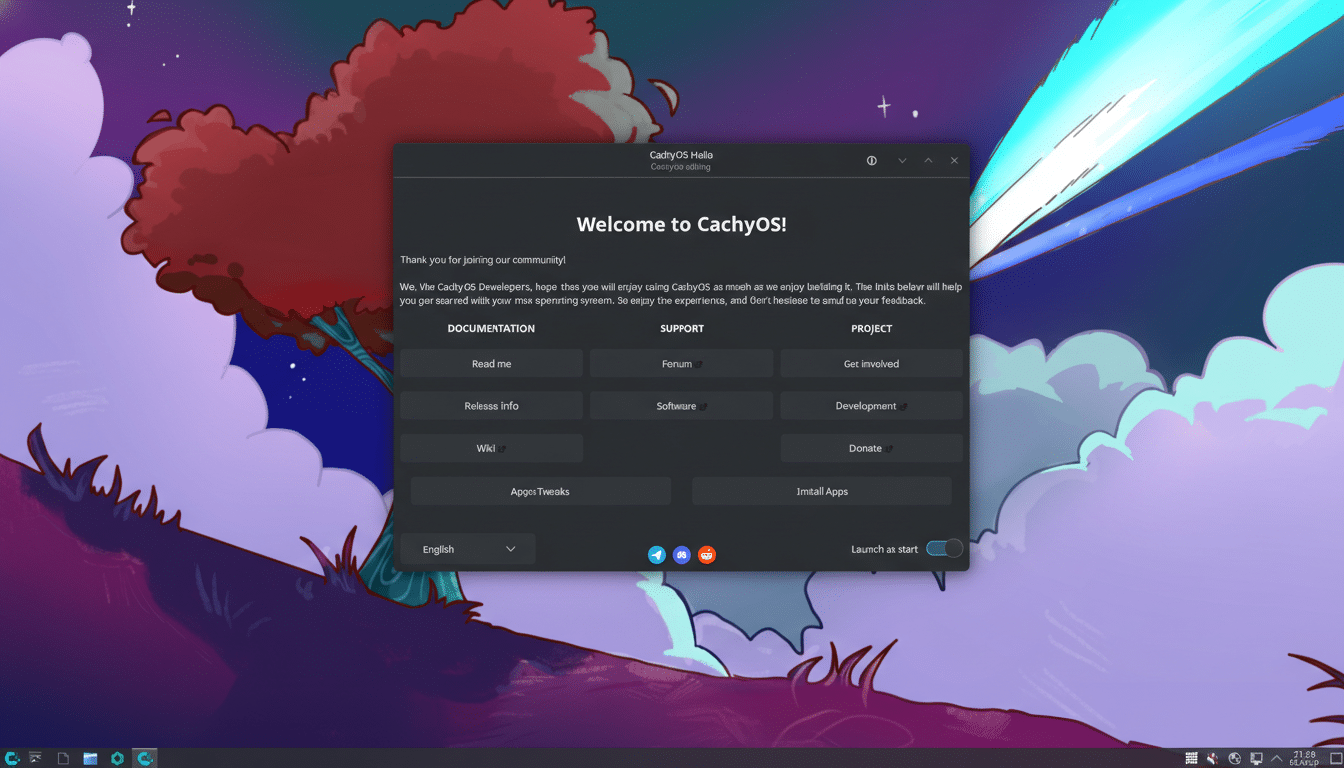
Both distributions ship a friendly Calamares installer, skip the command-line archinstall, and provide welcome tools that point newcomers to drivers, updates, and documentation. That alone eliminates the steepest step in the classic Arch journey.
- What Makes Them Easier: installers, tools, and guidance
- Performance and Kernel Tweaks That Boost Responsiveness
- Desktop Choices and Everyday Experience Across Both
- Package Management and Updates on These Arch-Based Distros
- Real-World Takeaways From Testing on AMD and Intel Systems
- Verdict: Which One Makes Arch Easier for Most Users?
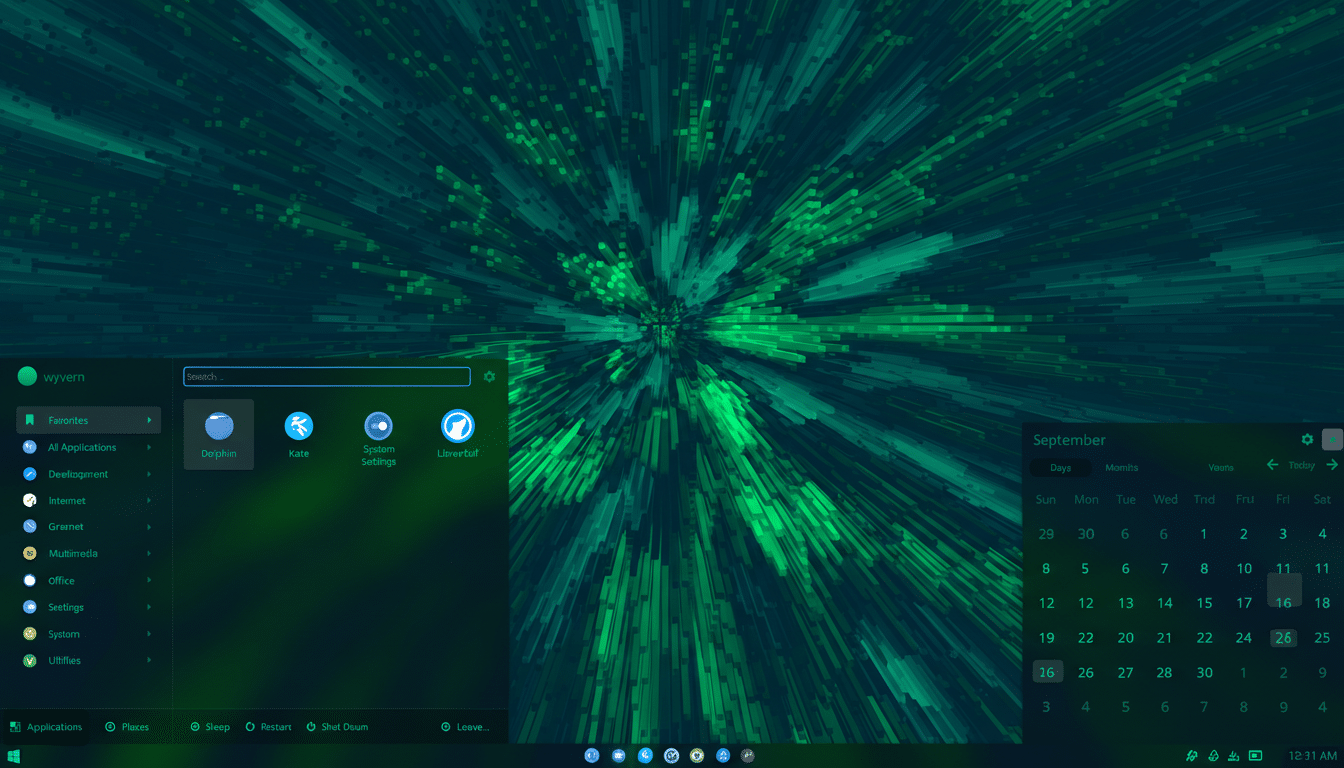
CachyOS layers on a GUI app store out of the box, so installing software feels familiar from the first boot. EndeavourOS takes a leaner approach: no graphical store by default, but it preinstalls the yay helper, so Pacman and the Arch User Repository are immediately accessible. If you want a store, EndeavourOS users typically add Octopi, GNOME Software, or KDE Discover with a single command.
On hardware, EndeavourOS earns points with automatic NVIDIA detection during install and quick handoff to the proprietary driver, a workflow its community has refined over several release cycles. That small touch solves one of the most frequent hurdles new Linux users face.
Performance and Kernel Tweaks That Boost Responsiveness
CachyOS’s hallmark is performance. It offers a custom linux-cachyos kernel that prioritizes interactivity using the BORE scheduler and tuned defaults. Phoronix has repeatedly shown that alternative schedulers can reduce latency and improve desktop responsiveness, especially under load, and that aligns with the snappier feel many users report on CachyOS.
Beyond the kernel, CachyOS maintains CPU-optimized repositories (including x86-64-v3 and v4 builds) that can deliver single-digit to low double-digit gains in specific workloads, according to independent benchmarking coverage. It defaults to Btrfs but lets you pick XFS at install for a speed-first profile; both are mature journaling filesystems with strong crash resilience.
EndeavourOS generally tracks Arch’s vanilla kernel and toolchain closely, prioritizing stability and predictability. In everyday use, that still feels quick—cold boot to a Plasma desktop typically lands well under a minute on modern NVMe systems and idle memory sits comfortably under 1GB in a stock KDE setup—but it won’t chase micro-optimizations unless you configure them yourself.
Desktop Choices and Everyday Experience Across Both
CachyOS treats choice as a feature. During installation you can select from a sprawling menu that includes KDE Plasma, GNOME, Xfce, Cinnamon, MATE, Budgie, LXQt, lightweight Openbox and i3, and Wayland-first compositors like Hyprland, Sway, Wayfire, and Niri. If you care about maximum speed, the lighter desktops deliver, and CachyOS’s defaults feel deliberately tuned rather than generic.
EndeavourOS curates a smaller set—Plasma, GNOME, Xfce, Cinnamon, MATE, Budgie, LXQt, and LXDE—leaning into tasteful theming with minimal extras. You start with a clean canvas, not a kitchen sink. It’s the Arch ethos with training wheels: you pick exactly what you want, then build up.
Package Management and Updates on These Arch-Based Distros
Both are rolling releases that ride close to Arch’s cadence. Updates arrive frequently and can number in the dozens or hundreds depending on upstream cycles; the Arch Wiki’s guidance on partial upgrades and system maintenance applies equally here. EndeavourOS ships with yay preconfigured for the AUR, while CachyOS offers AUR access and a graphical front end out of the box, which reduces the need to memorize Pacman flags early on.
For newcomers, these small quality-of-life choices matter. A GUI store, readable update prompts, and sensible defaults shorten the path from install to productivity, and reduce the chance of a broken system from an ill-timed partial upgrade.
Real-World Takeaways From Testing on AMD and Intel Systems
In testing across a midrange Ryzen laptop and a 12th‑gen Intel desktop, both distros felt fast and stable with Plasma on Wayland. CachyOS consistently opened heavy apps a beat quicker and stayed more responsive during multicore compiles, which tracks with its scheduler and optimized build decisions. EndeavourOS, meanwhile, delivered a cleaner baseline with fewer services and background tools, making it easy to shape into a purpose-built workstation.
Community resources are strong on both sides. EndeavourOS’s forums are known for patient, step-by-step troubleshooting, while CachyOS’s documentation emphasizes performance profiles, kernels, and hardware guidance. External sources like the Arch Wiki and kernel documentation remain invaluable for power users on either path.
Verdict: Which One Makes Arch Easier for Most Users?
If you want the easiest on-ramp with the least terminal time, CachyOS edges it. The tuned kernel, CPU-optimized repos, and a ready-to-use app store remove friction and add a tangible speed boost you can feel from day one.
If you prefer a clean, Arch-close base that avoids bloat and teaches you just enough to be dangerous, pick EndeavourOS. Its installer, NVIDIA handling, and sane defaults preserve the spirit of Arch without throwing you into the deep end.
Either way, you’re getting Arch’s rolling power with fewer sharp edges. Choose CachyOS for speed and convenience; choose EndeavourOS for minimalism and control. You won’t go wrong with either.
