


I tested every new Apple Watch this year — the SE 3, Series 11 and Ultra 3 — against an older discounted Series 10 model updated with the latest watchOS, as most people generally might use one: for morning runs and all-day notifications, to keep tabs on how much sleep I’m getting and leaning heavily on maps and music. They may appear similar at a glance, but their trade-offs are very different. Here’s the plain, real-world advice I wish buyers saw on product pages.
Before we get into the details, some rules of thumb: Choose based on battery life requirements, wrist size and comfort, health features you’ll realistically use, and price. For the vast majority, one model is clear-cut — but there are compelling arguments to be made for each.
- The fast take for the rest of us, in plain language
- Apple Watch SE 3: who it’s for, at a glance
- The power user sweet spot for Apple Watch Series 11
- Apple Watch Ultra 3: For Fitness, Outdoors
- Still Worth It: The Discounted Series 10
- How I tested and what truly mattered in use
- Smart configuration tips before you buy your watch
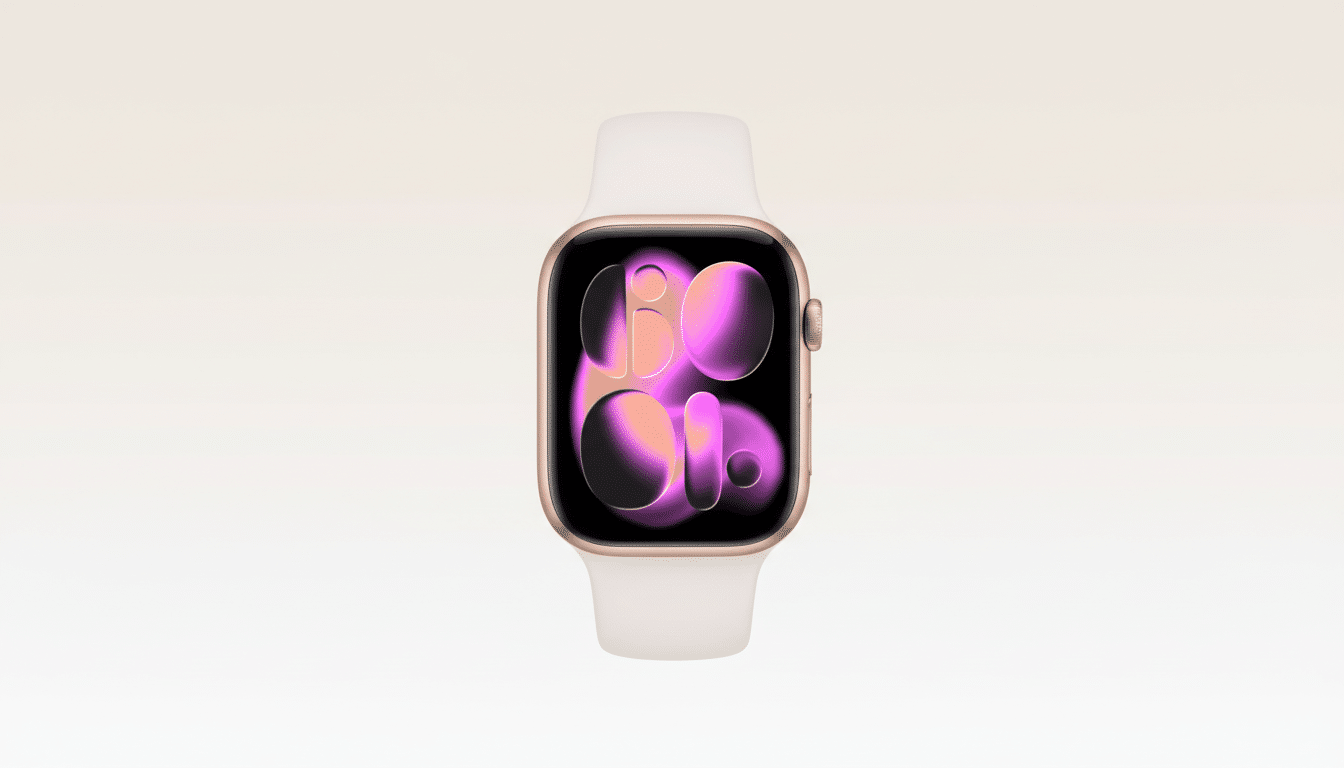
The fast take for the rest of us, in plain language
If you’re replacing a watch that’s two to three years old, the Apple Watch Series 11 is the sweet spot. It mashes together all-core health tools (its ECG, heart-rate variability, temperature-based cycle tracking and the new notifications for sleep apnea risk) for a more readily glanceable presentation with a brighter, tougher display and real 24-hour battery life that consistently hits the mark in my testing across general usage. It’s much, much faster when you’re swiping through widgets or starting workouts than older models are — though at the same time, it doesn’t seem so large on smaller wrists.
That’s an evolutionary leap if you’re upgrading from a Series 10; battery life and robustness of the thing are its real gains.
If you’re on Series 8 or earlier, it’s going to be a satisfying upgrade that you don’t outgrow very easily.
Apple Watch SE 3: who it’s for, at a glance
The SE 3 is the appropriate starting point for someone new to smartwatches, including teenagers and anyone who doesn’t want to lay out big dollars just yet. It comes with Apple’s newer processor, the latest safety tools (Fall Detection and Crash Detection), sleep apnea risk notifications and core fitness tracking. After a week of school and sports testing with a teen and an Apple newbie parent, the feedback was uniformly: light, comfortable and quick enough.
The trade-offs are real: a downsized, dimmer screen compared with the flagship models, and an 18-hour battery life that will require nightly charging if you plan to survive sleep logging. Messaging can feel tight on the smaller display — dictation is your workaround. Should you be watching your budget and primarily interested in steps, runs and notifications, this is the smart buy.
The power user sweet spot for Apple Watch Series 11
For health-obsessed users who crave less heft than the Ultra but more granular metrics, the Series 11 is right on target. The always-on display has become easier to read outside, and the upgraded cover glass survived repeated gym drops and a couple of trail scrapes with no visible damage. And on the busiest of days with two workouts, GPS, considerable notifications and more, my average was just over 22 hours until hitting low power — adequate to track sleep, then recharge in a morning shower.
Coming from a Series 7 or 8, you’ll get the little bump in speed, more consistent heart-rate locking during intervals and steadier GPS pacing through city routes. It’s also still the most comfortable all-day wear for small- to average-size (in my case, medium) wrists.
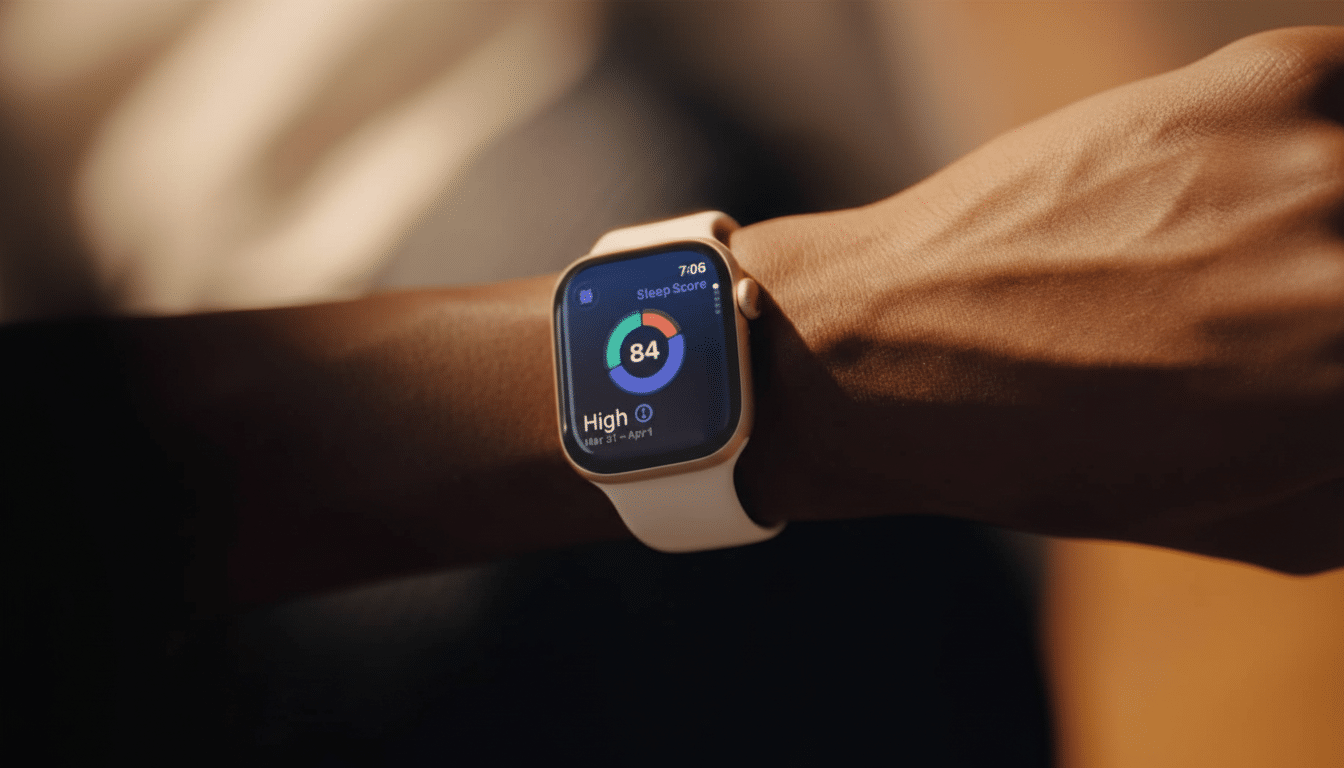
Apple Watch Ultra 3: For Fitness, Outdoors
The Ultra 3 is the choice for big screens and bigger days. It has a bigger display that makes maps, lap splits and safety alerts much easier to read in harsh sun, plus it delivers the longest battery life of any watch we’ve ever tested — easily a day and a half in standard mode (much more with low power). The tough case, louder speakers and the Action Button are still useful for gloves-on workouts and quick waypoint marking.
Two things that stood out in testing: Satellite-enabled Emergency SOS adds real peace of mind on a backcountry trip, and the wider bezel area cuts down on accidental taps when you’re swimming. The flip side to that is size and weight, and on smaller wrists, the Ultra 3 has always been too much for getting some sleep. Get it if you’re serious about multi-hour excursions, outdoor navigation on the reg or just have a taste for the biggest, burliest Apple Watch around.
Still Worth It: The Discounted Series 10
Hunting value? That said, a good Series 10 is still hard to resist. It gets nearly all the new software tricks in the latest watchOS (like training load, improved cycling and running views, and updated Health app insights) and its performance seems fine for regular use. You sacrifice the Series 11’s battery life and display durability, but if you can top off before bed, the experience isn’t that far off.
For most buyers, this is the smart way to get top-end features without the new-model premium — and one of only two times Apple offers watches that don’t sit at the top of its battery life rankings to go along with all their other flagship trappings.
How I tested and what truly mattered in use
I wore each watch for a minimum of a week, recording indoor strength sessions, two 10K runs with GPS, a pool swim and overnight sleep tracking. On average, a 60-minute GPS run with music cut about 12–15% battery on Series 11, 18–20% on SE 3 and about 8–10% on Ultra 3. Accuracy on heart-rate readings was near perfect against a chest strap for steady runs and expectedly lagged during HIIT spikes — mirroring results from the Stanford-led Apple Heart Study on wrist-based detection, and it complements reviews of wearable ECG use by the American College of Cardiology.
More than that, comfort and readability determined my daily satisfaction. With its bigger Ultra 3 screen, the Ultra 3 offers less squinting at maps; the lighter SE 3 vanishes on your wrist; and the Series 11 splits the difference. Market data from firms like IDC makes it clear that Apple’s watch share endures in large part due to this day-to-day dependability — battery life, wearing experience and software ecosystem matter more than any single spec.
Smart configuration tips before you buy your watch
Pick size for comfort first. If the watch is too thick in the store, it will be too thick to sleep with. Opt for aluminum for the best balance of value/weight; opt for titanium (Ultra) if durability takes precedence. GPS-only is fine for most people who tote a phone; consider adding cellular for truly untethered runs or an added safety net for kids through Family Setup.
My last recommendation: Series 11 if you want the best all-around Apple Watch, SE 3 if value and simplicity matter most to you, Ultra 3 if you live a lot outdoors or want max battery and screen space, and Series 10 comes close with deep discounts. Match the watch to your life, not the spec sheet, and you’ll be happier a year down the road.
