


Android’s home screen is having a renaissance, and the strongest evidence is the surge of polished clock and weather widgets that blend glanceable data with tasteful design. With Material You’s dynamic color, tighter background limits, and a renewed focus on at-a-glance info, the best widgets now deliver speed, accuracy, and style without draining your battery.
What Great Android Clock and Weather Widgets Get Right
The best clock and weather widgets nail three fundamentals: instant readability, reliable refreshes, and customization that doesn’t overwhelm. On modern Android, that also means respecting system theming, offering 12/24-hour formats, and keeping update jobs lightweight via WorkManager or JobScheduler so they don’t wake your phone unnecessarily.
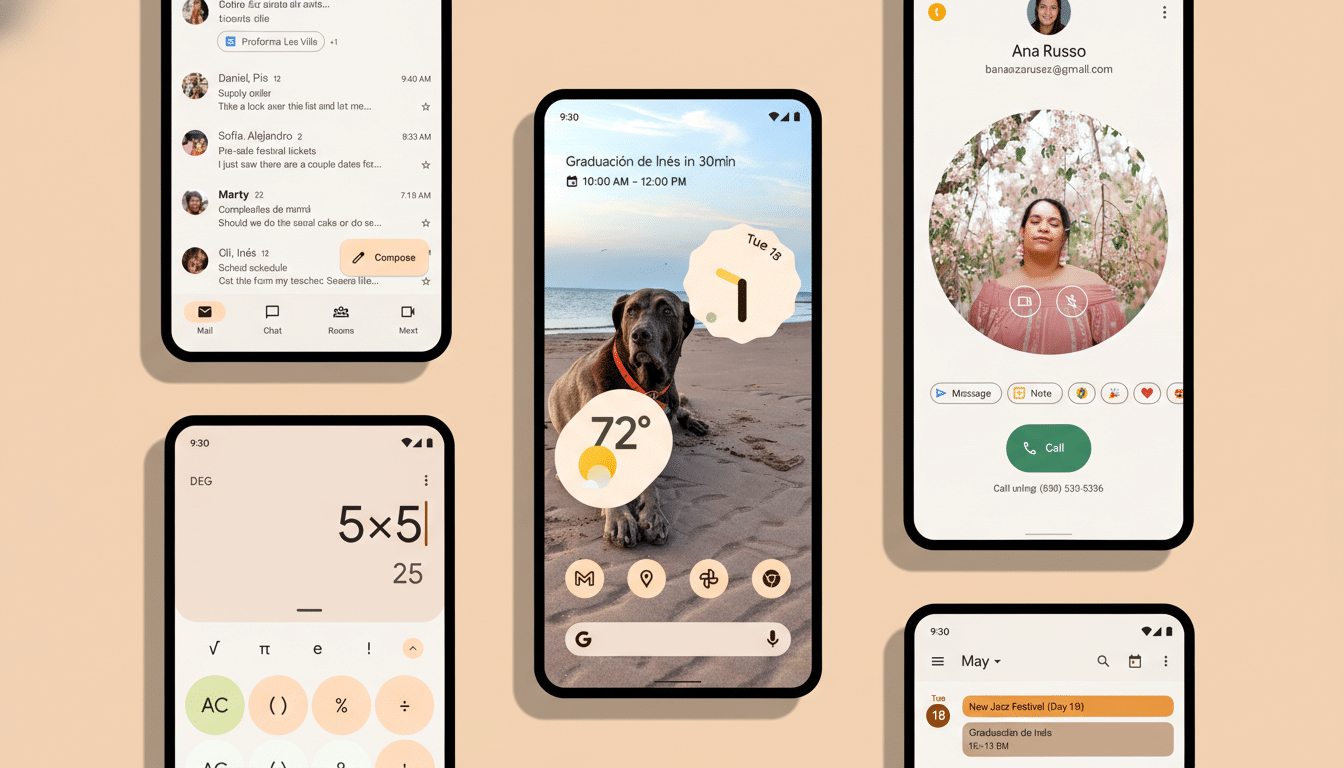
Weather accuracy matters too. Many apps pull from blends that include sources like the National Weather Service, ECMWF, and commercial providers. Independent audits from ForecastWatch have repeatedly shown that multi-model approaches can improve day-to-day accuracy, which you’ll feel directly in the quality of a widget’s temperature and precipitation cards.
Top Android Clock Widgets You Can Trust Today
KWGT Kustom Widget backs up its reputation with near-limitless control. You can design a clock from scratch—typefaces, shapes, tap actions, even conditional formatting for workdays—and drop in weather data if you want a hybrid tile. Power users love its community-made presets; casual users can import a pack and tweak only colors and size.
Chronus remains a Swiss Army knife for the home screen, bundling clock, calendar, weather, and unread counts. Its advantage is density: you can see time, next appointment, and a subtle forecast in a single 4×2 space. It’s lightweight, plays well with most launchers, and updates quietly in the background.
Sectograph turns your day into a circular timeline. Think of it as a traditional clock face overlaid with your schedule, ideal for time blocking and focus work. It’s visually striking, and the radial layout makes it instantly clear how much of an hour—or meeting—is left.
Digital Clock Widget by Maize is the no-nonsense pick. It’s free, resizable, respects dark mode, and can surface your next alarm. For many users, that’s the whole brief: bold digits, clean date, and zero clutter.
Don’t overlook OEM offerings. Pixel’s minimalist clock tiles and Samsung’s One UI widgets are tuned for their skins, often with superior legibility and zero setup. They won’t match third-party customization, but they’re fast, stable, and battery-friendly.
Best Android Weather Widgets Worth Installing Now
1Weather pairs a crisp clock-and-forecast widget with serious depth behind it—hourly graphs, radar, and “feels like” readouts. Its widgets scale neatly across phones and tablets, and the color accents typically follow system theming for a cohesive look.
Transparent Clock and Weather is a favorite for aesthetic tinkerers. You can dial in opacity to let your wallpaper shine while still keeping current conditions, wind, and humidity readable. There’s a wide grid of layouts, from compact bars to information-dense panels. Just note that premium features transform it into a full-fledged weather suite; the widgets themselves are the main draw.
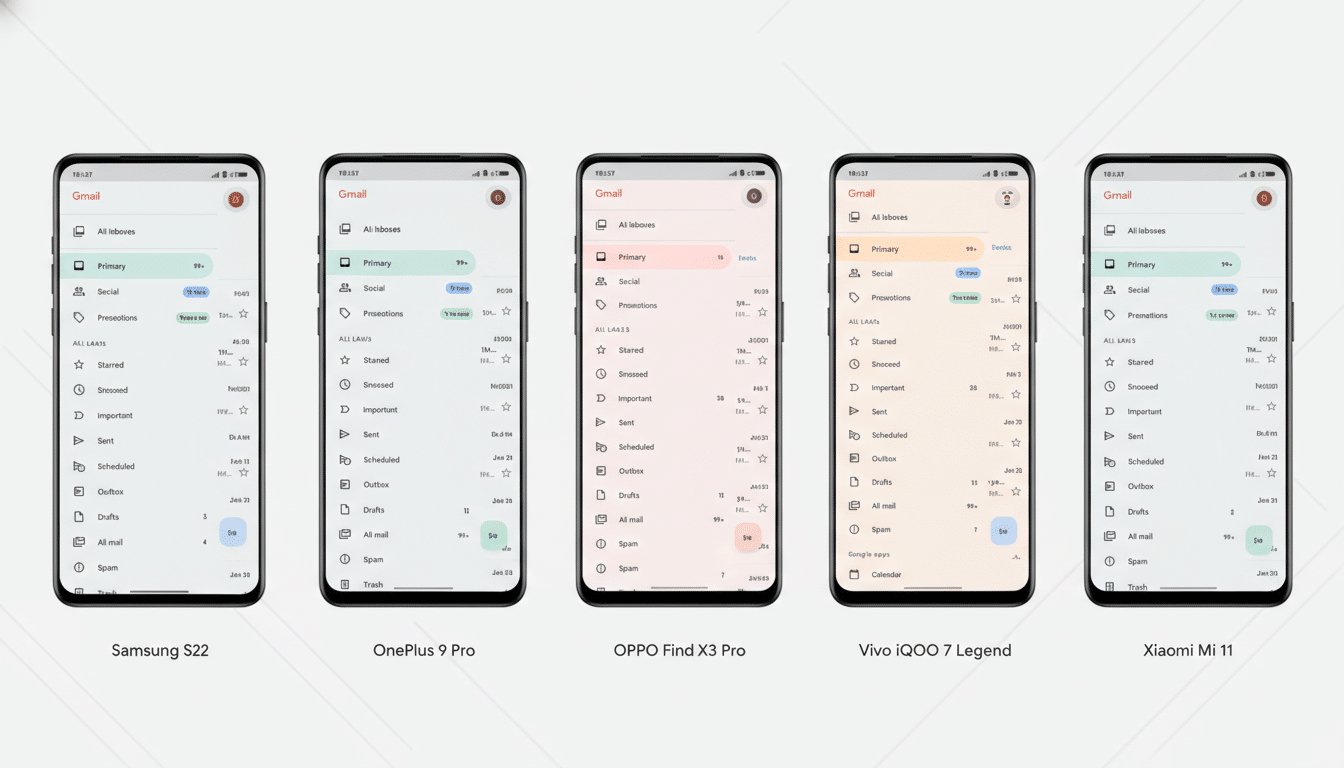
Weather & Clock Widget focuses on clarity. Expect multiple sizes, hourly and 10-day forecasts, sunrise/sunset, and quick-tap actions to jump deeper into details. It’s particularly good if you want a medium-density tile that balances space with substance.
Today Weather earns a spot for its tasteful typography and the option to switch data providers by region. If you live somewhere with microclimates, being able to swap sources can improve the “real feel” of your widget’s numbers, especially for precipitation probability.
AccuWeather’s official app includes reliable, compact widgets that emphasize RealFeel and minute-by-minute precipitation. If you already trust its forecasts, the widgets are an easy extension of that ecosystem.
Battery, Privacy, and Reliability Considerations That Matter
Good widgets shouldn’t be noisy neighbors. Avoid second-by-second animations unless you truly need them—those continuous updates can edge up battery use. Most weather widgets let you choose refresh intervals; 30 to 60 minutes is a smart default that balances timeliness and efficiency.
Location permissions matter. Grant “approximate” instead of “precise” when you can; for general forecasts, you won’t notice a difference, and it reduces background GPS checks. Android’s newer versions also curb unrestricted background activity, so pick apps that adhere to those limits rather than trying to skirt them with aggressive services.
Pro Tips for a Perfect Android Widget Setup
Prioritize contrast and spacing. If you use busy wallpapers, choose widgets with solid backplates or bump opacity to keep text legible outdoors. Place time and weather near the top-left or top-center—eye-tracking studies frequently show faster glance times there, which is exactly the point of a widget.
Match widget accents to Material You’s palette, and consider tap targets: configure a single tap on the clock to open your alarms and a tap on the weather to open radar. If you need more flexibility, KWGT lets you build those behaviors in, while apps like Chronus offer them with minimal setup.
The bottom line: start with your phone’s built-in widgets for a clean baseline, then graduate to KWGT or Chronus for control, and pair them with a trusted weather pick like 1Weather or Today Weather. You’ll get a home screen that’s functional at a glance and personalized down to the pixel.
